







AI – Powered Interior Design Enhancement

Your Designs. Our AI. Photorealism in Seconds.

Create photorealistic kitchen, bedroom and bathroom renders in seconds with our AI KBB rendering software. No complexity. Just results.

AI KBB Rendering Software for Kitchens, Bedrooms & Bathrooms

KBB Render is professional AI KBB rendering software built specifically for kitchen, bedroom and bathroom designers. It combines architectural visualization, interior design rendering and photorealistic rendering into one streamlined platform. As a result, studios can present concepts with clarity and confidence.

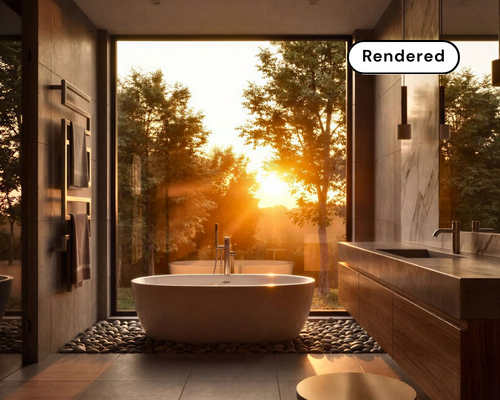
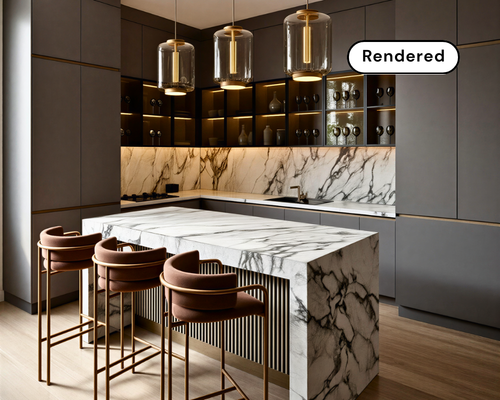
This hero image showcases a photorealistic kitchen visual generated using AI KBB rendering software. The platform transforms CAD and sketch designs into high-quality interior renders instantly.Bathroom interior created using AI KBB rendering software
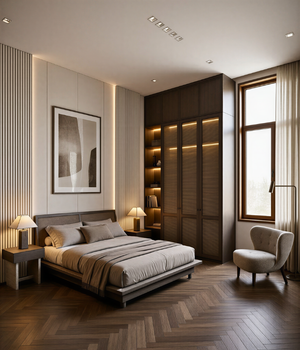
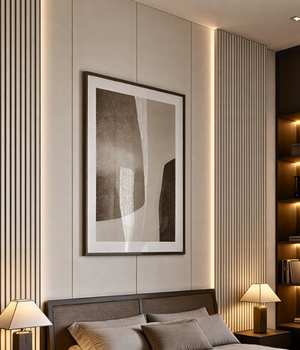
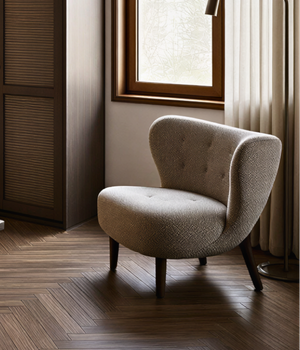
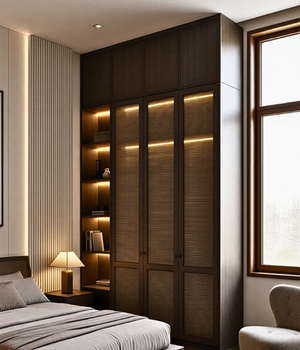
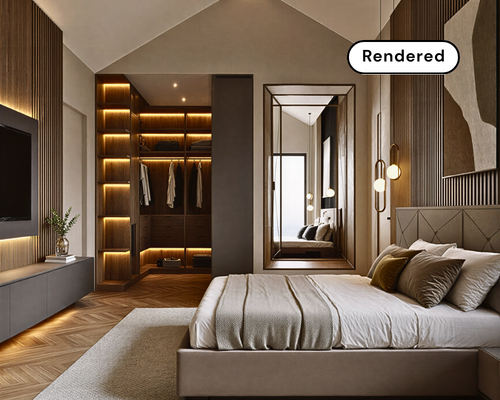
Bedroom interior render created with AI interior rendering tools for KBB designers
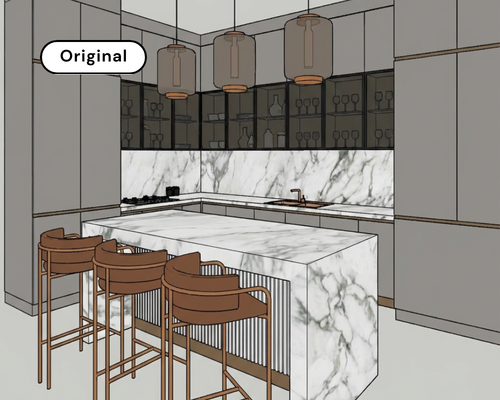
AI KBB rendering software kitchen visual example

Unlike generic AI tools, our system is trained for AI interior rendering within real KBB workflows. As a result, you can convert sketches, CAD exports or low-quality renders into high-impact visuals that help close deals faster.

Supports Designs from Any CAD or 3D Modeling Software (JPG & PNG Formats)

Simply upload your JPG or PNG file and transform it into a high-quality kitchen visualisation, bathroom render or bedroom interior render in seconds.

Render Your Design While Keeping Geometry and Materials Unchanged

Our AI KBB rendering software now includes multiple rendering engines, including Stable Precision and Creative Realism, giving designers full control over output quality and visual direction.

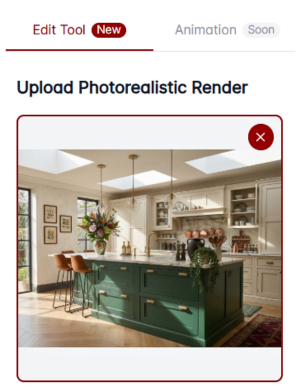
Upload design interface in AI KBB rendering software

Upload your design from your KBB software, SketchUp or any other CAD/3D modeling software. We currently support JPG and PNG formats for seamless integration.

1. Upload Your Design
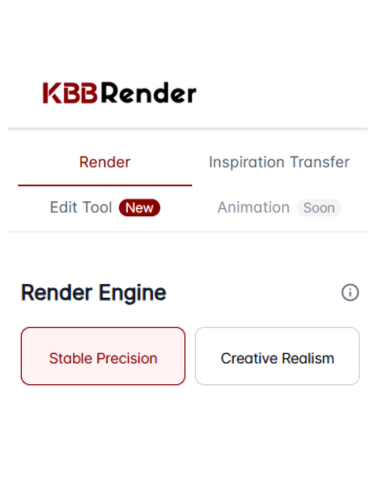
AI KBB rendering engine selection interface showing Render Engine, Stable Precision and Creative Realism modes

Next, choose the AI rendering engine that fits your project goals: Stable Precision,
Creative Realism or choose Inspiration Transfer. Apply a reference image or moodboard while preserving your original layout

2. Select the Rendering Engine

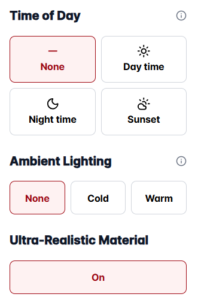
Then, select from pre-configured lighting scenes such as daylight, ambient, sunset or night. You can also add simple prompts for additional refinement if needed.

3. Adjust Lighting & Mood
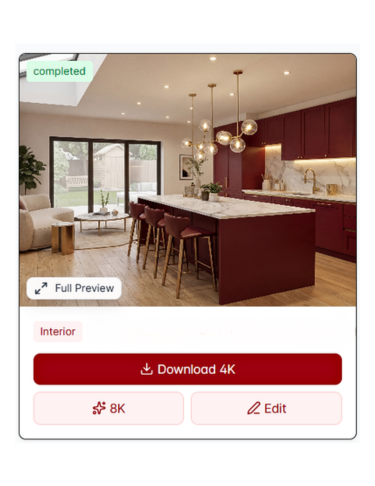
High resolution kitchen render generated with AI KBB rendering software

Finally, let our AI interior rendering system process the scene. Within approximately 30 – 60 seconds, your high-resolution 4K render is ready to download, with optional 8K upscaling available for print or showroom displays.

4. Generate & Download

While many AI rendering tools prioritise speed alone, we focus on quality that converts. Our photorealistic rendering engine preserves geometry, materials and lighting accuracy, ensuring your architectural visualization looks authentic and trustworthy.


Consequently, your workflow becomes faster and more predictable

Average rendering time
0 s


Renders generated to date
0 +


Showrooms
0 +

Currently using KBB Render software

Explore Limitless Design Variations with AI Interior Rendering

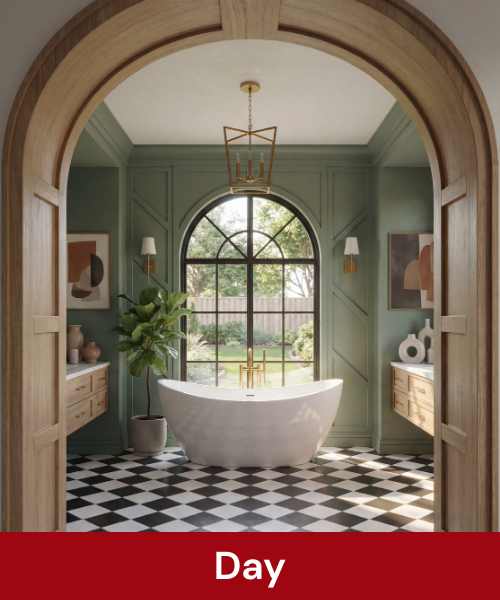
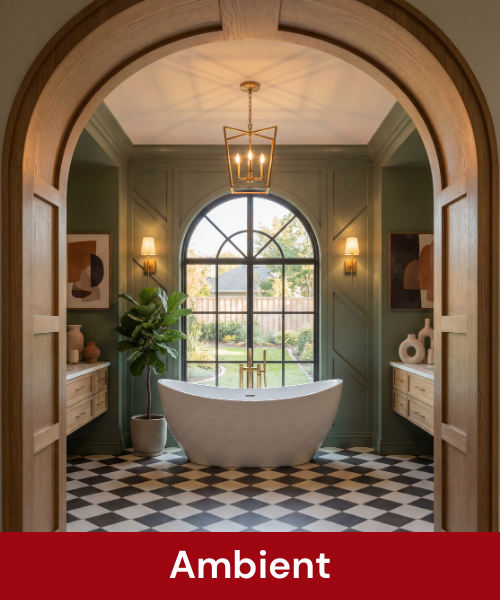
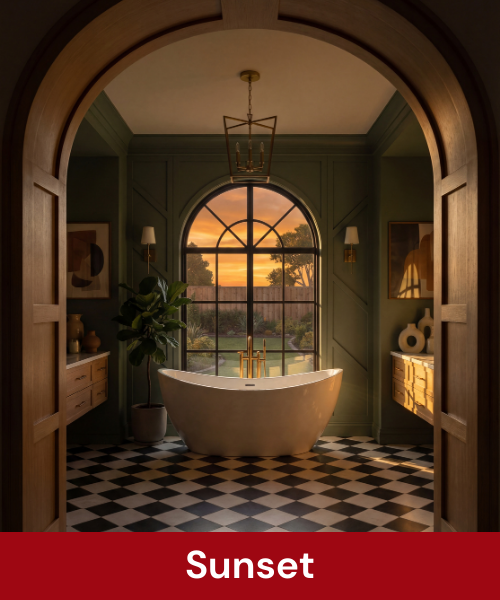
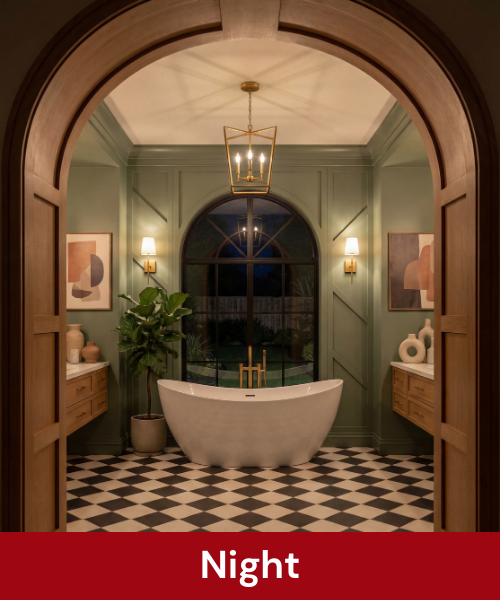
Switch effortlessly between day, ambient, sunset and night scenes to help clients visualise their space more clearly and decide with confidence.

Bathroom render created using AI KBB rendering software in daylight mode
Bathroom ambient lighting render created with AI interior rendering tools
Sunset interior visual generated by AI KBB rendering software.
Night-time bathroom render produced with AI KBB rendering software

Lighting changes perception.

Because lighting directly impacts perception, what looks refined in daylight can feel entirely different at night. 

As a result, clients move from concept to approval much faster.

Batch Rendering

More options. One click. Zero extra work.

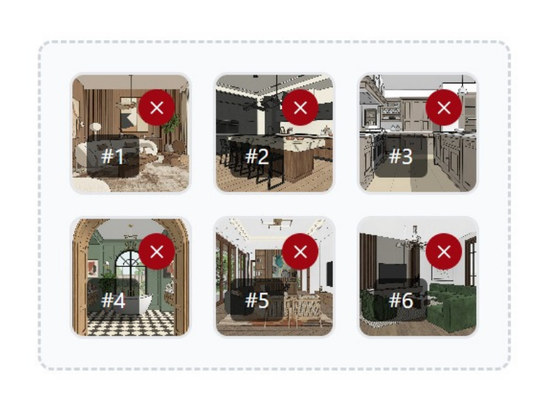
With batch rendering, you can generate multiple design variations simultaneously. Upload up to six images per batch and instantly explore different materials, lighting conditions, colour schemes and atmospheres, all without rebuilding your design.

As a result, you can present more concepts in less time, accelerate approvals and increase client confidence.

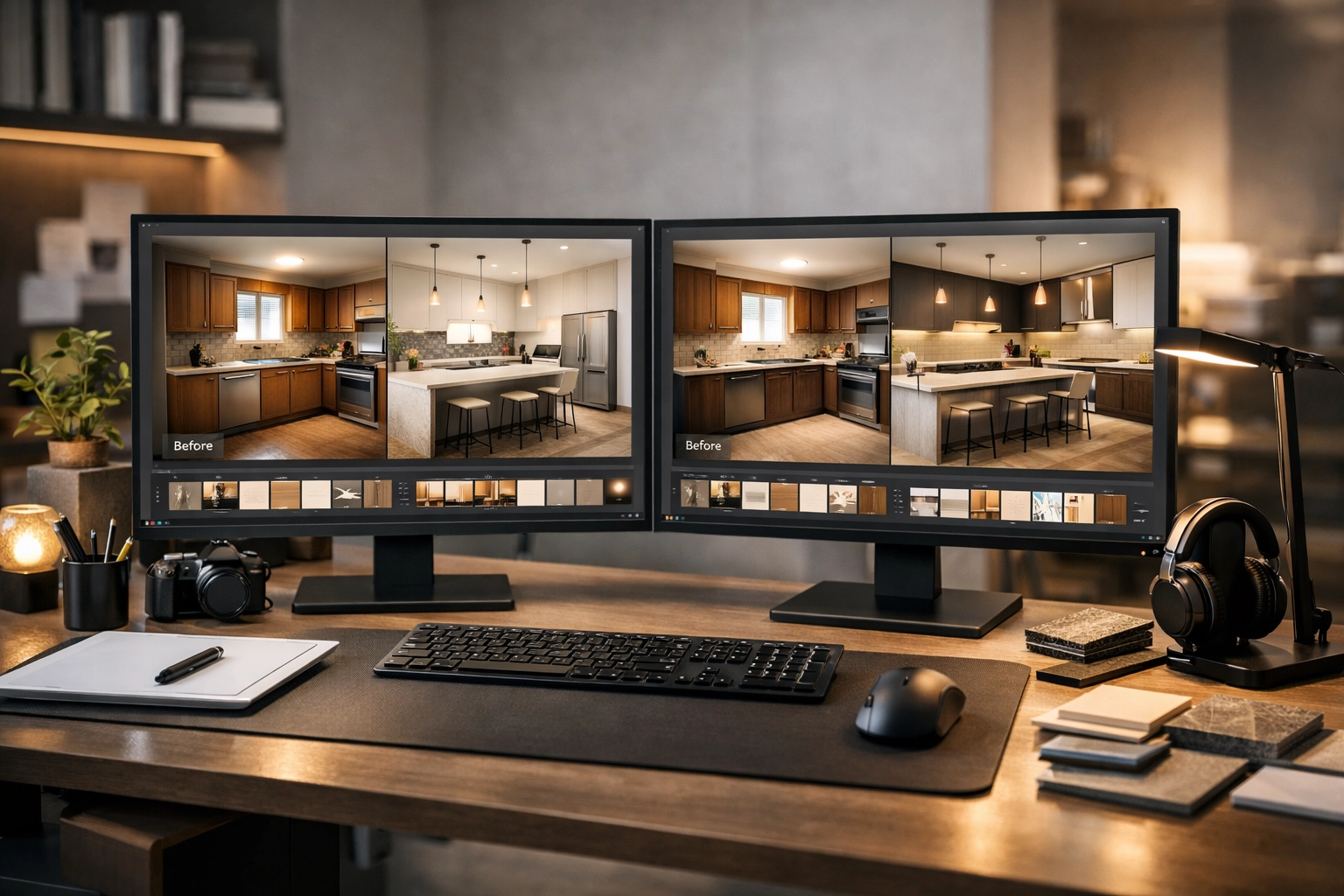
Batch rendering preview showing multiple kitchen variations generated with AI KBB rendering software

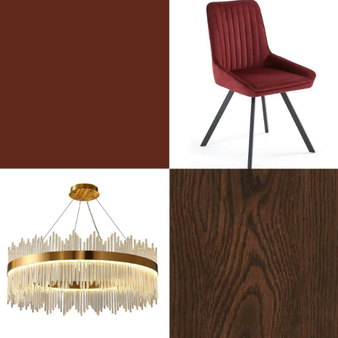
Render to Moodboard

Present ideas like a high-end interior studio.

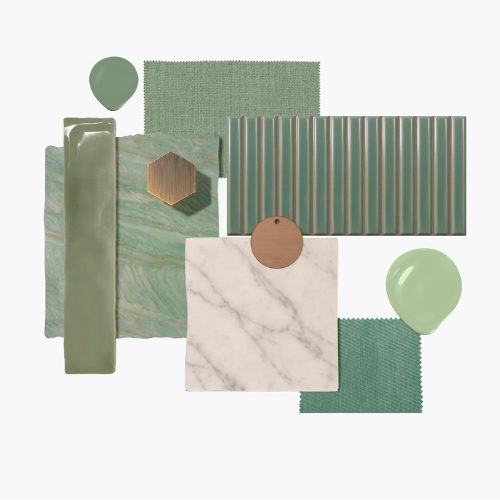
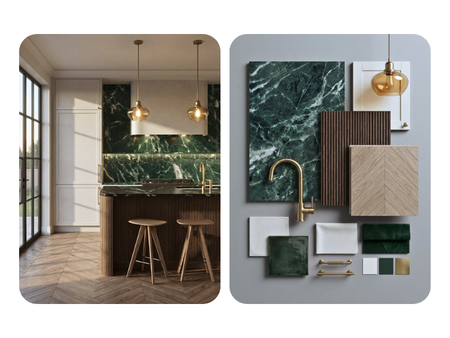
Transform your finished renders into beautifully curated material moodboards. Showcase colour palettes, textures and finishes in an editorial, premium format that strengthens your architectural visualization and interior design presentation.

Unlike static images, these curated boards communicate intent and atmosphere more clearly, helping you stand out from competitors and appeal to high-end clients.

Interior design moodboard created using AI KBB rendering software

Inspiration Transfer with AI KBB Rendering Software

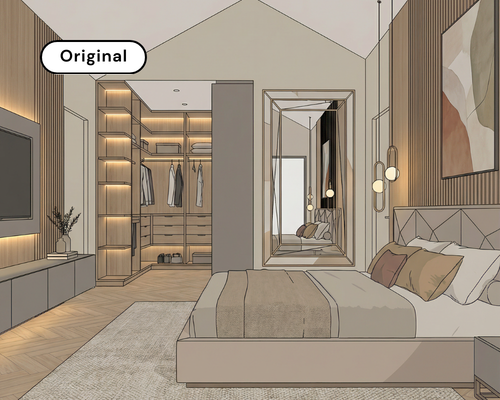
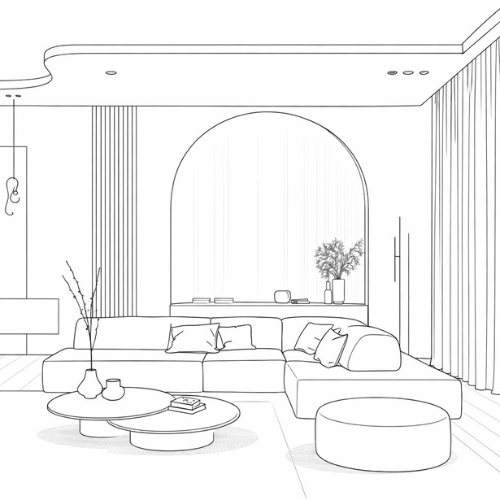
Turn sketches into client-ready renders using inspiration images or curated moodboards. Our AI rendering engine retains your original geometry while applying refined materials, lighting and atmosphere for a fully photorealistic result.


Simply upload your sketch, choose a reference style and generate a realistic render in seconds. Because the structure remains unchanged, you maintain design integrity while elevating visual quality.


There is no redesigning or guesswork involved; instead, you get clear visuals your clients can confidently approve.

Guide your AI interior rendering with a single reference image.

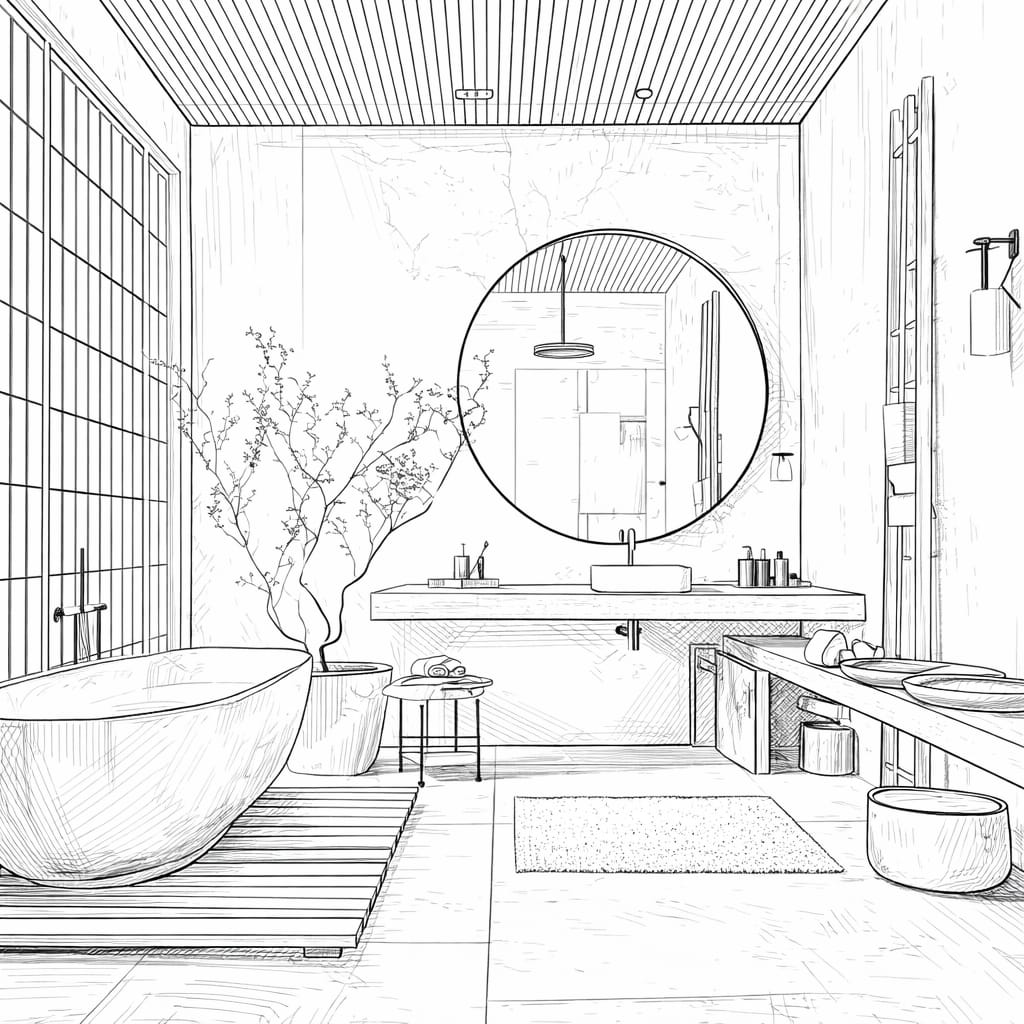
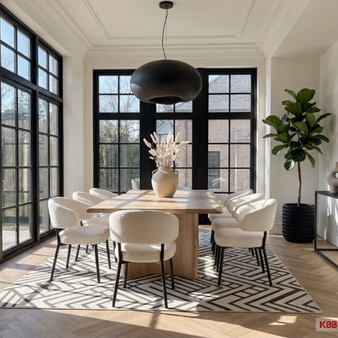
Interior sketch uploaded for AI KBB inspiration transfer rendering

1. Upload your design

Interior design styled using inspiration transfer in AI KBB rendering software

2. Choose a style or provide your own reference
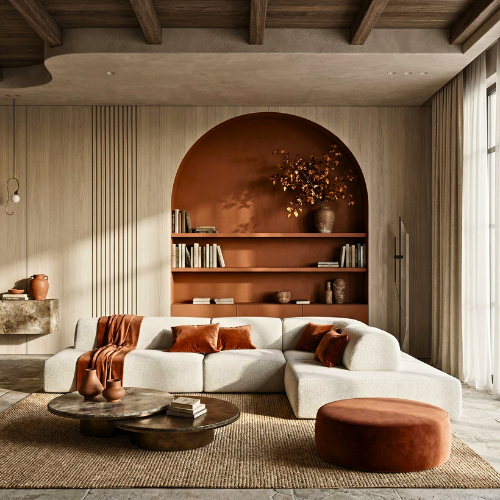
Photorealistic interior render generated using AI KBB inspiration transfer engine

3. Generate a rendered output

Apply curated materials, colours and textures while preserving your layout.

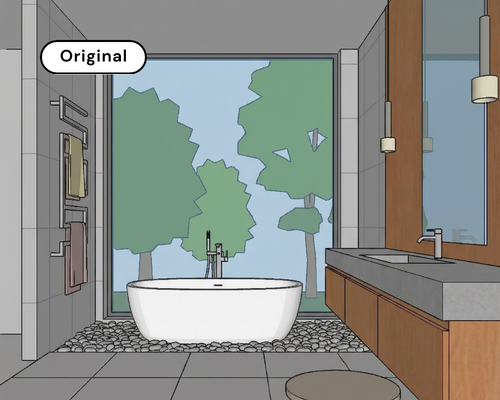
Bathroom sketch uploaded for AI moodboard-based interior rendering

1. Upload your design

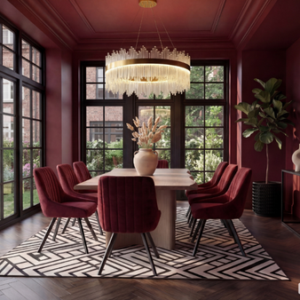
Moodboard-based interior render created using AI KBB rendering software

2. Choose a moodboard or provide your own
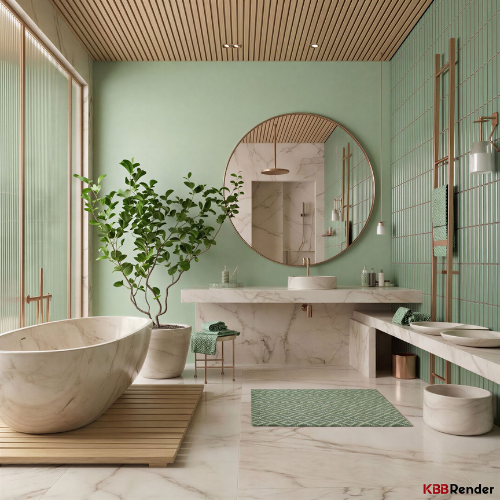
Photorealistic bathroom render created using AI KBB moodboard rendering engine

3.Generate the rendered output

The result is a realistic, styled version of your client’s kitchen, bathroom or bedroom, created without reopening your CAD software or making manual adjustments

As a result, you can explore multiple interior design rendering variations quickly, while maintaining complete control over layout and proportions.

Real 4K & 8K Renders with AI KBB Rendering Software

We don’t generate low-resolution images and artificially stretch them. Instead, our AI rendering software produces native 4K renders and intelligently upscales to 8K, ensuring clarity, depth and material accuracy at every level.

Because visual precision builds trust, our photorealistic rendering engine preserves lighting behaviour, surface textures and shadow gradients exactly as intended.

Accurate materials, balanced lighting and realistic shadows help clients instantly trust what they see. Consequently, your presentations feel more polished and professional.

4K bedroom render generated by AI KBB rendering software
Sharp edges on cabinetry, worktops and tiles.
Material detail rendering for wood and stone surfaces using AI interior rendering tools
Optimised material rendering for wood, stone and glass.
No pixel breakup example in high resolution AI KBB render
No pixel breakup when zooming, uploading or printing.
Realistic lighting gradients in AI KBB photorealistic render
Realistic lighting gradients without artificial shadow casting.

4K → Fast, sharp visuals for client presentations, websites and social media.

8K → Ultra-detailed output for print marketing, showroom boards and high-value projects.

As a result, your visuals feel more refined and persuasive.

Why Choose Our AI KBB Rendering Software

Our AI KBB rendering software is trained specifically for kitchens, bedrooms and bathrooms, not generic 3D use cases. Because the engine understands cabinetry, materials and lighting logic, the results look realistic rather than artificial. As a result, studios can generate high-quality photorealistic rendering in seconds.

Photorealistic rendering icon
Photorealism

High-precision lighting, materials and textures designed to replicate real-world interior conditions.

Ultra fast rendering icon
Ultra-Fast Rendering

AI renders delivered in seconds, with complete refinement available in minutes.

Built for KBB icon
Built for KBB

Trained specifically for kitchens, bathrooms and bedrooms - not generic AI.

Day and night lighting icon
Day & Night Variations

Show clients the full story with accurate daylight, ambient and evening lighting scenarios.

Choose the Right Plan for Your Design Workflow

Start simple, and scale when you need more power. As your studio grows, your rendering capacity grows with you.

As a result, clients make decisions faster and with greater confidence.

Feature

Junior Designer

Senior Designer

Price (Monthly)

£39

£79

Render / Edit Credits

150 / month

250 / month

Commercial Usage License

4K / 8K Resolution

4K only

4K & 8K

Batch Rendering

Post-Render Editing

Branded Renders

Early Access to New Tools

Custom Prompts

Render to Moodboard

Credit Top-Up

Why Our AI Rendering Software Pricing Model Works

Unlike per-render tools, our subscription pricing ensures predictable monthly costs. As a result, your studio can produce unlimited variations without worrying about rising expenses. Consequently, designers experiment more, present better and close projects faster.

AI Rendering Software Pricing - Operational Benefits

As a result, studios can deliver faster visual presentations without increasing workload.

Faster visual turnaround icon
Faster Visual Turnaround

Deliver professional AI rendering in minutes, not days. As a result, you can respond to enquiries immediately and close projects before competitors even reply

Ultra fast rendering icon
Save Hours

AI rendering software handles lighting calculations, texture refinement and visual enhancement automatically. This allows your team to focus on design decisions and client relationships instead of manual rendering work.

Win More Projects Icon
Win More Projects

High-quality visuals boost client confidence, speed up approvals, and help you win more jobs - especially in competitive areas.

AI Rendering Software Pricing - Financial & Growth Benefits

Therefore, predictable pricing allows long-term planning without unexpected costs.

Predictable Monthly Costs Icon
Predictable Monthly Costs

Instead of paying per render, a subscription provides stable, transparent pricing. Therefore, your studio can plan visual production without unexpected costs.

Unlimited Creative Flexibility Icon
Unlimited Creative Flexibility

Experiment with multiple lighting moods, materials and colour schemes without worrying about per-render charges. Consequently, designers feel free to explore and refine ideas without financial pressure.

Increased Credibility Icon
Increased Credibility

Consistent photorealistic rendering strengthens your brand image. When clients compare you to larger showroom brands, your presentations feel equally polished and professional.

KBB Render vs General - Purpose AI Tools

While tools like ChatGPT and Microsoft Copilot can assist with general tasks, KBB Render is purpose-built AI KBB rendering software designed specifically for designers who need client-ready visuals instead of text-based outputs.

Because it’s tailored for kitchen, bedroom and bathroom workflows, the learning curve is minimal and results are instantly useful.

Feature

KBB Render

General-Purpose AI

Build for

Designed for KBB design

Built for broad, multi-industry use

Setup

Pre-configured for KBB workflows

Requires manual configuration

Prompting

Not needed

Prompt-dependent results

Learning

None

Takes time

Focus

Design decisions

Variable visual quality

Outputs

Client-ready visuals

Inconsistent results

Use case

Kitchens, Bedrooms & bathrooms

Any task, any industry

Revisions

Instant variations

Re-prompt each time

Device

Any device

Required

Experience

Simple & guided

Open-ended & complex

While general-purpose AI tools require configuration and prompting, our AI KBB rendering software works instantly. As a result, studios using AI KBB rendering software spend less time on configuration and more time on delivering outstanding visuals.

Client Testimonial

Trusted by 100+ KBB studios, Interior Designers & Architects Across the UK

The quality of renders is exceptional. What used to take days now takes seconds. Our studio has become much more efficient and our clients are thrilled when we present.
Cynthia Assini
Showroom Manager
Finally, a rendering tool built specifically for KBB professionals. No more generic AI tools that don't understand our industry. This is exactly what we needed.
Olivia Wilson
Interior Designer
As a kitchen designer, this tool has become indispensable. My clients can now visualise their dream kitchens before we even order. Sales have increased significantly.
Antonio Hunt
Interior Designer

The KBB Render Quick-Start Guide

The complete system for creating client-ready visualisations with precision and speed.

In addition, it helps new users adopt the platform quickly and confidently.

Explore the latest from KBB Render

Upcoming Tools

Interior design rendering powered by AI KBB rendering software