
AI Interior Design Tools
Six AI Tools. One Complete Interior Design Platform.
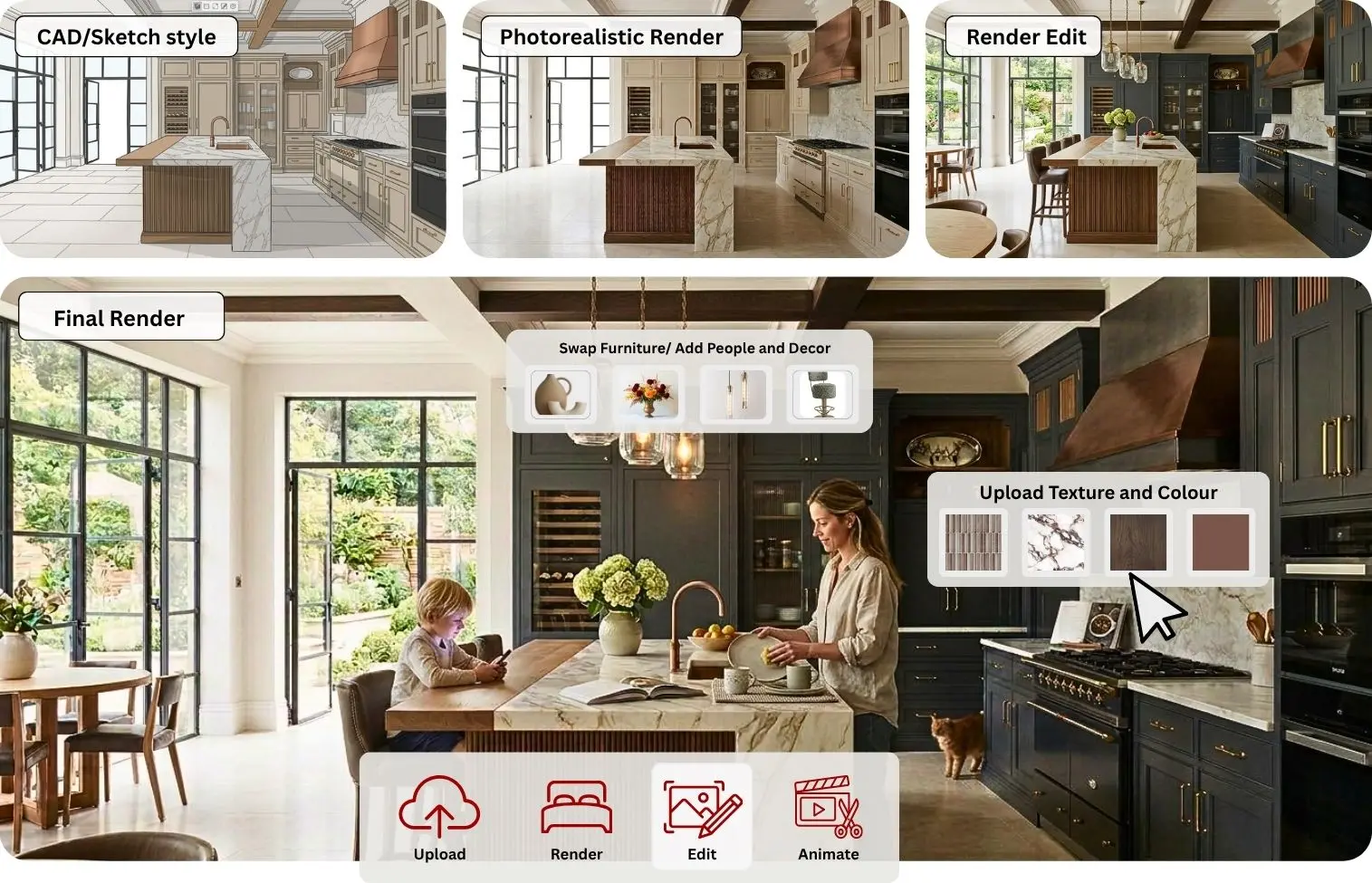
KBB Render combines AI Rendering, AI Editing, AI Animation and Inspiration Transfer into one browser-based platform. Create photorealistic interior visuals, explore unlimited design concepts, edit renders instantly and produce presentation-ready content without switching between multiple software tools.
- AI Rendering
- Inspiration Transfer
- AI Editing
- Render Animation
























Everything You Need to Create, Edit and Animate AI Interior Renders
KBB Render brings every stage of the interior visualisation process into one AI-powered platform.
30–60 Seconds
Preserve Geometry
Browser Based
Generate photorealistic renders, edit existing designs, transform inspiration into original concepts and create walkthrough animations without switching between multiple applications.
AI Render
Generate Photorealistic Interior Renders in Seconds
Create realistic kitchen, bathroom, bedroom and living room visualisations from SketchUp models, CAD drawings, concept sketches or reference images using two powerful AI rendering engines.
- Sketch to Render
- Two AI Engines
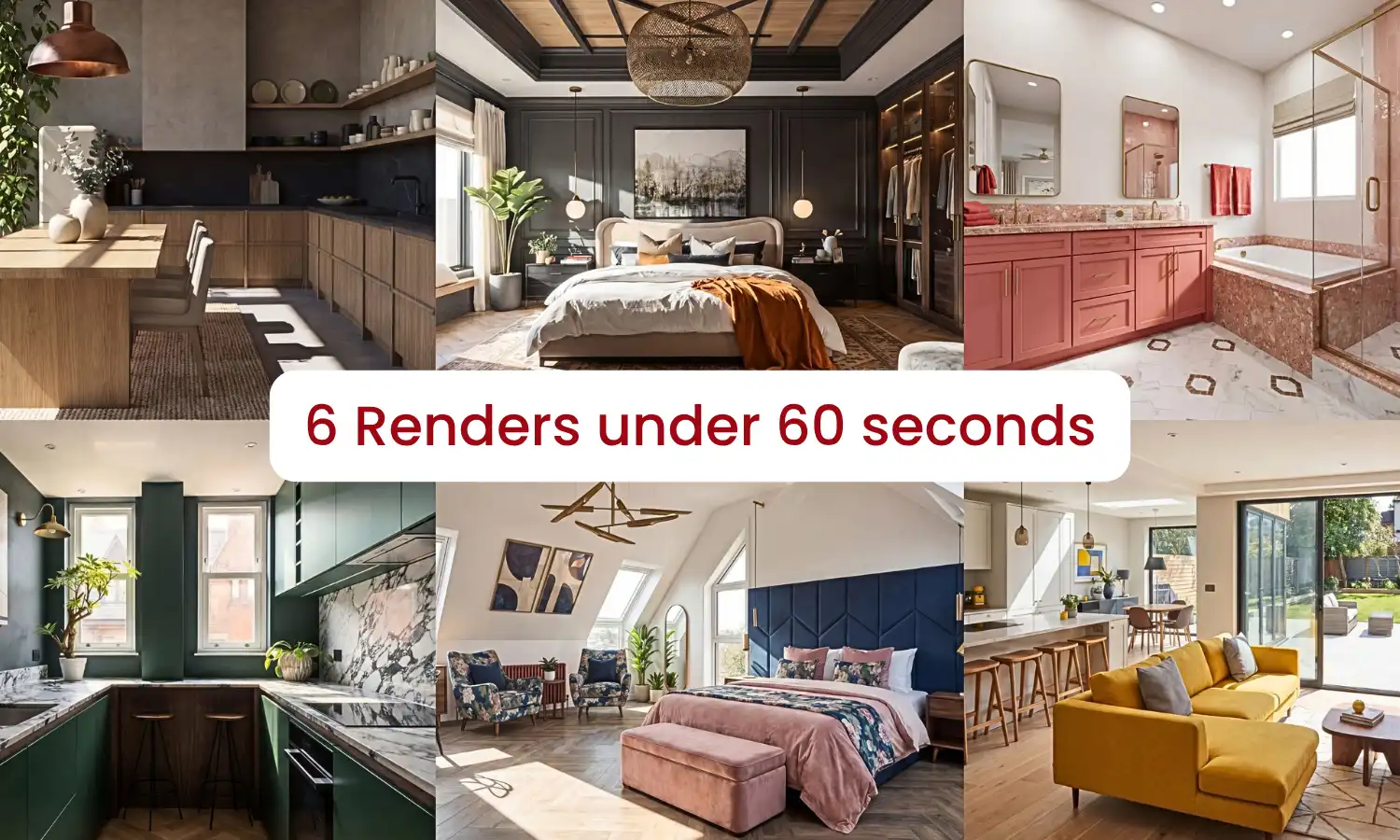
- Batch Rendering
- AI Prompt Editing
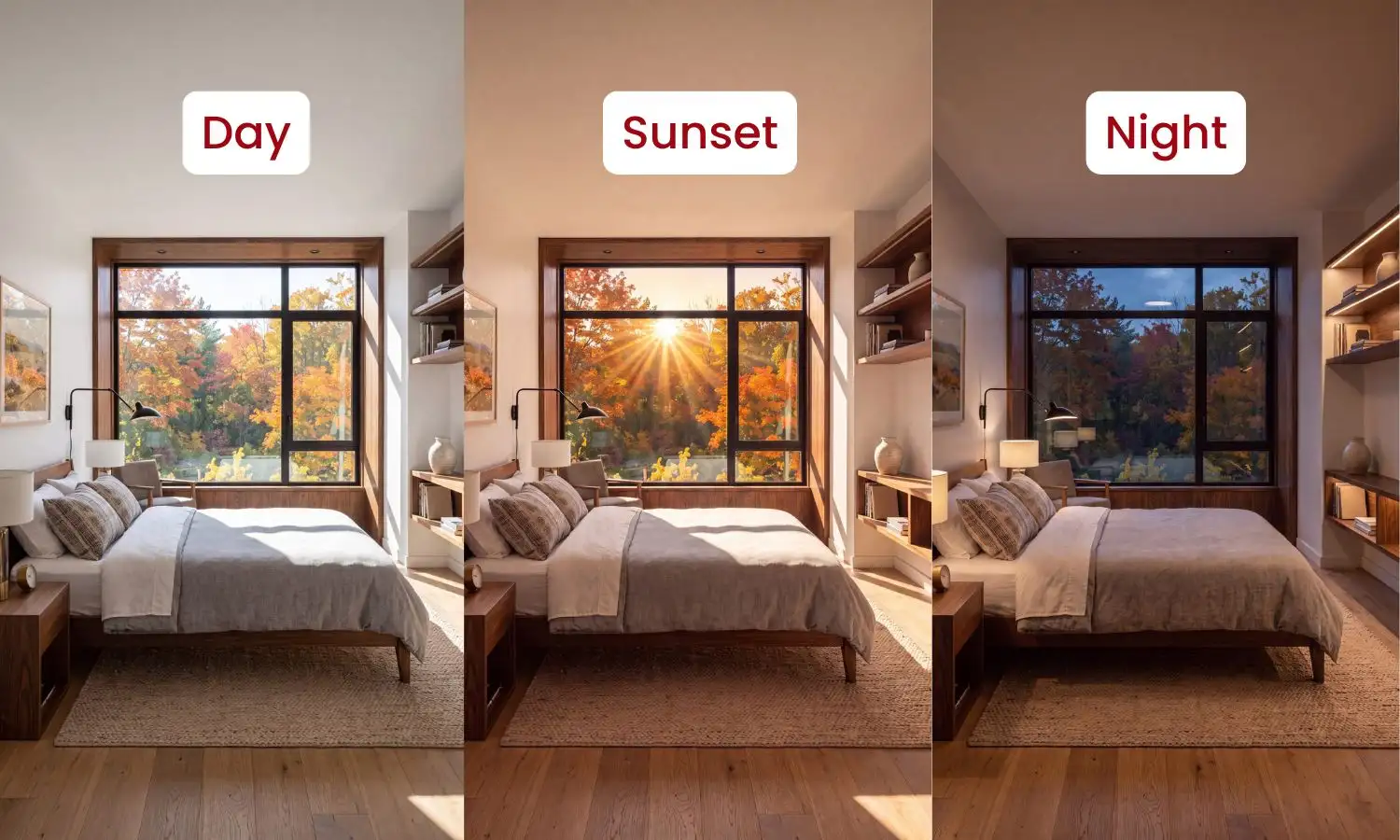
- Lighting Modes
- 4K & 8K Upscaling
- Sketch to Render
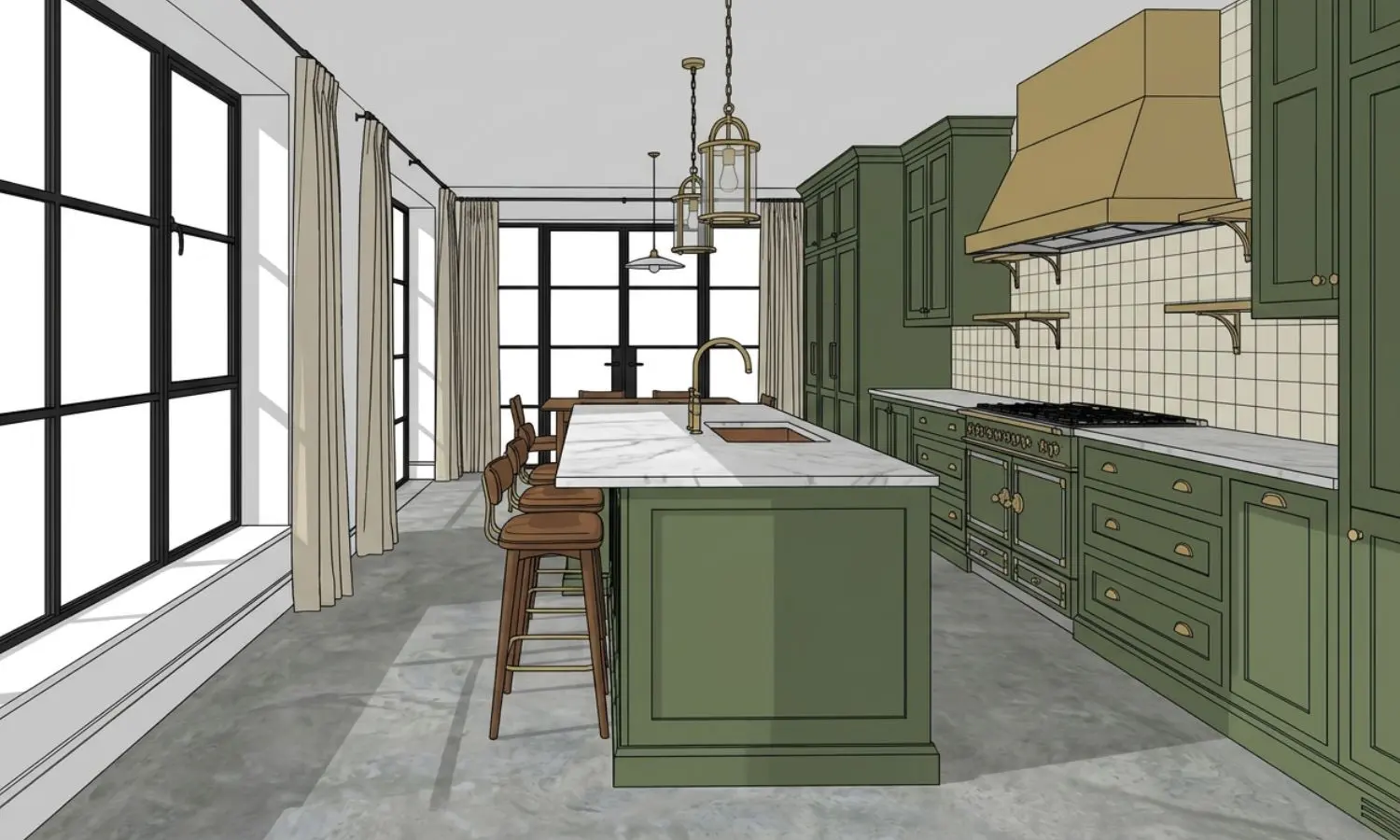
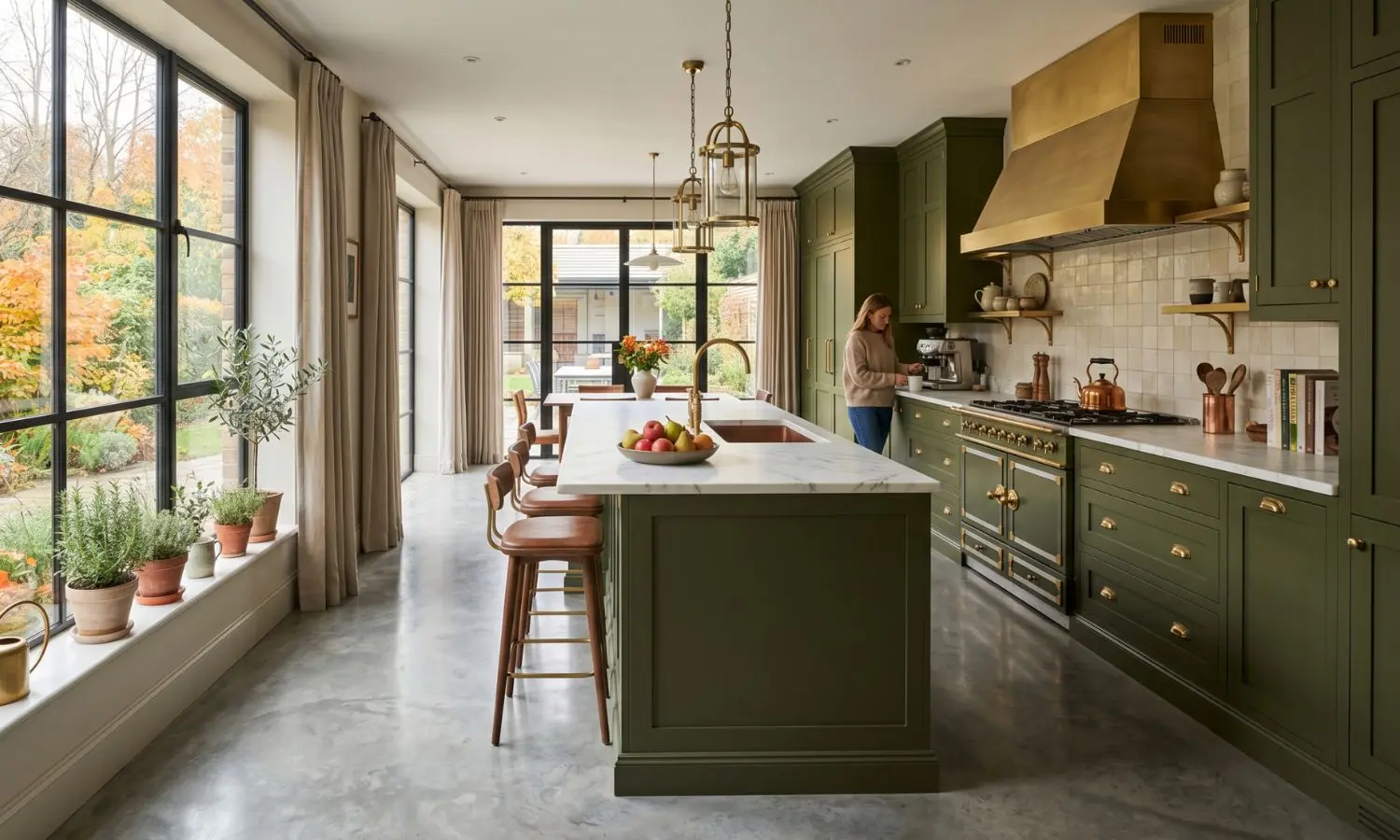
- Lighting Options
- Batch Rendering
- Edit via Prompt
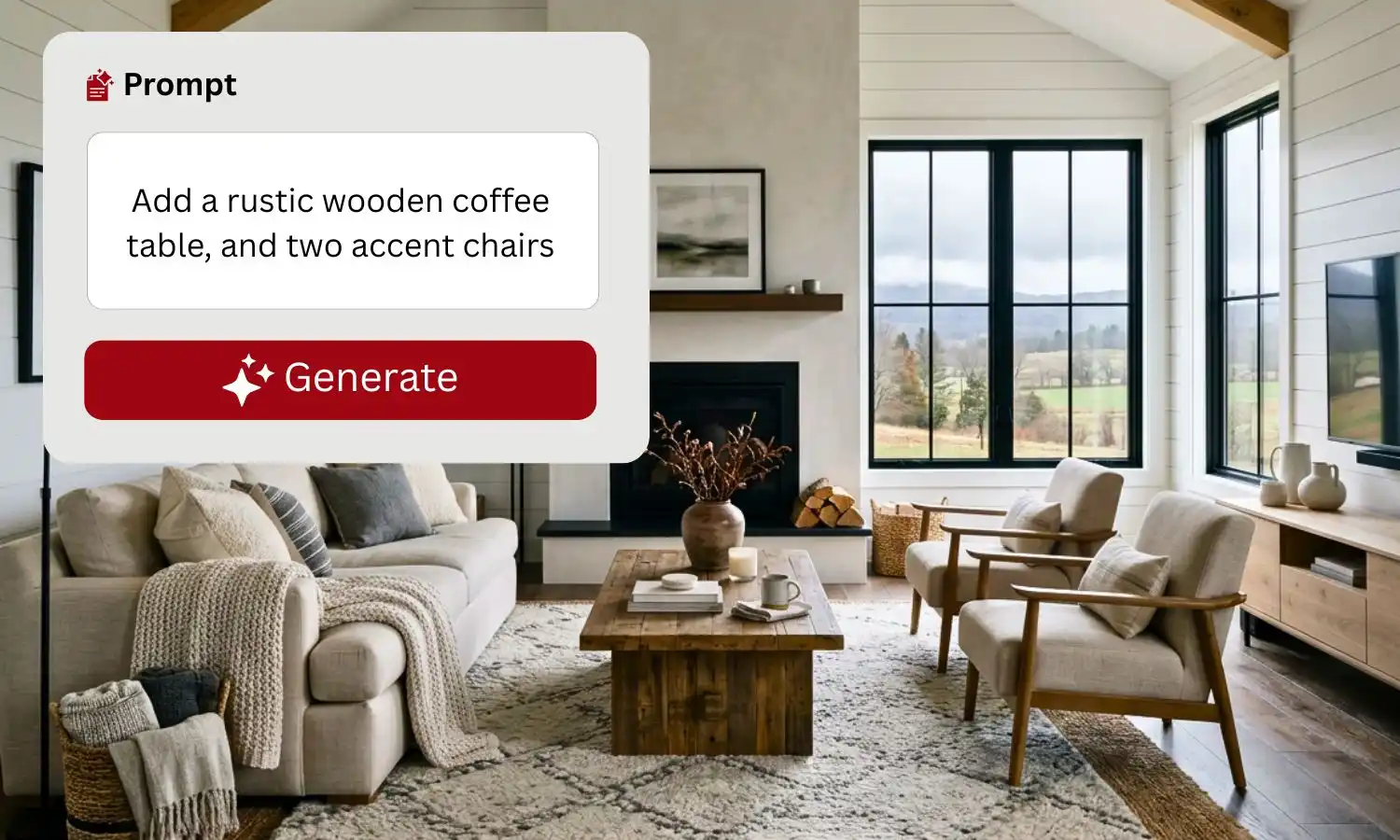
How AI Rendering Works?
Upload your SketchUp model, CAD drawing, concept sketch or reference image, then choose your preferred style. KBB Render uses AI to generate photorealistic interior renders in seconds, giving you multiple design concepts ready for client presentations.
Ideal For
- Client Presentations
- Design Concepts
- Marketing Materials
- Showroom Visualisations
AI Inspiration Transfer
Transform Inspiration into Original Interior Designs
Upload Pinterest images, moodboards, supplier products or reference interiors and let AI generate new concepts that match your preferred style while maintaining your existing layout.
Match Any Style
Original Concepts
Save Hours
- Style Transfer
- Material Transfer
- Colour Transfer
- Client Style Matching
- Unlimited Variations
- Multiple Design Concepts
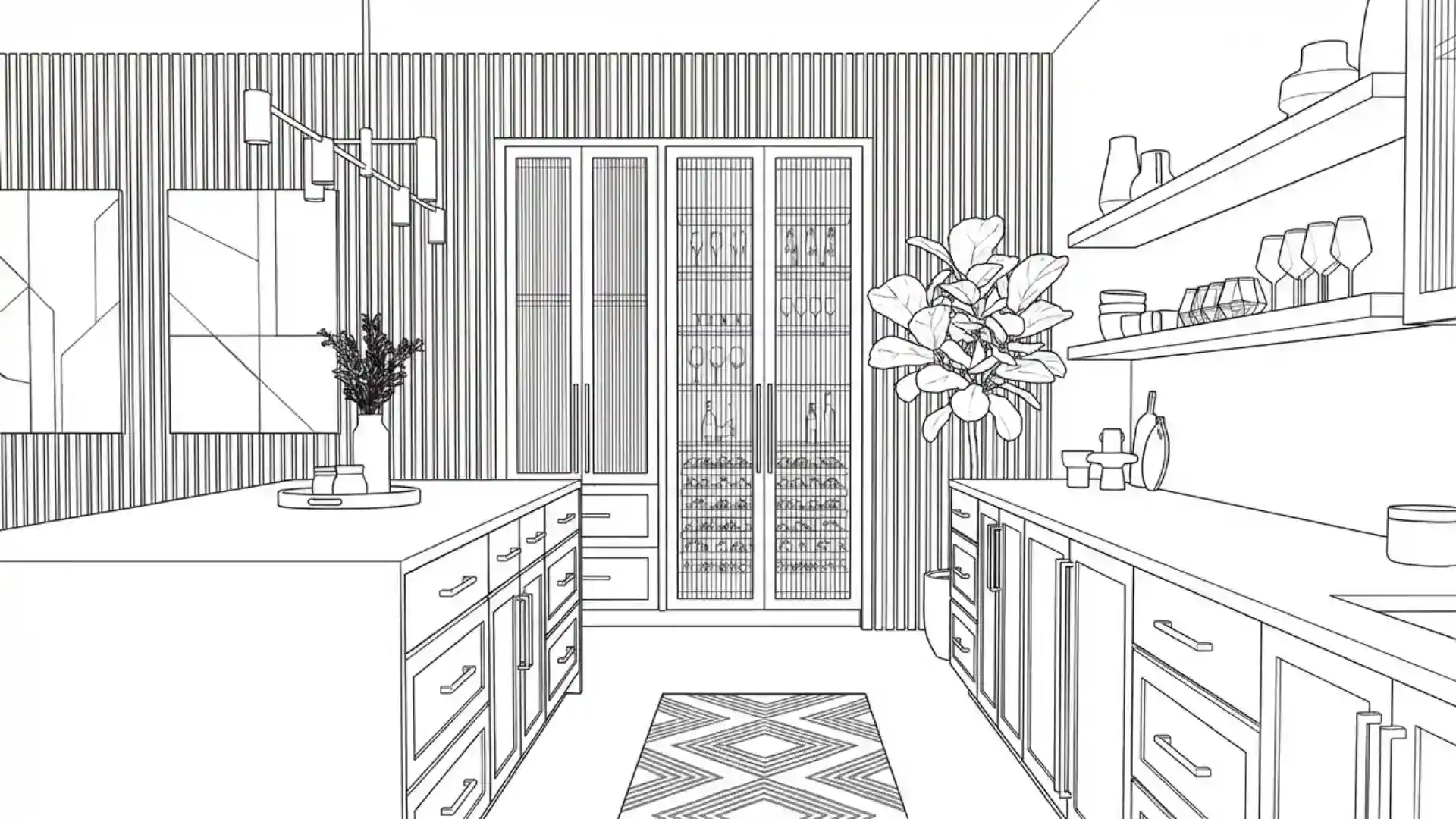
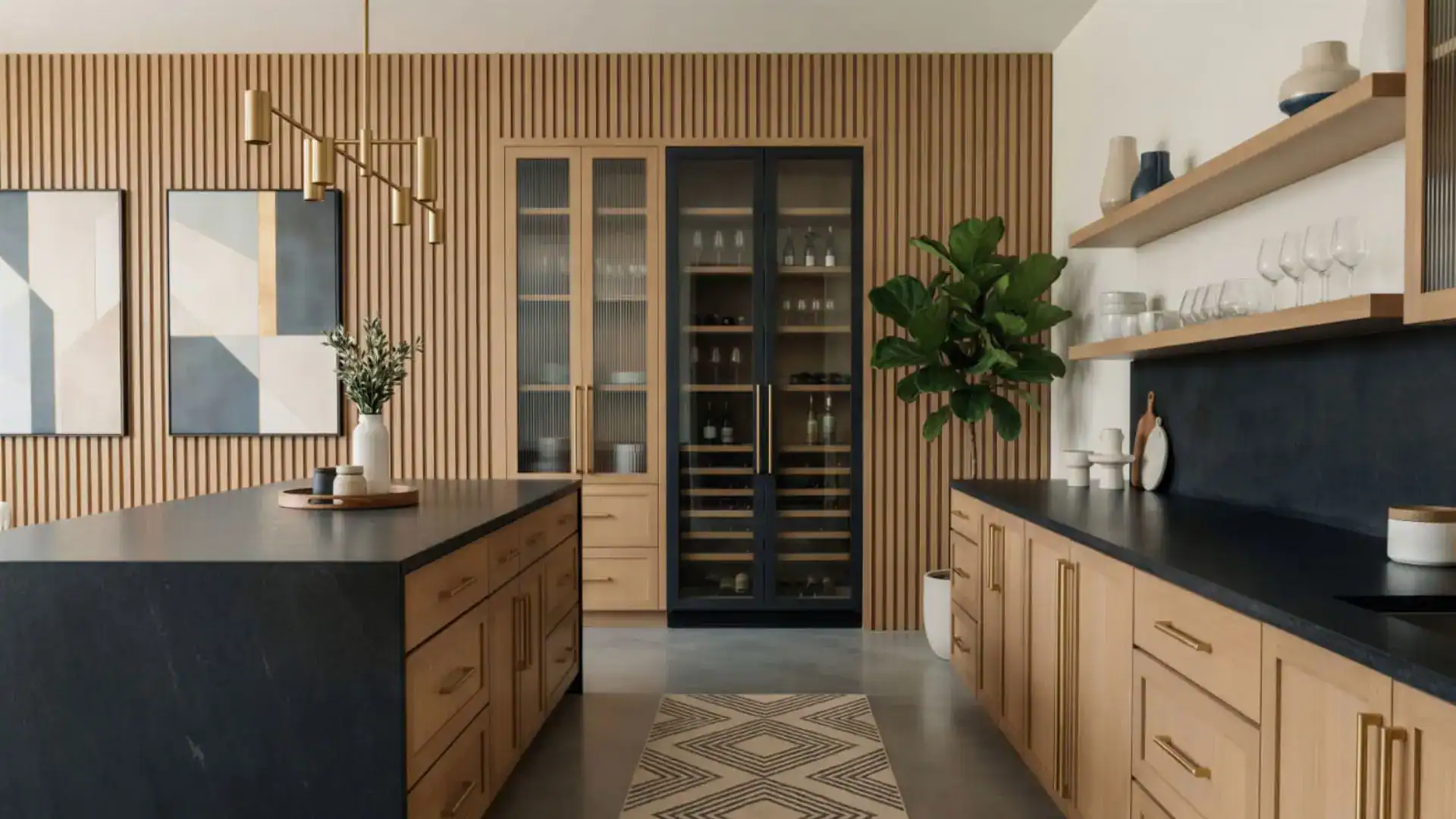
How AI Inspiration Transfer Works?
Upload a reference image, moodboard or concept and KBB Render analyses its materials, colours, style and atmosphere. The AI then generates original interior designs that match the inspiration while preserving your room layout and project requirements.
Ideal For
- Interior Designers
- Showrooms
- Architects
- Furniture Retailers
- Property Developers
AI EDIT
Edit Existing Renders Without Returning to CAD
Modify furniture, worktops, flooring, tiles, colours, lighting, décor and materials while preserving the original room geometry, perspective and camera angle.
- Add furniture, fixtures, and decor
- Apply colours, textures, and finishes
- Control lighting, backgrounds, and styling
- Create complete scenes before rendering
Edit with AI
Keep Layout
No CAD Needed
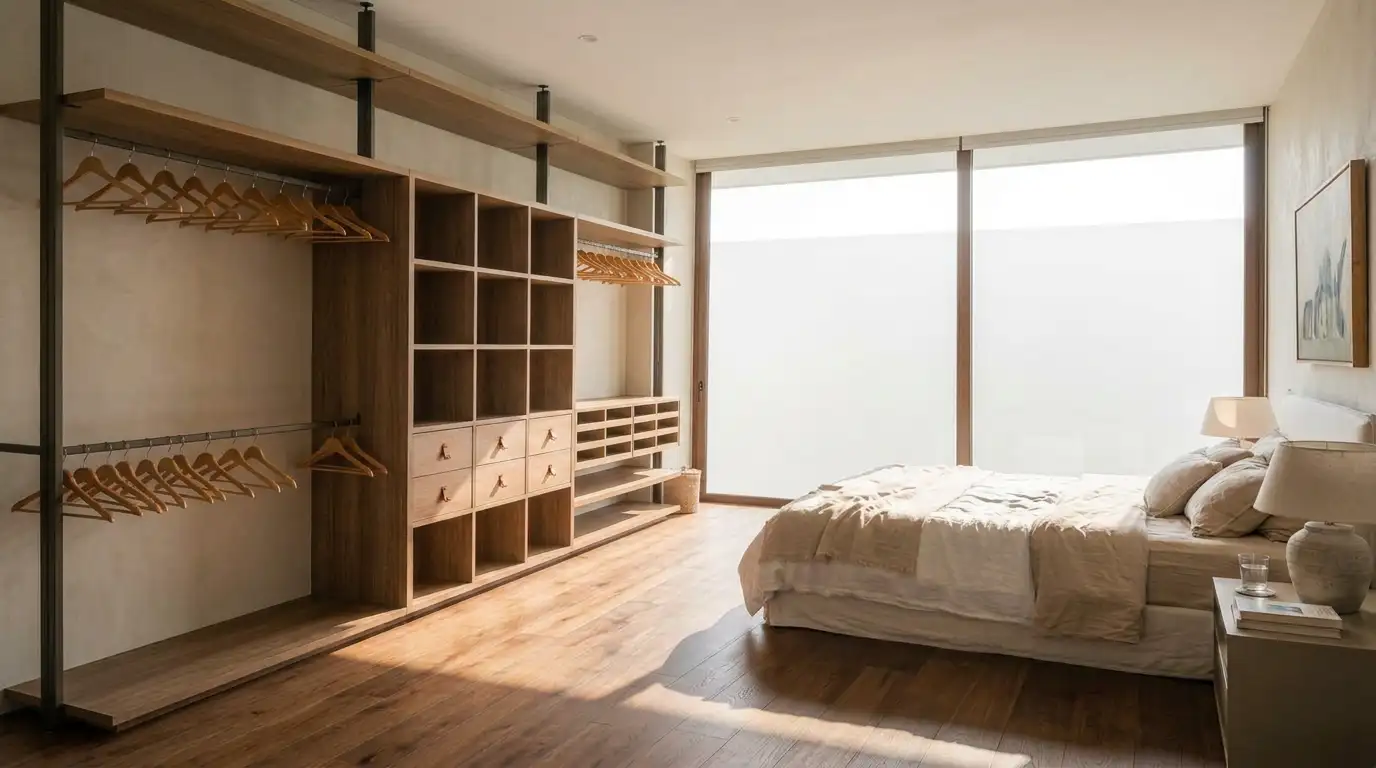
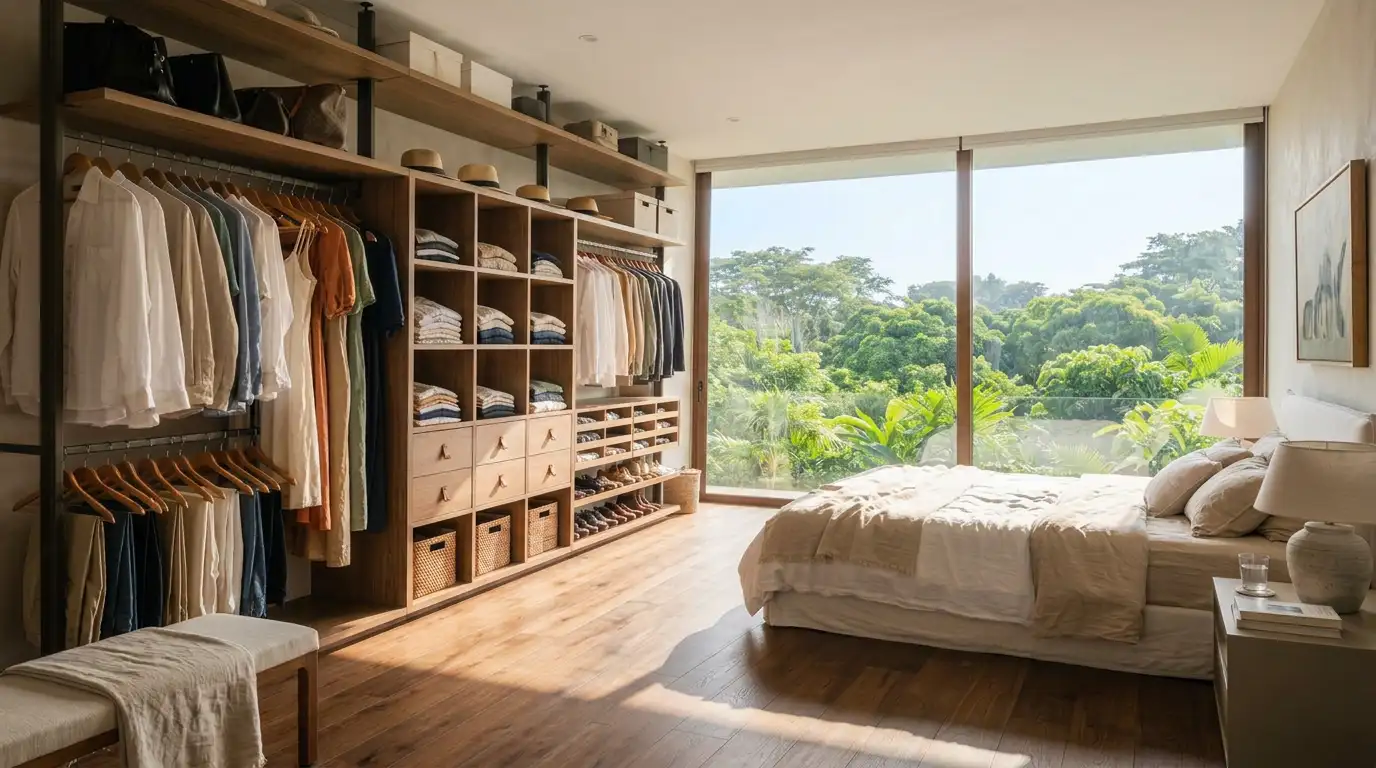
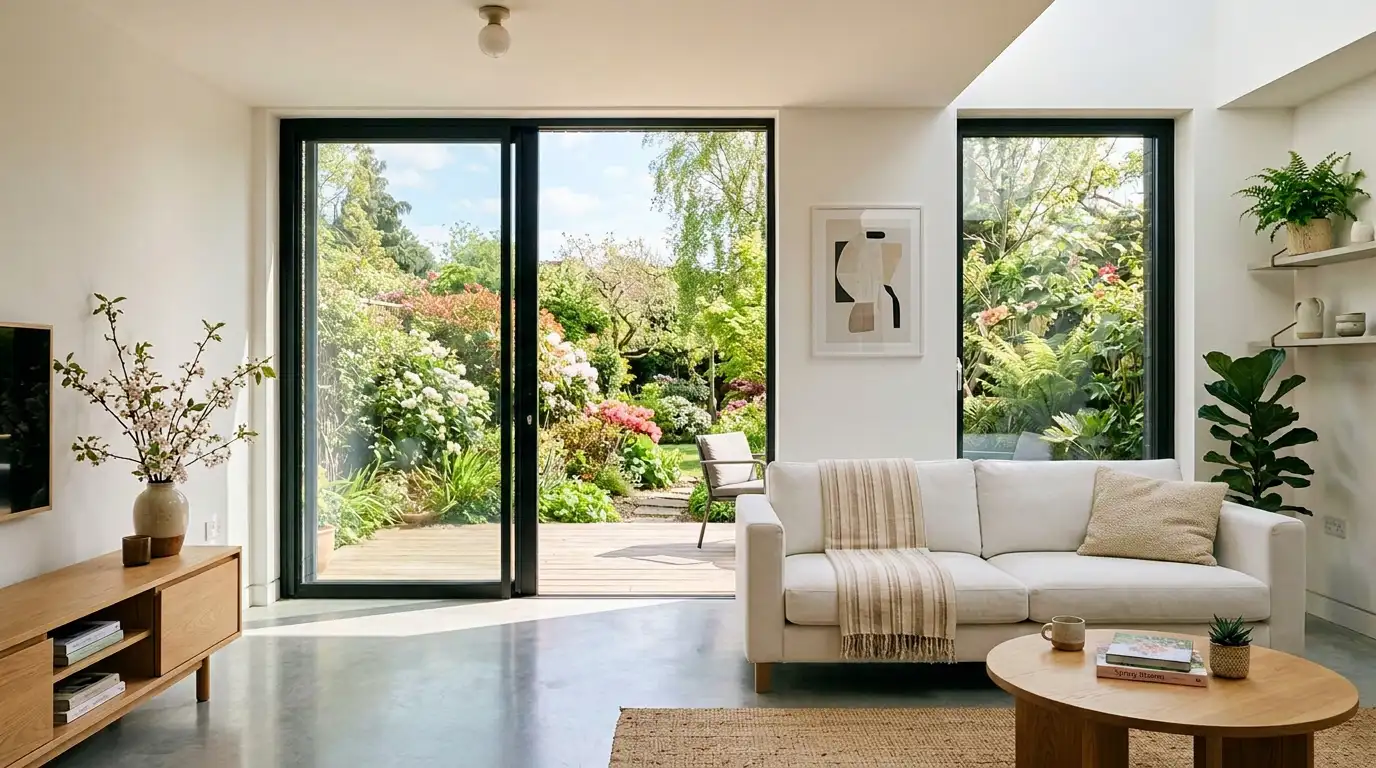
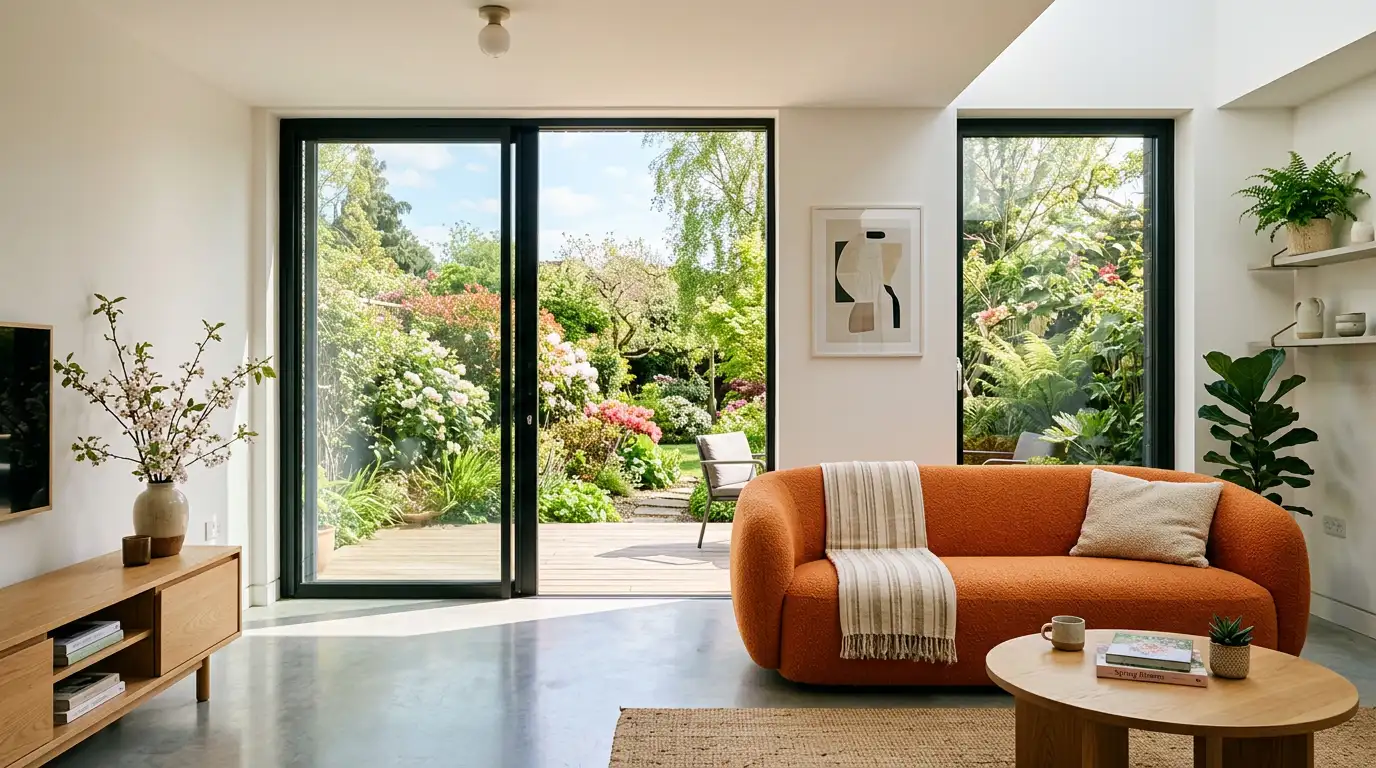
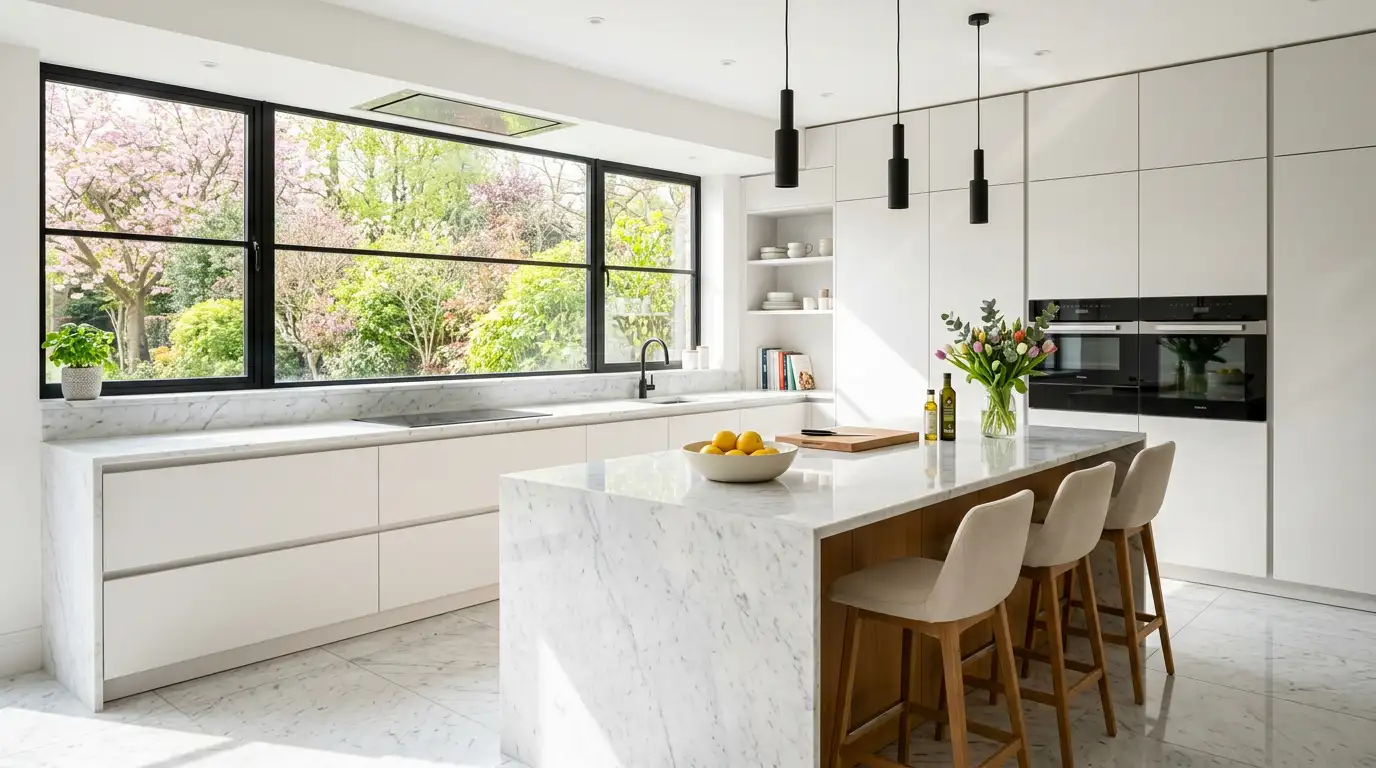
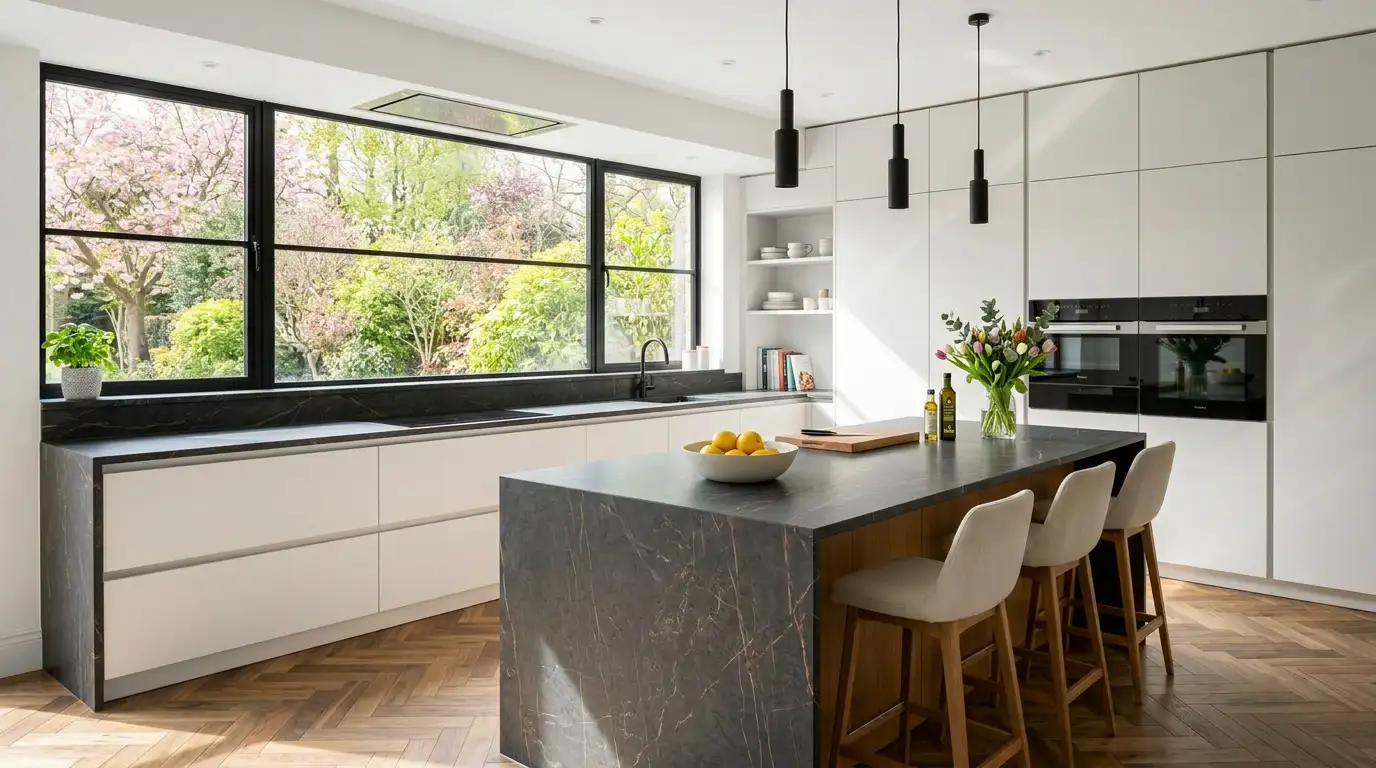
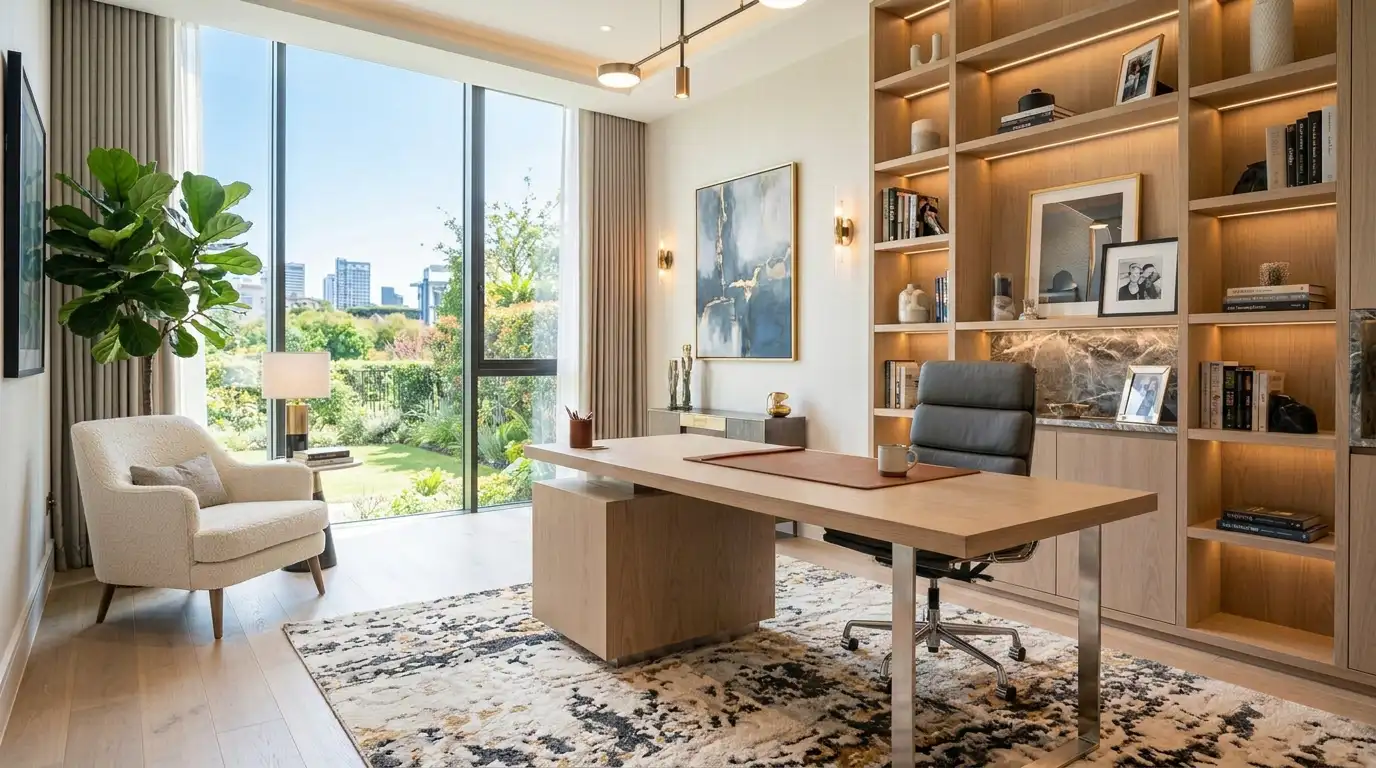
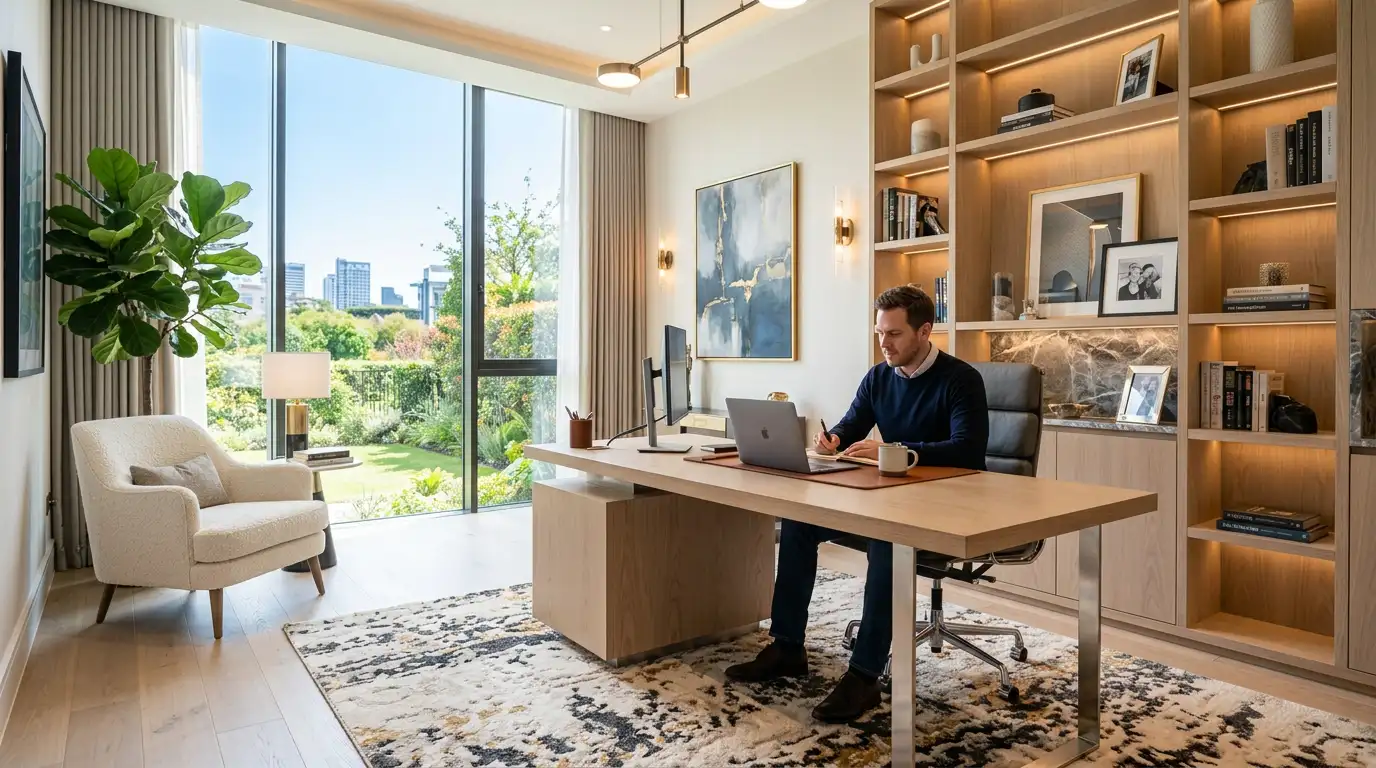
How AI Render Editing Works?
AI Render Editing lets you update existing interior renders using simple text prompts without returning to your CAD software or rebuilding your scene. Upload a photorealistic render, describe the changes you want to make, and KBB Render intelligently updates furniture, materials, colours, lighting or décor while preserving your original room layout. It's the fastest way to create client revisions, explore design alternatives and deliver presentation-ready visuals in minutes.
Who Is AI Render Editing For?
- Interior Designers
- Kitchen Studios
- Bathroom Designers
- Architects
- Furniture Retailers
- Property Developers
AI ANIMATION
Turn Static Renders into Cinematic Walkthrough Videos
Bring your interior renders to life with smooth AI camera movements, intelligent transitions and presentation-ready videos without using separate video editing software.
Camera Motion
Presentation Ready
No Experience Required
- Walkthrough Animations
- Multiple Camera Angles
- Intro & Outro Branding
- Background Music
- Video Orientations
Save Hours on Revision
Keep Original Layout
Happier Customers
Edit Instantly
What Is AI Animation?
AI Animation transforms a single interior render into a smooth, professional walkthrough video using intelligent camera movements. Create presentation-ready animations without manual video editing, complex keyframes or additional rendering software.
Ideal For
- Client Walkthroughs
- Social Media Videos
- Website Content
- Furniture Retailers
- Digital Advertising
- Project Presentations
AI DESIGN DOCUMENTATION SUITE
Create Professional Interior Design Documentation with AI
Turn a single interior render into professional design documentation in seconds. Generate material moodboards, technical drawings, concept analysis, close-up material details and design annotations without recreating your project. KBB Render Schematics helps interior designers, architects and kitchen studios present ideas faster, communicate clearly with clients and reduce hours of manual work.
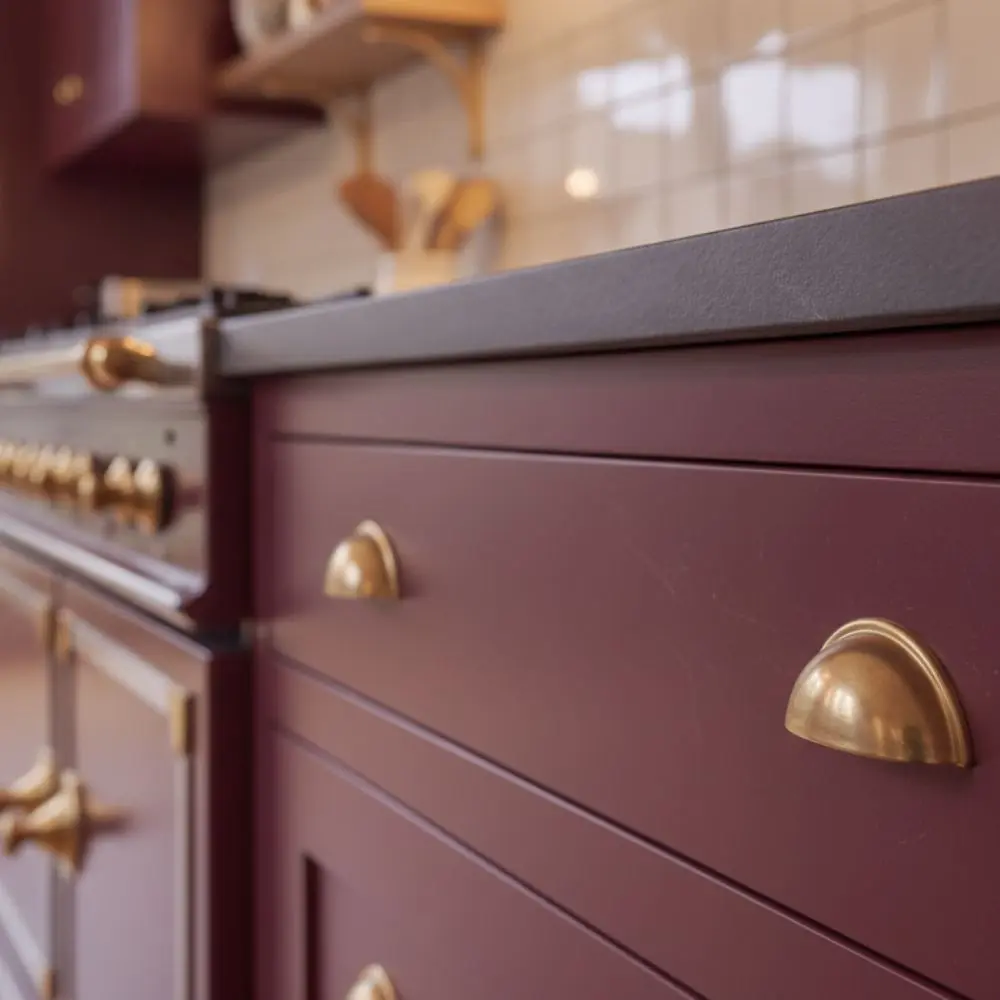
Close-Up
Create ultra-realistic close-up images of materials, worktops, cabinetry and furniture while preserving the original design.
Moodboard
Generate premium material moodboards directly from your render to present finishes, colours and textures professionally.
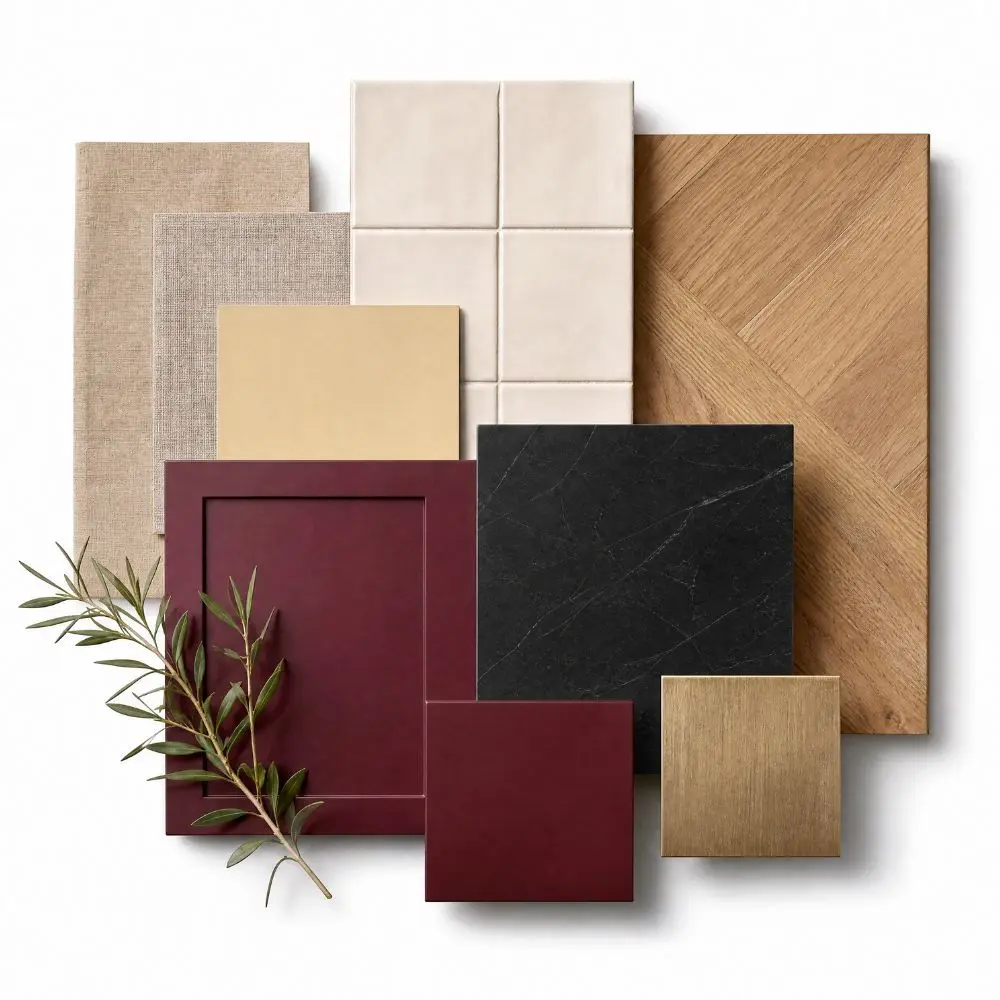
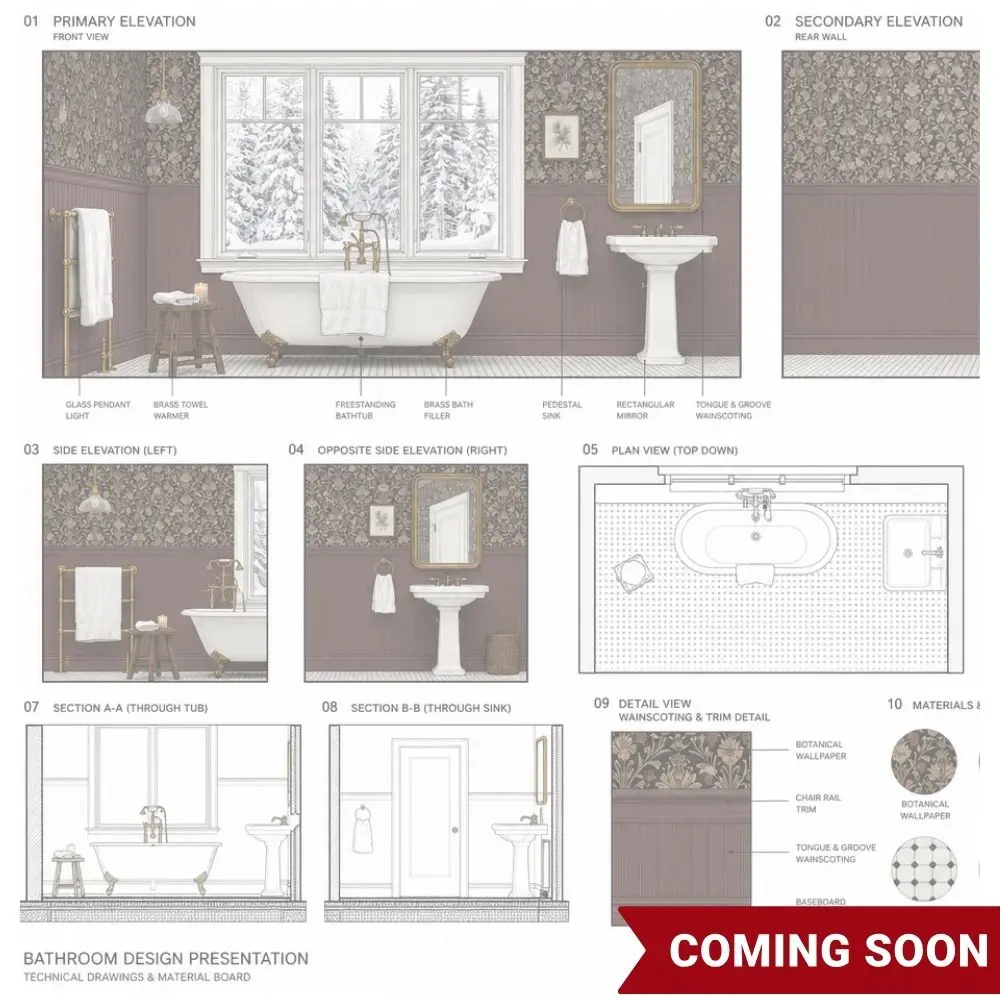
Technical Documentation / Analysis / Annotation
Automatically create presentation-ready technical boards, architectural concept analysis board and annotated interior details board from a single render.
AI PREPARATION & CONVERSION TOOLS
Convert Any Image into the Perfect AI Input
Not every render works perfectly with AI. Conversion Tools transform finished renders, photos and reference images into clean sketches and technical line drawings, creating the ideal input for AI rendering, Inspiration Transfer and creative exploration. Better input means more accurate AI results.
- Works with Any Render
- Sketch Generation
- Technical Line Drawings
- Better AI Results
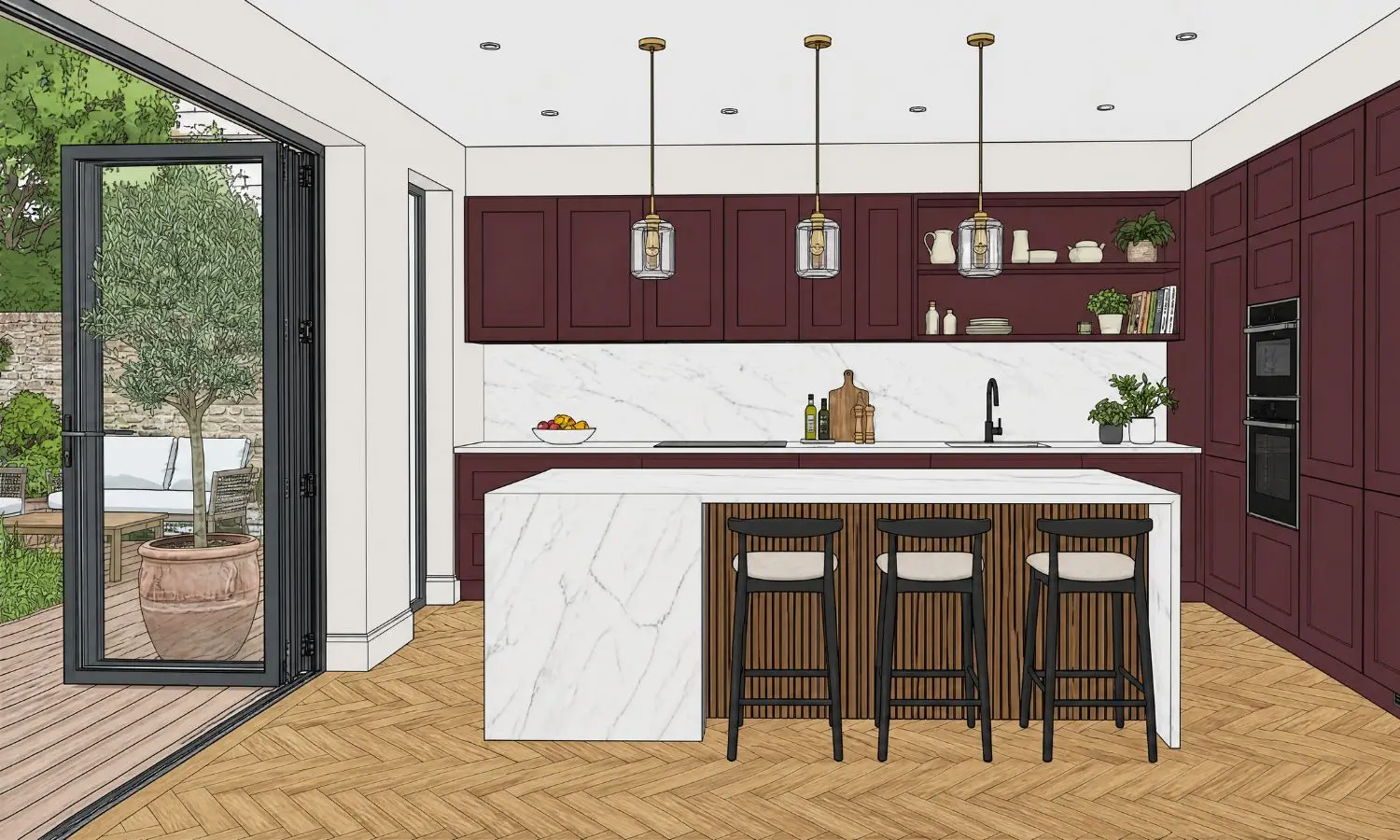
Cartoon Sketch
The more cartoon-style the original image, the better the final render. If your CAD drawing is not already in a cartoon interface (e.g. ArtiCAD), use this tool to convert it first.
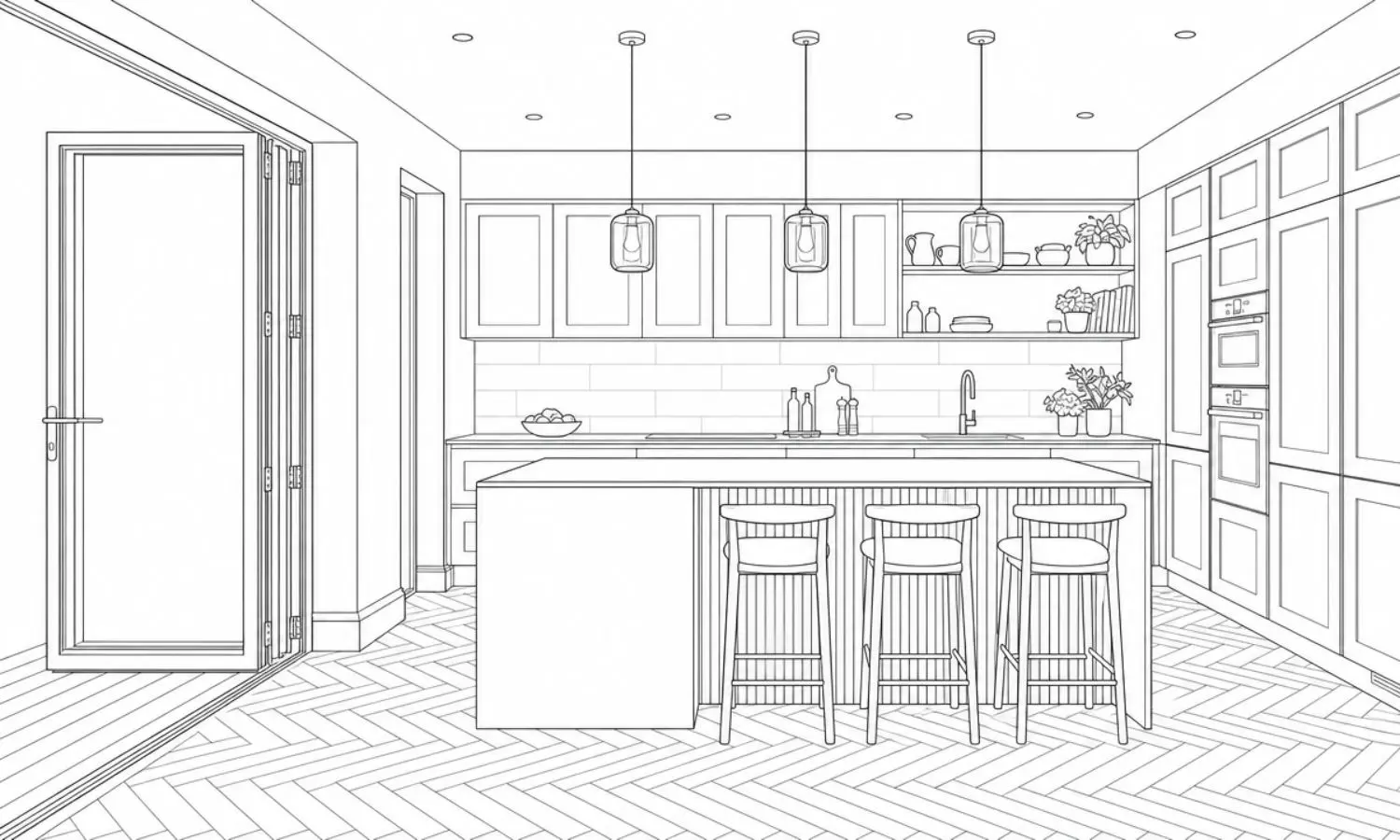
Line Drawing
Generate architectural line drawings from any rendered image to unlock Inspiration Transfer and explore completely new design directions.
Everything You Need. One AI Platform.
Stop switching between multiple rendering, editing and animation tools. KBB Render combines AI rendering, AI editing, AI animation and AI Inspiration Transfer into one browser-based platform, helping interior designers, architects and KBB professionals create presentation-ready visualisations faster.
Stop Wasting Hours. Start Creating.
KBB Render saves designers 80% of their time on every project.
- Faster approvals
- Happier clients
- More project won
- Higher profits
Traditional Workflow
Every client revision usually requires returning to CAD software, rebuilding materials and waiting for new renders to finish.
- ❌ Multiple software subscriptions
- ❌ Manual rendering workflows
- ❌ Re-render projects after every change
- ❌ Separate animation software
- ❌ Create one concept at a time
- ❌ High-end hardware required
- ❌ Long client revision cycles
The KBB Render Way
Update existing renders with AI while preserving your room geometry, camera angle and layout, without rebuilding your model.
- One complete AI platform
- AI rendering in under a minute
- Edit existing renders instantly
- Built-in AI animation
- Generate multiple design variations
- Browser-based cloud platform
- Instant design revisions
AI Interior Rendering FAQs
What is AI interior rendering?
AI interior rendering uses artificial intelligence to transform SketchUp models, CAD drawings, concept sketches or reference images into photorealistic interior visuals. KBB Render helps designers create presentation-ready renders in seconds without long rendering times.
What AI tools are included in KBB Render?
KBB Render includes four integrated AI tools:
• AI Render
• AI Edit
• AI Animation
• Inspiration Transfer
Together they allow you to generate renders, edit existing visuals, create design variations and produce walkthrough animations from one browser-based platform.
Can I edit an existing render instead of creating a new one?
Yes. AI Edit lets you modify furniture, materials, lighting, colours, décor and finishes without returning to your CAD software. Your original room layout, geometry and camera angle are preserved.
Which design software is compatible with KBB Render?
KBB Render works with SketchUp, ArtiCAD, Winner Flex, Promob, Autodesk Revit, Graphisoft Archicad, Vectorworks and any software that exports JPG or PNG images.
Can I create animations from a single render?
Yes. AI Animation transforms a single photorealistic render into a smooth walkthrough video using intelligent camera movements. No video editing or animation software is required.
What is AI Inspiration Transfer?
AI Inspiration Transfer analyses reference images, Pinterest inspiration, mood boards or supplier products and generates original interior concepts while maintaining your preferred room layout and design style.
How long does it take to generate an AI render?
Most renders are generated in under one minute depending on image complexity, rendering settings and selected AI engine.
Who is KBB Render designed for?
KBB Render is built for:
• Kitchen Designers
• Interior Designers
• Bathroom Designers
• Architects
• Furniture Retailers
• Property Developers
• Design Studios
Can I generate multiple design concepts?
Yes. KBB Render can create multiple design variations from a single project, helping designers present more options to clients without rebuilding the entire model.
Do I need rendering experience to use KBB Render?
No. KBB Render is designed for professionals of all experience levels. The AI automates rendering, editing and animation, allowing you to create high-quality visuals without complex workflows.
Tutorials
Learn every AI tool with step-by-step video guides.
Knowledge Hub
Read expert guides on AI rendering, interior visualisation and design workflows.
Watch Live Demo
See how KBB Render transforms renders, edits interiors and creates animations in real time.
Ready to Transform Your Interior Design Workflow?
Supports SketchUp, CAD & JPG
Average Render Time: Under 60 Seconds
Four AI Tools Included
Join 1000+ designers already using KBB Render.