
Learn the tools.
Master the workflow.
Discover KBB Render tutorials, practical AI rendering guides and ideas for kitchen, bedroom and bathroom professionals. From your first CAD export to your final client presentation.
Two ways to learn. One better workflow.
Prefer watching someone demonstrate a tool? Or want to explore ideas and written guides? Start with the format that works for you.
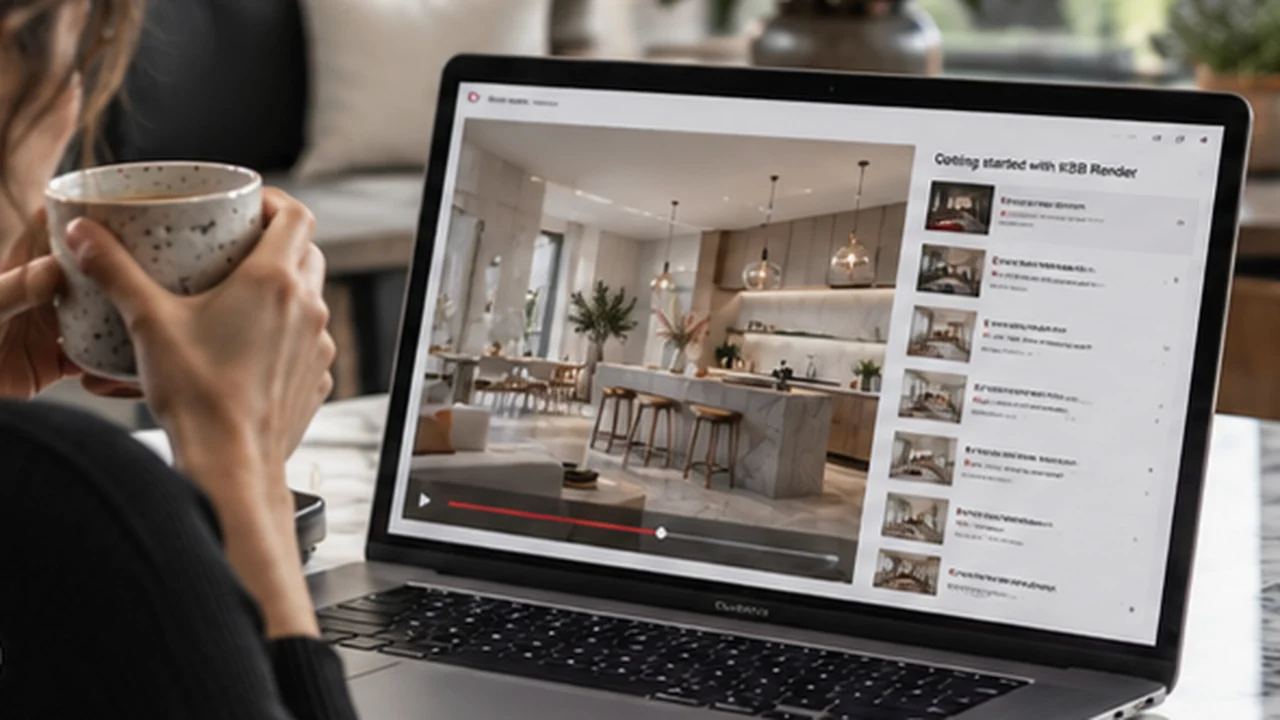 WATCH & LEARN
Platform Tutorials
Watch practical walkthroughs for navigating KBB Render, preparing your images, creating AI renders and editing interiors without going back to CAD for every revision.
 READ & EXPLORE
Knowledge Hub
Read practical articles about AI rendering, client presentations, kitchen and bathroom design trends, and ways to improve your day-to-day showroom workflow.
Your learning path starts here.
Follow these three steps to understand the tools, select the right input and build a more efficient design-to-presentation workflow.
Start with the onboarding guide
Learn how to choose a source image and follow the complete workflow from rendering to refinement. The dedicated page will host Clara’s recording when available.
Open onboarding guideWatch specific tool tutorials
Explore focused lessons on the interface, render history, credits, AI Edit and Inspiration Transfer when you need help with an individual task.
Go to tutorialsImprove your client workflow
Read guides about SketchUp exports, live editing, materials and presenting more polished visuals to your customers.
Explore practical guidesFind the right resource.
Jump straight to tutorials, rendering techniques, design inspiration or the latest platform news.
Featured reads for KBB designers.
KBB Render 101: Your First AI Interior Rendering
Understand the essentials of preparing your first image and working with AI rendering tools.
Read guideHow to Live Edit Kitchen Renders in Front of Clients
Explore how material and colour changes can become part of a more responsive showroom presentation.
Read guideSketchUp AI Rendering: A Complete Guide
Learn how exported views can become the starting point for more realistic interior visuals.
Read guideHow to Win More Kitchen Projects and Close More Sales
Practical ideas for communicating design proposals and giving clients clearer visual options.
Read articleLearn at your own pace. Or see a live team demo.
Use the onboarding guide for self-service learning, or book a separate live session if you're exploring KBB Render for a showroom or multi-designer team.
Questions, answered.
Not sure where to begin? Here are the main differences between the learning resources.
Where should I start if I'm new to KBB Render?
Begin with the onboarding guide, then visit the Tutorials page for specific features such as rendering, editing and credit management.
What's the difference between Tutorials and the Knowledge Hub?
Tutorials focuses on platform walkthroughs and using individual tools. The Knowledge Hub contains written guides, industry articles, rendering techniques and design inspiration.
Can I learn to edit an existing render without returning to CAD?
Yes. Start with the tutorials and guides on AI Edit to see how you can explore changes to colours, cabinetry, materials and décor in an existing image. Always review results for technical accuracy.
Do I need a native CAD file to learn KBB Render?
No. The platform uses image inputs such as JPG or PNG exports. Use a clear CAD-style drawing for Sketch to Render, or an existing render for supported editing and styling tasks.
Can showroom teams get guided help?
Yes. In addition to self-service resources, your team can book a live KBB Render team demo to discuss workflows, access and onboarding.
From learning the tools to creating your next visual.
Explore the guides, try the workflow, and build client-ready imagery for your next kitchen, bedroom or bathroom project.
Start your 7-day free trial