
AI Render Editing Made Simple
Edit Existing AI Interior Renders Without CAD or Re-Rendering
KBB Render uses AI to edit existing SketchUp renders, CAD visualisations and interior design images without recreating the scene.
Replace materials, furniture, lighting, colours, décor and finishes while preserving your original room layout, geometry and camera angle.
- Replace flooring, cabinetry, tiles, worktops and surface finishes
- Swap furniture, lighting fixtures, décor and accessories
- Edit wall colours, materials, lighting and styling with AI
- Generate unlimited client design variations in seconds
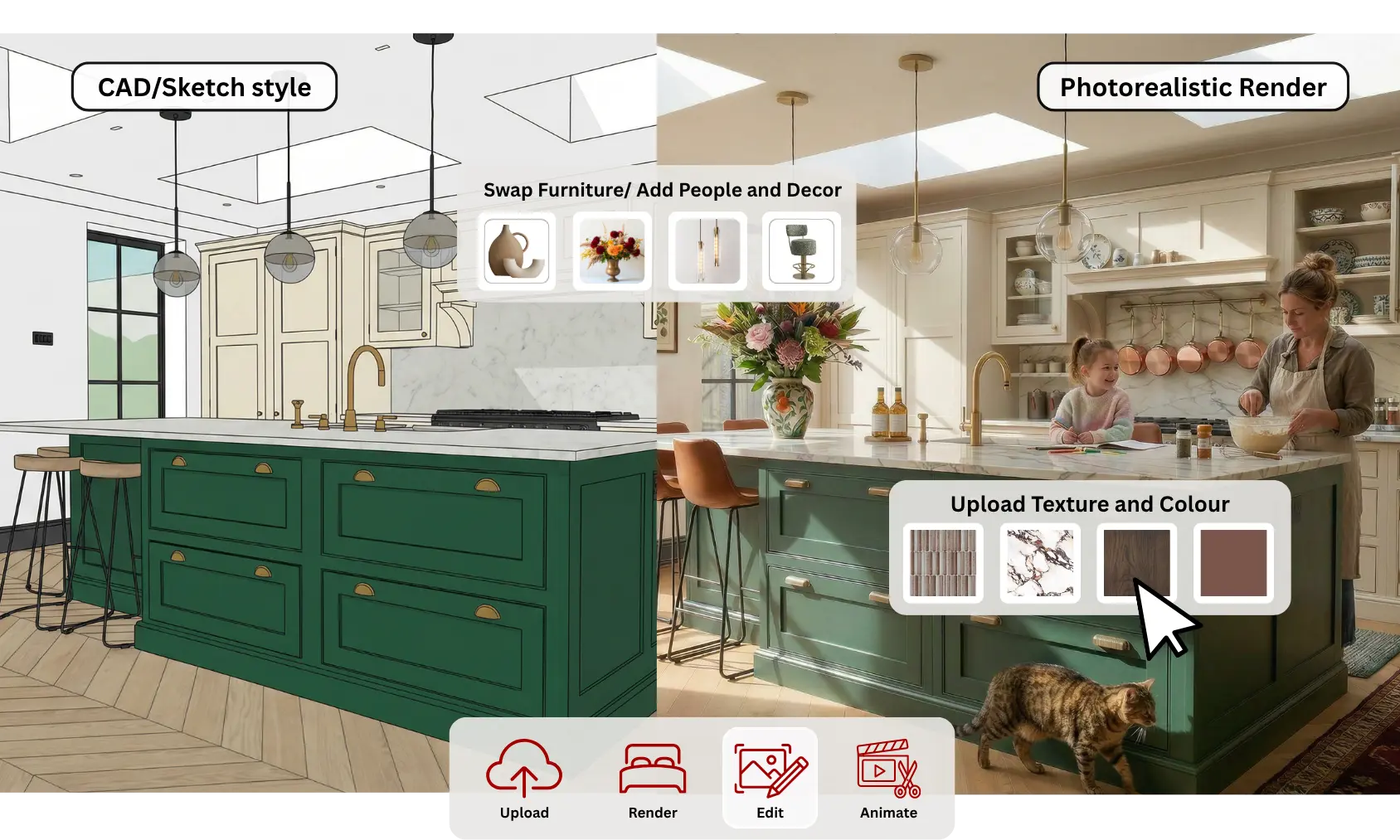



























Edit Existing Interior Renders in 4 Simple Steps
Edit existing SketchUp renders, CAD visualisations and interior design images by replacing materials, furniture, lighting and colours while preserving the original room geometry.
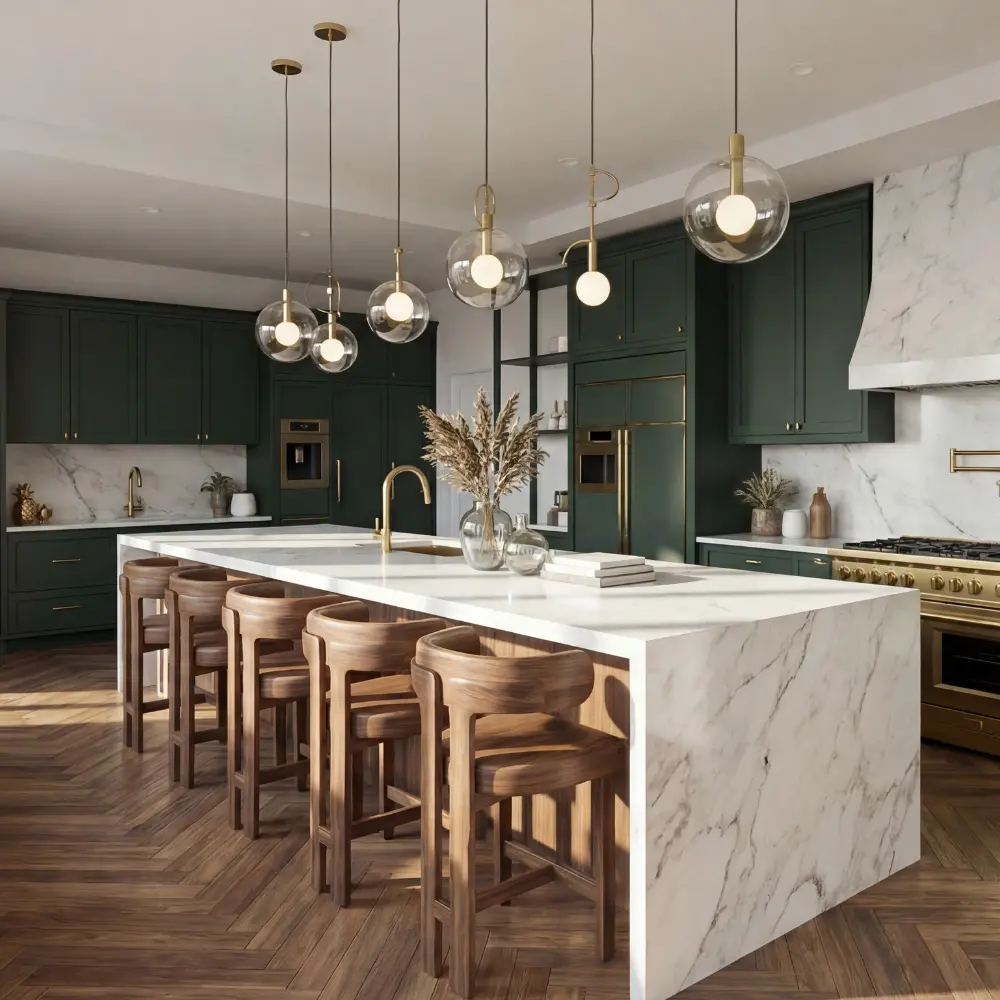
1.Upload Your Existing Render
Upload an existing SketchUp render, CAD visualisation or interior design image to begin editing while preserving the original room layout, geometry and camera angle.
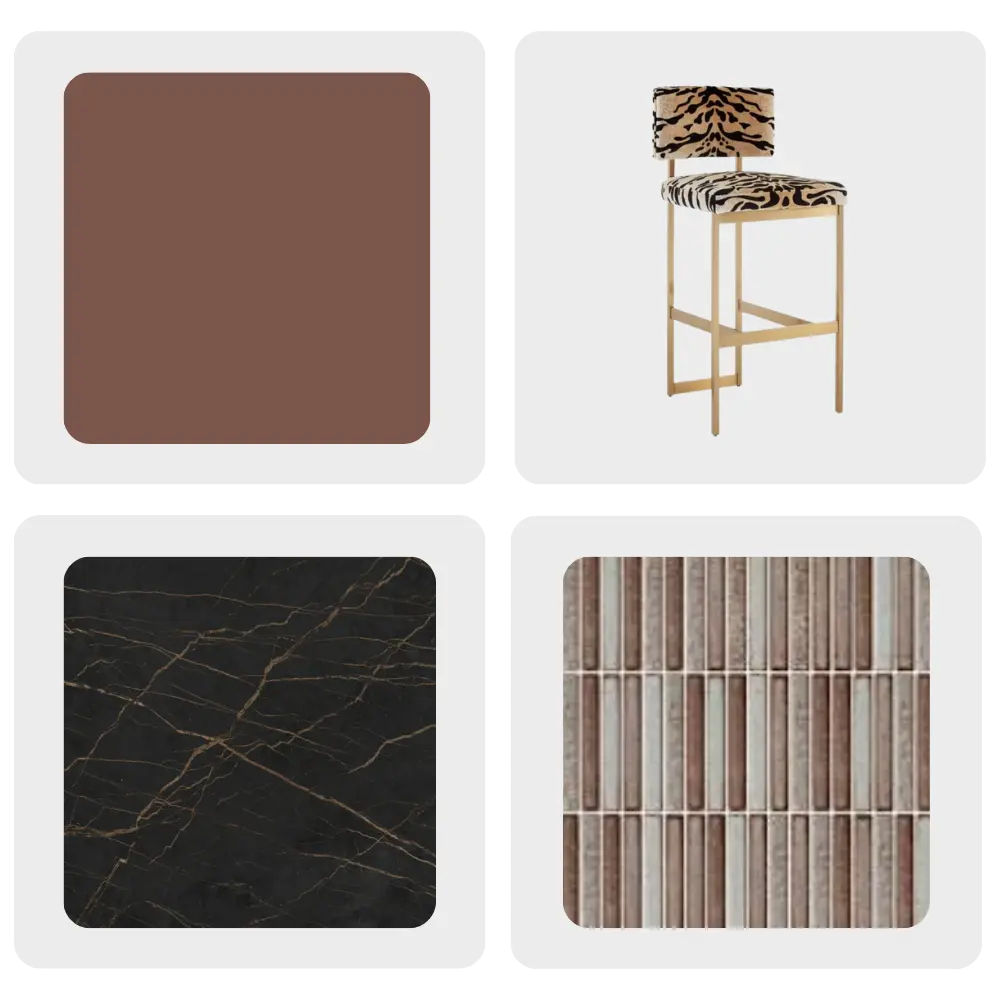
2.Add Design References
Upload material samples, furniture images, colour palettes or texture references to guide the AI and achieve your preferred interior design style.
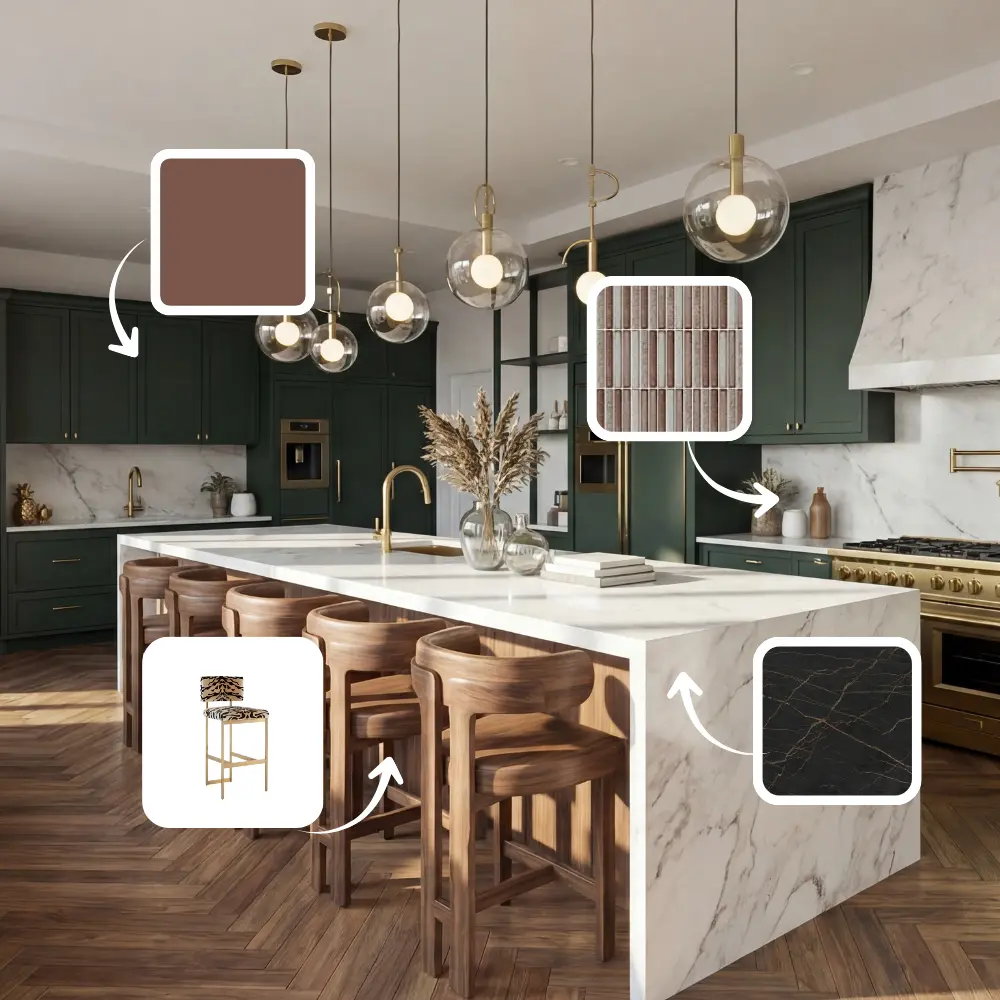
3.Upload and Assign
Choose the exact elements to modify, including cabinets, flooring, worktops, walls, furniture, lighting and decorative accessories.
4. Generate & Download
Generate your edited AI interior render in seconds and download a high-resolution 4K or 8K image ready for presentations and client approvals.
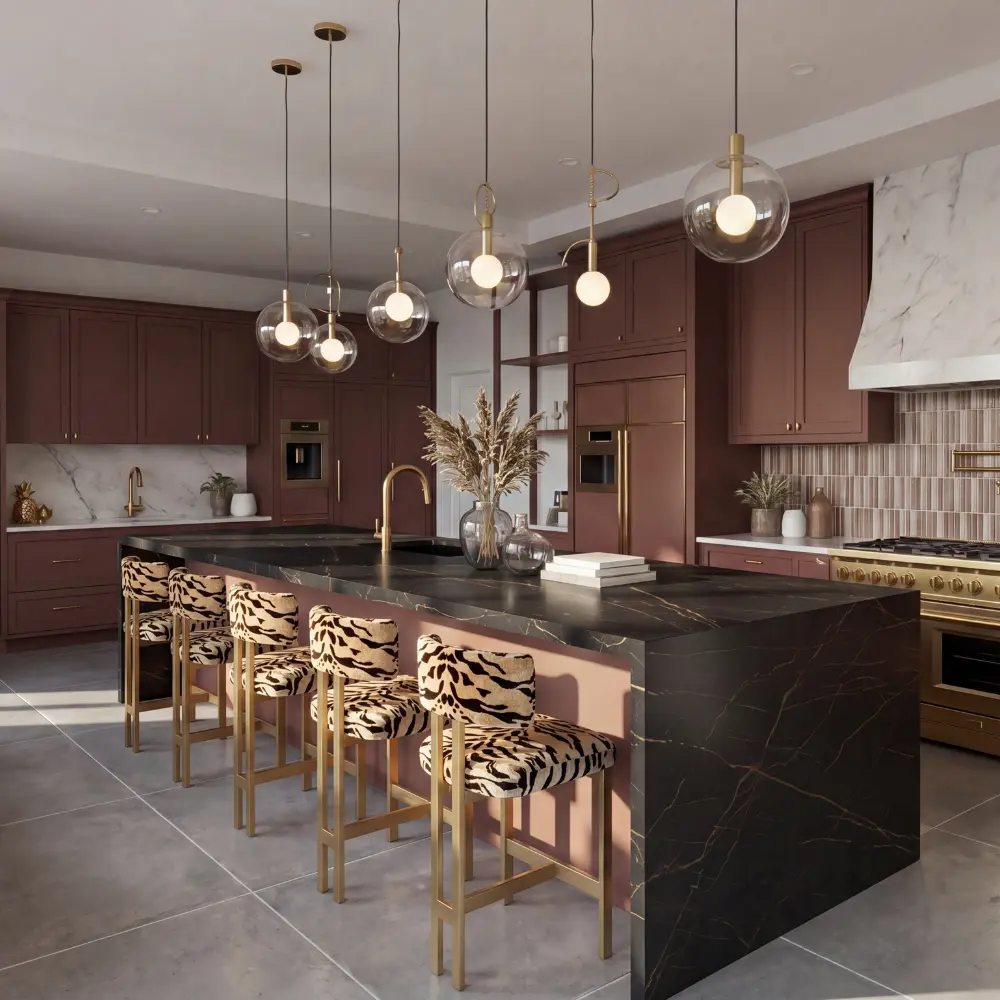

What Is AI Render Editing?
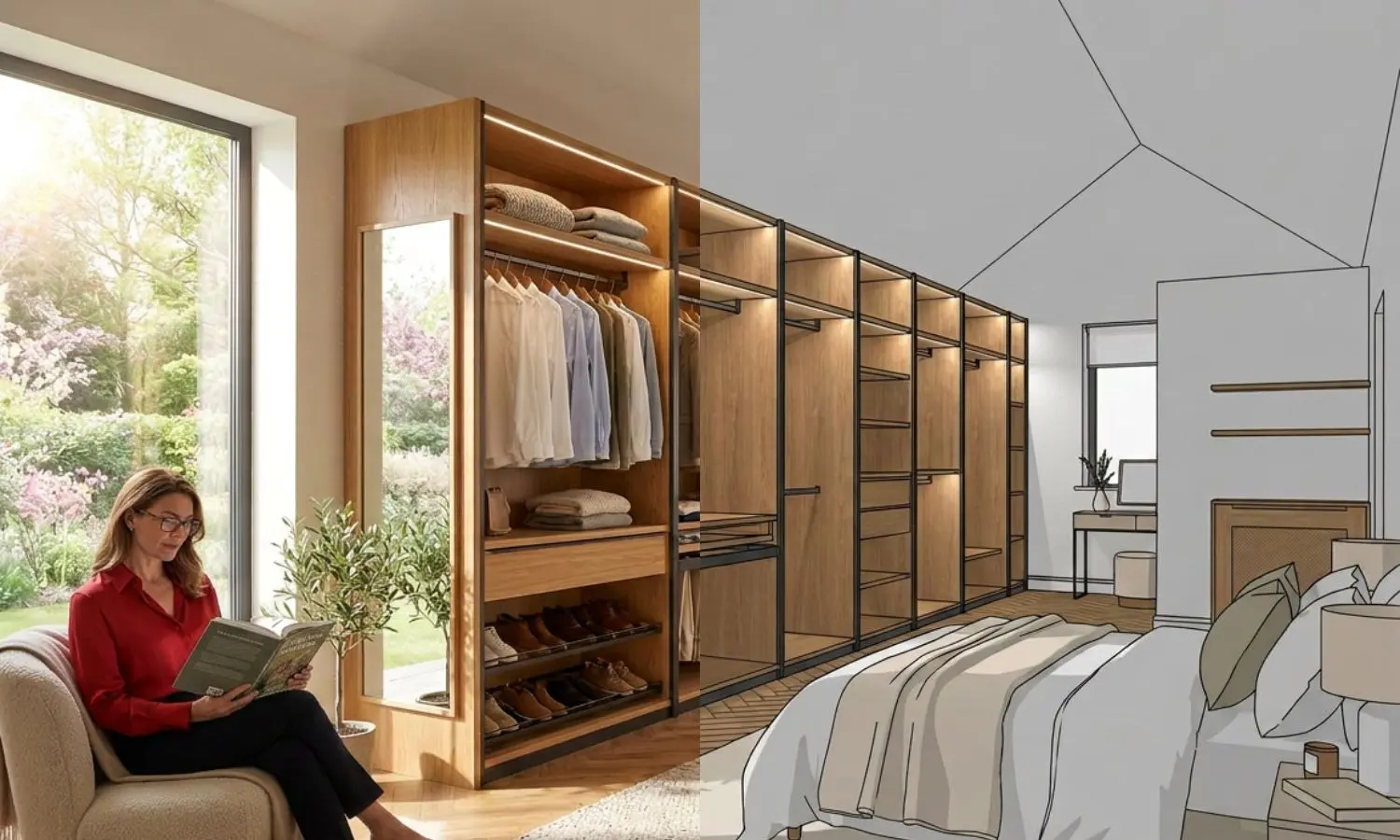
AI render editing uses artificial intelligence to modify existing interior renders without recreating the entire image. Designers can replace materials, furniture, colours, lighting, décor and finishes while preserving the original room geometry, making client revisions significantly faster.
Save Hours on Revision
Keep Original Layout
Happier Customers
Edit Instantly
Supports Designs from Any CAD or 3D Modeling Software







Design with Real Products. Sell More Projects.
Upload real furniture, lighting, tiles, flooring, worktops, cabinetry and decorative products from online/Google or your suppliers. KBB Render uses your product images to create realistic interior renders featuring the exact products your clients can purchase.
Upload Real Products
Add images froom Online/Google or your supplier.
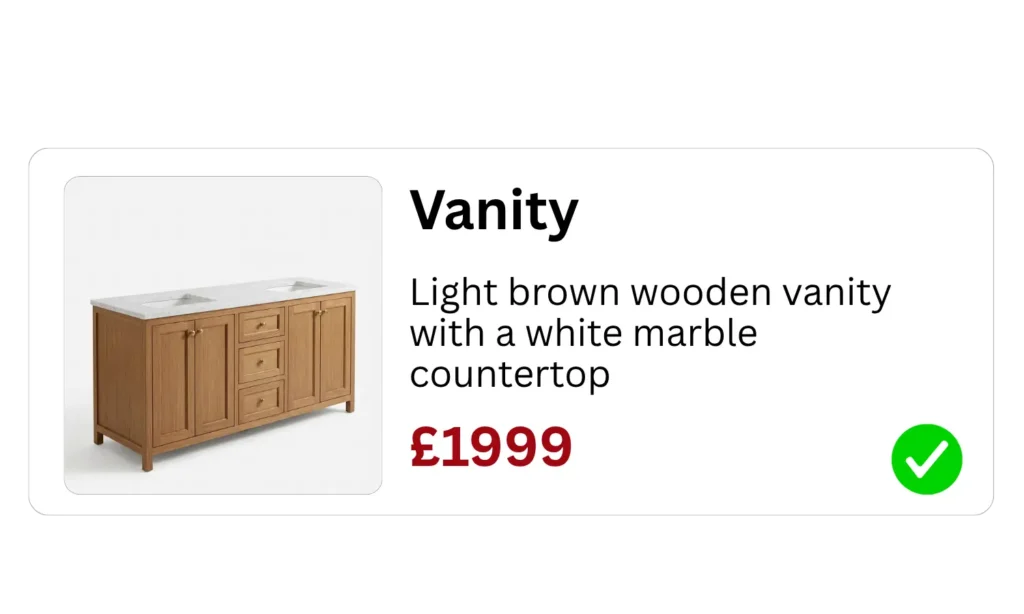



Use Real Products in Every Design
Instead of relying on generic AI furniture, upload images of real products from your favourite brands and instantly place them inside your interior renders.
- Upload real furniture products
- Use real pendant lights
- Apply real tiles & flooring
- Replace worktops with real materials
- Add real decorative accessories
- Showcase actual supplier collections
Increase Product Sales
Present products clients can purchase immediately.
Reduce Decision Time
Visualise real products before ordering.
Upsell Premium Products
Encourage clients to choose higher-value finishes and furniture.
Perfect for Manufacturers
Show entire product catalogues in realistic interiors.
Turn Every Interior Render into a Sales Tool
KBB Render doesn’t just create beautiful visualisations, it helps designers, kitchen studios and retailers sell real products by placing actual furniture, materials and finishes into realistic interior scenes.
Everything You Can Edit with AI
Transform existing SketchUp renders, CAD visualisations and interior design images by replacing materials, furniture, lighting, colours and décor without rebuilding your original render.
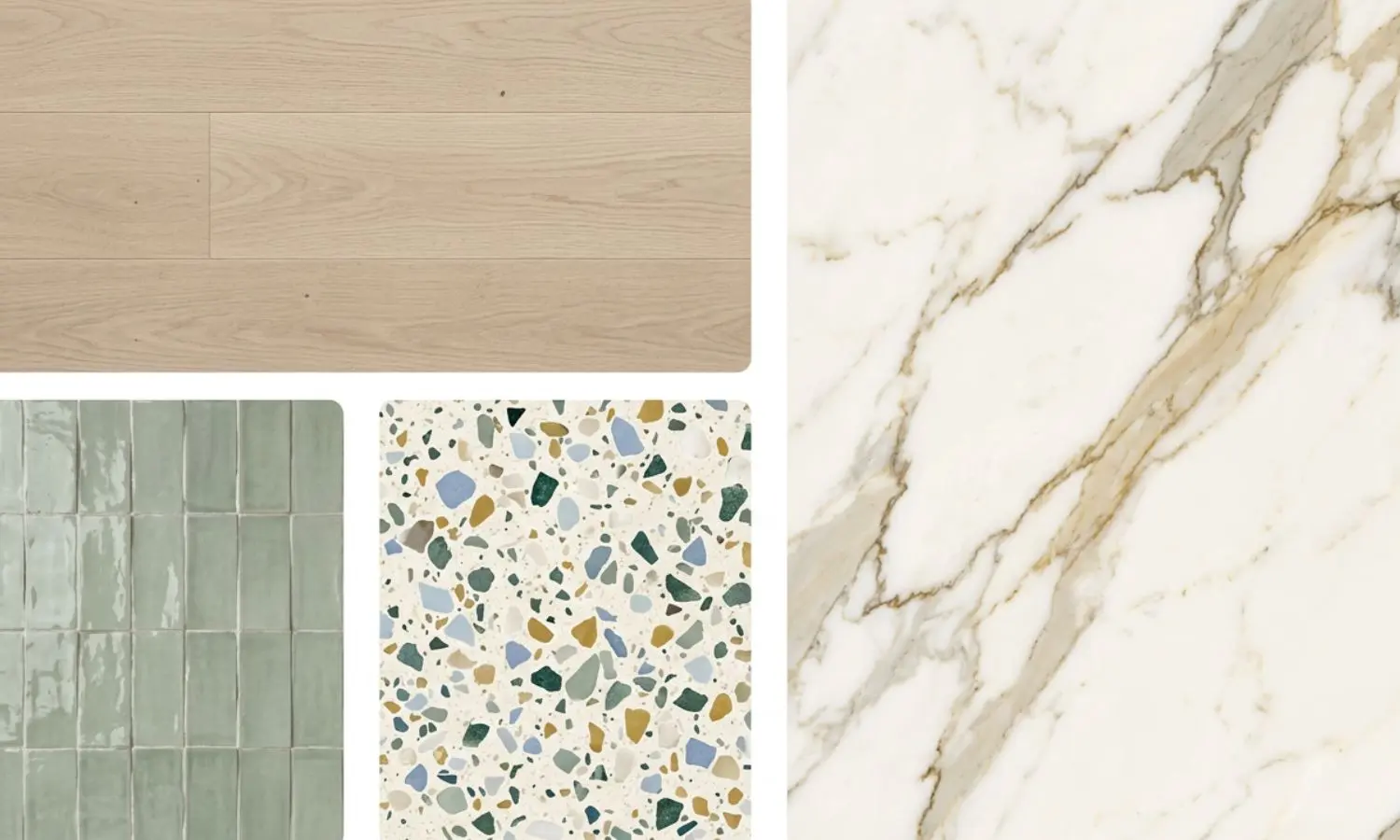
- Materials, Surfaces & Finishes
Replace flooring, tiles, worktops, cabinetry materials and wall finishes while preserving your original room layout, lighting and camera angle.
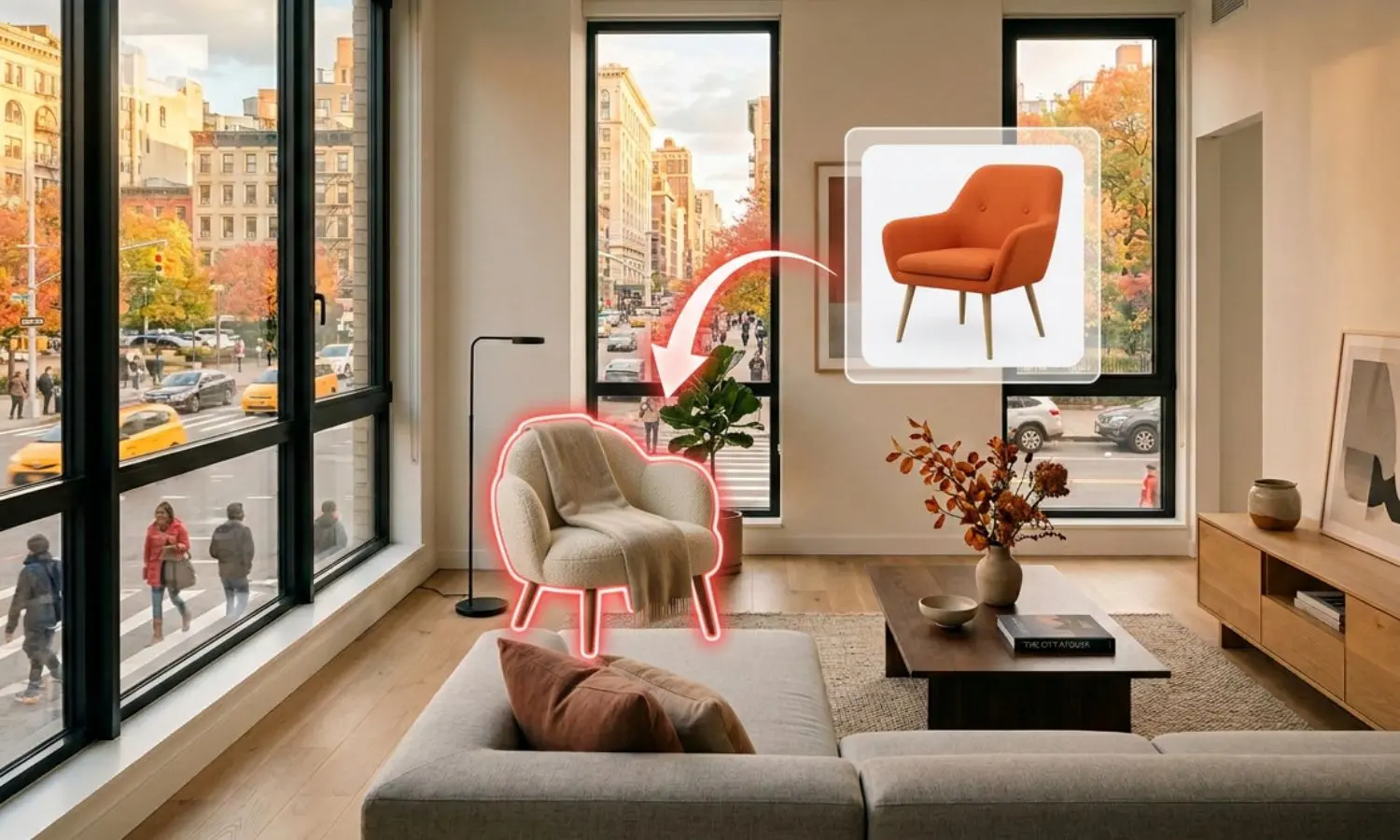
- Furniture Replacement
Replace sofas, dining sets, chairs, beds, wardrobes and decorative furniture to explore new layouts and interior design concepts in seconds.
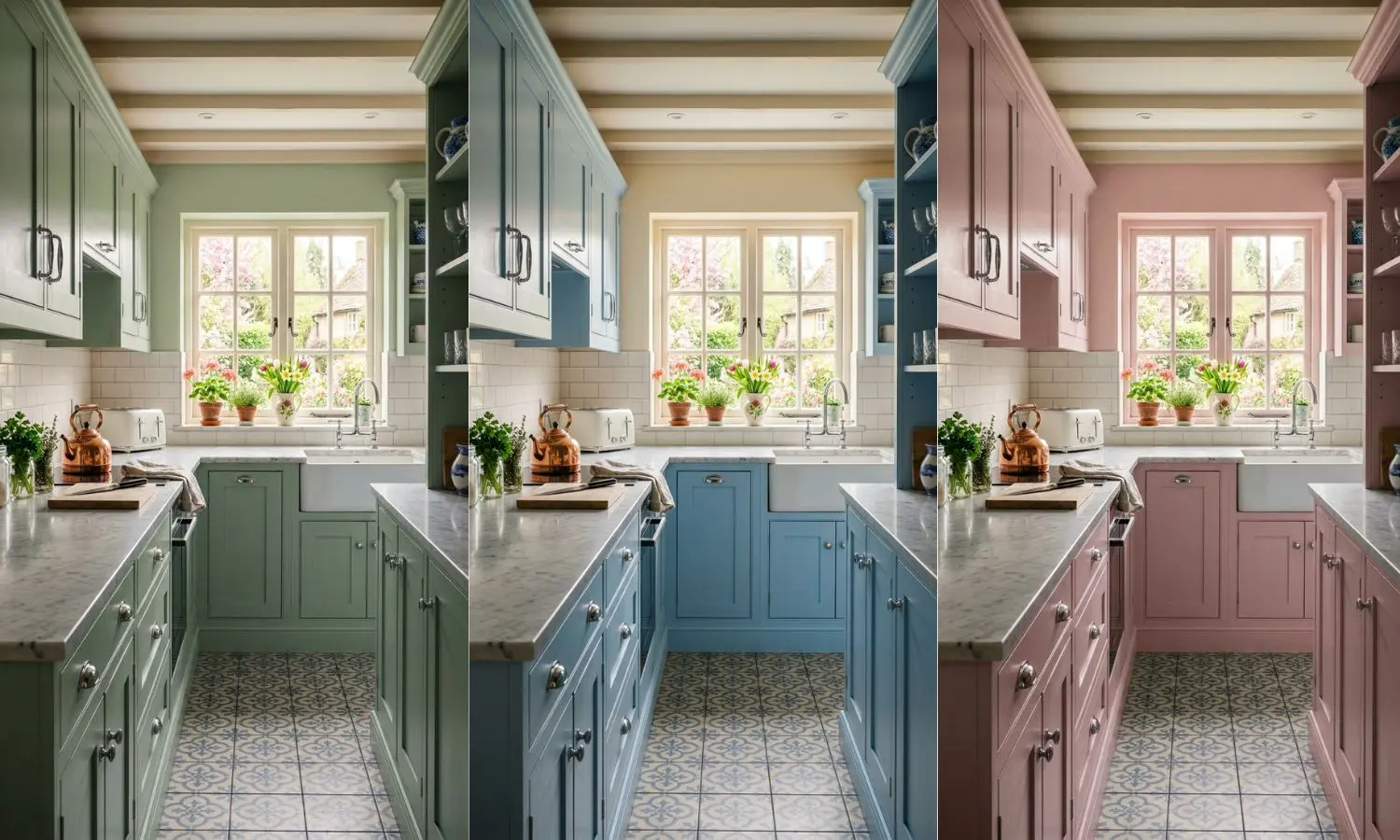
- Wall Colours, Cabinet Colours & Paint Finishes
Experiment with wall colours, cabinet finishes, paint palettes and decorative colour schemes to create multiple client-ready design options.
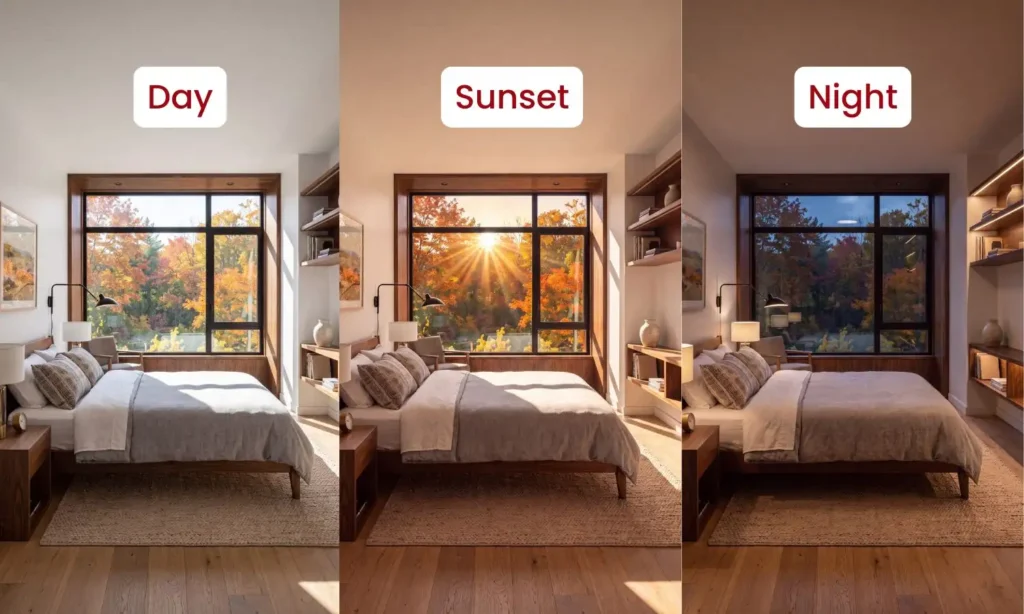
- Lighting & Time of Day
Adjust natural daylight, evening ambience, artificial lighting and brightness to showcase your interior design in different lighting conditions.
- People, Decor & Objects
Add or remove plants, artwork, accessories, lighting fixtures, decorative objects and people to create realistic, lived-in interior visualisations.
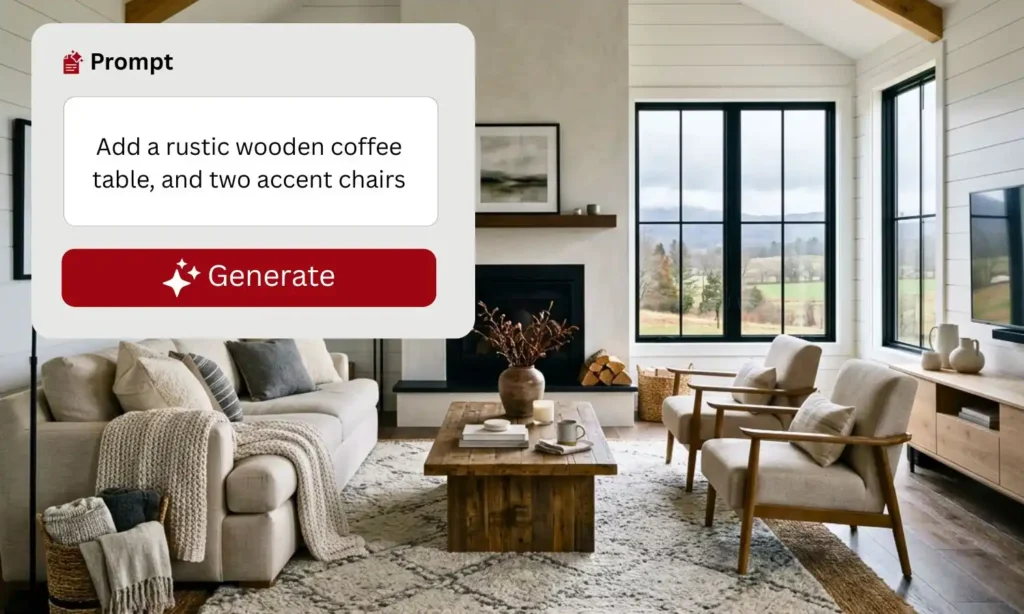
- Post-Render Edit
Describe the changes you want using simple text prompts and let AI update materials, furniture, colours, lighting and styling automatically.
Save Hours
Edit existing renders in seconds instead of rebuilding 3D scenes from scratch.
Preserve Layout
Keep your original room geometry, perspective and camera angle unchanged.
Unlimited Variations
Create multiple interior design concepts for every client presentation.
No Re-Rendering
Modify existing renders without returning to SketchUp or CAD software.
4K & 8K Export
Download high-resolution AI interior renders ready for presentations and marketing.
Instant Download
Generate, preview and download edited renders directly from your browser.
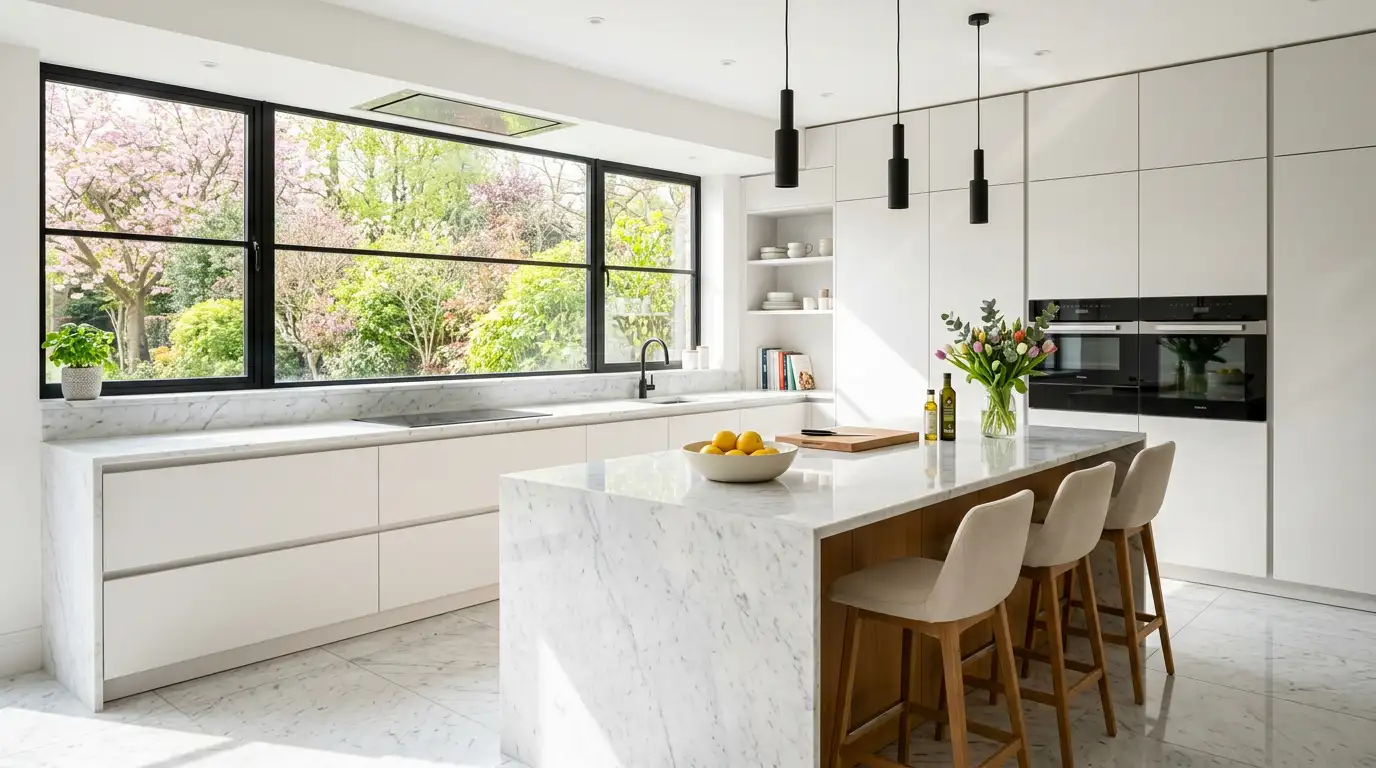
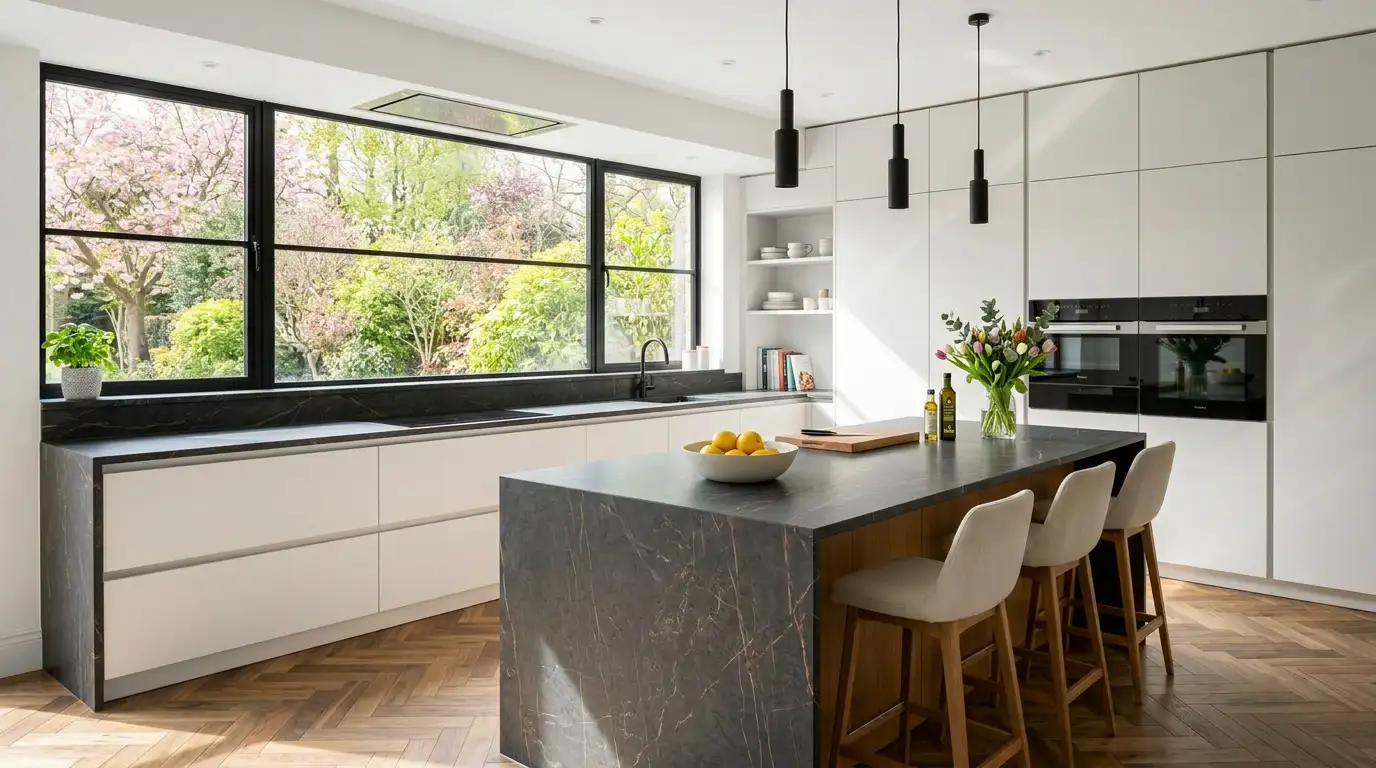
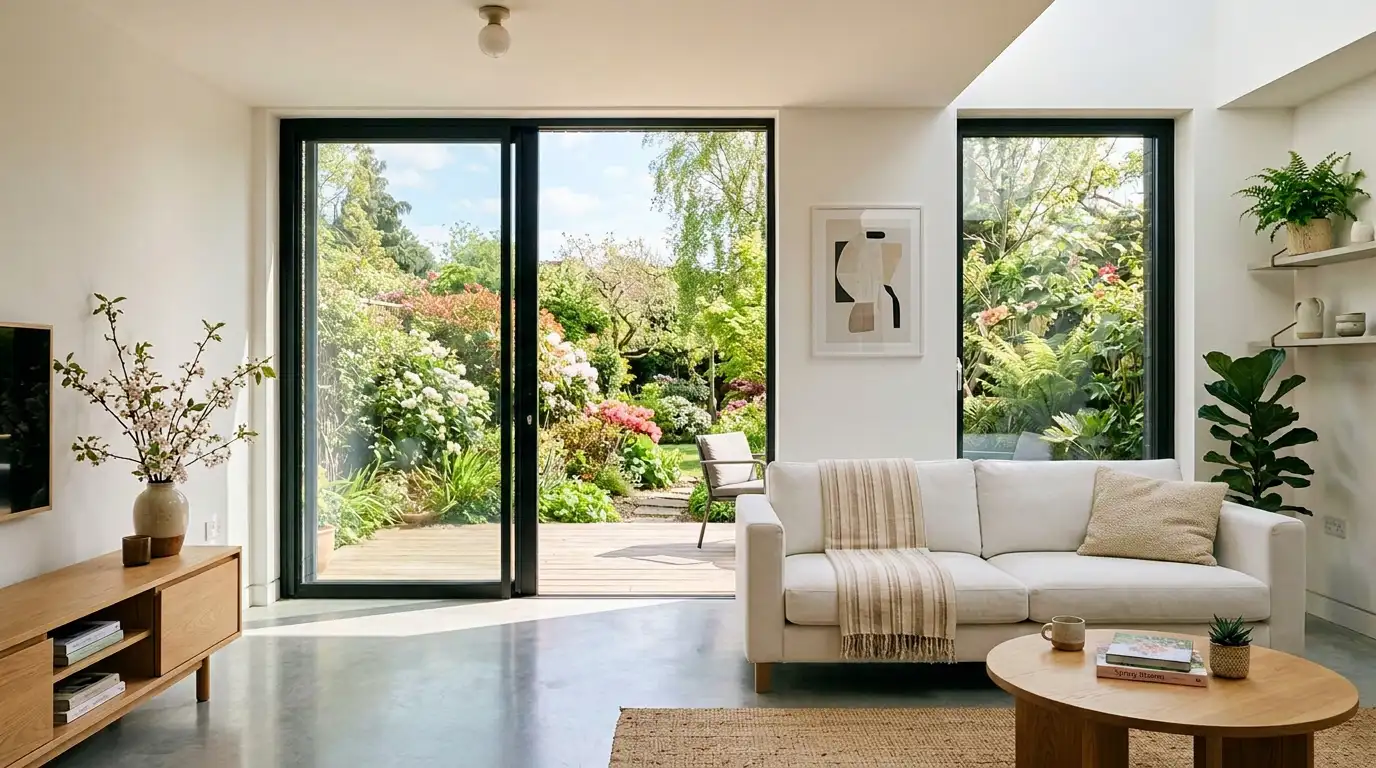
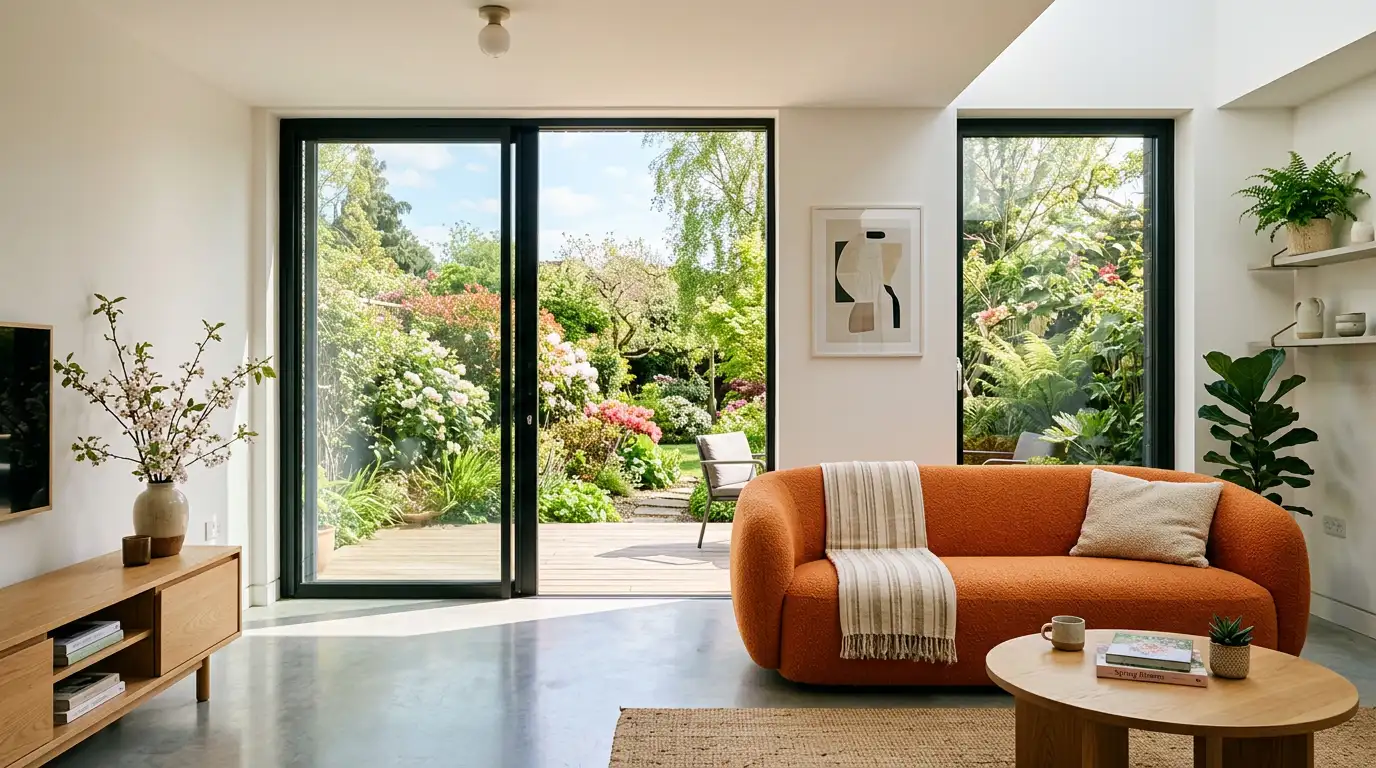
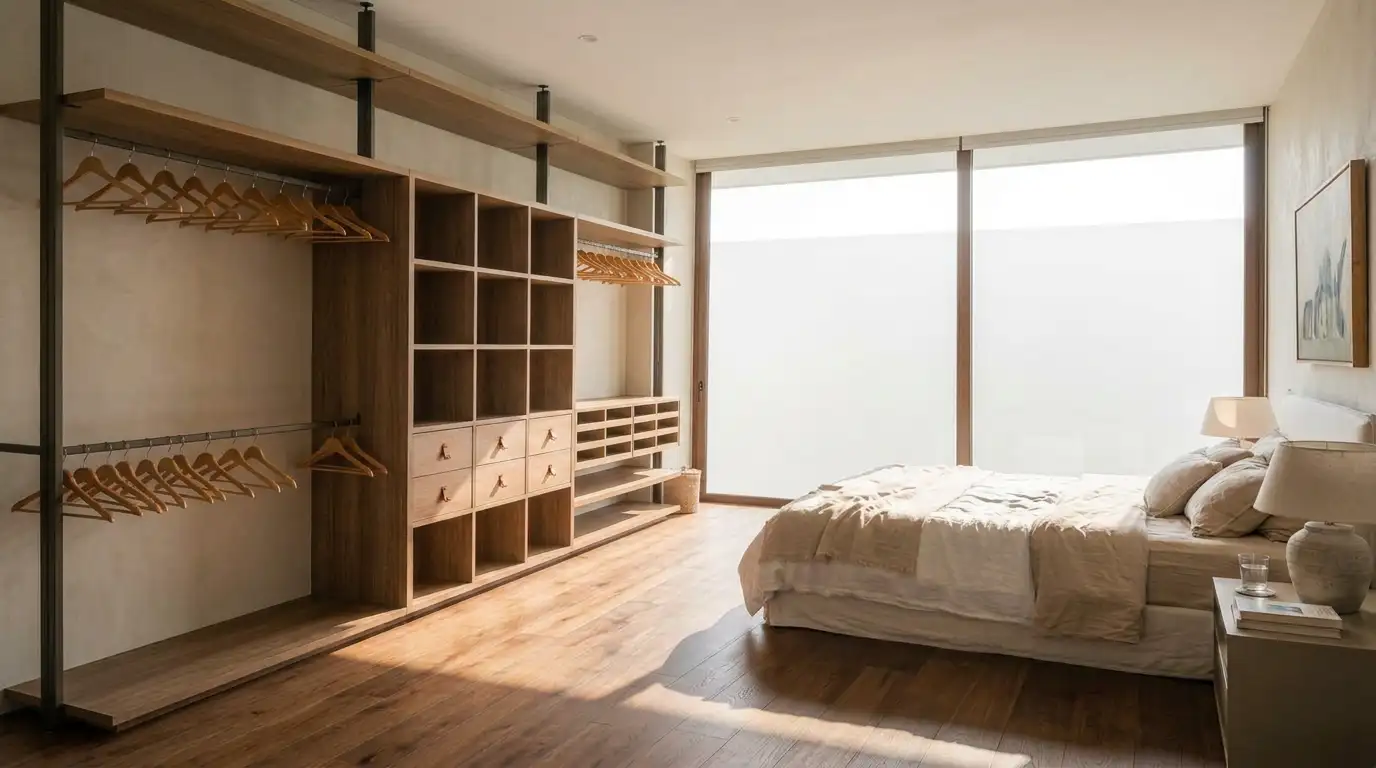
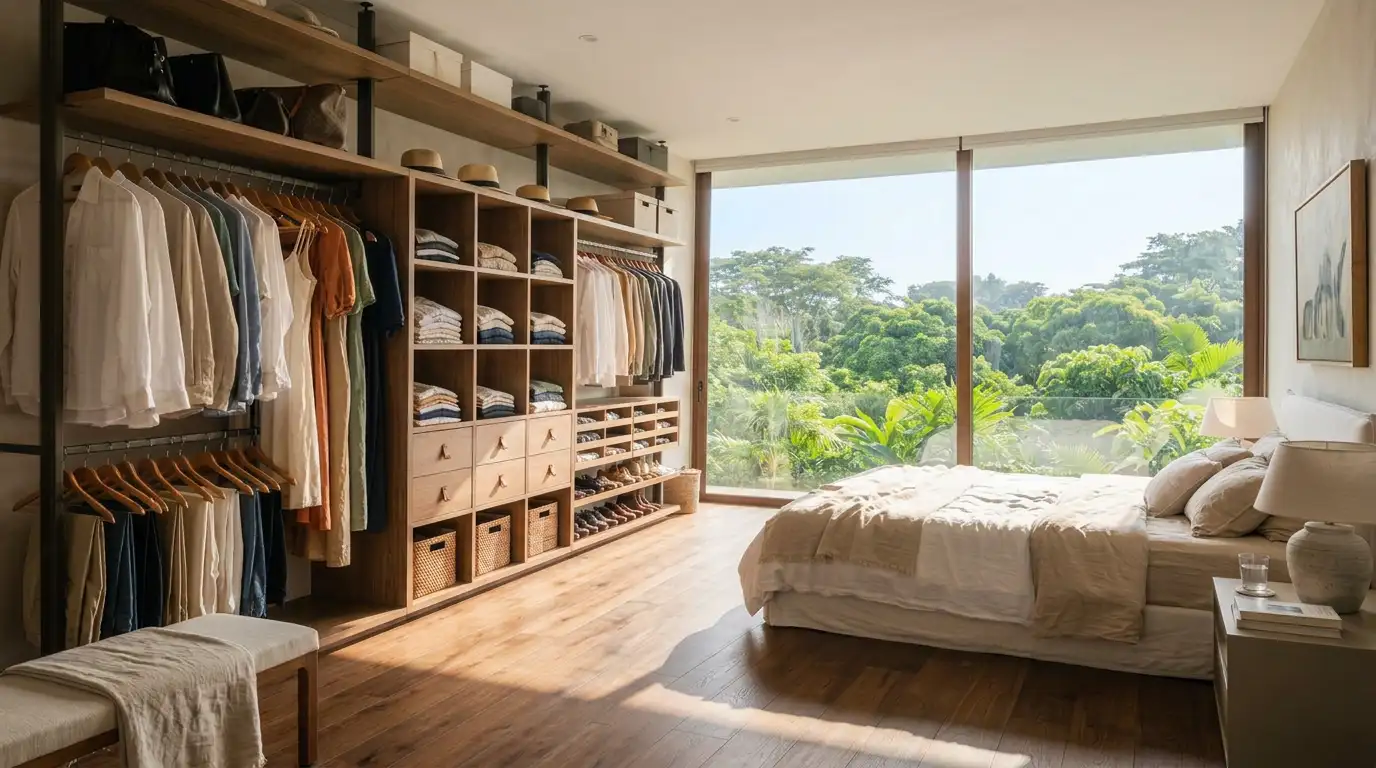
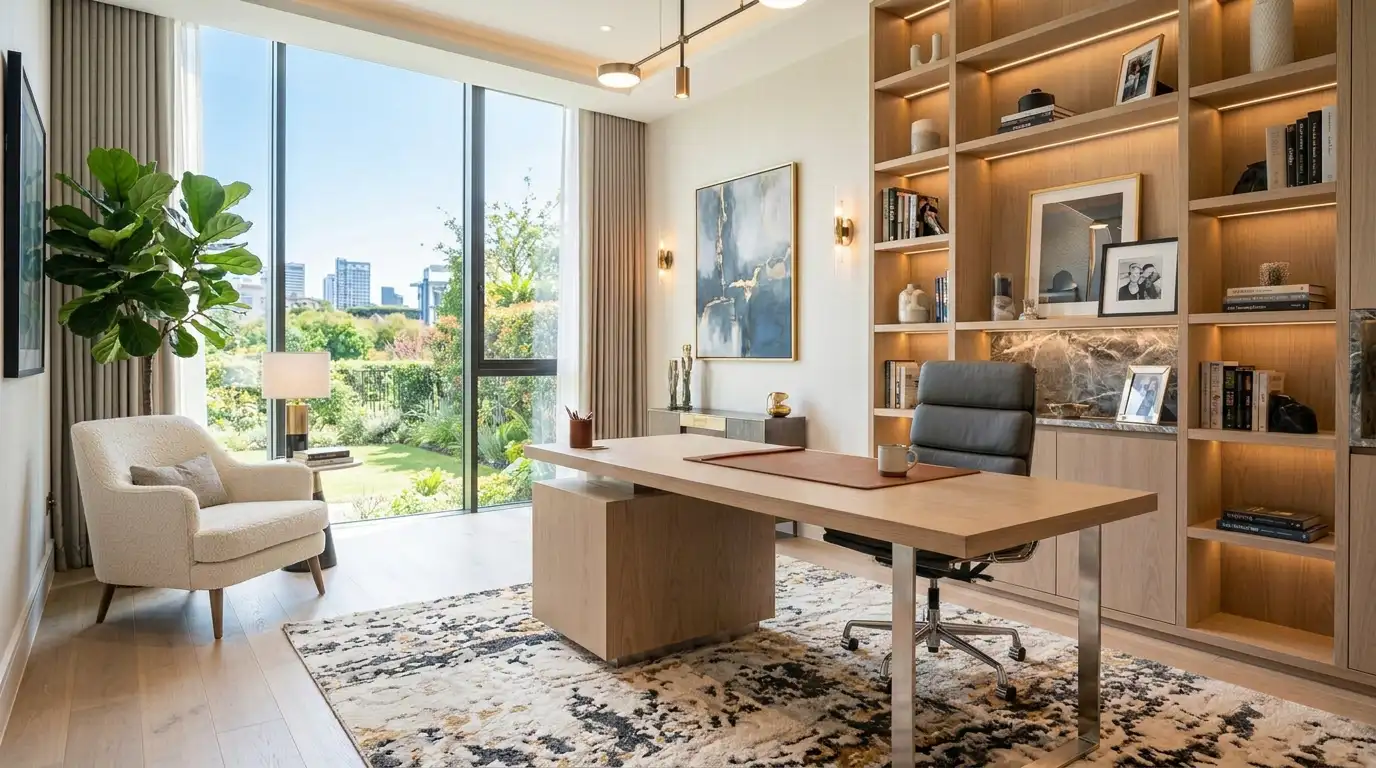
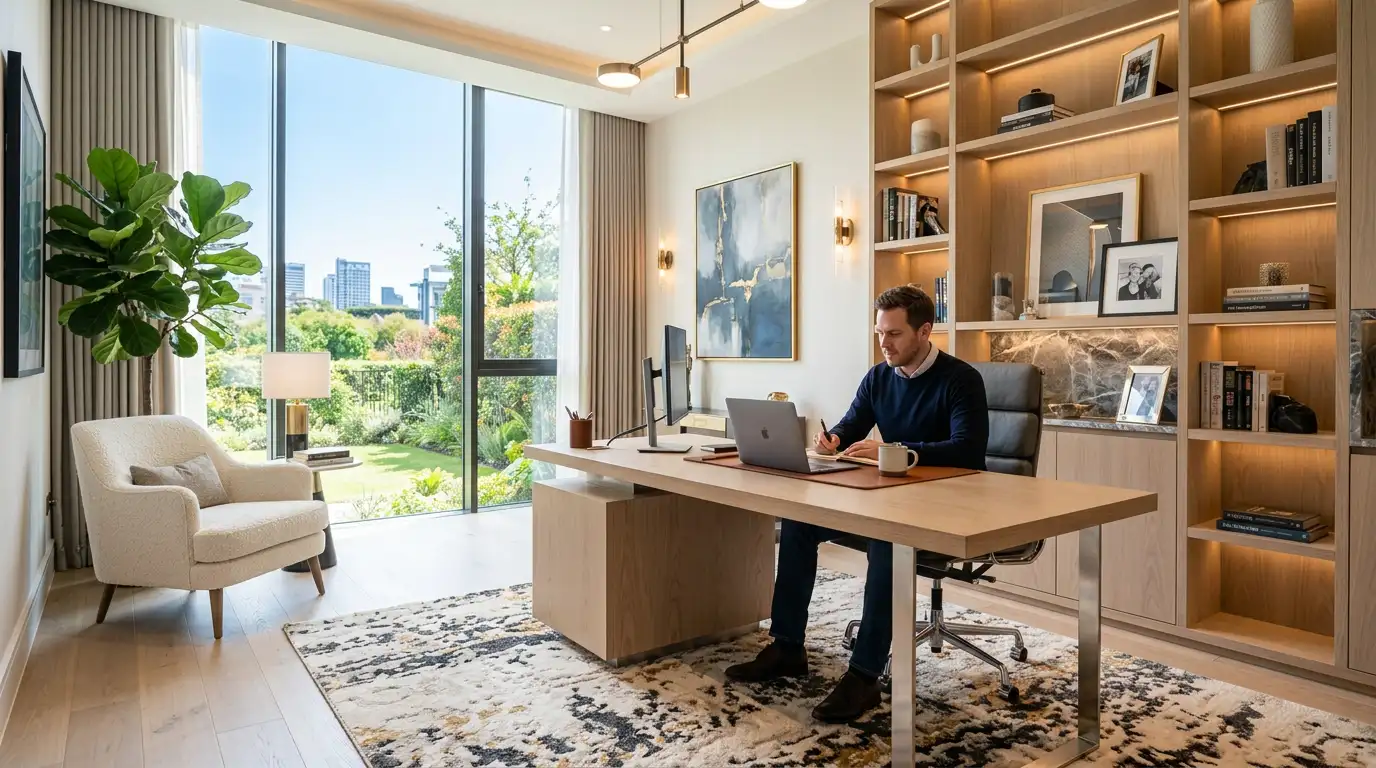
Compare AI Render Edits Side-by-Side
See how AI instantly transforms existing SketchUp renders, CAD visualisations and interior design images while preserving the original room layout, geometry and camera angle.
Replace Wood Flooring with Marble Tiles
Replace wood flooring, tiles, worktops and wall finishes to explore multiple material combinations without rebuilding your render.
Replace Modern Sofa with Contemporary Furniture
Swap sofas, dining furniture, beds and decorative pieces to create multiple interior design concepts for different client preferences.
Add Decorative Accessories to Interior Renders
Instantly add decorative objects, artwork, plants and accessories to make interior renders feel more realistic and lived in.
Refresh Colours & Paint Finishes
Experiment with wall colours, cabinet finishes and decorative paint schemes while preserving every architectural detail.


Add People & Lifestyle Elements
Insert realistic people, pets and lifestyle objects to create emotional, presentation-ready interior visualisations.
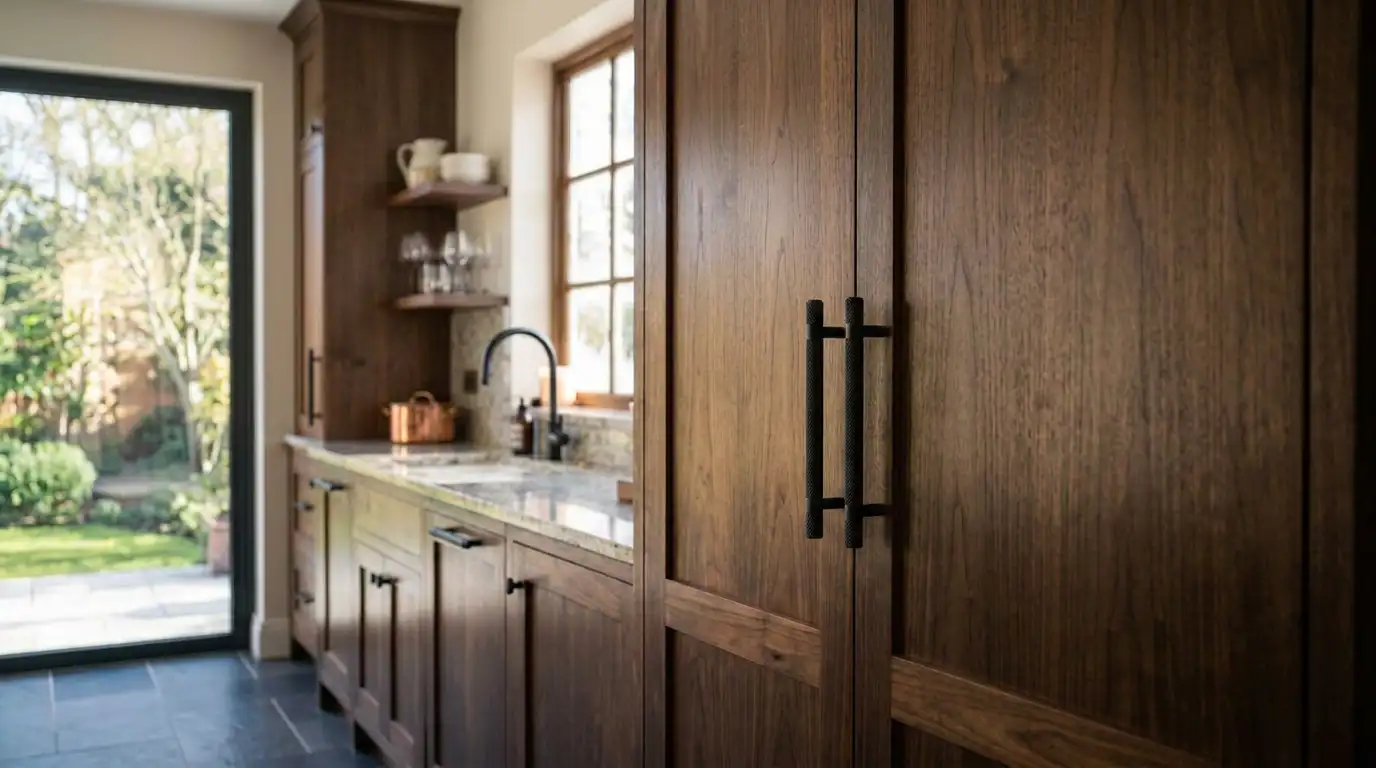
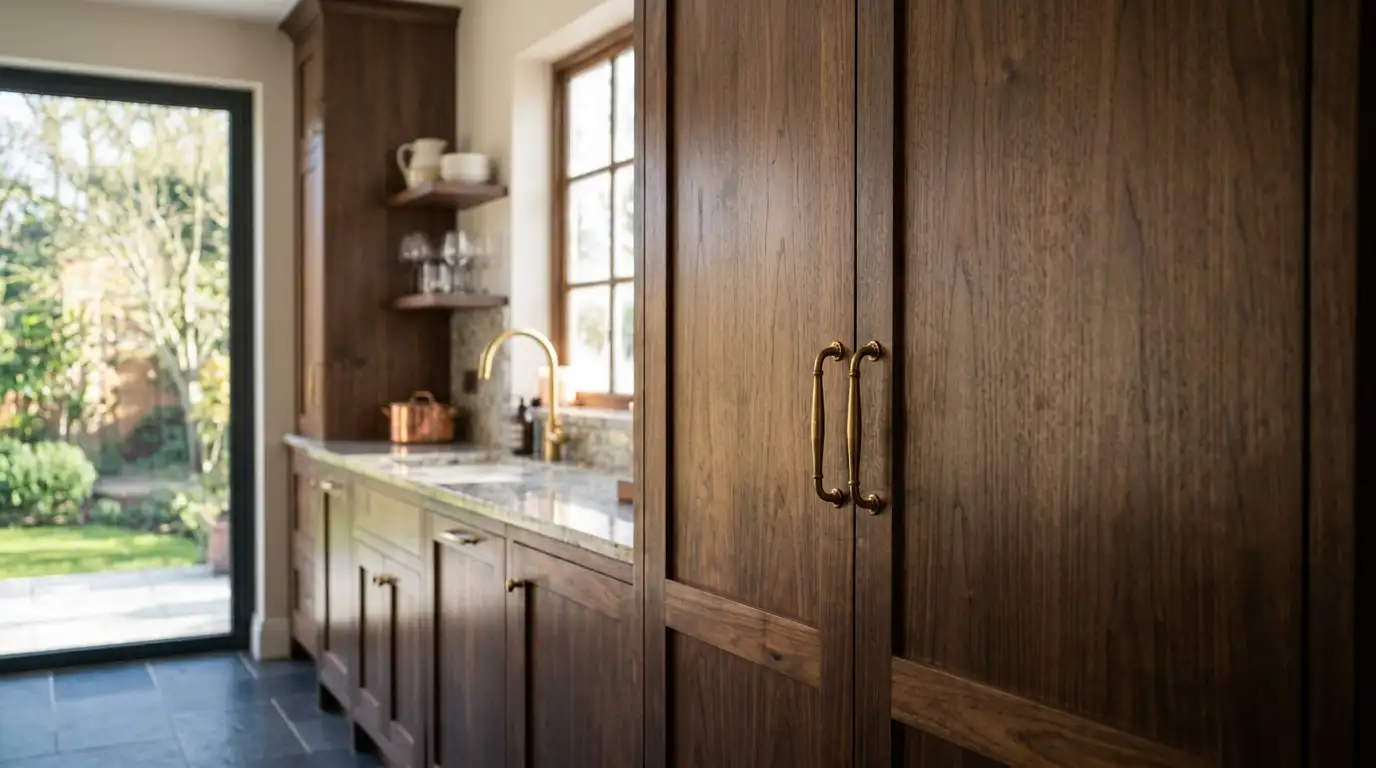
Replace Furnitures, Fixtures & Elements
Highlight key design elements to showcase fixtures and materials while maintaining realistic composition.
Why Interior Designers Choose AI Render Editing
Edit existing SketchUp renders, CAD visualisations and interior design images in minutes instead of rebuilding projects from scratch. Deliver client revisions faster, create unlimited design options and present professional 4K & 8K renders with less manual work.

Save Time
Complete client revisions up to 10× faster by editing existing renders instead of returning to SketchUp or CAD software for every design change.

Easy to Use
No advanced CAD skills or complex workflows required. Simply upload your render, describe the changes or select what to edit and let AI do the work.

Reduce Revisions
Create multiple design options instantly, helping clients make faster decisions and reducing lengthy revision cycles.

Win More Projects
Present more concepts in less time, impress clients with realistic visualisations and increase project approval rates.

Works Anywhere
Access KBB Render from any browser on PC, tablets & mobiles phone. Edit, generate and download your renders from anywhere.
Frequently Asked Questions
Can I edit an existing SketchUp render?
Yes. KBB Render lets you edit existing SketchUp renders, CAD visualisations and interior design images without rebuilding the original 3D model. Materials, furniture, colours, lighting and décor can all be updated while preserving the room layout.
How can I edit a render without re-rendering?
A detailed answer to provide information about your business, build trust with potential clients, and help convince the visitor that you are a good fit for them.
Can I change materials in a render after it's finished?
A detailed answer to provide information about your business, build trust with potential clients, and help convince the visitor that you are a good fit for them.
How do I change wall colours in a render?
A detailed answer to provide information about your business, build trust with potential clients, and help convince the visitor that you are a good fit for them.
Can AI replace furniture in a render?
A detailed answer to provide information about your business, build trust with potential clients, and help convince the visitor that you are a good fit for them.
Can I add furniture to an existing render?
A detailed answer to provide information about your business, build trust with potential clients, and help convince the visitor that you are a good fit for them.
How can I create multiple design options from one render?
A detailed answer to provide information about your business, build trust with potential clients, and help convince the visitor that you are a good fit for them.
Can I edit kitchen renders after they've been created?
A detailed answer to provide information about your business, build trust with potential clients, and help convince the visitor that you are a good fit for them.
How accurate are AI render edits?
A detailed answer to provide information about your business, build trust with potential clients, and help convince the visitor that you are a good fit for them.
Do I need CAD software to edit a render?
A detailed answer to provide information about your business, build trust with potential clients, and help convince the visitor that you are a good fit for them.
How can render animation help me win more design projects?
A detailed answer to provide information about your business, build trust with potential clients, and help convince the visitor that you are a good fit for them.
Can I edit a SketchUp render?
Can I edit an existing SketchUp render?
Watch Tutorials
Learn How to use every tool with our step by step video tutorials.
KBB Render Quick-Start Guide
The complete system for creating client-ready visualisations with precision and speed.
Book a Live Demo
Learn How to use every tool with our step by step video tutorials.
Start Creating Stunning Interior Visuals with AI
Save Hours Every Week
Cancel Anytime
Full Acess to All Tools
Join 1000+ designers already using KBB Render.