
AI Rendering Platform
From Sketch to Photorealistic Renders
- Kitchen
- Bedroom
- Bathroom
AI Rendering Software for Interior Designers, Architects & KBB Professionals.
Create photorealistic interior renders, edit materials and furniture, transform inspiration into new concepts, and generate cinematic walkthroughs.
Trusted By KBB Studios & Designers

























What is KBB Render
KBB Render is an AI interior visualisation platform built specifically for interior designers, architects and KBB professionals. Instead of using multiple software applications, KBB Render combines AI rendering, AI editing, AI animation and AI Inspiration Transfer into one browser-based platform.
Generate photorealistic interior visualisations from SketchUp models, CAD drawings, concept sketches and existing renders while preserving your original room layout.
No CAD Expertise Required
4K & 8K Ultra HD Exports
Secure Cloud Platform
Keep Original Layout
Instant client revisions
Win more client approvals
AI Interior Visualisation Platform
Start Creating in 3 Simple Steps.
Generate photorealistic AI interior renders from any CAD exports, architectural drawings or concept sketches in seconds. KBB Render preserves your original room geometry while producing presentation-ready visualisations for kitchens, bedroom, bathrooms, and living spaces.
Choose the workflow that matches your project. AI Render Tool, AI Edit Tool , AI Inspiration Transfer or AI Animation depending on what you want to create.
1. Choose Your AI Tool
Upload a SketchUp model, CAD drawing or concept sketch. KBB Render supports the files and workflows interior design professionals already use.
2. Upload Your Project
Create photorealistic interior renders, edit materials and furniture, transfer design styles or generate cinematic AI walkthroughs.
3. Generate Your Result
Works with your favorite tools and formats







AI Render Tool
AI Edit Tool
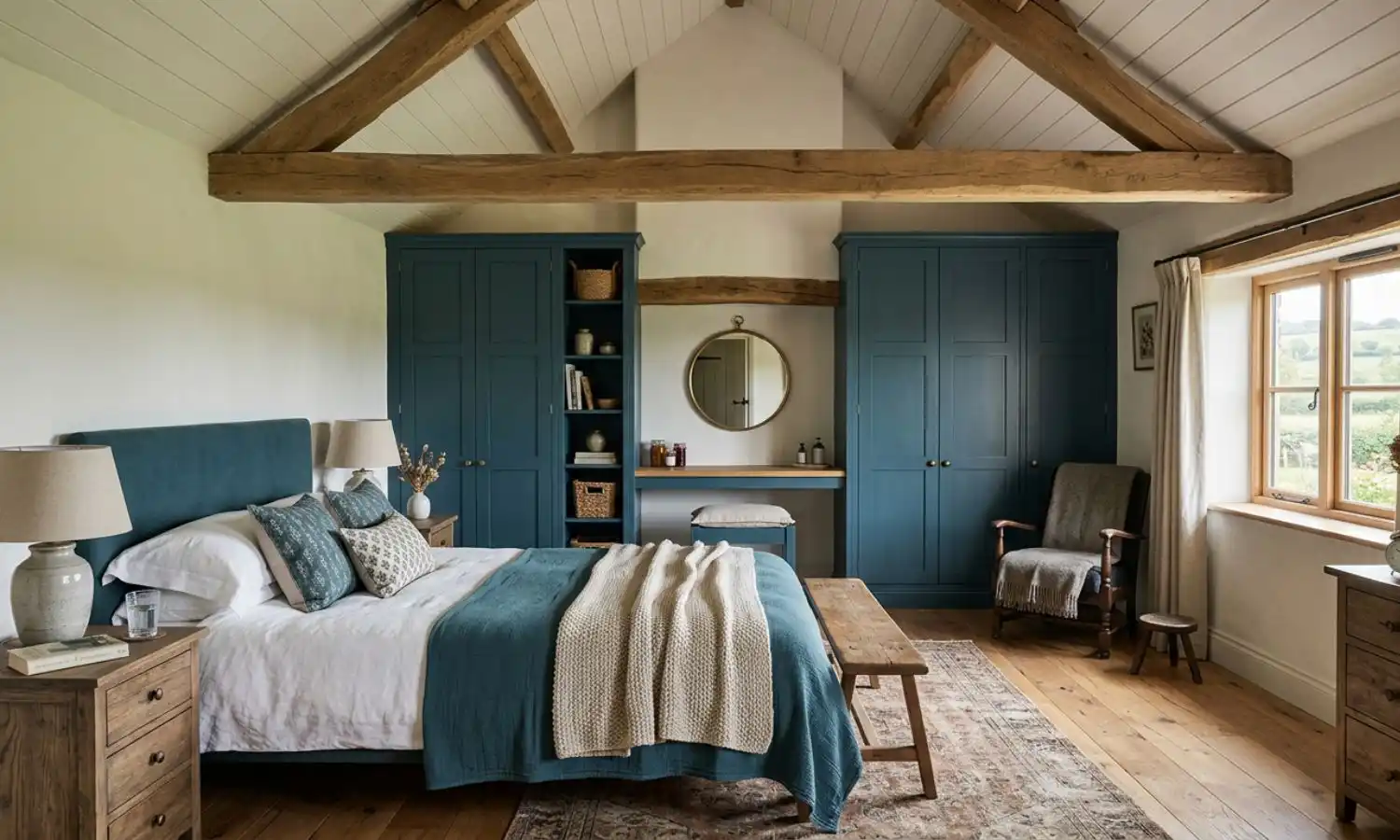
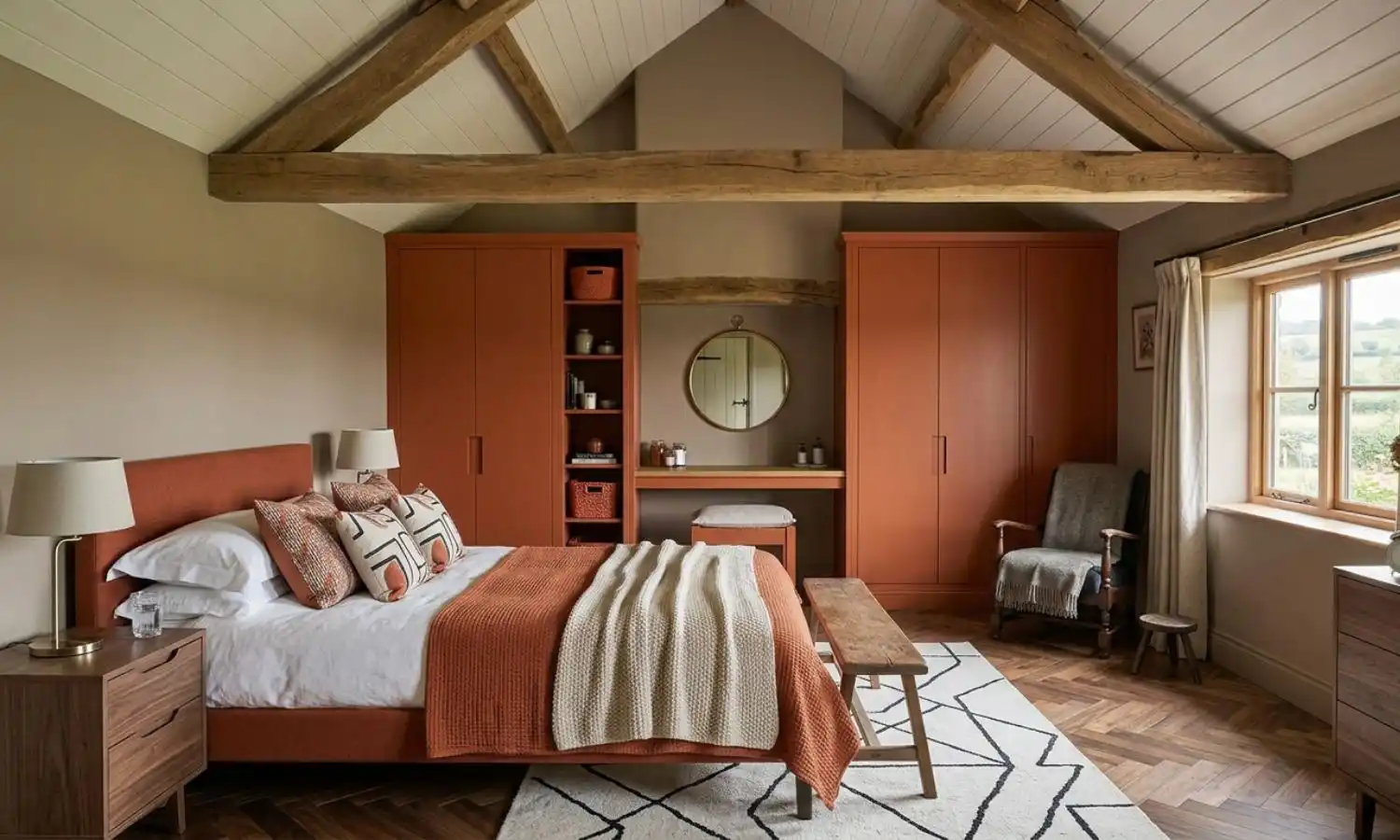
AI Inspiration Transfer
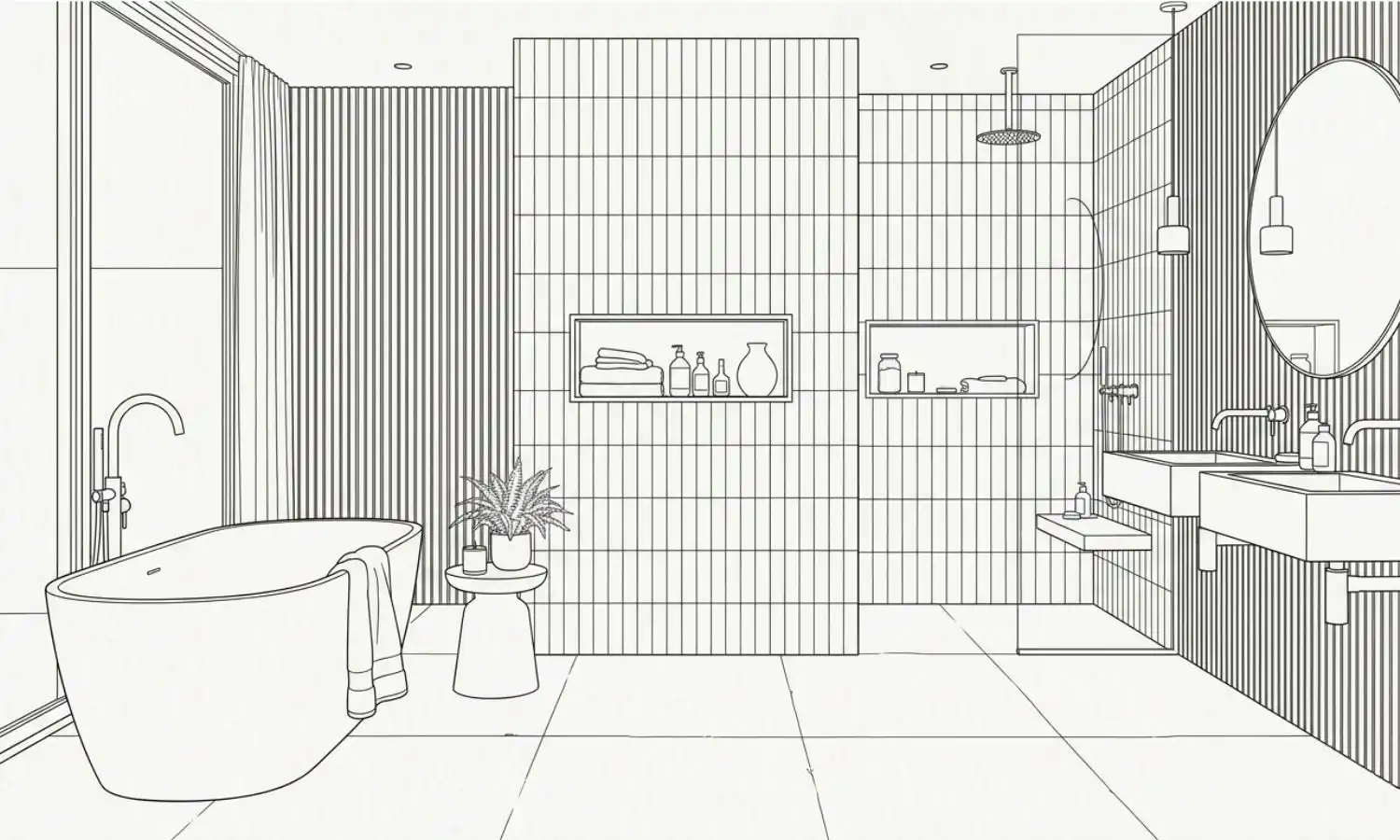
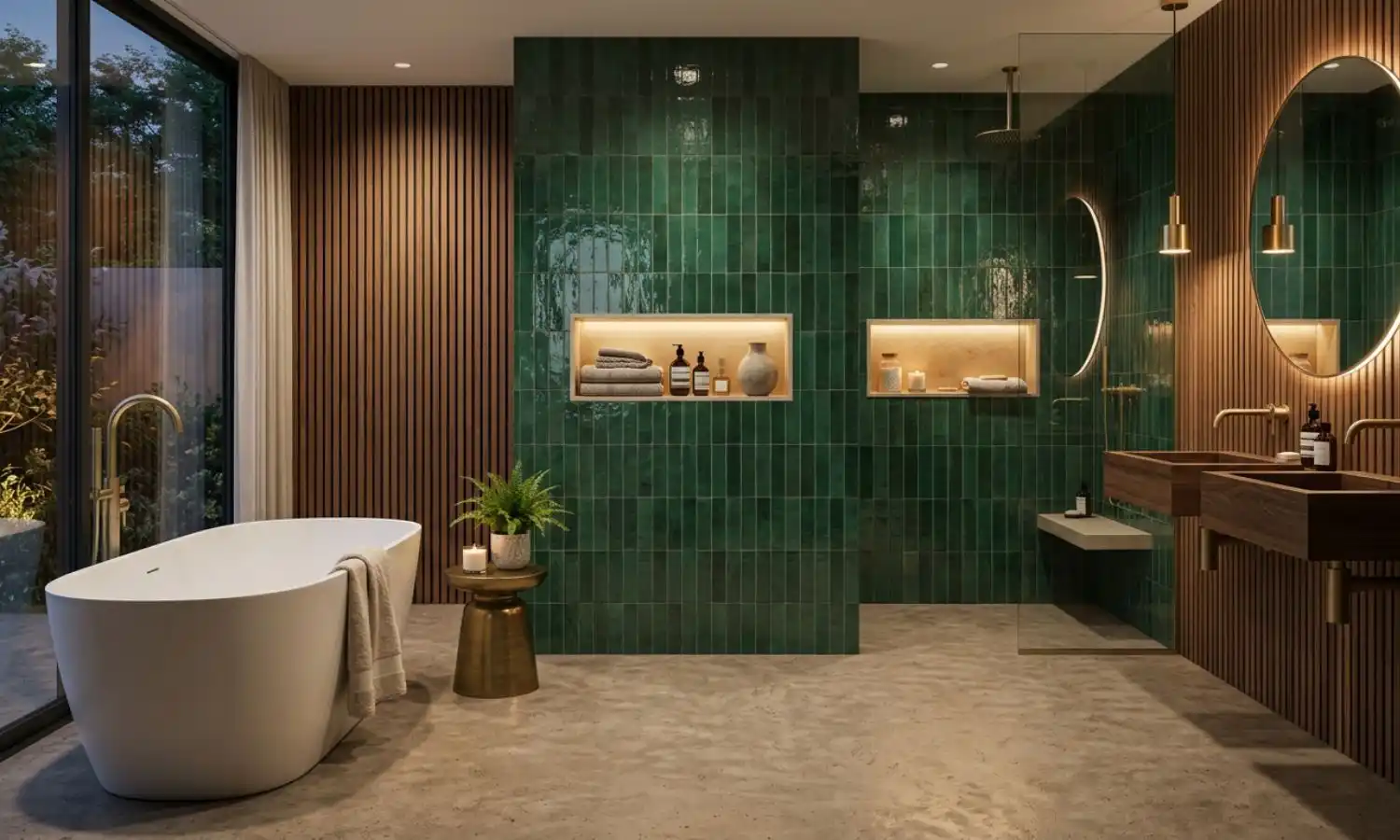
AI Animation
AI RENDER TOOL
Generate photorealistic interior renders in seconds.
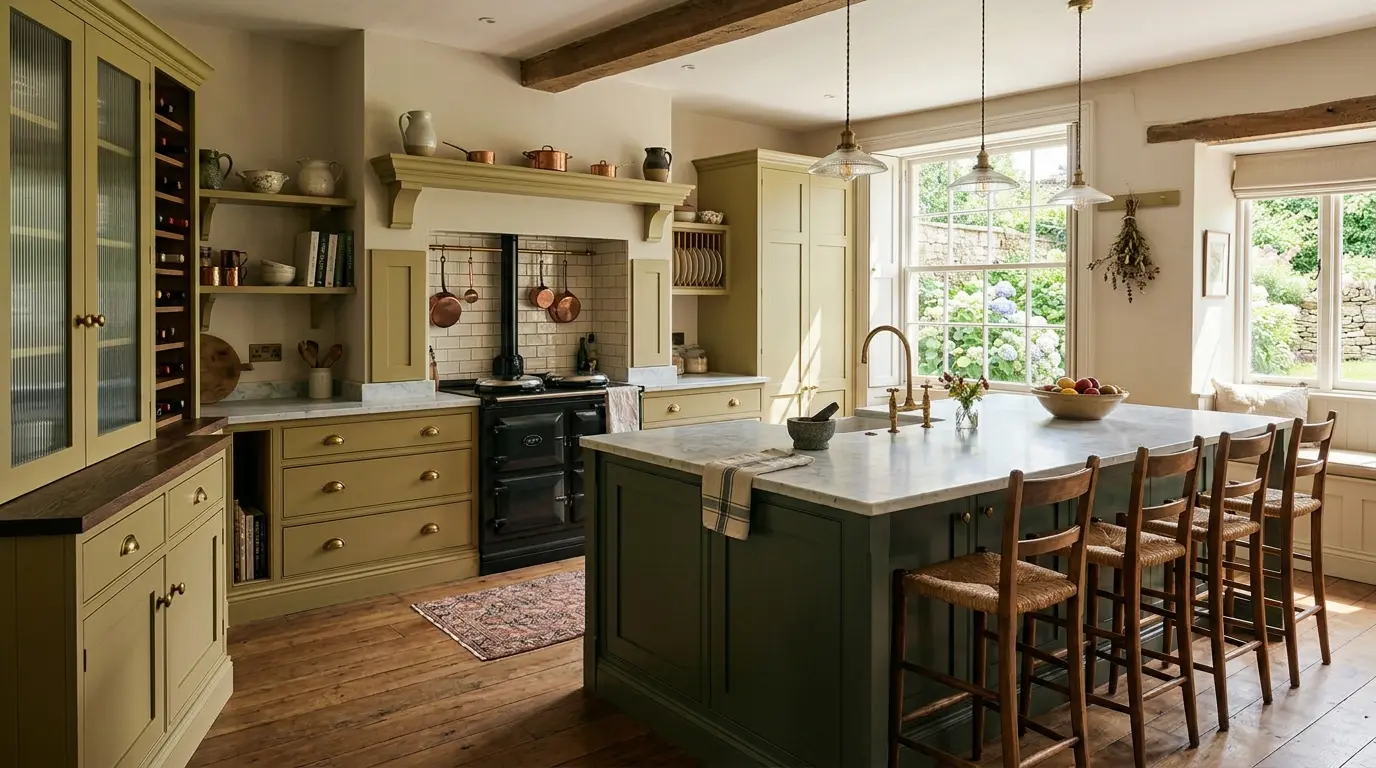
Generate photorealistic AI interior renders from any CAD exports, architectural drawings or concept sketches in seconds. KBB Render preserves your original room geometry while producing presentation-ready visualisations for kitchens, bathrooms, bedrooms and living spaces.
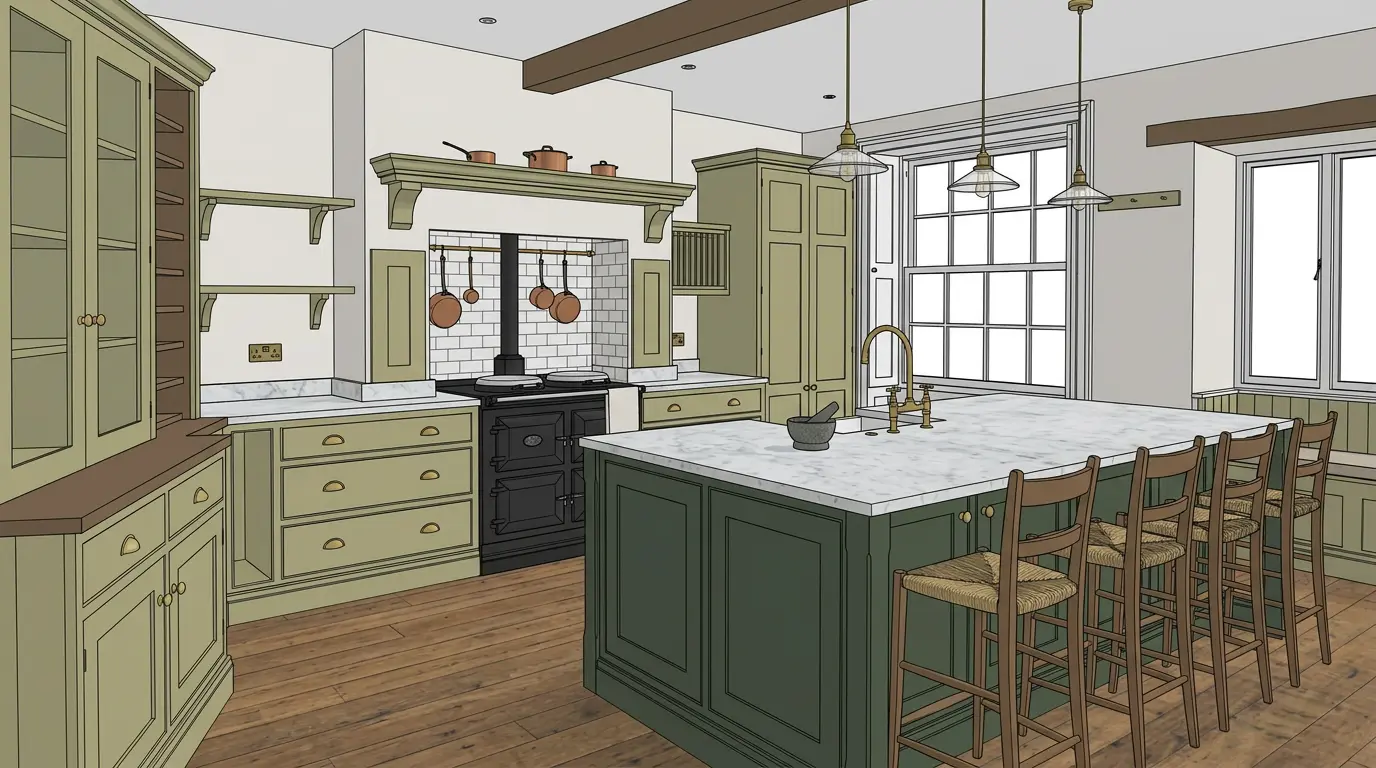
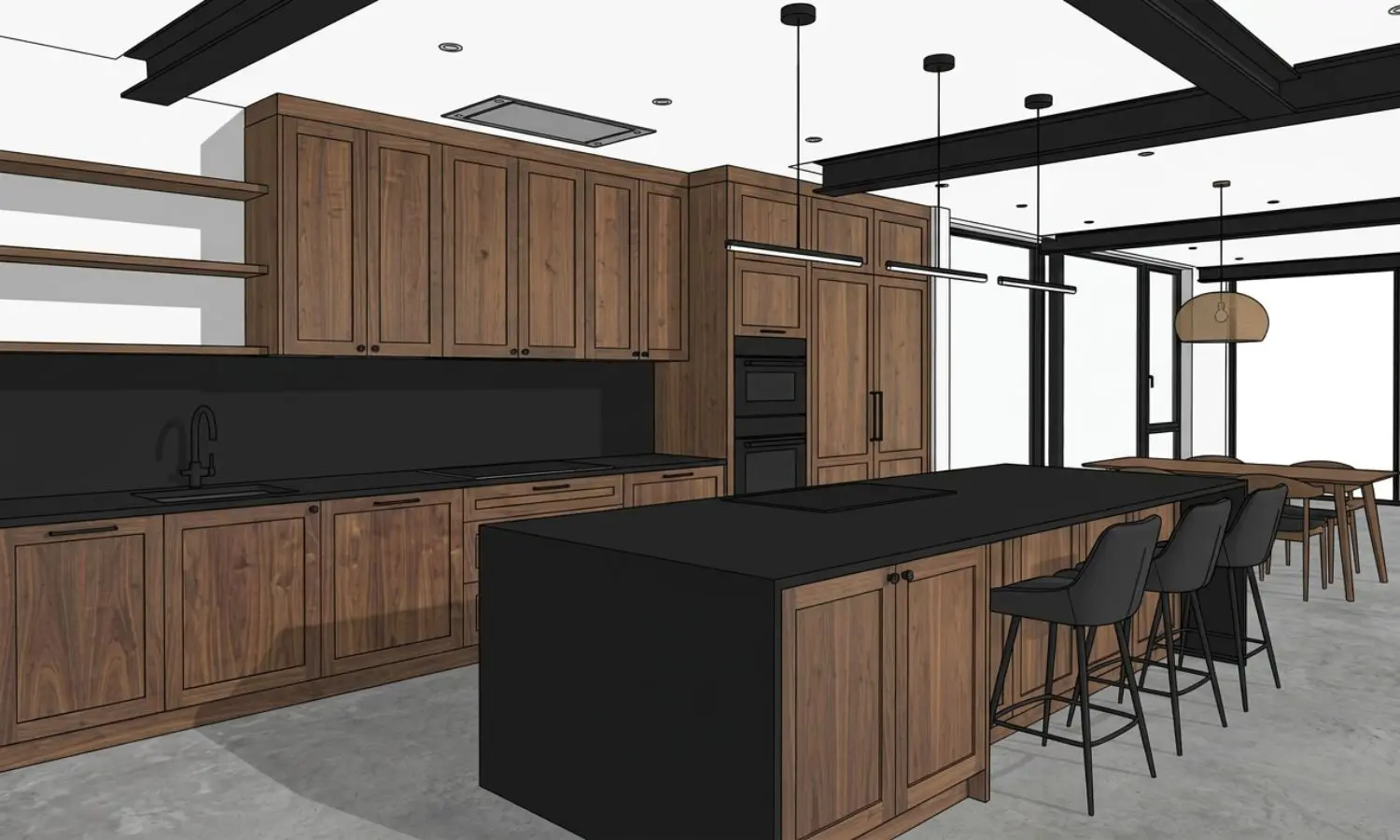
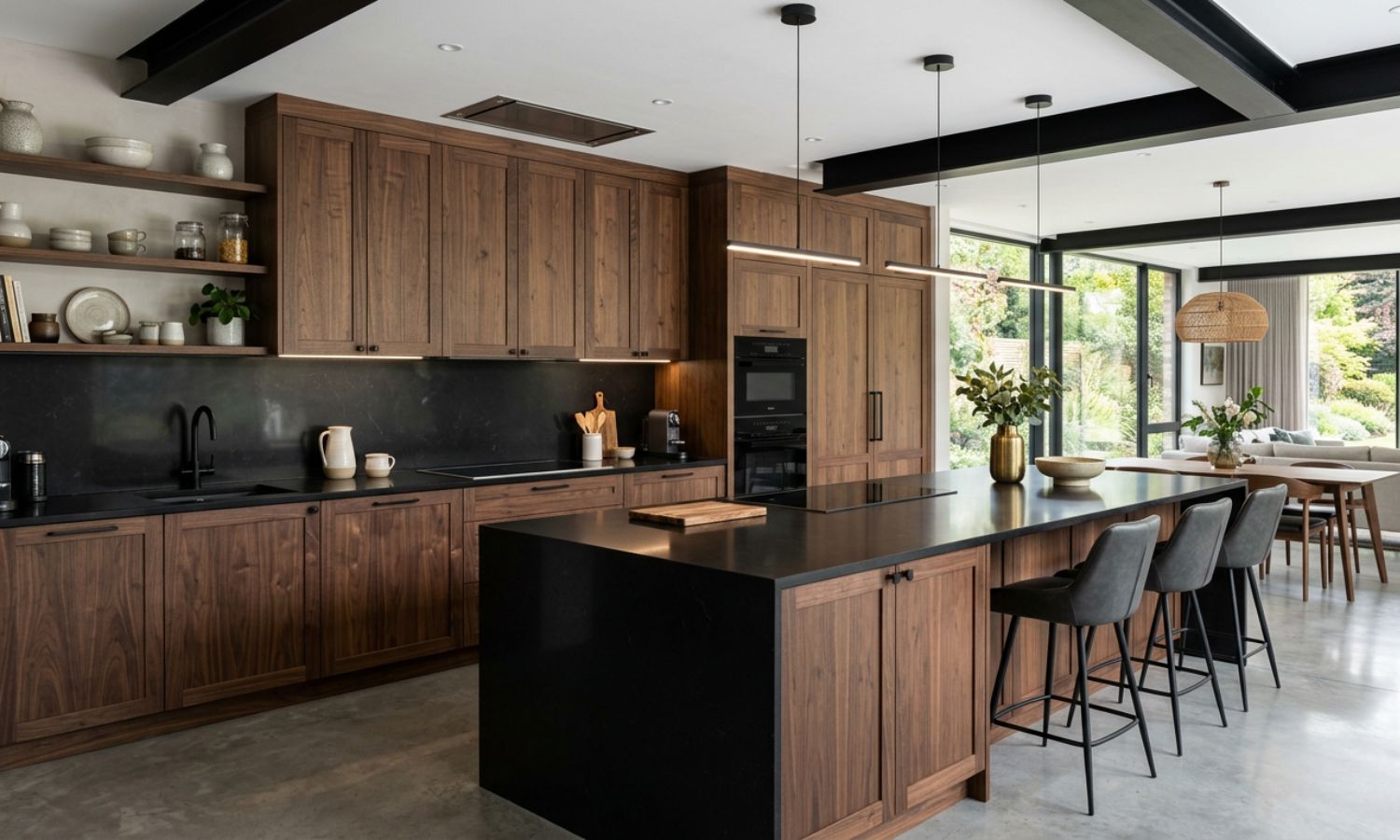
Sketch to Render
Transform concept sketches, into photorealistic interior renders ready for client presentations and design approvals.
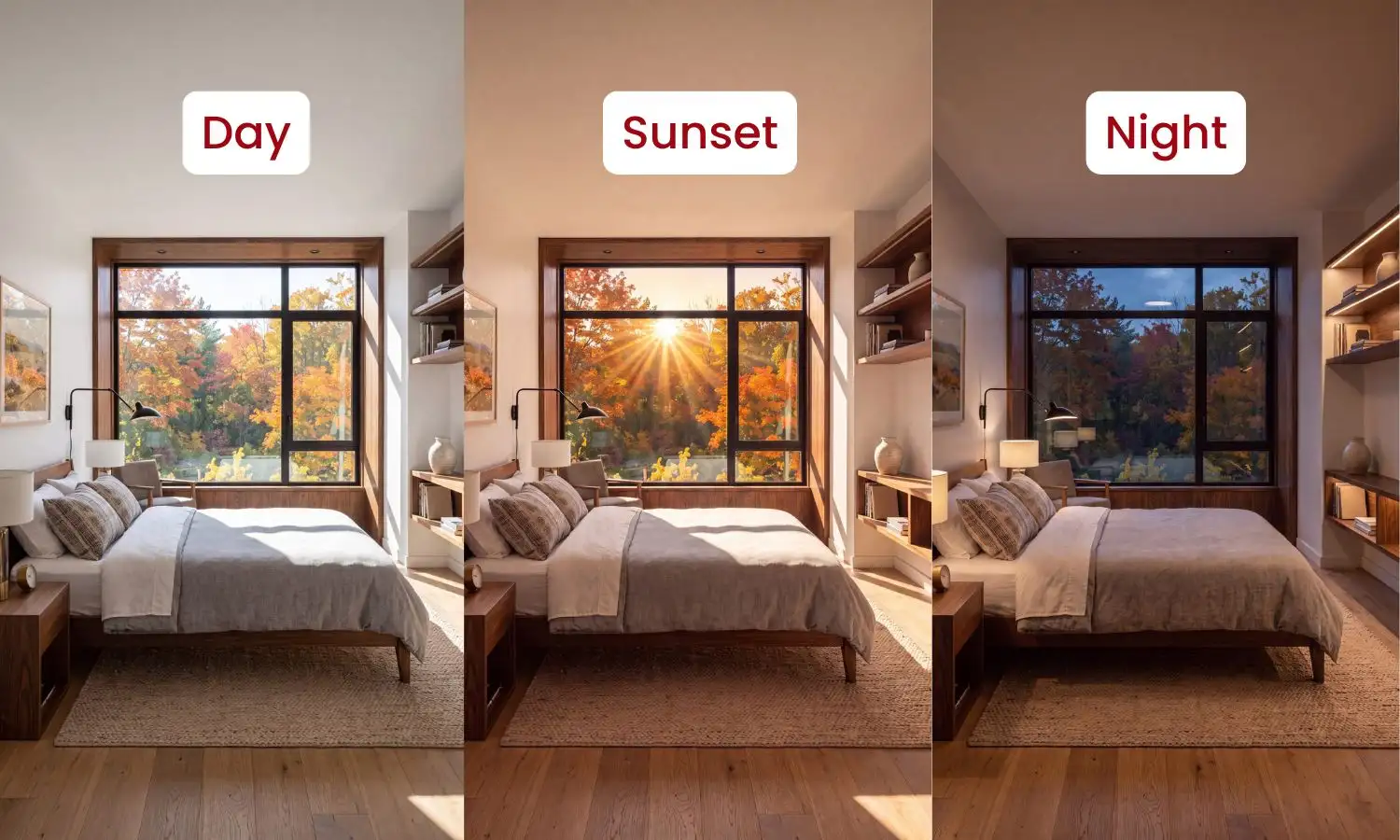
Lighting Options
Instantly compare Day, Night and Sunset lighting to find the perfect atmosphere for every interior design project.
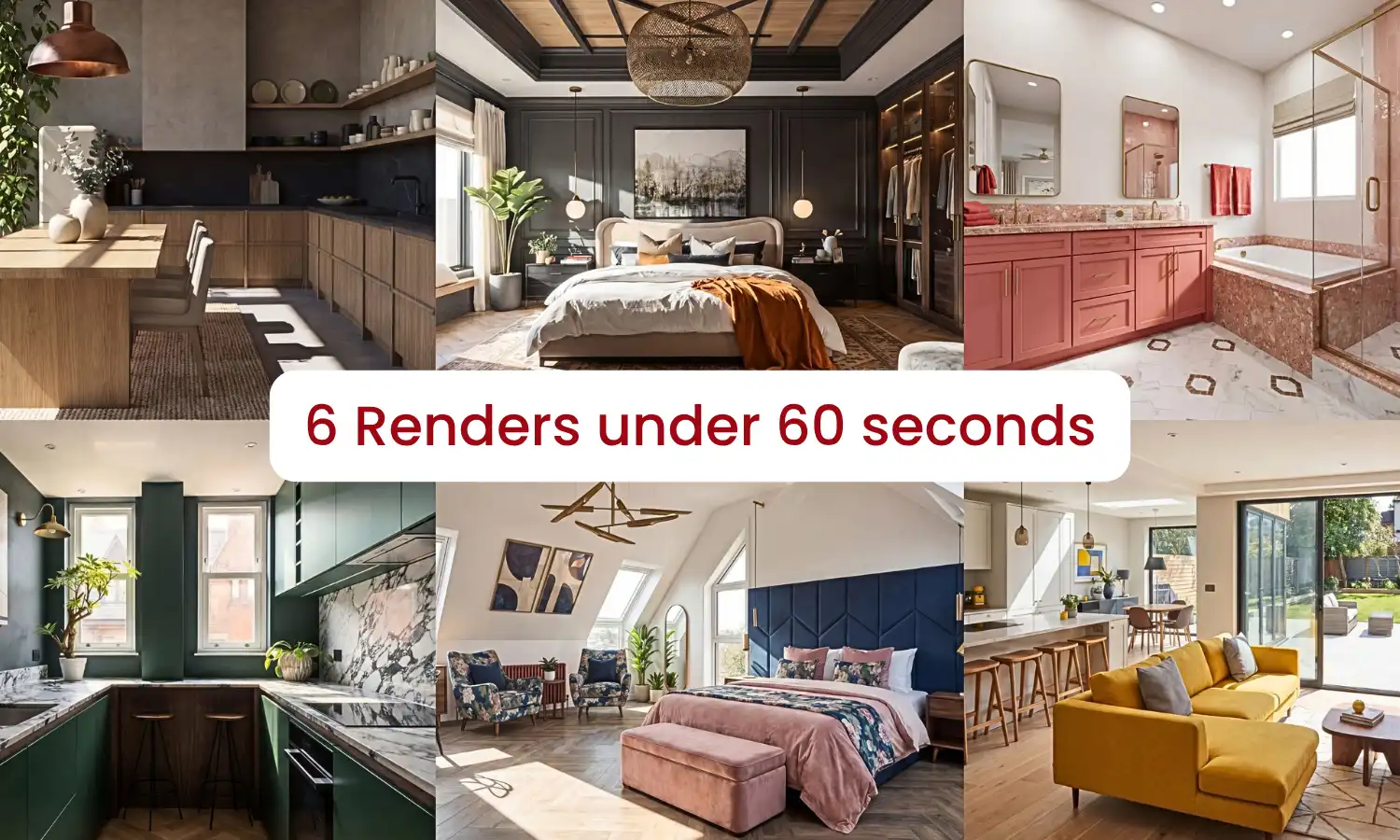
Batch Rendering
Generate multiple design variations or camera views simultaneously, helping you save time and deliver projects faster.
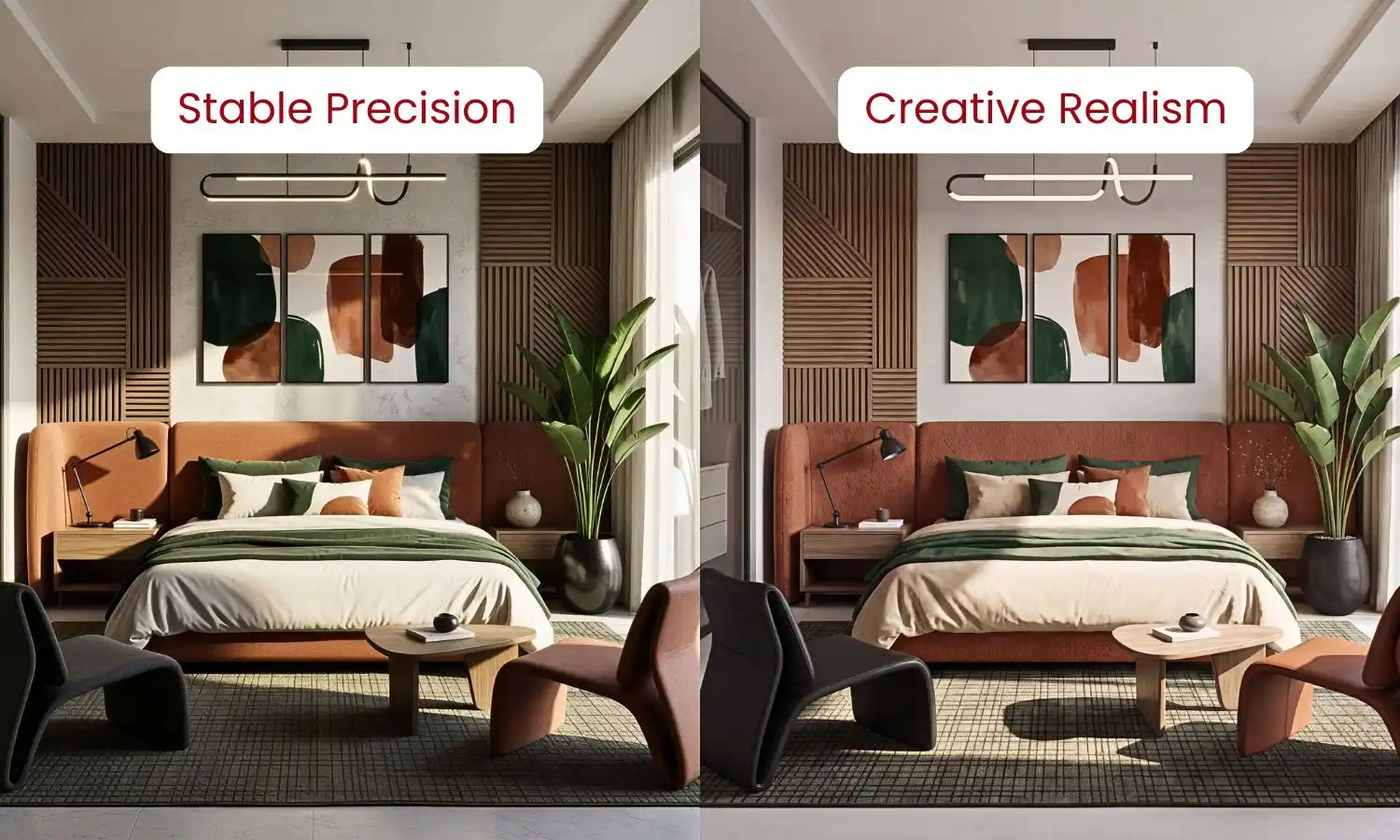
Powerful Engines
Choose between two advanced AI engines designed for different workflows. Generate fast concept renders in seconds.
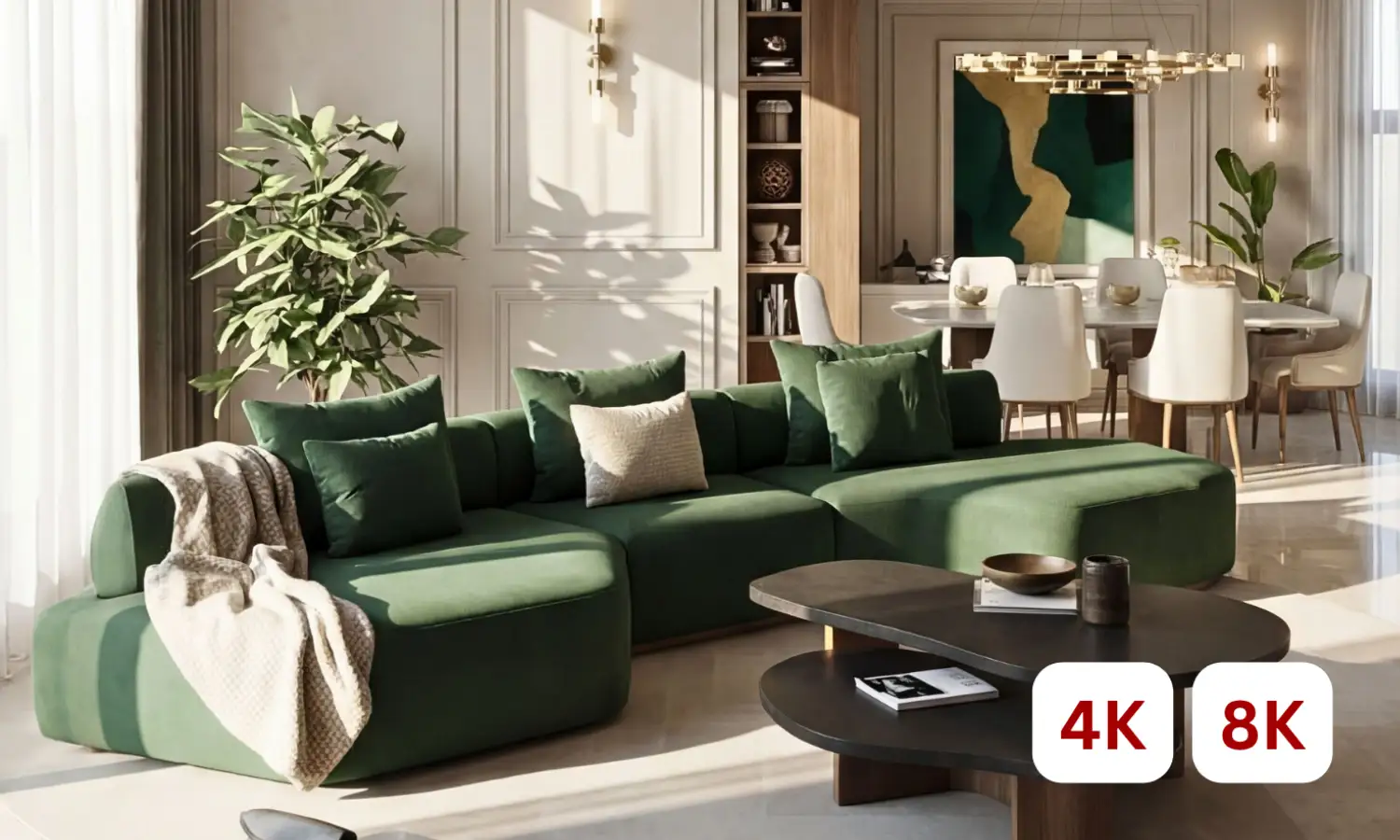
High-Resolution Output
Export ultra-high-quality 4K & 8K renders for client presentations, marketing materials, large-format printing and digital displays.
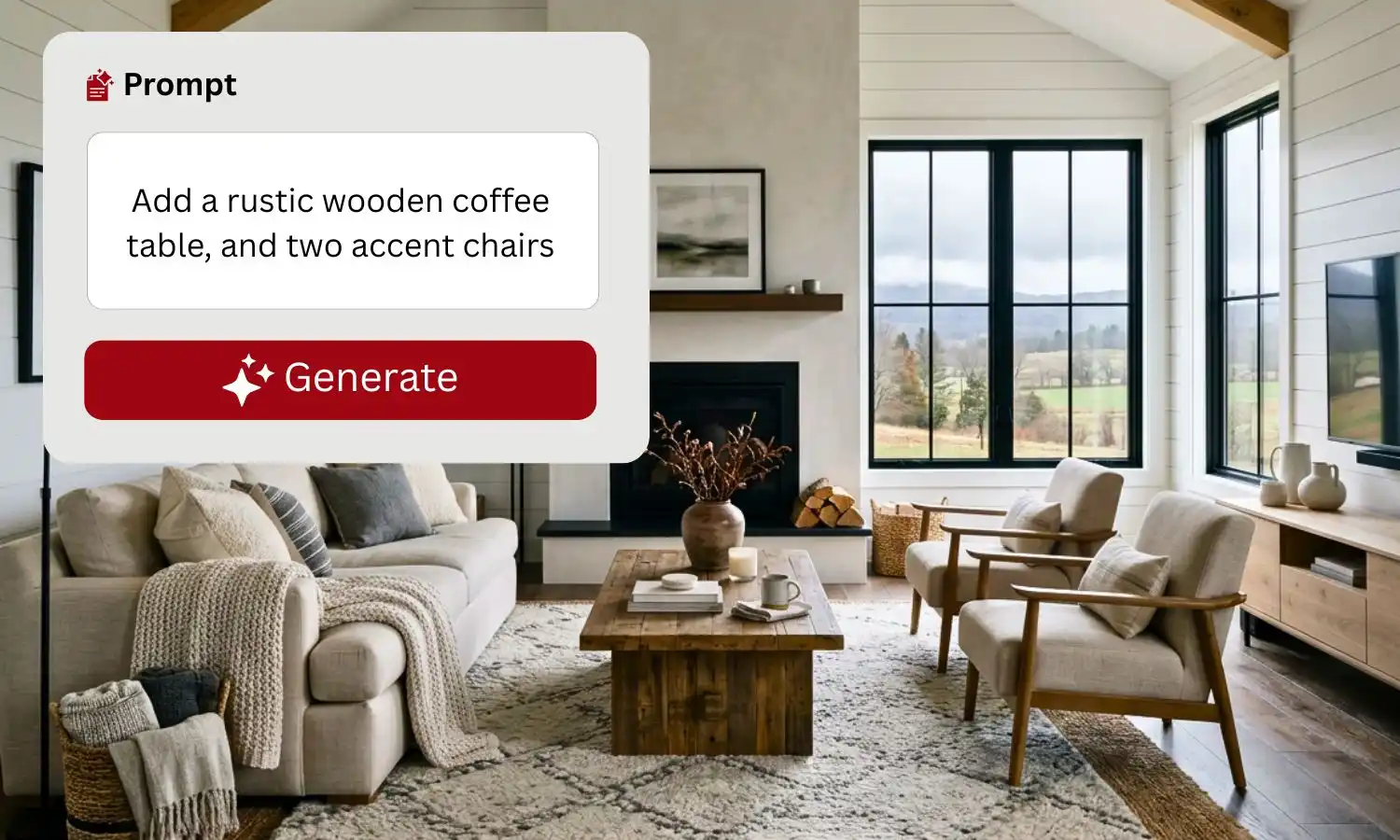
Edit via Prompt
Refine your renders using natural language. Describe the changes you want -materials, lighting, colours, furniture or styles.
AI EDIT TOOL
Edit Renders Without Starting From Scratch.
Update materials, furniture, lighting and finishes in seconds while preserving your original room layout. KBB Render’s AI Edit Tool helps interior designers, architects and KBB professionals make client revisions without rebuilding or re-rendering an entire project.
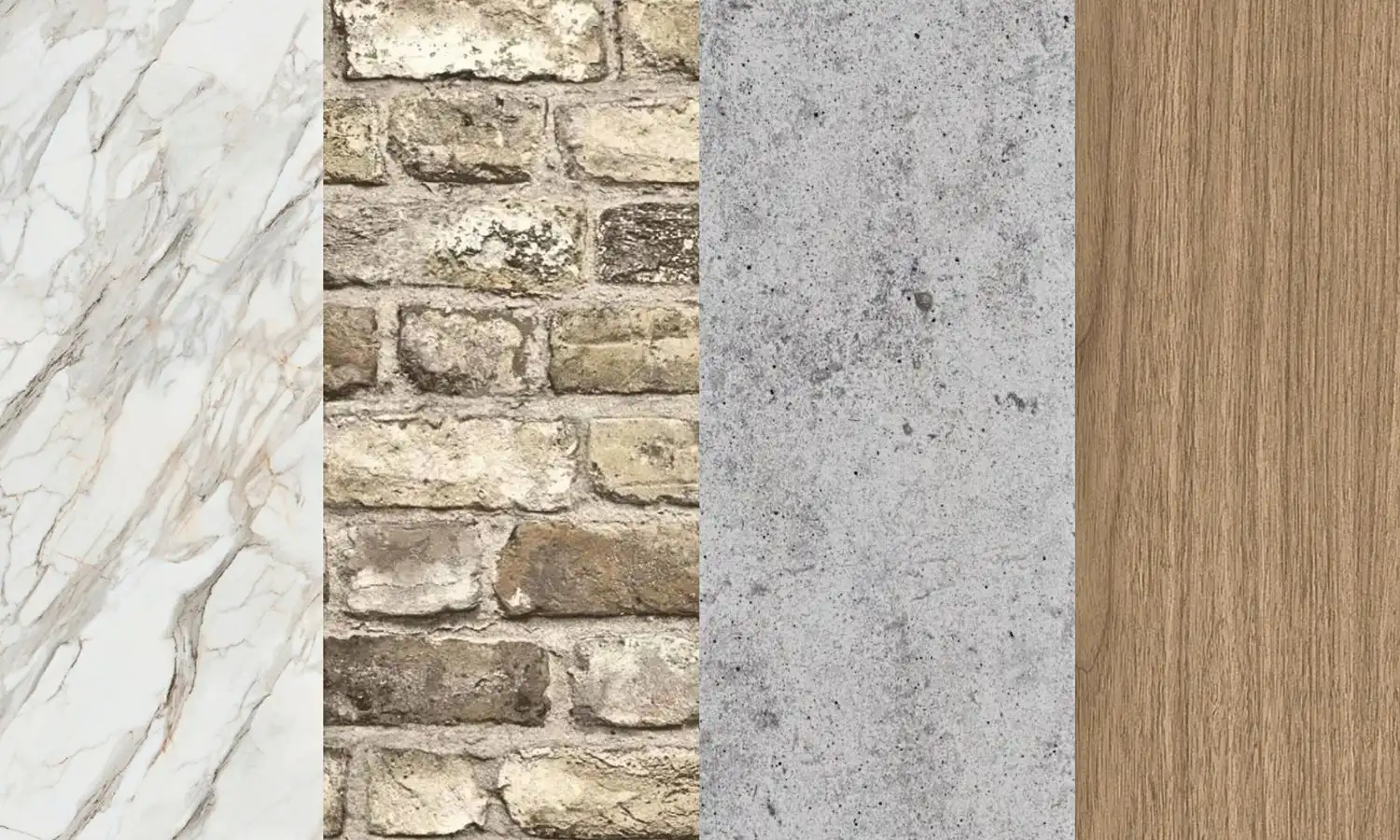
- Replace Materials & Finishes
Swap cabinetry, worktops, splashbacks, flooring, wall finishes and surface materials while keeping the original design intact.
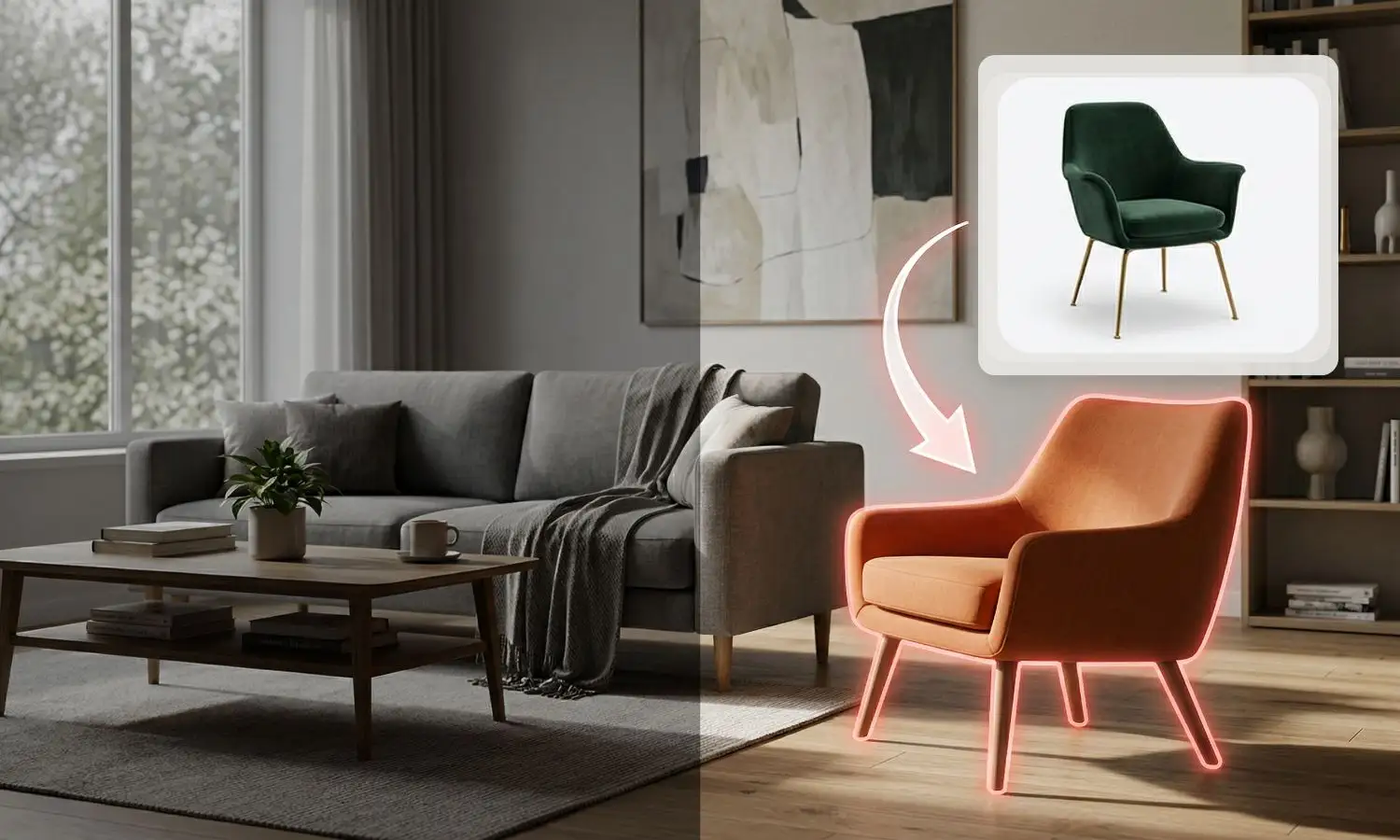
- Change Furniture & Décor
Replace sofas, dining tables, beds, chairs, lighting and decorative accessories to explore different interior concepts without rebuilding the scene.
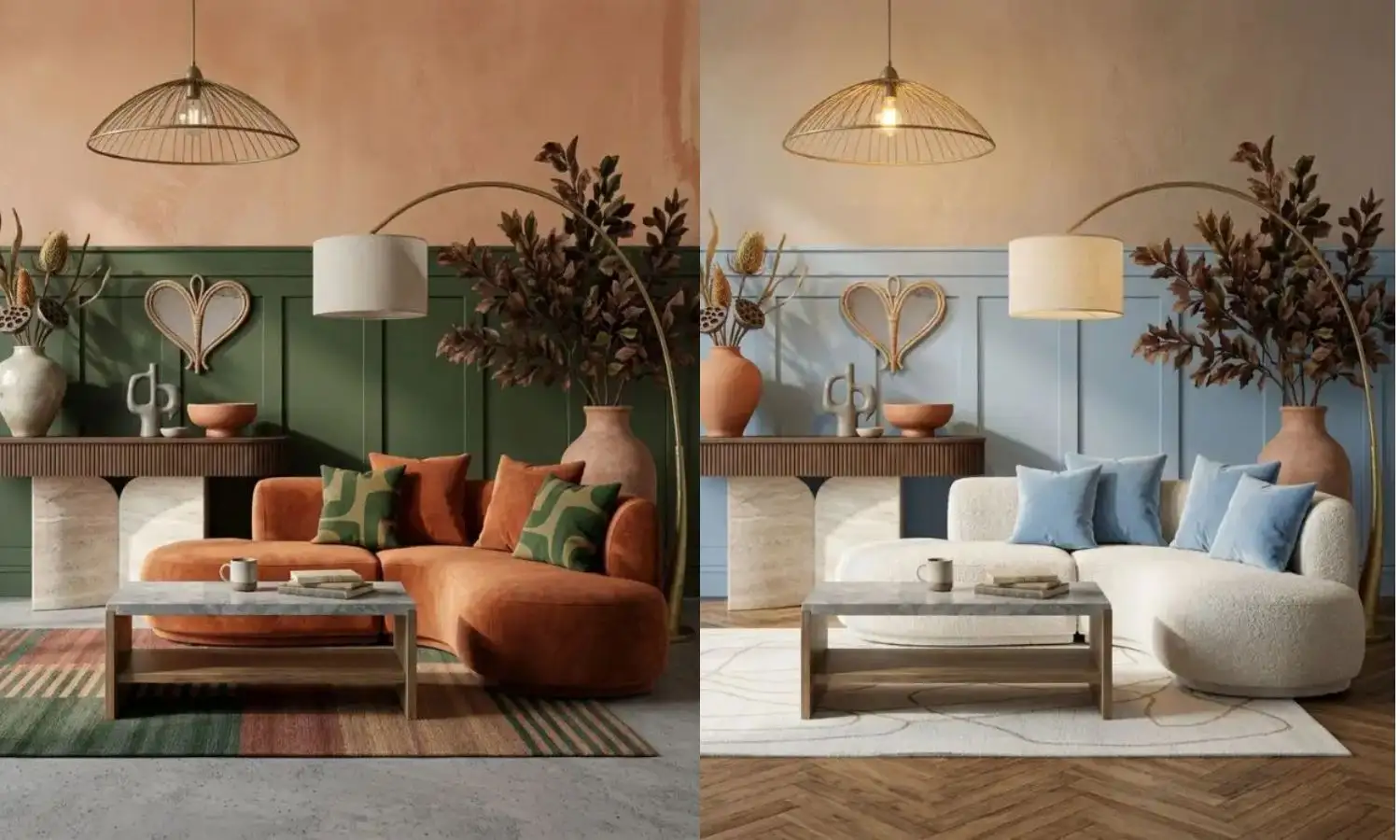
- Update Colours & Lighting
Experiment with paint colours, material palettes, natural daylight and artificial lighting to create multiple presentation-ready variations.
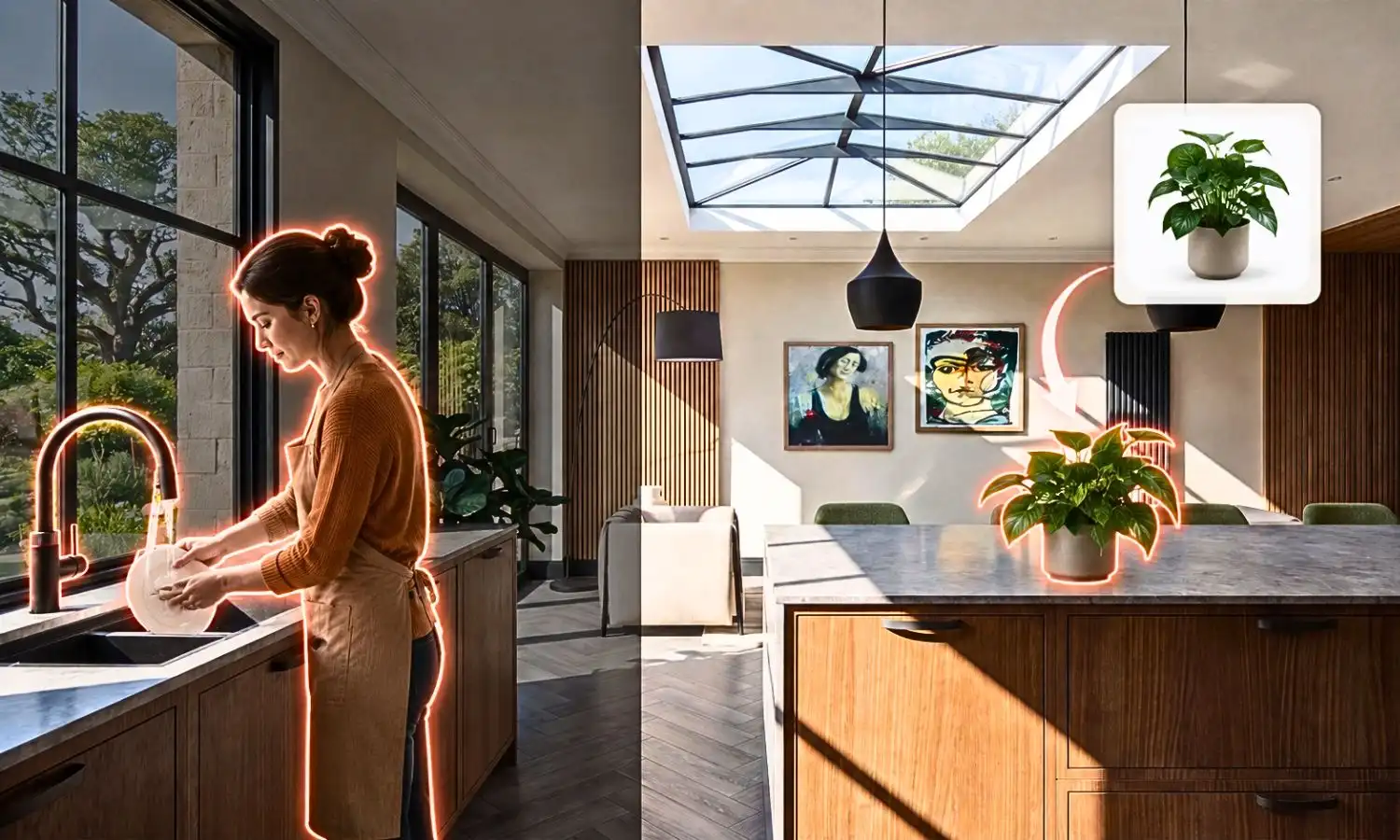
- Add People & Lifestyle Elements
Bring interior visualisations to life by adding realistic people, pets, plants and decorative objects that create natural, lived-in spaces.
AI Animation Tool
Turn Static Renders into Cinematic AI Walkthroughs.
Transform a single interior render into a cinematic AI walkthrough with realistic camera movements, smooth transitions and presentation-ready video output for architects, interior designers and property developers.
Cinematic Camera Movements
Create professional push-ins, flythroughs, orbit shots and smooth camera movements that bring interior designs to life.
Generate Videos in Minutes
Turn a static render into a professional walkthrough without manual keyframing or animation software.
Built for Client Presentations
Help clients understand spaces more clearly through realistic motion and immersive visual storytelling.
Perfect For
Interior Presentations
Property Marketing
Architectural Visualisation
Social Media
Client Walkthroughs
Sales & Marketing
AI Inspiration Transfer
Transform Inspiration into Original Interior Designs
Upload Pinterest images, moodboards, supplier products or reference interiors and let AI generate new concepts that match your preferred style while maintaining your existing layout.
- Style Transfer
- Material Transfer
- Colour Transfer
- Client Style Matching
- Unlimited Variations
- Multiple Design Concepts
AI DESIGN DOCUMENTATION SUITE
Create Professional Interior Design Documentation with AI
Turn a single interior render into professional design documentation in seconds. Generate material moodboards, technical drawings, concept analysis, close-up material details and design annotations without recreating your project. KBB Render Schematics helps interior designers, architects and kitchen studios present ideas faster, communicate clearly with clients and reduce hours of manual work.
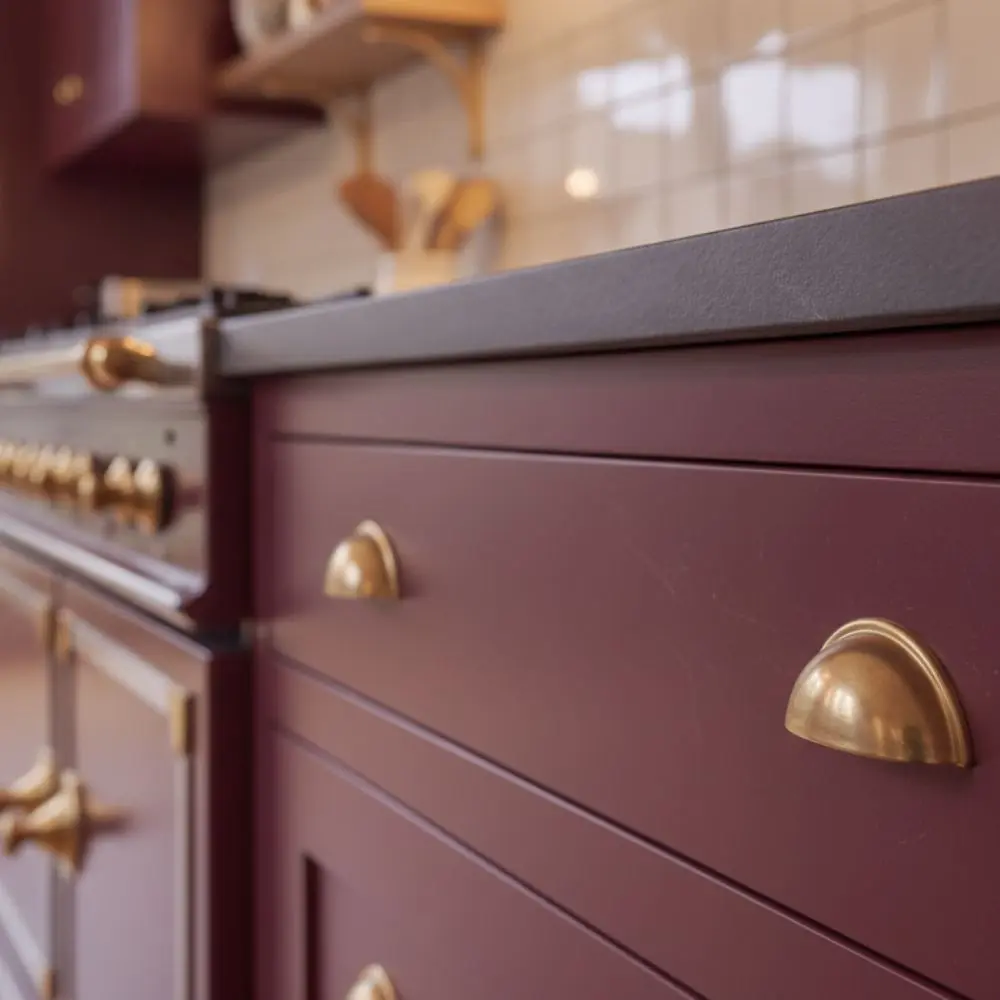
Close-Up
Create ultra-realistic close-up images of materials, worktops, cabinetry and furniture while preserving the original design.
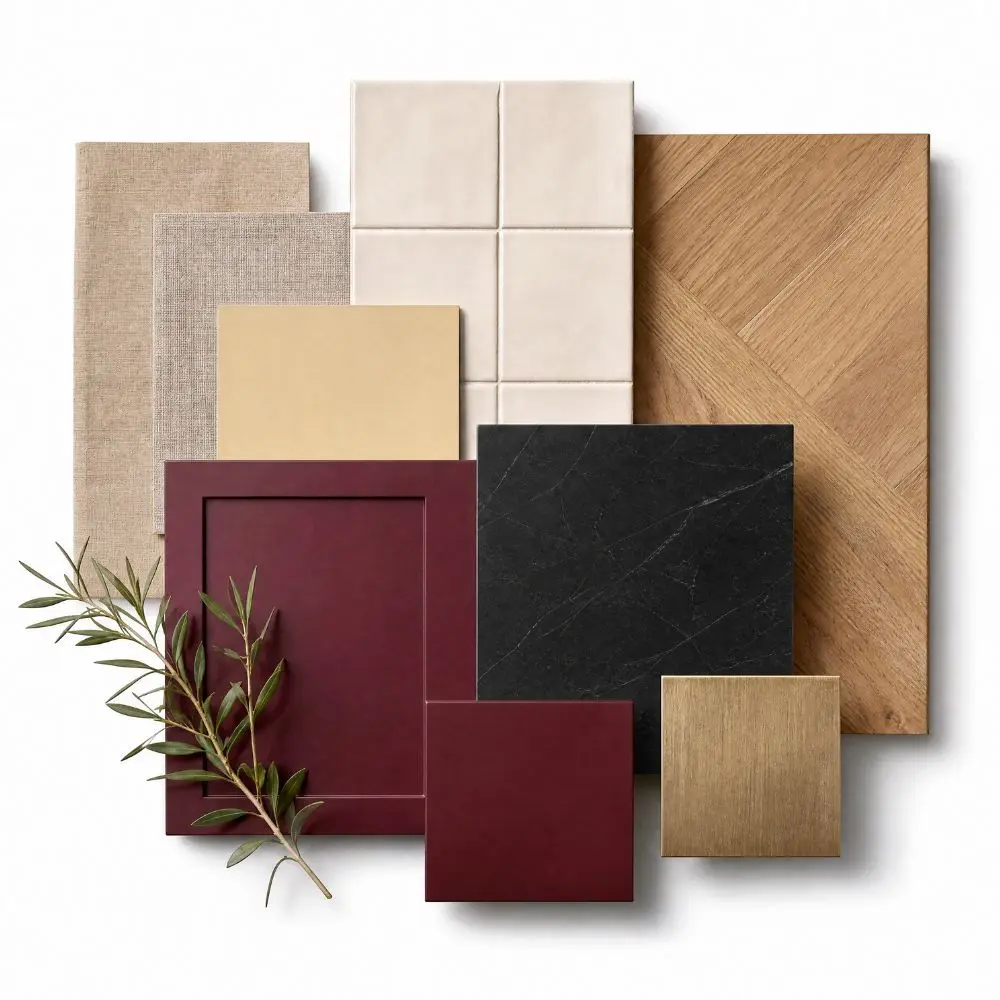
Moodboard
Generate premium material moodboards directly from your render to present finishes, colours and textures professionally.
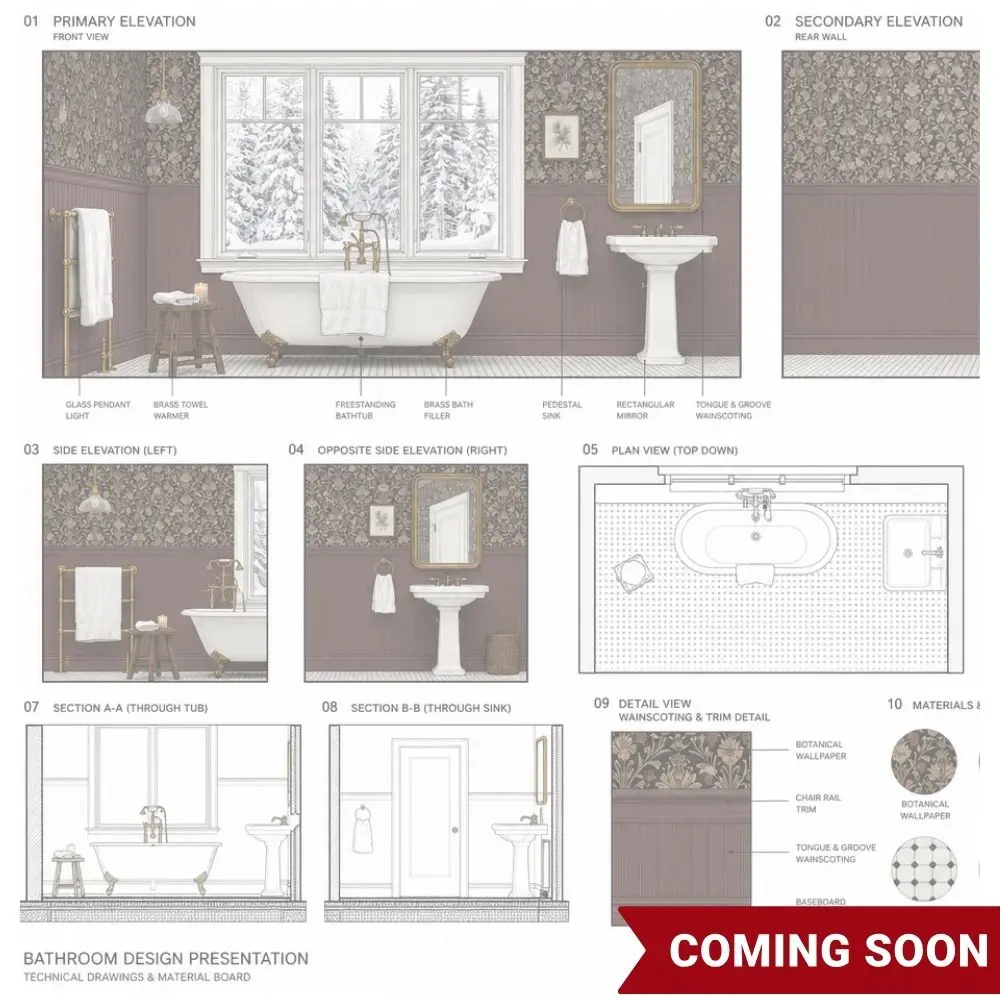
Technical Documentation / Analysis / Annotation
Automatically create presentation-ready technical boards, architectural concept analysis board and annotated interior details board from a single render.
AI PREPARATION & CONVERSION TOOLS
Convert Any Image into the Perfect AI Input
Not every render works perfectly with AI. Conversion Tools transform finished renders, photos and reference images into clean sketches and technical line drawings, creating the ideal input for AI rendering, Inspiration Transfer and creative exploration. Better input means more accurate AI results.
- Works with Any Render
- Sketch Generation
- Technical Line Drawings
- Better AI Results
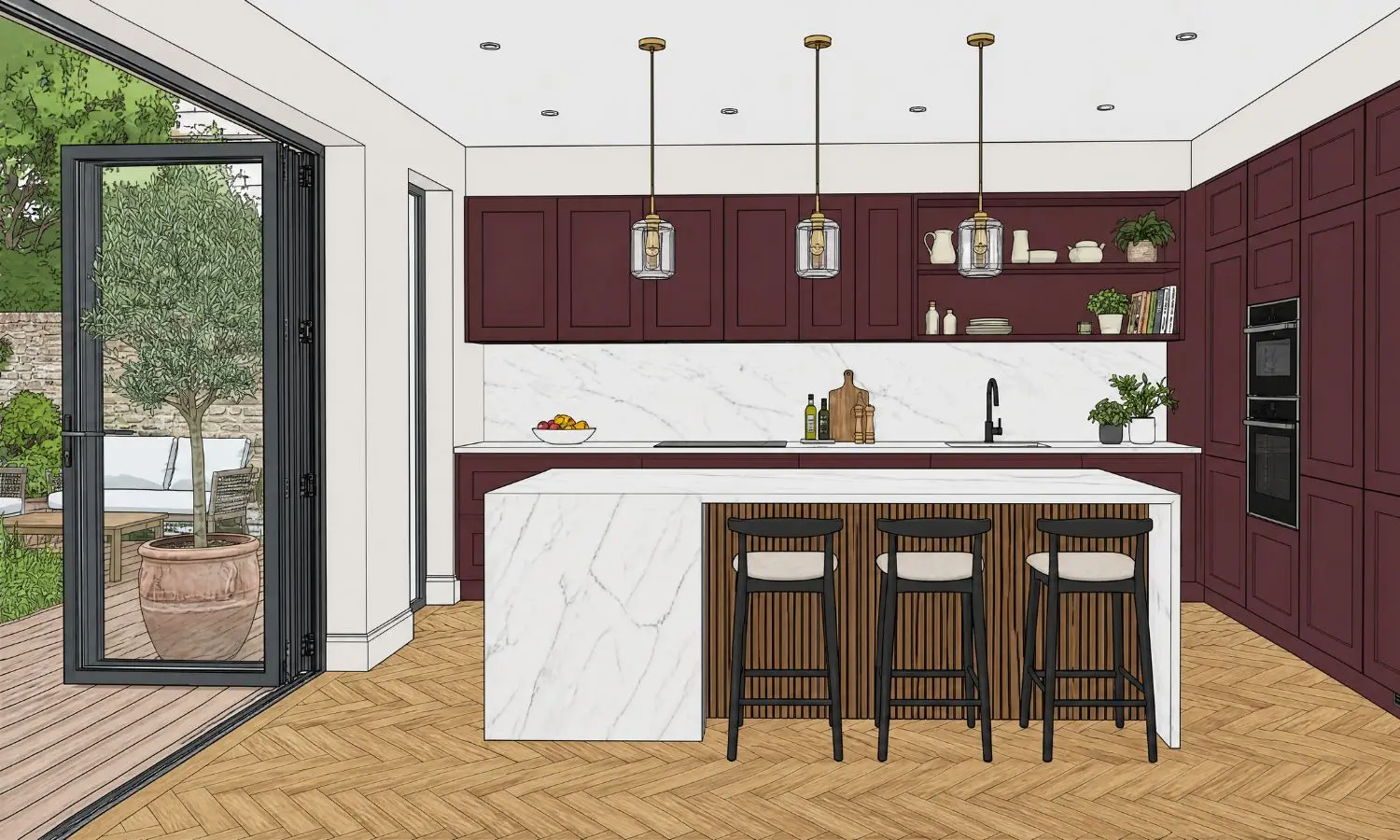
Cartoon Sketch
The more cartoon-style the original image, the better the final render. If your CAD drawing is not already in a cartoon interface (e.g. ArtiCAD), use this tool to convert it first.
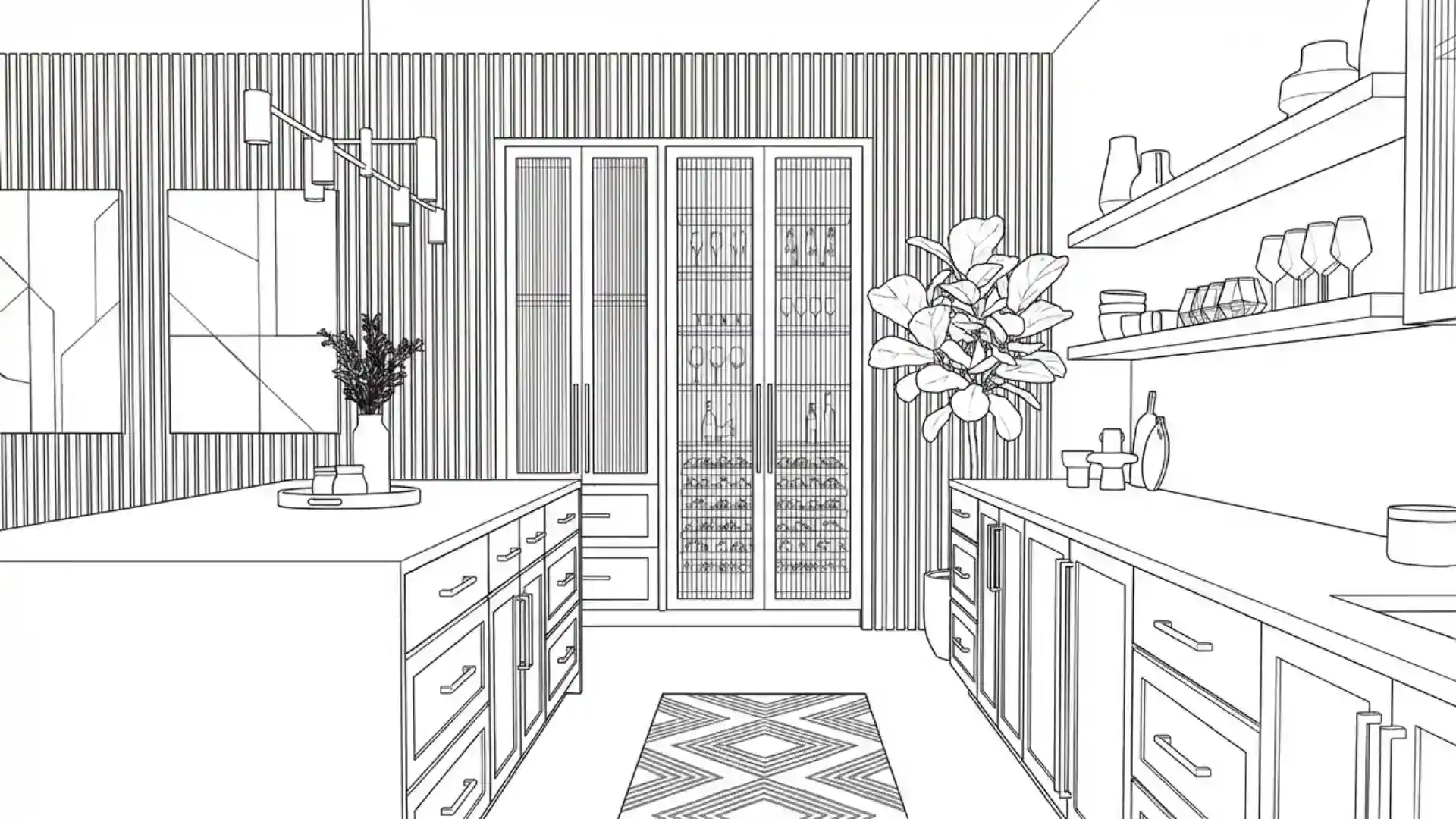
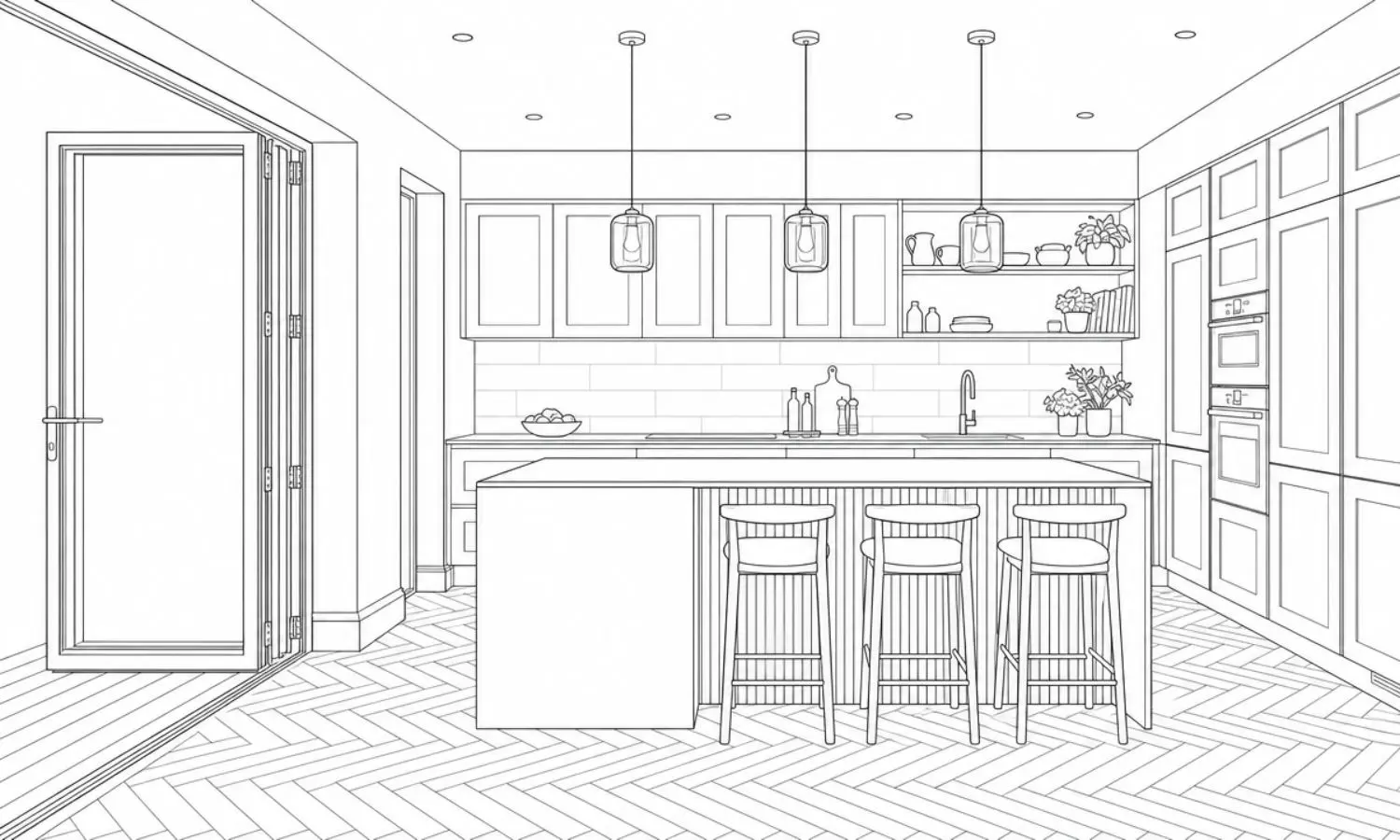
Line Drawing
Generate architectural line drawings from any rendered image to unlock Inspiration Transfer and explore completely new design directions.
AI Tools
(varies by platform)
separate tools
workflow
The same powerful AI technology, built into one seamless workflow for kitchen, bedroom and bathroom designers.
AI tools can do a lot. KBB Render puts it all together.
“Absolutely blown away.”
Chris Smith
“The quality of the renders are excellent & it's made a big difference to my workflow.”
Jorge G. From Euromobel
“5 ultra realistic renders in 60 seconds, the ability to add in clients actual items....”
Paul Berryman

“This software is phenomenal. Honestly so impressed with the capability”
Stephen Fink
“Absolutely blown away.”
Chris Smith
“The quality of the renders are excellent & it's made a big difference to my workflow.”
Jorge G. From Euromobel
“5 ultra realistic renders in 60 seconds, the ability to add in clients actual items....”
Paul Berryman
“This software is phenomenal. Honestly so impressed with the capability”
Stephen Fink
WHY DESIGNERS CHOOSE KBB RENDER
Everything You Need. One AI Platform.
Stop switching between multiple rendering, editing and animation tools. KBB Render combines AI rendering, AI editing, AI animation and AI Inspiration Transfer into one browser-based platform, helping interior designers, architects and KBB professionals create presentation-ready visualisations faster.
Stop Wasting Hours. Start Creating.
KBB Render saves designers 80% of their time on every project.
- Faster approvals
- Happier clients
- More project won
- Higher profits
Traditional Workflow
- ❌ Multiple software subscriptions
- ❌ Manual rendering workflows
- ❌ Re-render projects after every change
- ❌ Separate animation software
- ❌ Create one concept at a time
- ❌ High-end hardware required
- ❌ Long client revision cycles
- Total Time:
- 3-4 hours Per Project
The KBB Render Way
- One complete AI platform
- AI rendering in under a minute
- Edit existing renders instantly
- Built-in AI animation
- Generate multiple design variations
- Browser-based cloud platform
- Instant design revisions
- Total Time:
- 10-30 minutes Per Project
The best AI Rendering software
Real Results. Real Impact.
Join thousands of designers and studios who save time, impress clients and close more projects with KBB Render.
Blown Away ?
We have recently taken out the full package with KBB RENDER for both our showrooms after being blown away by the presentation of the product at the KBB event. Clara gave us a training session once we had signed up and….
Chris Smith
Ridiculously good !!!
This software is phenomenal. Honestly so impressed with the capability and not even used it to its full potential yet. Clara was amazing at onboarding and getting back to us to see what it’s all about. This software is the future………
Stephen Fink
Reliable, user-friendly rendering software
I’ve had a really positive experience so far with KBB Render. It’s incredibly easy to use, even if you’re not particularly technical. The quality of the renders are excellent & it’s made a big difference to my workflow…..
Jorge G.
What can I say? INCREDIBLE!
What can I say?! 5 ultra realistic renders in 60 seconds, the ability to add in clients actual items such as tables, stools and sofas, the ability to post edit and add in additional products,….
Paul Berryman
KBB RENDER FAQ
Frequently Asked Questions.
Find answers about AI rendering, editing, animation, pricing and account management.
What is KBB Render?
Simply upload your render, sketch, or aKBB Render is an AI rendering platform for interior designers, architects and KBB professionals. It transforms sketches, CAD exports and existing renders into photorealistic visuals, allows you to edit materials and furniture, generate animations and create multiple design concepts from one browser-based platform.design image and use our AI tools to enhance quality, transfer styles, edit materials, create variations, or generate animations.
Who is KBB Render for?
KBB Render is designed for interior designers, architects, kitchen designers, bathroom designers, furniture retailers, property developers and anyone who wants to create professional interior visualisations faster.
How does KBB Render work?
Simply upload your render, sketch, or design image and use our AI tools to enhance quality, transfer styles, edit materials, create variations, or generate animations.
Do I need CAD or 3D modelling software?
No.
KBB Render works directly with images and renders, allowing you to create professional visualisations without advanced modelling or rendering knowledge.
What is the difference between traditional and AI rendering techniques?
A detailed answer to provide information about your business, build trust with potential clients, and help convince the visitor that you are a good fit for them.
Can I Use KBB Render Commercially?
Yes. Images created with KBB Render can be used for client presentations, marketing materials, websites, portfolios and commercial interior design projects, subject to your licence.
How Long Does It Take to Generate Results?
Most renders are generated within a few minutes, depending on the selected AI tool, image resolution and server demand.
What is AI Interior Rendering?
AI interior rendering uses artificial intelligence to transform SketchUp models, CAD drawings, floor plans and concept sketches into photorealistic interior visualisations. Unlike traditional rendering software, AI rendering significantly reduces production time while preserving room geometry, materials and overall design intent.
Can I upload renders from SketchUp?
Yes.
KBB Render works with renders created in SketchUp and many other design and visualisation platforms.
What File Types Can I Upload?
You can upload common image formats exported from CAD software, SketchUp and other design tools. Supported formats are listed within the application. (jpeg, png)
How realistic are the results?
KBB Render is built specifically for architectural and interior visualisation, producing highly realistic images suitable for client presentations, portfolios, websites, and marketing campaigns.
Can I Generate Multiple Design Concepts From One Render?
Absolutely.
Generate multiple variations of the same design to help clients compare options and make decisions faster.
Does AI Keep My Original Layout?
Yes. KBB Render is designed to preserve your room geometry while transforming the appearance of materials, furniture and finishes.
Can I Render Kitchens, Bathrooms and Bedrooms?
Absolutely. KBB Render is optimised for kitchens, bathrooms, bedrooms, living rooms and commercial interior spaces.
Can I Export High-Resolution Images?
Yes. You can export presentation-ready renders in high resolution, including 4K and 8K depending on your subscription.
What Is AI Edit?
AI Edit allows you to modify existing renders without starting your project again. Replace materials, furniture, colours and finishes while preserving the original room layout.
Can I Change Materials After Rendering?
Yes. Instantly replace worktops, flooring, splashbacks, wall finishes and other materials while keeping the rest of the design unchanged.
Can I Replace Furniture with AI?
Absolutely. Swap chairs, sofas, tables, beds, lighting and decorative items to explore different interior styles without recreating the render.
Will AI Edit Change My Room Layout?
No. AI Edit is designed to preserve your room geometry while updating selected design elements such as furniture, colours and materials.
Can I Change Cabinet Colours?
Yes. You can quickly experiment with different cabinet colours and finishes to compare multiple kitchen or bathroom design options.
Can I Create Multiple Design Variations?
Yes. Generate multiple versions of the same room with different materials, furniture and colour schemes, making it easier to present options to clients.
Which Rooms Can I Edit?
AI Edit works with kitchens, bathrooms, bedrooms, living rooms, dining rooms and many commercial interior spaces.
What Is Inspiration Transfer?
AI Inspiration Transfer uses artificial intelligence to analyse the colours, materials and style of a reference image or mood board and apply those design characteristics to your own interior project while preserving the original room layout.
Which Rooms Can I Edit?
AI Edit works with kitchens, bathrooms, bedrooms, living rooms, dining rooms and many commercial interior spaces.
How Does Inspiration Transfer Work?
Simply upload your existing render together with a reference image. KBB Render analyses the style of the inspiration image and applies similar colours, textures, materials and finishes to your design.
Will Inspiration Transfer Change My Layout?
No. The tool is designed to maintain your room structure while transforming the visual style based on your chosen inspiration.
What Kind of Inspiration Images Can I Upload?
You can upload interior photographs, Pinterest images, mood boards, magazine references, design concepts or any high-quality image that reflects your desired style.
Can I Match a Specific Interior Design Style?
Yes. Inspiration Transfer can help recreate styles such as Modern, Scandinavian, Japandi, Industrial, Minimalist, Luxury, Contemporary and many more while adapting them to your own project.
Can I Generate Multiple Style Variations?
Yes. Upload different inspiration images to quickly compare multiple design directions before presenting ideas to your client.
Why Should I Use Inspiration Transfer Instead of Prompting?
Inspiration Transfer provides a faster and more visual workflow. Instead of describing a style with text, you can use real reference images to guide the AI, producing results that are often more consistent with your design vision.
Can I Turn My Render Into a Video?
Yes. AI Animation transforms static renders into smooth cinematic walkthroughs suitable for presentations, websites and social media.
How Long Are the Animations?
Animation length depends on the selected settings and feature availability, allowing you to create short promotional clips or longer walkthroughs.
Can I Download My Videos?
Yes. Completed animations can be downloaded in supported video formats for presentations and marketing.
an I Use AI Animations Commercially?
Yes. Animations can be used in client presentations, property marketing, websites and social media, subject to your licence.
Does Animation Preserve My Design?
Yes. The animation follows your generated render while adding realistic camera movement without changing the design.
Can I Share Videos With Clients?
Yes. AI animations are designed to help communicate concepts clearly and improve client presentations.
Which Spaces Can I Animate?
You can create animations for kitchens, bathrooms, bedrooms, living rooms, commercial interiors and other supported spaces.
Why do I need Conversion Tools?
Many AI models produce better results when working from clean sketches or line drawings rather than fully rendered images.
Which images can I convert?
Finished renders, photographs, CAD exports, screenshots and concept visuals.
Why convert a render into a sketch?
Sketches remove unnecessary visual noise while preserving composition, helping AI better understand the structure of your design.
Can I use converted images inside KBB Render?
Yes. Converted sketches and line drawings can be used directly with AI Render, Inspiration Transfer and other KBB Render tools.
Why use Line Drawing?
Line drawings are the ideal starting point for Inspiration Transfer because they preserve geometry while allowing AI to generate completely new design styles.
Who is AI Schematics for?
Interior designers, architects, kitchen designers, bathroom designers, furniture manufacturers and design studios
Can I generate technical documentation from one render?
Yes. Upload a single rendered image and generate professional presentation boards without manually recreating drawings.
Can I edit the generated documentation?
Yes. Every generated result can be refined using KBB Render AI Edit tools.
Which rendering software works?
Works with renders created in Winner Flex, ArtiCAD, SketchUp, 2020 Design, Blender, 3ds Max, Revit and many other applications.
Is There a Free Trial?
Yes. New users can explore KBB Render with a free trial before choosing a subscription.
Can I Cancel Anytime?
Yes. Subscriptions can be cancelled according to your billing terms.
Is KBB Render Cloud-Based?
Yes. Everything runs securely in your browser without requiring expensive rendering hardware.
Is My Data Secure?
Yes. Your uploaded files and projects are processed securely using encrypted cloud infrastructure.
Can My Team Use One Account?
Depending on your plans, team collaboration and shared workspaces may be available.
How Can I Contact Support?
Our support team is available via email, live chat and our contact page to help with technical questions, account issues and product guidance.
How does KBB Render work?
Simply upload your render, sketch, or design image and use our AI tools to enhance quality, transfer styles, edit materials, create variations, or generate animations.
Do I need CAD or 3D modelling software?
No.
KBB Render works directly with images and renders, allowing you to create professional visualisations without advanced modelling or rendering knowledge.
What is the difference between traditional and AI rendering techniques?
A detailed answer to provide information about your business, build trust with potential clients, and help convince the visitor that you are a good fit for them.
KBB Render vs traditional rendering
A detailed answer to provide information about your business, build trust with potential clients, and help convince the visitor that you are a good fit for them.
Can I upload renders from SketchUp?
Yes.
KBB Render works with renders created in SketchUp and many other design and visualisation platforms.
Can I change materials and colours after rendering?
Yes.
You can edit materials, colours, furniture, décor, lighting, and other design elements without rebuilding the project.
What is Inspiration Transfer?
Inspiration Transfer allows you to apply the style, colours, materials, and mood of an inspiration image to your existing render while maintaining the original room layout.
Can I create multiple design concepts from one render?
Absolutely.
Generate multiple variations of the same design to help clients compare options and make decisions faster.
Can I turn my render into a video?
Yes.
KBB Render can transform static renders into cinematic animations and walkthrough-style videos for presentations, marketing, and social media.
How realistic are the results?
KBB Render is built specifically for architectural and interior visualisation, producing highly realistic images suitable for client presentations, portfolios, websites, and marketing campaigns.
Can AI help interior designers win more projects?
Most render transformations, edits, and enhancements are completed in seconds rather than hours.
How long does it take to generate results?
Most render transformations, edits, and enhancements are completed in seconds rather than hours.
Tutorials
Learn How to use every tool with our step by step video tutorials.
KBB Render Quick-Start Guide
The complete system for creating client-ready visualisations with precision and speed.
Book a Live Demo
Learn How to use every tool with our step by step video tutorials.
Start Creating Stunning Interior Visuals with AI
Save Hours Every Week
Cancel Anytime
Full Acess to All Tools
Join 10.000+ designers already using KBB Render.