
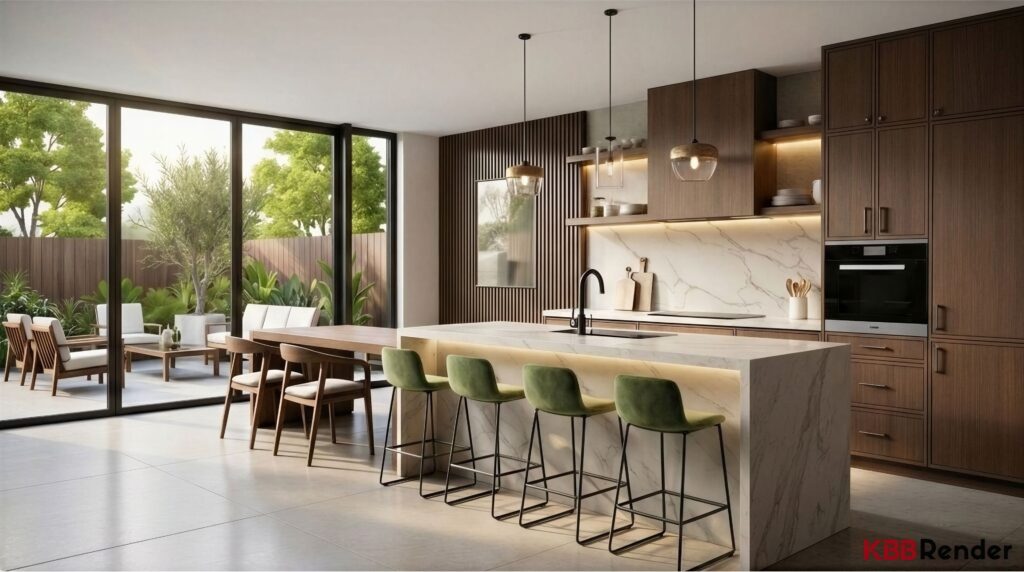
Is “generic” AI rendering actually good enough for kitchen visualisation?
Not if you need photorealistic rendering that keeps your CAD intact.
The longer (and more useful) answer is below-we’ll break down where generic AI interior rendering goes wrong, what “KBB-specific” really means, and how to pick AI rendering software that delivers 4K/8K images in under a minute with zero prompts and original CAD geometry preserved-built specifically for the KBB industry (so your KBB design stays accurate) and ready for kitchen rendering from the tools you already use.
The Generic AI Problem: Why Your Kitchen Visualisation Keeps Changing Shape
You’ve probably tested a few AI rendering tools already.
You upload a CAD export. You write a prompt. The AI interior rendering looks impressive… then the island shifts, the sink moves, and your specified cabinets become “something similar”.
That’s AI hallucination.
Generic AI rendering software (Midjourney, DALL·E, and other broad interior tools) often treats your kitchen visualisation as inspiration—not as a fixed, buildable plan.
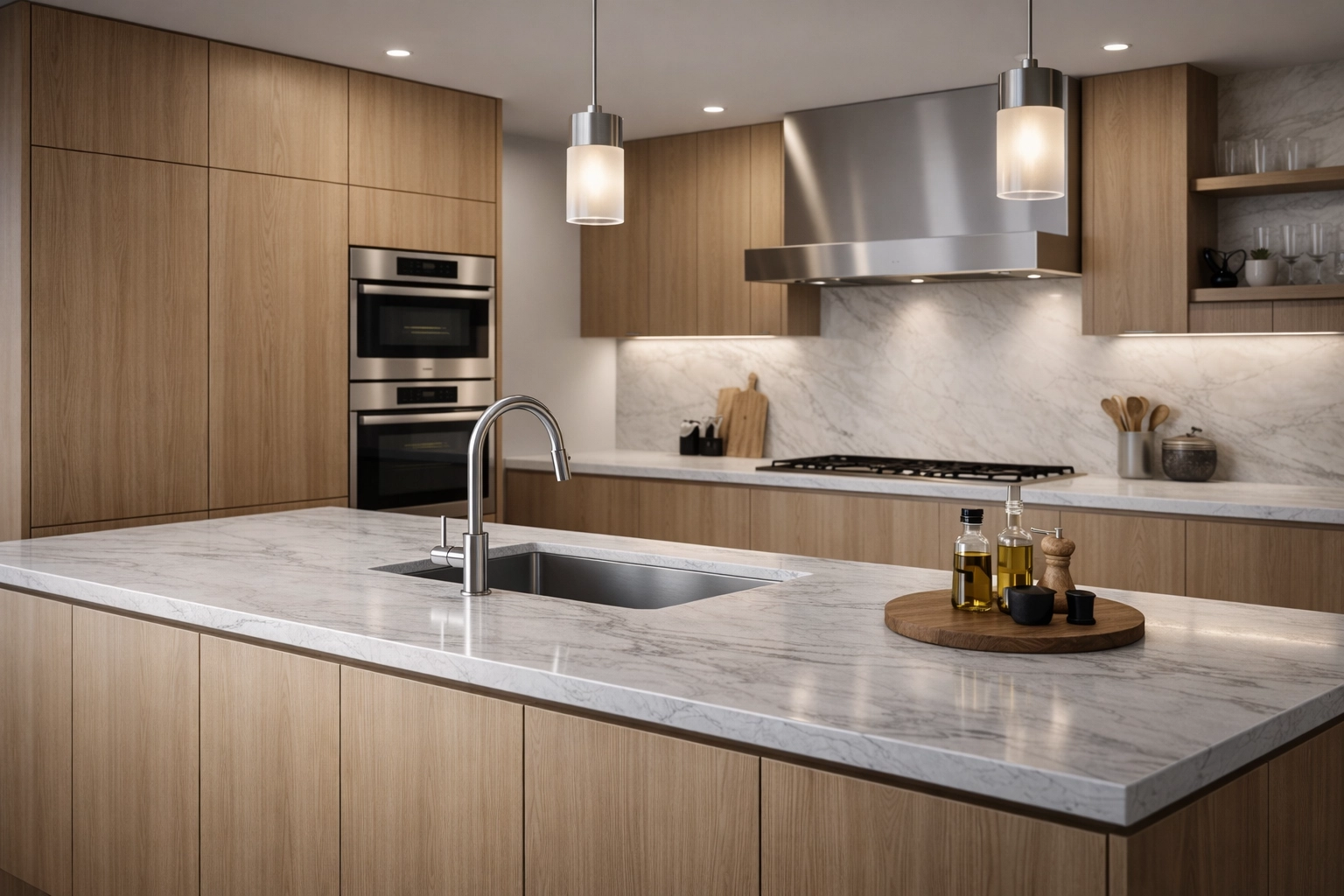
What it usually breaks:
- Geometry: Dimensions get “improved” for aesthetics
- Products: Cabinet styles and appliances get swapped
- Layouts: Elements drift to new positions
- Materials: Finishes get guessed from training data
For concept art? Sure.
For client sign-off and install-ready visuals? Risky and expensive.
Why Specificity Matters in 2026
AI rendering is everywhere now.
And yes-many tools can produce photorealistic rendering fast. But for KBB work, “pretty” isn’t the goal. Accuracy is.
Kitchens, bedrooms, and bathrooms aren’t conceptual sketches. They’re specifications—real products, real measurements, real constraints (plumbing, electrics, clearances).
Generic AI interior rendering doesn’t reliably respect that.
What KBB Designers Actually Need (Non-Negotiables)
- Original CAD geometry preserved: Your dimensions stay locked
- Spec-led visuals: Your design choices stay your design choices
- Material fidelity: Worktops, doors, flooring look like the selected finish
- Layout integrity: No “helpful” repositioning
- No prompts: You shouldn’t have to describe what you already designed
This is why AI rendering software for kitchen visualisation has to be purpose-built.
Generic AI vs KBB Render: The Differences That Actually Matter
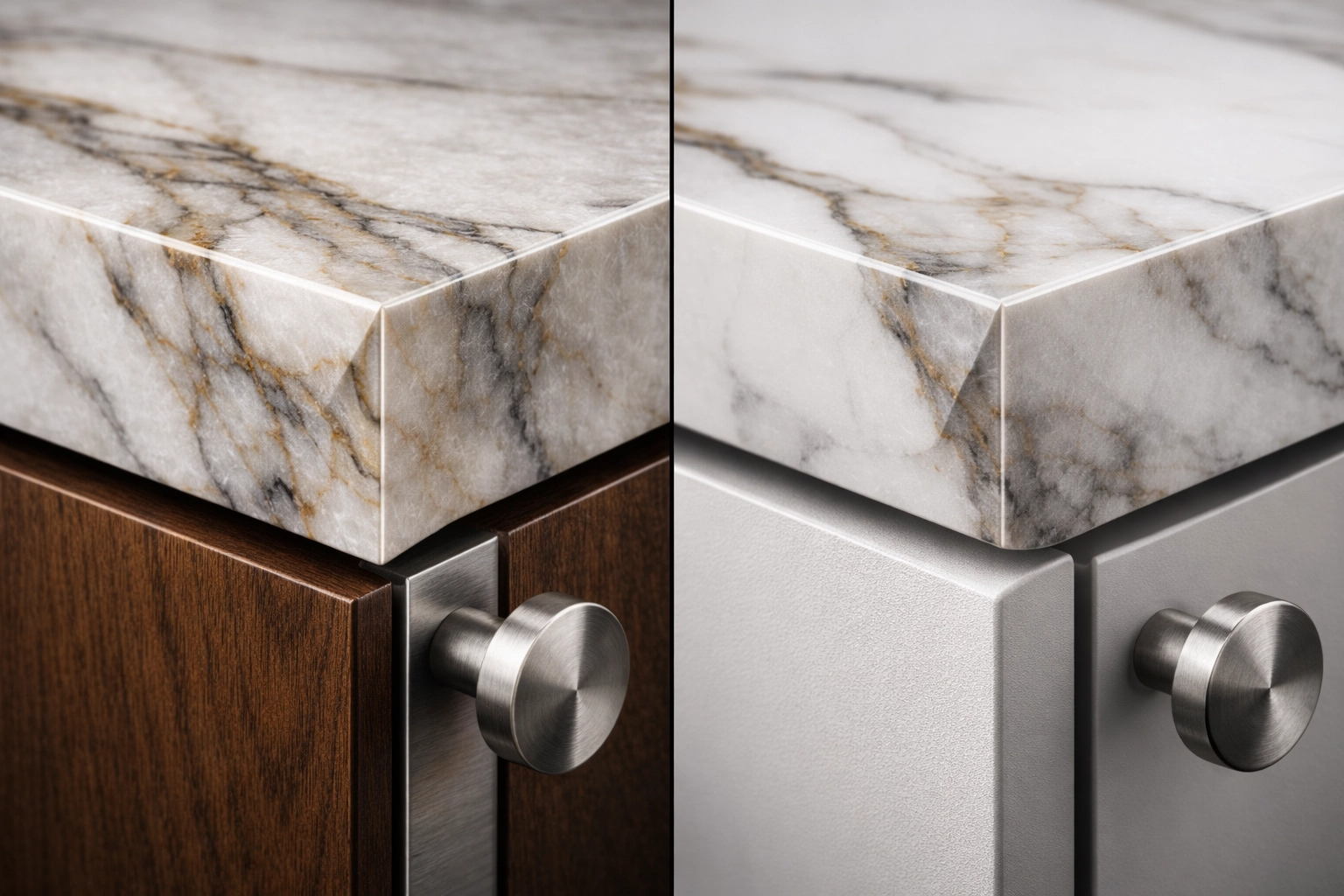
| Feature | Generic AI Rendering | KBB Render (KBB-Specific AI Interior Rendering) |
|---|---|---|
| CAD geometry | Reinterprets | Preserves original CAD geometry |
| Prompts | Required | One-click, no prompts |
| Reliability | Variable | Spec-first accuracy |
| Output | “Close enough” | Client-ready photorealistic rendering |
| Speed | Minutes + re-rolls | 4K/8K in under a minute |
Basically: generic tools assume you’re inventing.
KBB Render assumes you’ve already designed it—and you just need fast, photorealistic kitchen visualisation without losing accuracy.
No prompts. Only results
Why should AI rendering make you explain your own design back to a computer?
Most AI interior rendering workflows still look like this:
- Write a detailed prompt (then rewrite it)
- Regenerate because the layout drifted
- Regenerate again because materials are off
- Settle for “good enough” to hit a deadline
KBB Render doesn’t work like that.
Your CAD export is the brief. One click turns your low-quality or cartoon-like render into photorealistic rendering—while preserving original CAD geometry.
No complexity. Just results.
Supports Any CAD (JPG & PNG only)
And yes-it’s designed for real-world KBB design workflows: we support JPG and PNG only exports from any CAD, including Winner Flex, Virtual Worlds, and SketchUp.
From upload to realism – One Click
- Export a JPG or PNG from any CAD / 3D tool (Winner Flex, Virtual Worlds, SketchUp-anything)
- Upload and render in one click
- Run Stable Precision for spec-first, consistent realism
- Get 4K/8K visuals in under a minute
- Keep exact geometry (no layout drift)
- Share client-ready images instantly
No complexity. Just results. Your AI rendering software should fit your KBB design workflow-not slow it down.
What to Look for in AI Rendering Software for KBB
Not all AI rendering tools are built for KBB workflows.
If you’re choosing software for AI interior rendering and kitchen visualisation, prioritise what protects margin and saves time—not what looks good in a demo.
Essential Checks (Before You Commit)
1) CAD Geometry Preservation
- Does it preserve original CAD geometry every time?
- Do client-approved layouts stay locked?
- Does it avoid “creative” reinterpretation?
2) Photorealistic Rendering Quality
- Does the output look genuinely install-real (lighting, reflections, texture scale)?
- Can it deliver 4K/8K images without extra steps?
3) One-Click Workflow (No Prompts)
- Can you render without prompt writing?
- Can junior designers get consistent results immediately?
4) Speed That Changes Your Process
- Can it produce client-ready renders in under a minute?
- Can you turn revisions around while the client is still engaged?
Generic AI rendering optimises for freedom.
KBB-specific AI rendering optimises for accuracy, repeatability, and sales speed.
The Real-World Impact: What Changes in Your Studio
Purpose-built AI rendering doesn’t just improve images.
It tightens your entire pipeline—from first appointment to sign-off.
For Client Presentations
- Show photorealistic rendering of the actual design (not an approximation)
- Keep trust high—because the kitchen visualisation matches the plan
- Reduce “but that’s not what I chose” moments
For Studio Productivity
- Stop losing hours to prompt tweaks and re-rolls
- Produce consistent AI interior rendering across the team
- Turn amendments fast—often the same day
For Project Accuracy
- Keep CAD-driven decisions intact (because original CAD geometry is preserved)
- Reduce install surprises caused by visual/layout mismatch
- Make approvals mean something
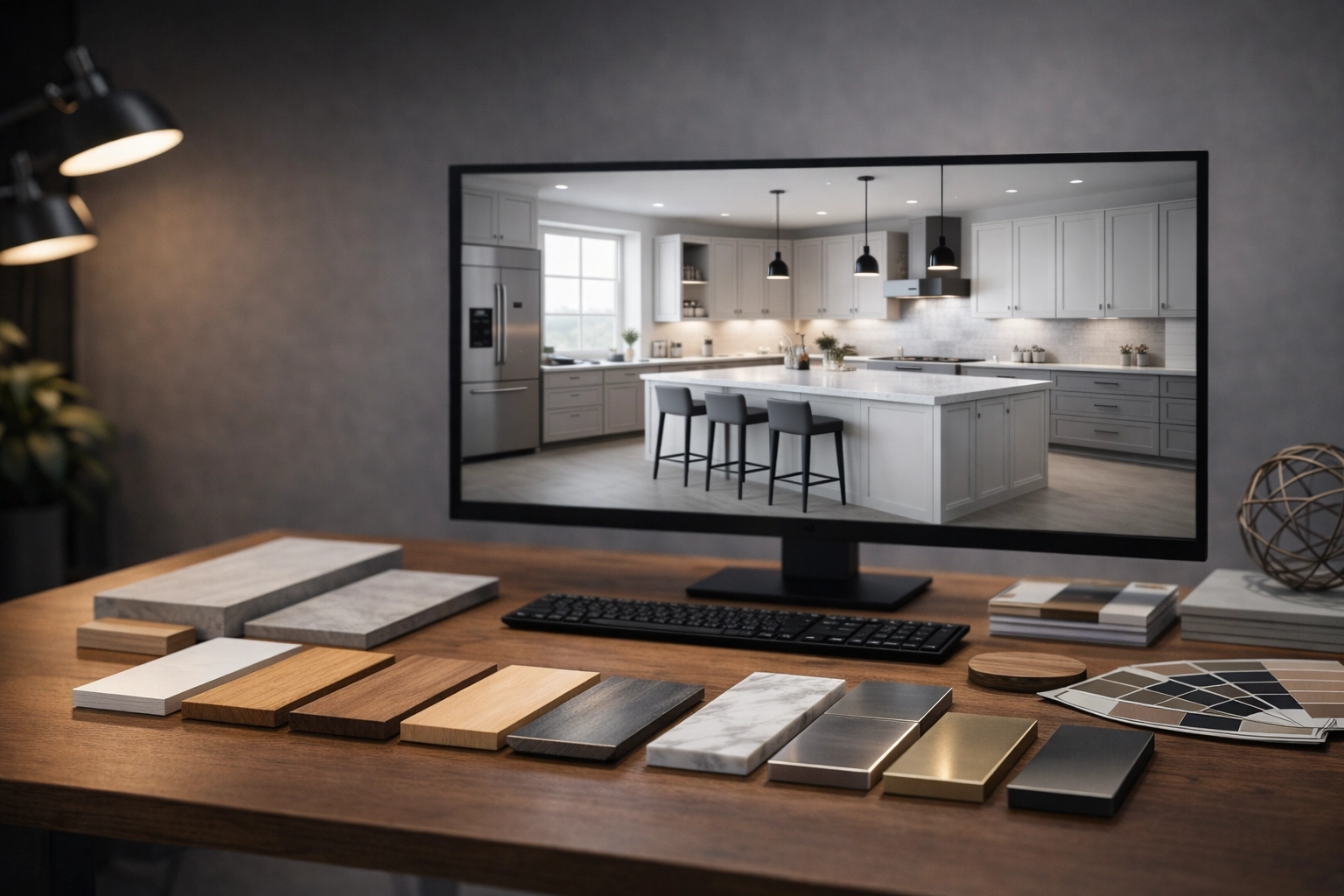
When AI rendering is accurate and fast, your visuals stop being “marketing”—and start being a sales tool you can trust.
How KBB Render Handles What Generic AI Can’t
We built KBB Render for one job: accurate, photorealistic AI interior rendering for KBB-fast.
It’s built specifically for the KBB industry, and it’s simple to adopt because you can render from JPG and PNG exports from any CAD (Winner Flex, Virtual Worlds, SketchUp, and more). Plus, you can pick the output behaviour that fits the moment: Stable Precision for locked-in, spec-led accuracy, or Creative Realism when you want a more atmospheric, design-led look-without breaking your layout.
What we lock down (so your kitchen visualisation stays true):
- Preserves original CAD geometry: layouts and dimensions don’t drift
- One-click AI rendering: upload and render-no prompts, no fiddling
- Photorealistic rendering output: lighting, materials, detail-client-ready
- 4K/8K images in under a minute: fast enough for real studio workflows
What that removes:
- Prompt engineering
- Re-roll roulette
- “This looks great but it’s not my design” client conversations
See the workflow end-to-end in our quick start guide.
Comparing Your Options in 2026
The AI rendering landscape now includes several categories of tools.
Generalist AI Platforms (Midjourney, DALL-E, etc.)
- Strength: Creative flexibility, artistic output
- Weakness: No geometry preservation, extensive prompting required
- Best for: Mood boards, conceptual exploration
Architectural Visualization (D5 Render, V-Ray, etc.)
- Strength: Professional quality, extensive asset libraries
- Weakness: Steep learning curve, not KBB-specific
- Best for: Full architectural projects, large firms with dedicated visualization teams
Open Source (Blender with plugins)
- Strength: Free, extremely powerful if you learn it
- Weakness: Months of learning required, no KBB specialization
- Best for: Studios with time to invest in mastering complex software
KBB-Specific AI (KBB Render)
- Strength: Zero prompts, geometry preservation, instant productivity
- Weakness: Specialized for KBB only
- Best for: Kitchen, bedroom, bathroom designers who need accuracy and speed
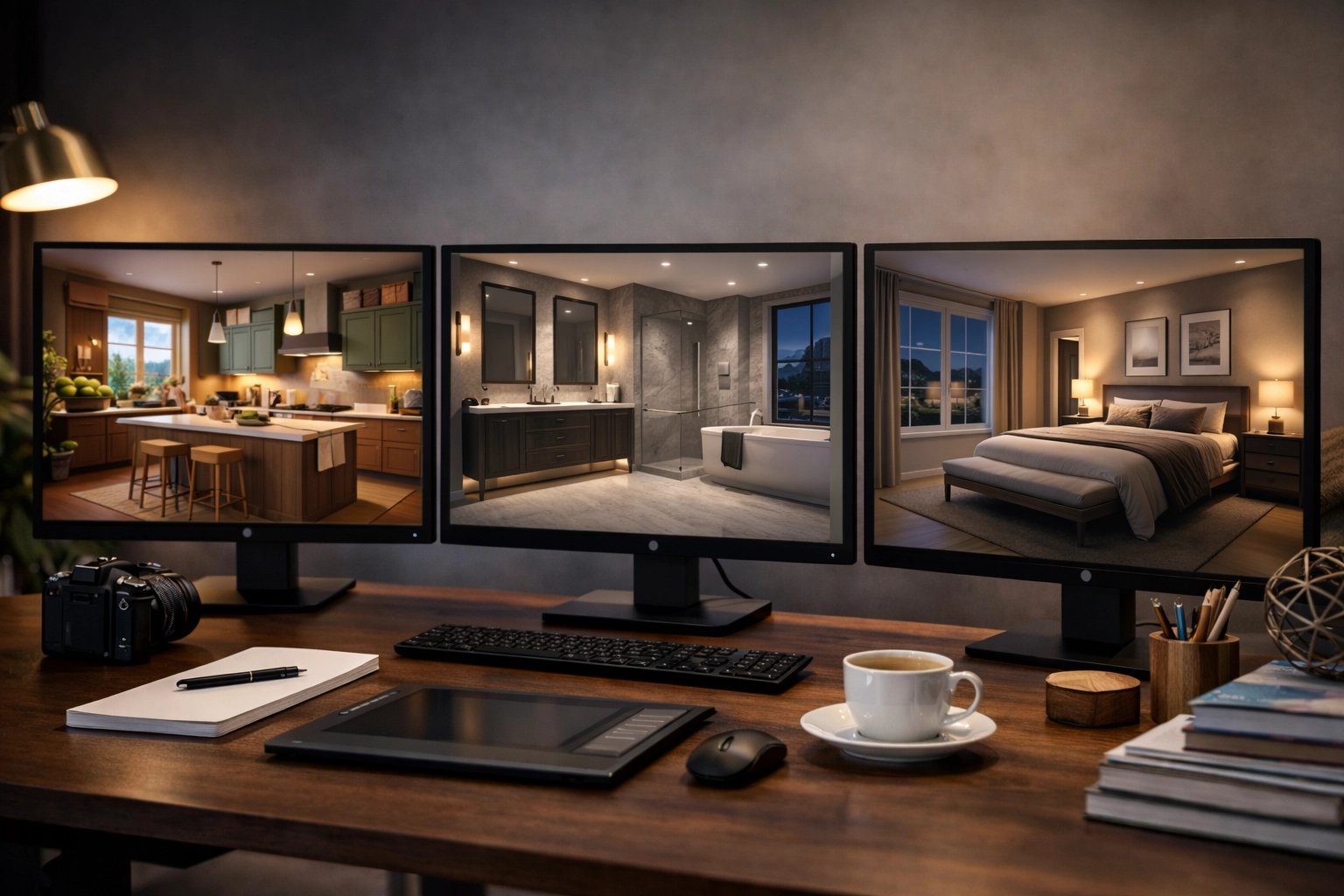
Each category serves different needs. For KBB design work where precision matters, specificity wins.
Summarising: Why Specificity Matters
Should you use generic AI rendering for KBB work?
Only if you’re okay with prompts, re-rolls, and geometry drift.
If your priority is kitchen visualisation that matches what you designed, you need AI interior rendering that’s spec-first:
- One-click AI rendering
- No prompts
- Preserves original CAD geometry
- Photorealistic rendering
- 4K/8K images in under a minute
In 2026, the “best” AI rendering software isn’t the most general.
It’s the one built for your workflow.
See KBB Render in action: book a demo or view pricing.