Are you tired of waiting four hours for a render just to realize the client actually wanted navy blue cabinets instead of forest green?
Honestly, we’ve all been there.
The traditional workflow for KBB (Kitchen, Bedroom, and Bathroom) designers has always been a bit of a bottleneck. You design in CAD, you set up the lighting, you hit “render,” and then you go get a coffee: or lunch: while your computer sounds like it’s about to take off for Mars. If the client changes their mind? You start the whole process over again.
The longer (and more useful) answer to this problem is finally here. At KBB Render, we are moving away from the era of “static” images. We are entering the age of dynamic, interactive editing.
Why are static renders slowing down your sales?
The problem isn’t the quality of the render; it’s the lack of flexibility. When a client stands in your showroom, they want to see options. They want to know what that marble splashback looks like compared to a tiled one.
- Traditional rendering is a “one-and-done” process.
- AI-powered rendering is a living document.
Basically, if you can’t make changes on the fly, you’re losing momentum in the sales meeting. We understand that time is quite literally money in a showroom environment. This is why our latest feature update focuses on three pillars: Edit, Style, and Animate.
Tool 1: Edit Via Uploads (add elements before you render)
This is the biggest pain point we’ve solved. Historically, if you wanted to change a material, you had to go back into your design software, re-apply the texture, and re-export the file.
Not anymore.
With Edit Via Uploads, you can add specific elements before rendering so your output is closer to the final vision from the start.
You can add as many elements as you like, including:
- Colors & textures
- Furniture & fixtures
- Backgrounds
- Paint colors
- Floor finishes
- Wall arts
- Cabinetry colors
- Decorations
File types: JPG & PNG.
Tip: use high-quality images for the best results.
This means you can sit with a client and build their dream kitchen faster – without constantly bouncing back to CAD.
Style Your Space: The power of Creative Realism
Sometimes, you have the layout right, but the “vibe” is off. Maybe the lighting feels too clinical, or the shadows are too harsh. We’ve introduced two distinct modes to help you navigate this:
- Stable Precision: This is for when the dimensions are set in stone. It ensures every cabinet door and handle stays exactly where you put it, while only updating the surface aesthetics.
- Creative Realism: This is for the early stages of a project. It gives the AI a bit of “artistic flair” to suggest lighting setups and decor choices you might not have considered.
Following the above, we’ve also perfected Inspiration Transfer.
This feature allows you to upload a reference image: maybe a beautiful shot from a magazine or Pinterest: and apply that exact “look” to your render. The AI preserves your geometry (the actual kitchen layout) but steals the soul of the reference image. It’s a game-changer for mood-boarding
Tool 2: Animation (turn your stills into motion)
The most requested feature in KBB history is almost here. We are officially working on Still Render to Animation.
Imagine taking a set of photorealistic renders and turning them into a smooth, cinematic sequence – without learning complex video editing or spending days on camera paths.
Tips for better results
- Add angled images in a logical order (so the camera movement feels natural).
- Keep the scene consistent between angles (same design, same layout).
What you can do with Animation
- Transition between lighting scenes: Day, sunset, night – and even lights on/off.
- Add moving elements: If your original photorealistic render includes people or pets, you can introduce walking/moving elements for extra realism.
The workflow (simple)
- Upload photorealistic renders in different angles
- Select the video style
- Generate your Animated Output
This transition from static to motion is what separates the top-tier showrooms from the rest. It provides an immersive experience that a flat image simply cannot match.
Efficiency at Scale: Batch Rendering and 8K Quality
We aren’t just making renders smarter; we’re making them faster.
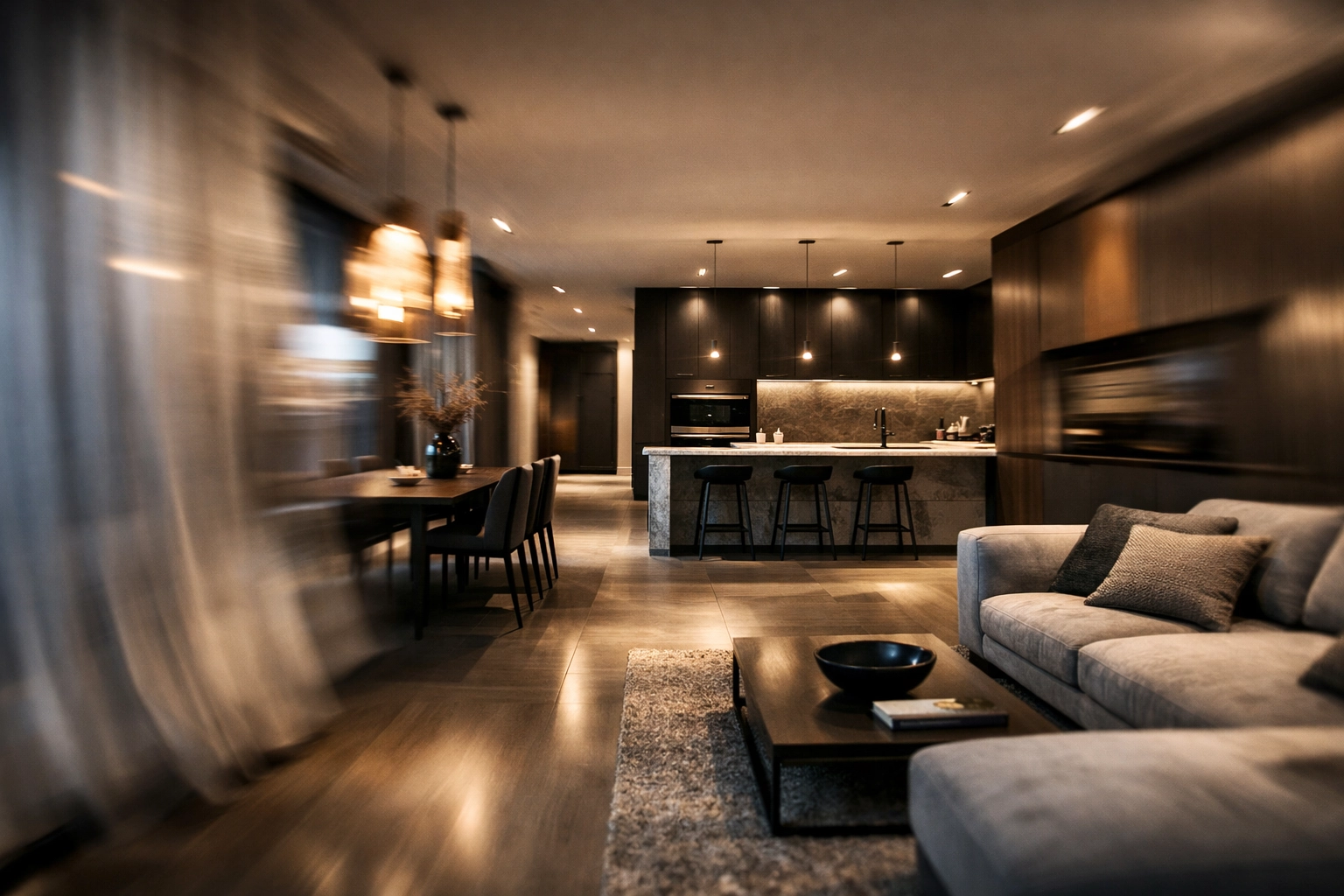
If you are presenting to a client who is undecided, you shouldn’t have to choose one “best” version to show them. Our Batch Rendering feature allows you to generate 6 variations in a single click.
This is perfect for showing:
- Different lighting scenarios (Daylight vs. Evening).
- Varying hardware finishes (Brass vs. Chrome).
- Multiple floorings.
And when you finally land on that perfect design? You can use our Native 8K Upscaling.
This isn’t just a “stretched” image. The AI actually reconstructs the details to ensure the final output is crisp enough for large-format showroom prints or high-end brochures.
Comparison: Traditional vs. KBB Render AI
| Feature | Traditional Rendering | KBB Render AI |
|---|---|---|
| Material Changes | Re-open CAD (Slow) | Instant Overlay (Fast) |
| Styling | Manual setup | AI Inspiration Transfer |
| Processing Time | 30 – 120 minutes | 10-60 seconds |
| Variations | One at a time | Batch (6 at once) |
| Resolution | Limited by hardware | Native 8K Upscale |
How to get the most out of these new features
To really level up your design game, we recommend a specific workflow using the new tools:
- Start with Stable Precision: Get your layout and cabinetry right first.
- Use Inspiration Transfer: Grab a photo of a high-end kitchen your client loves and apply that mood to your render.
- Run a Batch Render: Generate 6 versions with slight lighting and texture tweaks.
- Upscale to 8K: Print it out or send a high-res file to the client’s inbox before they even leave your office.
Summarizing…
The world of KBB design is moving faster than ever. Clients no longer have the patience to wait days for a visualization. They want to see their future home now, and they want the ability to change their mind without feeling like they are “breaking” the design process.
Is it worth switching to an AI-driven workflow?
Yes.
By moving from static renders to a dynamic editing experience, you save hours of back-and-forth and close deals faster. With features like Inspiration Transfer, Batch Rendering, and the upcoming Animation tools, KBB Render is more than just a visualization tool: it’s a sales engine.
Ready to stop waiting and start creating?
Book a KBB Render Demo today and see these features in action, or check out our Pricing to get started right away.
The future of interior design isn’t just a picture; it’s a process.