
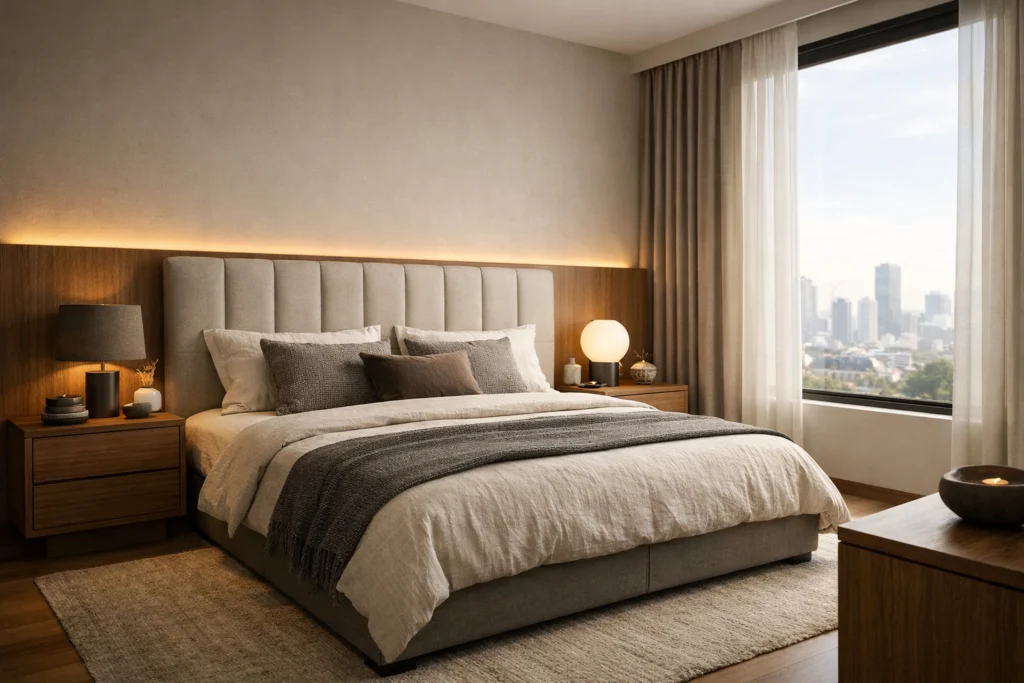
Are you still leaving your computer fans screaming overnight just to produce a single high-quality render?
In the fast-paced design world of 2026, the answer is increasingly a resounding "no." The industry has undergone a seismic shift, moving away from the heavy, hardware-dependent workflows of the past toward streamlined, AI-integrated processes.
It depends on how much you value your time.
The longer (and much more profitable) answer is that the barrier between a "sketch" and a "final visual" has virtually disappeared. If you are still tethered to a high-spec desktop and complex lighting settings, you are working harder than your competitors: not smarter.
Below, we break down exactly how the rendering workflow has changed and why 2026 is the year the "rendering wait" finally died.
Why the old workflow is holding you back
For decades, the path to a photorealistic image followed a rigid, painful timeline:
- Modeling in complex CAD software.
- Texturing and Lighting which required hours of manual tweaking.
- The "Wait Phase" where your computer becomes a very expensive space heater for 4-8 hours.
- Post-Processing in Photoshop to fix the "flat" look.
Basically, if a client wanted a minor change: like swapping a marble countertop for quartz: it meant another day of lost productivity. We understand that this friction has historically been the biggest bottleneck in closing deals.
Today, that bottleneck is gone. Modern tools like KBB Render have replaced the "wait" with immediate results.
The 2026 Reality: Any Device, Any Time
One of the most significant shifts in 2026 is the decoupling of hardware and quality.
You no longer need a £3,000 liquid-cooled workstation to produce professional results. Because the heavy lifting is handled by cloud-based AI, designers are now presenting live from iPads, MacBooks, or even smartphones during site visits.
This means:
- Zero Installation: No more fighting with V-Ray plugins or GPU drivers.
- Total Mobility: Start a project in the office, tweak it on the train, and finish it at home.
- Accessibility: Small studios now have the same visual firepower as global architecture firms.
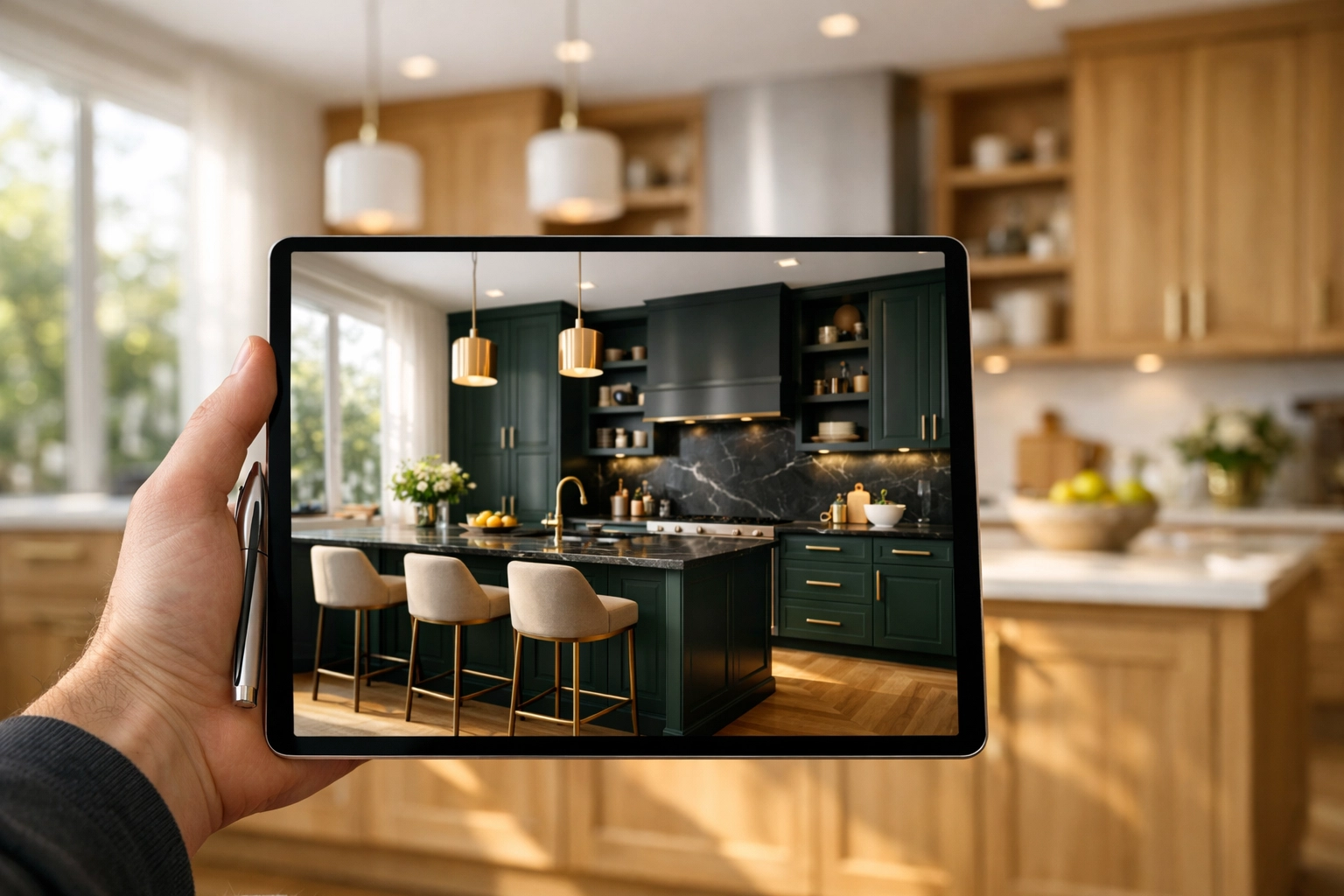
Mastering the AI-Powered Pipeline
The new workflow isn't just about speed; it's about control. In 2026, we’ve moved past the "random" nature of early AI tools. Designers don't want to be "prompt engineers": they want to be designers.
Following the above, here is how a typical 2026 workflow looks using KBB Render:
1. The Foundation (Stable Precision)
You start with your basic layout from SketchUp, Revit, or even a simple 2D drawing. Using Stable Precision, the AI respects your exact geometry. It doesn't "hallucinate" new walls or move your cabinets. It takes your structural truth and applies photorealistic depth.
2. The Atmosphere (Creative Realism)
Once the structure is locked, you apply Creative Realism. This is where the AI understands lighting, shadows, and the "feel" of a room. It adds the nuances: the way sunlight hits a brushed brass tap or the soft glow of under-cabinet LEDs: without you having to place a single virtual light source.
3. The Style Sync (Inspiration Transfer)
Found a stunning reference photo on Pinterest? With Inspiration Transfer, you can upload that reference image and apply its color palette, lighting mood, and material finish directly to your 3D model. It’s the ultimate tool for aligning your vision with the client's expectations instantly.
Efficiency by the Numbers: AI vs. Traditional
To understand the impact on your bottom line, look at how the production time has been slashed.
| Feature | Traditional 3D Rendering | KBB Render (AI) |
|---|---|---|
| Setup Time | 2-4 Hours | 2 Minutes |
| Render Time | 45 Mins – 6 Hours | < 60 Seconds |
| Hardware Required | High-End GPU Desktop | Any Browser / Tablet |
| Skill Level | Technical Specialist | Interior Designer |
| Cost per Revision | High (Time/Labor) | Near Zero |
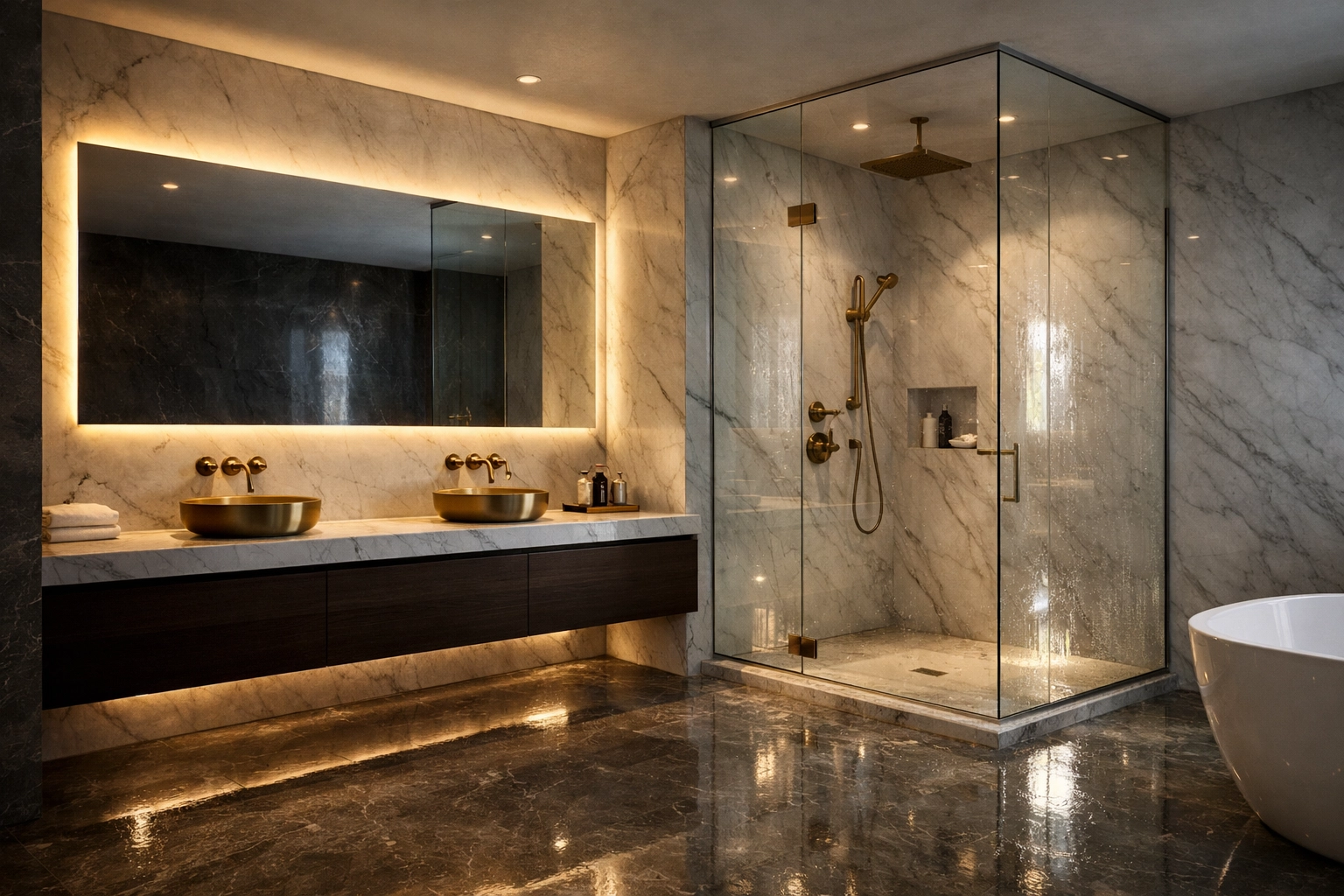
The Power of the "One-Click" Batch
In 2026, clients expect options. They don't just want to see the "Modern Oak" kitchen; they want to see it in "Navy Blue," "Sage Green," and "Matte Black."
In the old workflow, this meant setting up four different files and rendering them sequentially.
With Batch Rendering (6 variations), you can now generate six different versions of a space: varying the lighting, materials, or time of day: with a single click. This transforms the client meeting from a "tell" to a "show."
Instead of saying "imagine this in walnut," you simply show them. You can explore more at our batch rendering page.
Native 8K: From Screen to Showroom
A common myth in the early days of AI was that the images were "too small" for professional use. That changed in 2026.
With Native 8K Upscaling, these AI-generated renders are no longer just for Instagram. They are crisp enough for:
- Large-format showroom displays.
- High-end printed brochures.
- Massive 4K presentations in client boardrooms.
This level of detail ensures that every texture: the grain in the wood, the vein in the marble: is visible and tactile.
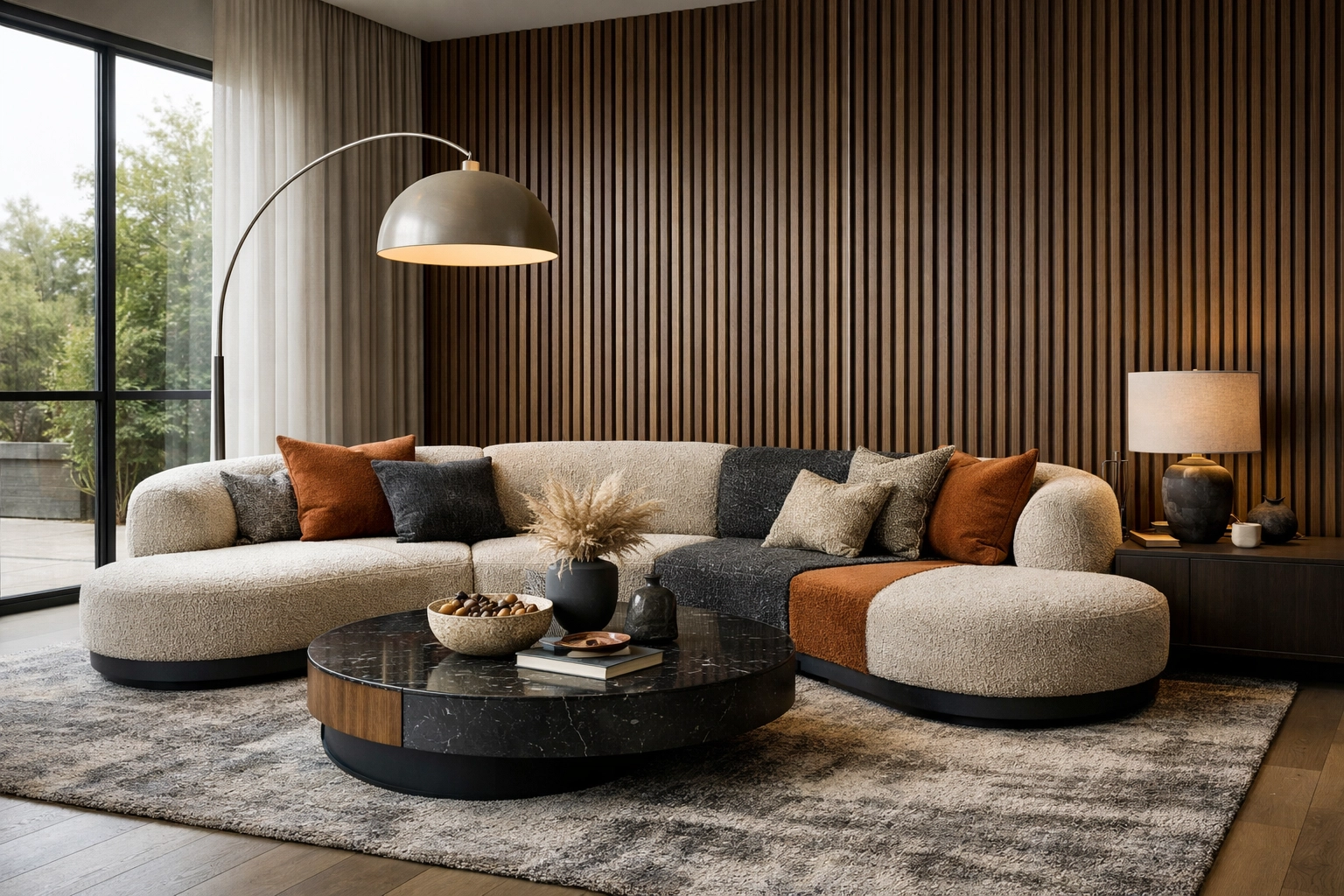
What’s Next? The Future of the Workflow
While the 1-minute render is already a reality, the roadmap for 2026 continues to evolve. We are moving toward a world where the "still image" is just the beginning.
Coming Soon to KBB Render:
- Still Render to Animation: Soon, you’ll be able to turn your static renders into cinematic fly-through videos with a single click.
- Add/Remove Objects: Need to clear a cluttered kitchen or add a specific bowl of fruit to the island? AI-powered scene cleanup is on the horizon.
These features will further reduce the need for external video editors or tedious 3D asset management. You can keep an eye on these updates via our Knowledge Hub.
How to Transition Your Studio
If you’re worried about "learning another software," don't be. The beauty of the 2026 workflow is its simplicity.
Steps to start today:
- Ditch the high-spec requirement: Stop overpaying for hardware maintenance.
- Focus on the "No-Prompt" approach: Don't waste time learning code. Use tools that understand design language. You can read more about why designers shouldn't be prompt engineers here.
- Integrate early: Use AI in the concept stage, not just the final stage. Use it to win the project before you've even spent hours on the final CAD.
Basically, the goal is to spend 90% of your time designing and 10% rendering: not the other way around.
Summarising…
Is the traditional rendering workflow dead?
Yes. For the vast majority of interior design and kitchen projects, the era of waiting hours for a visual is over.
The new workflow for 2026 is built on speed, cloud-accessibility, and precision control. By leveraging tools like KBB Render, you can offer 8K photorealism, multiple design variations, and instant revisions: all while using a fraction of the resources.
Key Takeaways:
- Speed is a competitive advantage: 1-minute renders close deals faster.
- Precision matters: Use Stable Precision to keep your designs accurate.
- Hardware is irrelevant: Your browser is now your most powerful rendering tool.
Ready to see the future of your workflow?
Book a KBB Render Demo or check out our pricing to start rendering in 8K today.