

























CAD creates the design. KBB Render the project. CAD creates the design. KBB Render the project.
Turn your CAD designs into client-ready visuals in seconds. Render, edit, present and get approval without going back to CAD.
7-day free trial • Full platform access • Cancel anytime
Trusted By Designers, showrooms & Manufacturers


try kbb render free
Don't take our word for it. Try KBB Render right now.
Upload your design or choose a preset to generate your free render in seconds.
Does this sound familiar?
Every interior designer knows this feeling...
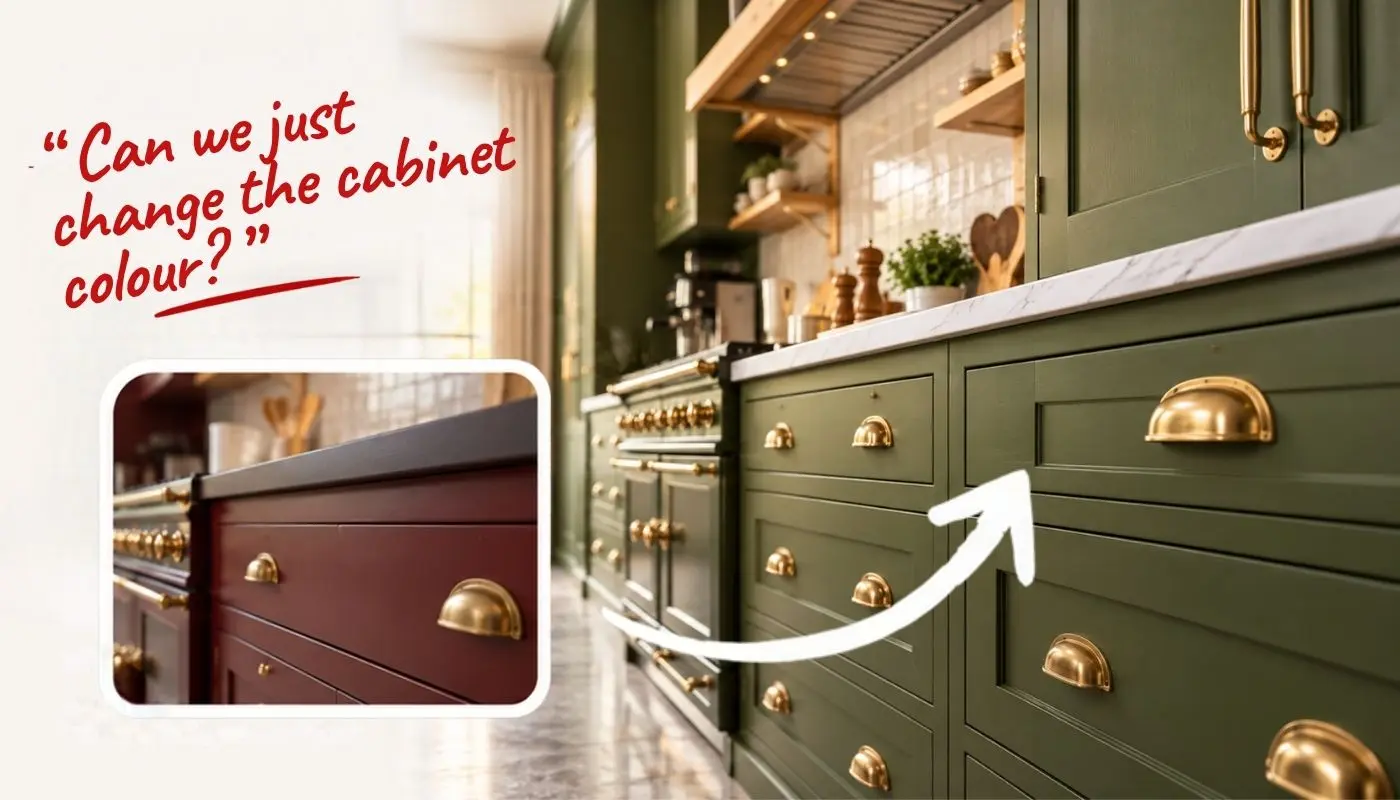
Client requests a small change.
A quick colour change turns into a whole new render.

Back to CAD. Again.
You queue another render and wait.
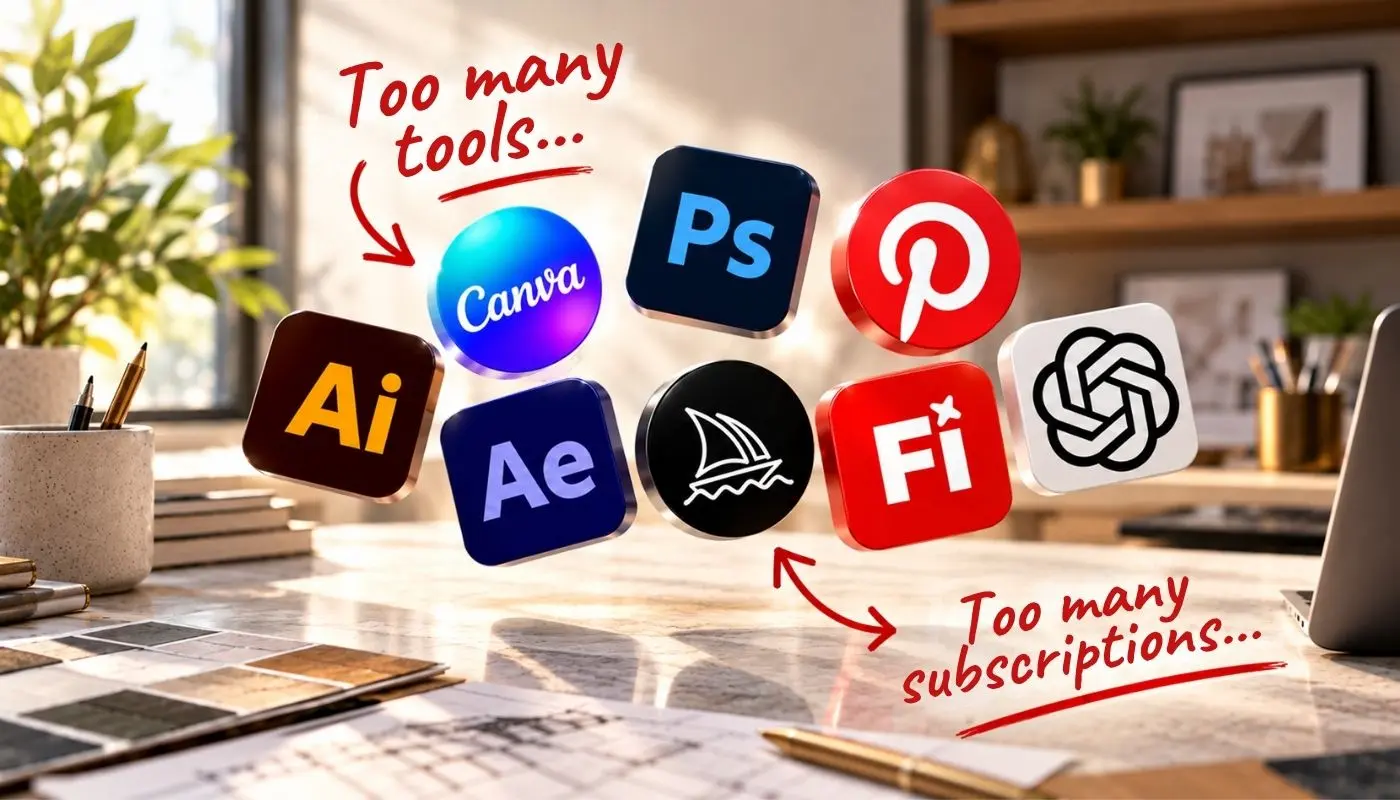
Juggling multiple tools.
Different software, different logins, more costs.
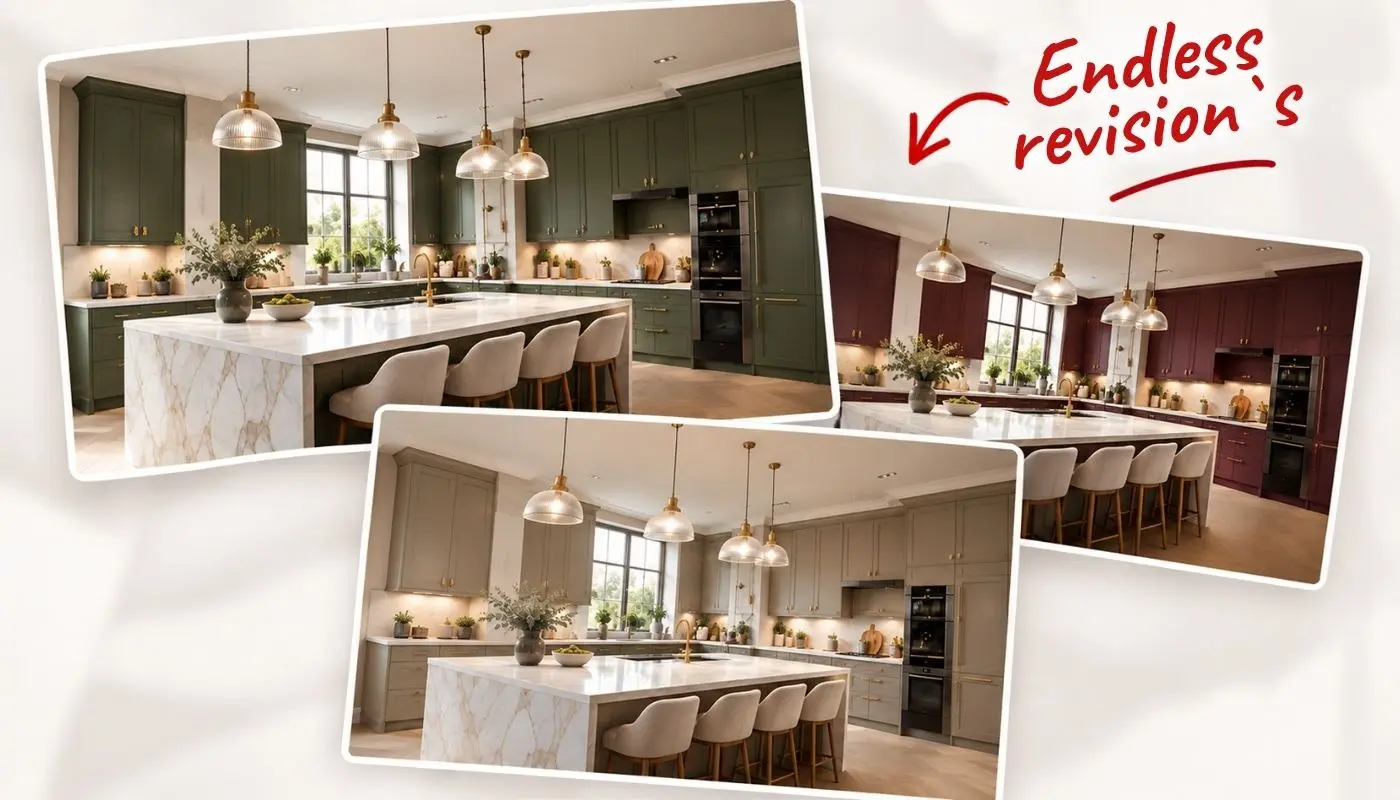
Endless back and forth.
Small changes take hours and eat into your day.

Harder to win the project.
Longer timelines, frustrated clients and lost opportunities.
There is a better way!
Replace 7+ tools and dozens of hours. KBB Render is all you need to take a project from first idea to final approval.
One Project. Start to Finish.
From “Can we just change the cabinet colour?” to “Approved.” All in one platform.
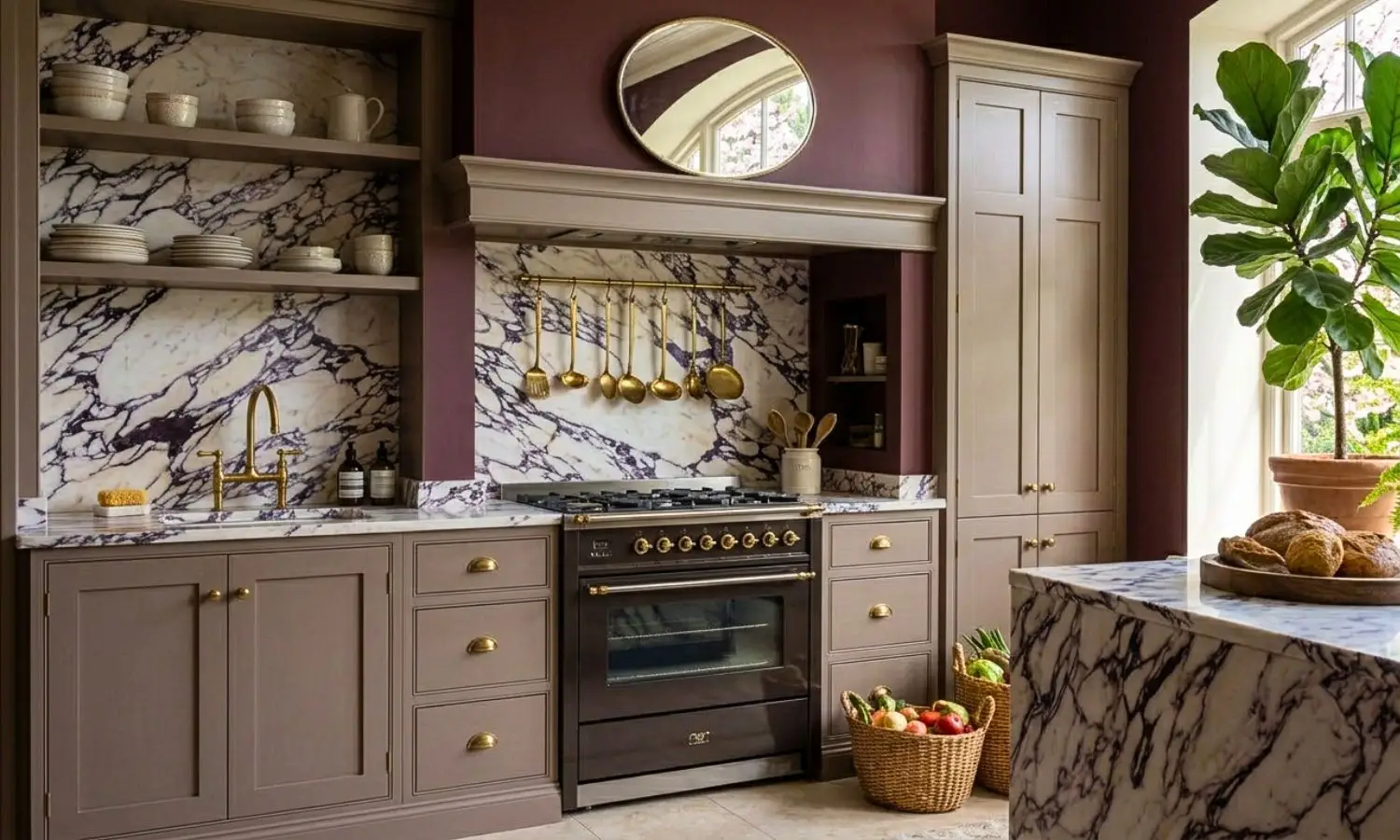
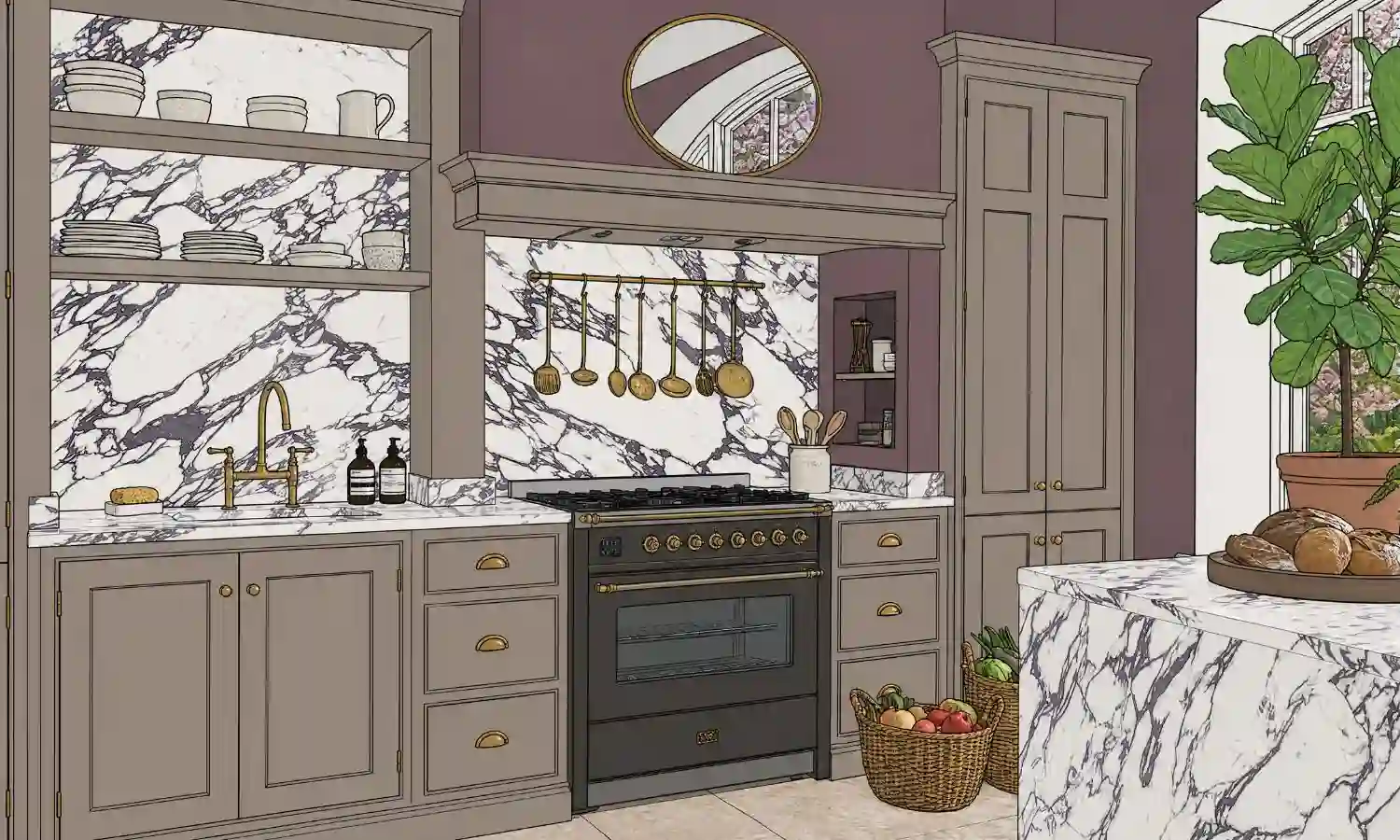
Render in Seconds
Turn your CAD design into photorealistic visuals.
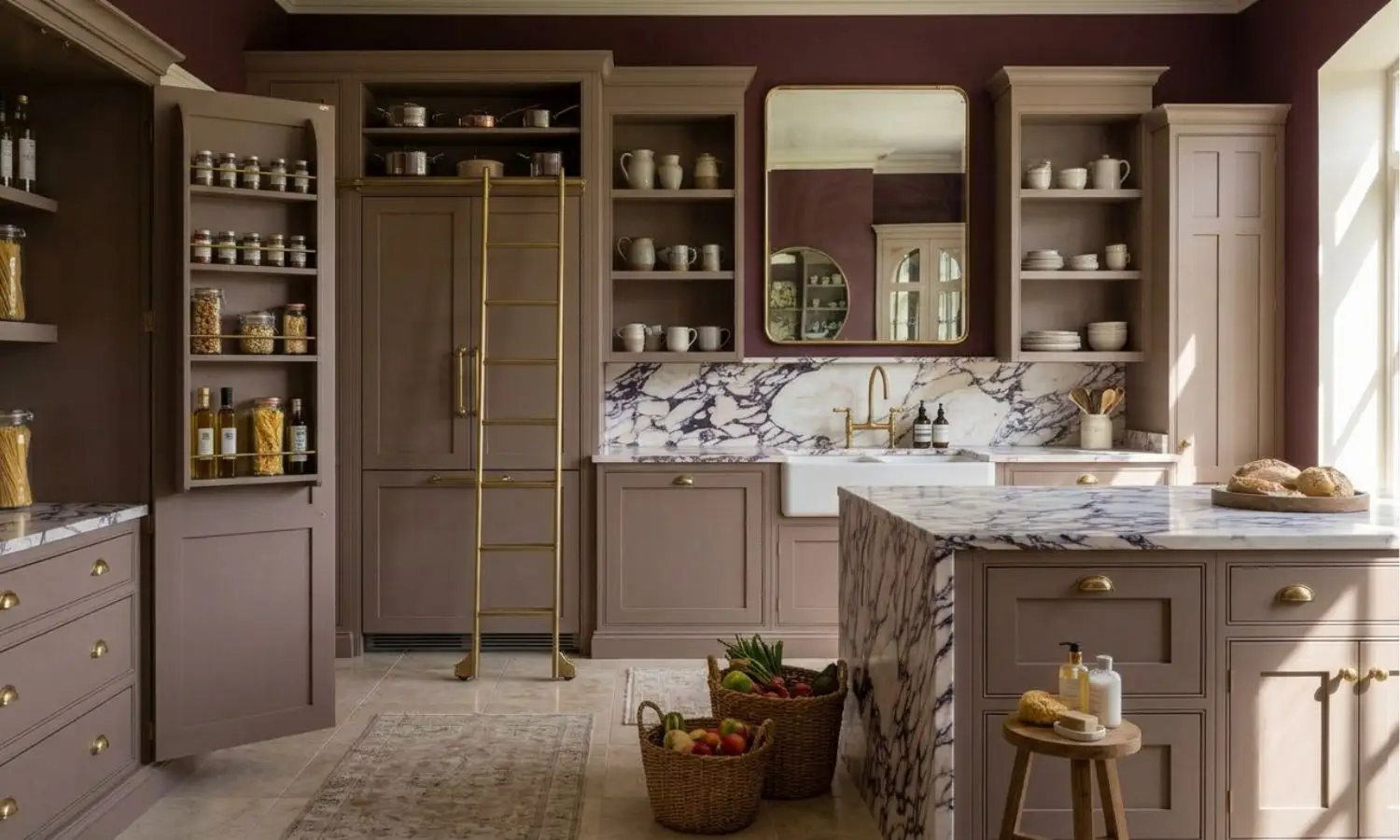
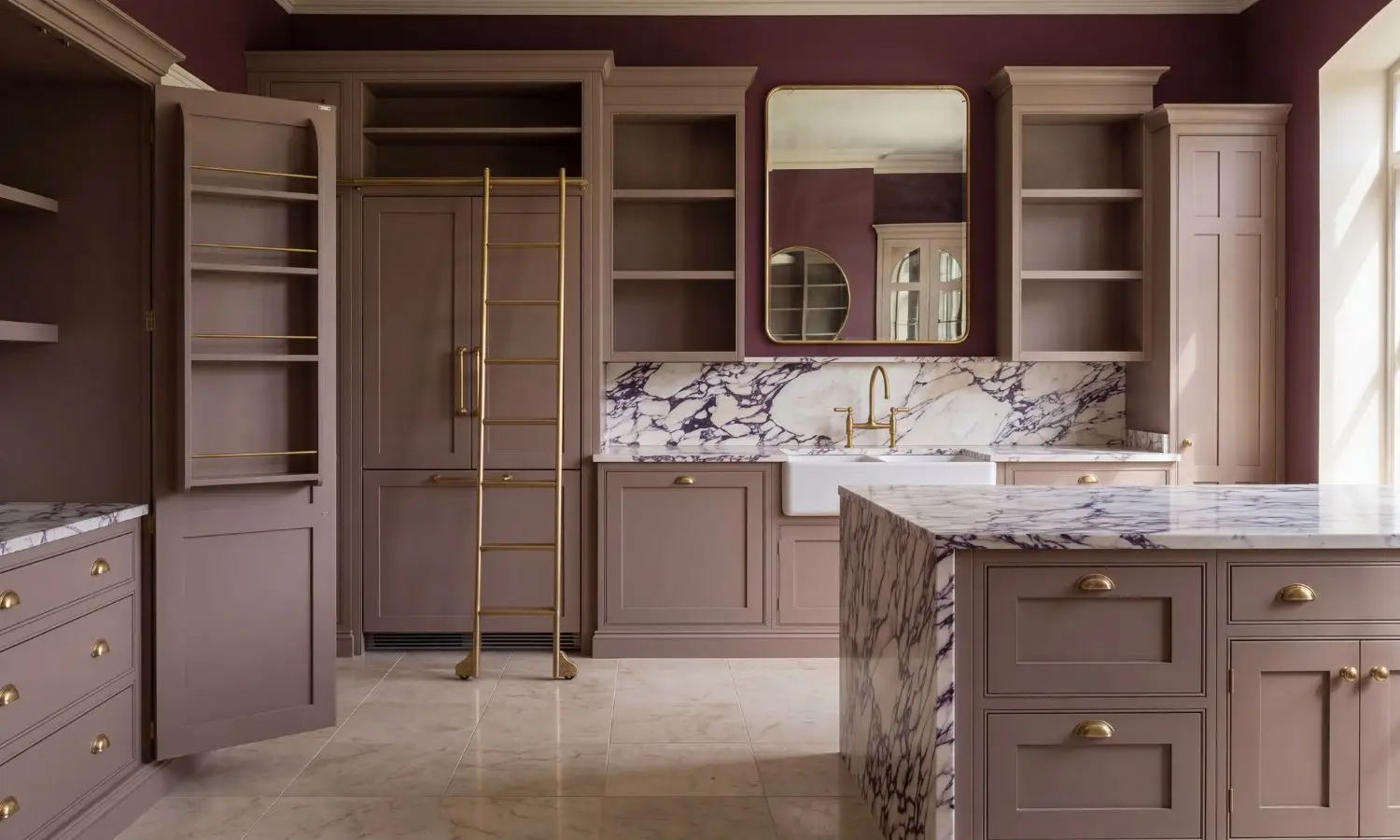
Edit Instantly
Change colours, materials, lighting and more.
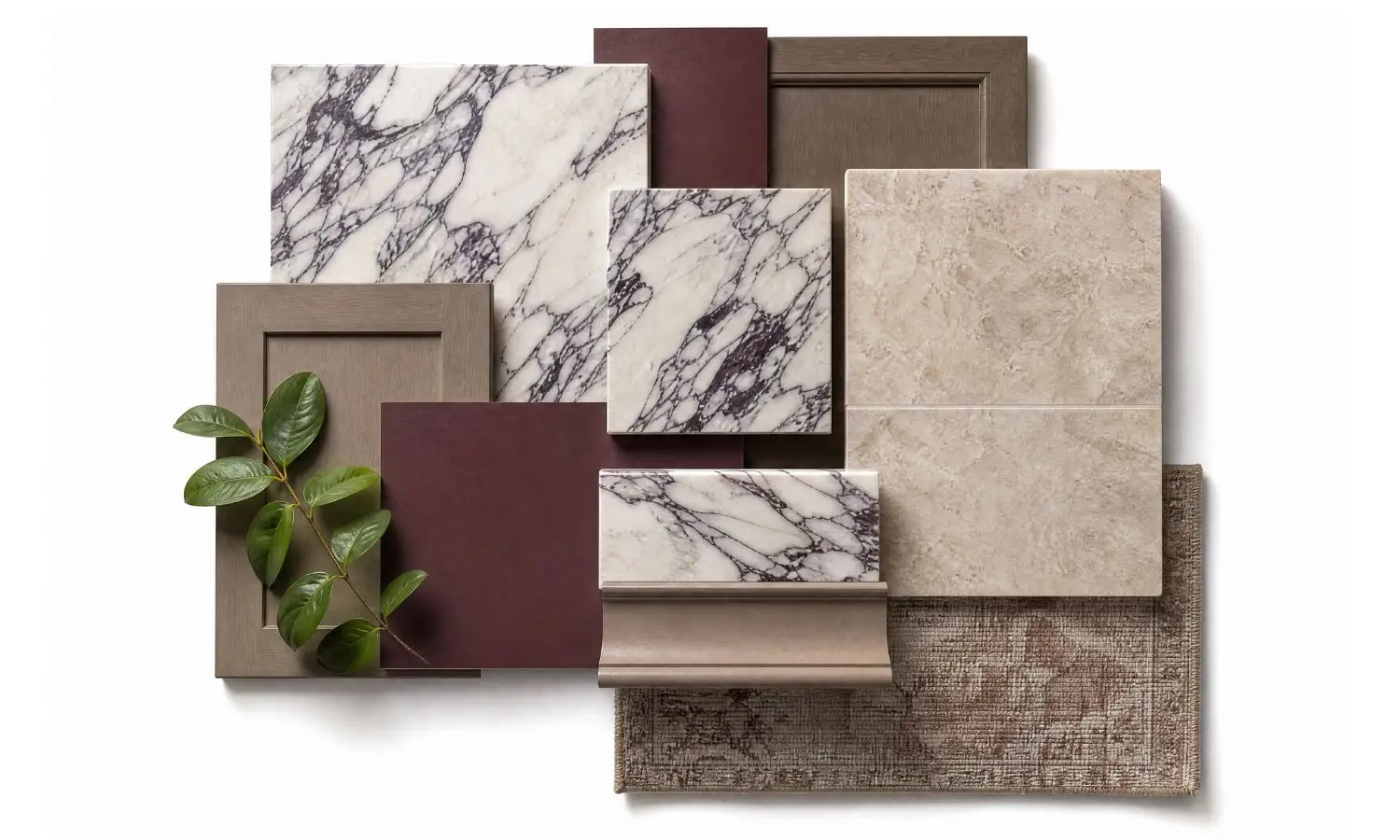
Create Moodboards
Build presentation-ready moodboards.
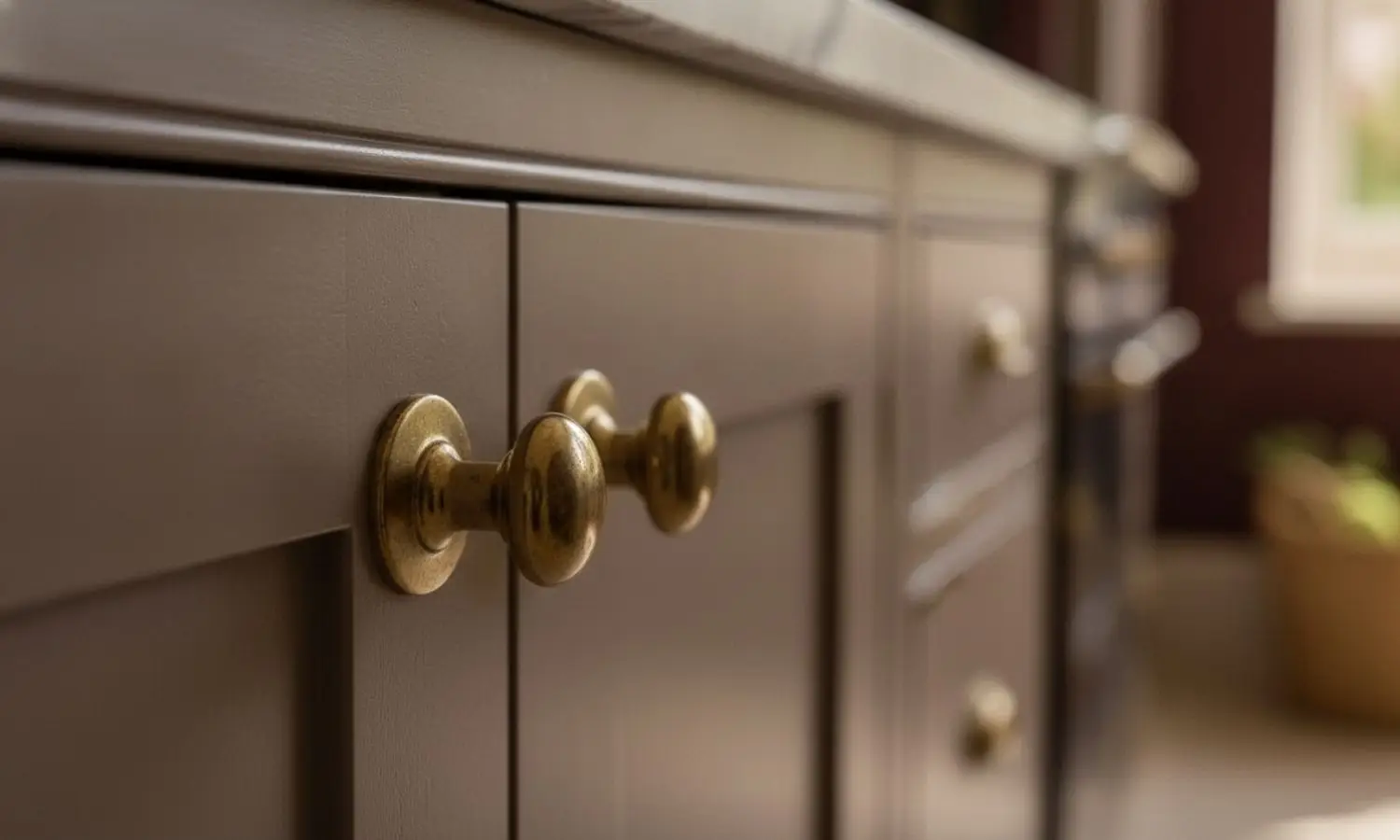
Close-Up Shots
Generate product and material close-ups instantly.
Create Animations
Turn still renders into cinematic walkthroughs.
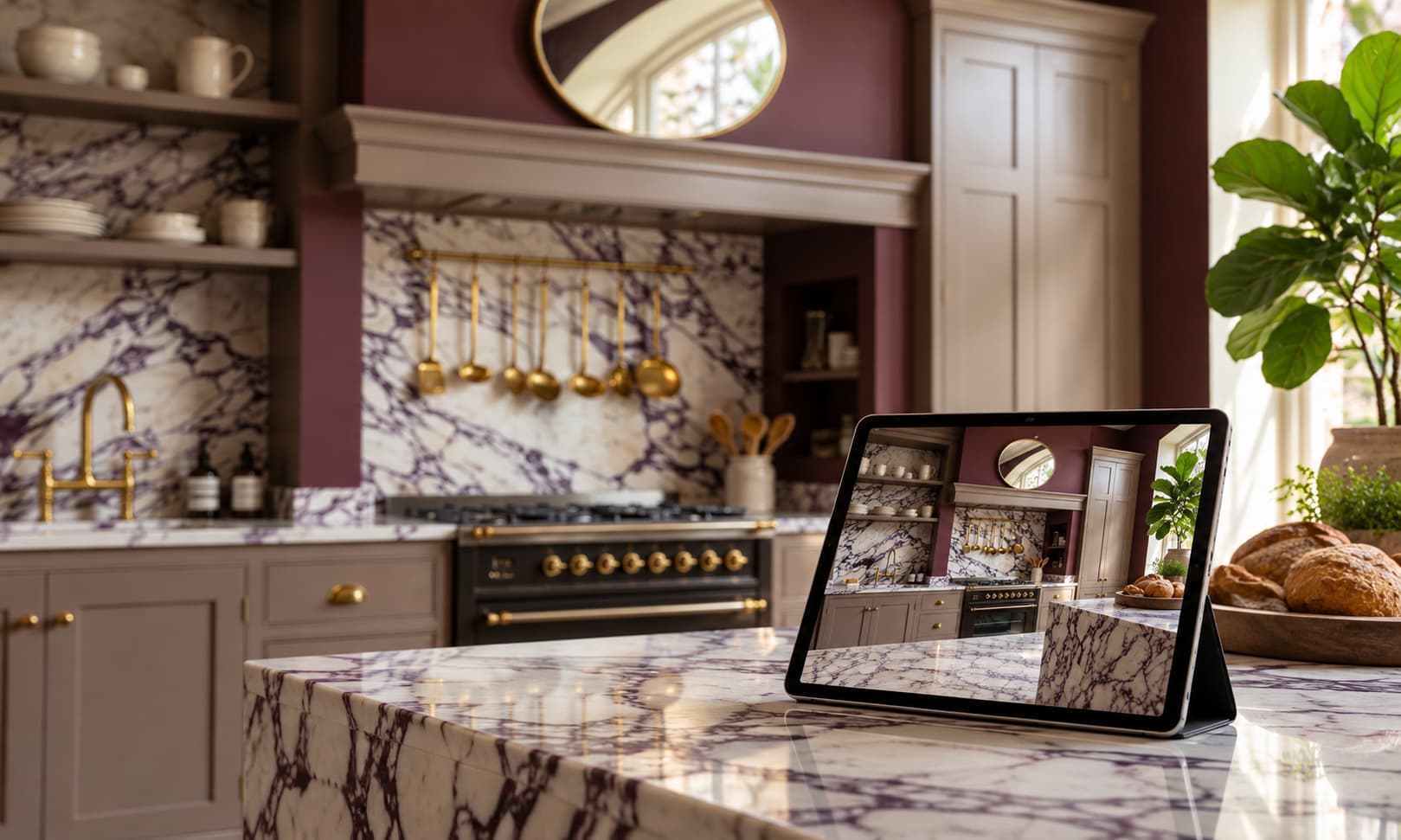
Client Approved
Faster approvals. Happier clients. More projects for you.
From sketch to photorealistic.
Transform concept sketches into photorealistic interior renders ready for client presentations.
↓ Click a tool to see what it can do
Powerful tools to help render, design, edit and present like never before. Create photorealistic interior renders, edit materials and furniture, transform inspiration into new concepts, and generate cinematic walkthroughs.
Everything you need. All in one place.
AI Tools
(varies by platform)
separate tools
workflow
The same powerful AI technology, built into one seamless workflow for kitchen, bedroom and bathroom designers.
AI tools can do a lot. KBB Render puts it all together.

“Absolutely blown away.”
Chris Smith

“The quality of the renders are excellent & it's made a big difference to my workflow.”
Jorge G. From Euromobel

“5 ultra realistic renders in 60 seconds, the ability to add in clients actual items....”
Paul Berryman

“This software is phenomenal. Honestly so impressed with the capability”
Stephen Fink

“Absolutely blown away.”
Chris Smith

“The quality of the renders are excellent & it's made a big difference to my workflow.”
Jorge G. From Euromobel

“5 ultra realistic renders in 60 seconds, the ability to add in clients actual items....”
Paul Berryman

“This software is phenomenal. Honestly so impressed with the capability”
Stephen Fink
From hours of work to minutes.
Stop switching between multiple rendering, editing and animation tools. KBB Render combines AI rendering, AI editing, AI animation and AI Inspiration Transfer into one browser-based platform, helping interior designers, architects and KBB professionals create presentation-ready visualisations faster.
Multiple tools. More steps. More waiting.

One platform. One workflow. Done.

Your CAD already did the hard part. Let KBB Render take it to approval.
CUSTOMER REVIEWS
Real reviews. Real design studios.
See what designers and KBB professionals say about KBB Render.
Love this rendering programme
“Love this rendering programme! simple to use and doesnt add or take away things like so many other programmes on the market.…”
This is a really powerful tool
“this is a really powerful tool! you can convert your plan into a beautiful, high resolution image to wow customers…”
We have started using KBB Render at our 3 showrooms
“We have started using KBB Render at our showrooms and has transformed our presentations. Excellent service and very helpful…”
Game changer!
“This software is an absolute game changer for any designer in the KBB industry!!!!!”
Happy with results.
“Since using KBB Render, I see many more of my clients sold on the design right from the start.…”
A New, Affordable, Standard for Kitchen Visuals
“KBB Render is giving us the ability to take our CAD designs and produce much better visuals for our customers…”
I am loving this system
“They love finally seeing their rooms come to life before installation.”
KBB Render
“It feels intuitive rather than overwhelming, which makes a big difference when you're working on multiple projects.…”
Love it!
“A lot of work has gone into this and speaking to the owner, lots of new features coming soon.…”
After using for software for a couple…
“I have found it to be super straightforward to use and the results are fantastic.”
KBB Render is brilliant
“As a kitchen designer, it makes my life so much easier when it comes to making changes for a client…”
I've been genuinely impressed with KBB…
“The quality of the AI renders is outstanding, producing realistic, high-end visuals in just minutes.”
KBB RENDER · HELP & COMPATIBILITY
Your questions. Answered.
Everything you need to know about KBB Render and the design software you already use.
KBB RENDER FAQ
Browse by topic.
Explore how KBB Render works, from AI rendering and editing to pricing, exports and your account.
General
7 questionsWhat is KBB Render?
KBB Render is an AI rendering platform for interior designers, architects and KBB professionals. It transforms sketches, CAD exports and existing renders into photorealistic visuals, allows you to edit materials and furniture, generate animations and create multiple design concepts from one browser-based platform.
Who is KBB Render for?
KBB Render is designed for interior designers, architects, kitchen designers, bathroom designers, furniture retailers, property developers and anyone who wants to create professional interior visualisations faster.
How does KBB Render work?
Simply upload your render, sketch, or design image and use our AI tools to enhance quality, transfer styles, edit materials, create variations, or generate animations.
Do I need CAD or 3D modelling software?
No. KBB Render works directly with images and renders, allowing you to create professional visualisations without advanced modelling or rendering knowledge.
Can I use KBB Render commercially?
Yes. Images created with KBB Render can be used for client presentations, marketing materials, websites, portfolios and commercial interior design projects, subject to your licence.
What is AI interior rendering?
AI interior rendering uses artificial intelligence to transform SketchUp models, CAD drawings, floor plans and concept sketches into photorealistic interior visualisations. Unlike traditional rendering software, AI rendering significantly reduces production time while preserving room geometry, materials and overall design intent.
Can I render kitchens, bathrooms and bedrooms?
Absolutely. KBB Render is optimised for kitchens, bathrooms, bedrooms, living rooms and commercial interior spaces.
AI Render
7 questionsHow long does it take to generate results?
Most renders are generated within a few minutes, depending on the selected AI tool, image resolution and server demand.
Can I upload renders from SketchUp?
Yes. KBB Render works with renders created in SketchUp and many other design and visualisation platforms.
What file types can I upload?
You can upload common image formats exported from CAD software, SketchUp and other design tools. Supported formats are listed within the application. (jpeg, png)
How realistic are the results?
KBB Render is built specifically for architectural and interior visualisation, producing highly realistic images suitable for client presentations, portfolios, websites, and marketing campaigns.
Can I generate multiple design concepts from one render?
Absolutely. Generate multiple variations of the same design to help clients compare options and make decisions faster.
Does AI keep my original layout?
Yes. KBB Render is designed to preserve your room geometry while transforming the appearance of materials, furniture and finishes.
Can I export high-resolution images?
Yes. You can export presentation-ready renders in high resolution, including 4K and 8K depending on your subscription.
AI Edit
7 questionsWhat is AI Edit?
AI Edit allows you to modify existing renders without starting your project again. Replace materials, furniture, colours and finishes while preserving the original room layout.
Can I change materials after rendering?
Yes. Instantly replace worktops, flooring, splashbacks, wall finishes and other materials while keeping the rest of the design unchanged.
Can I replace furniture with AI?
Absolutely. Swap chairs, sofas, tables, beds, lighting and decorative items to explore different interior styles without recreating the render.
Will AI Edit change my room layout?
No. AI Edit is designed to preserve your room geometry while updating selected design elements such as furniture, colours and materials.
Can I change cabinet colours?
Yes. You can quickly experiment with different cabinet colours and finishes to compare multiple kitchen or bathroom design options.
Can I create multiple design variations?
Yes. Generate multiple versions of the same room with different materials, furniture and colour schemes, making it easier to present options to clients.
Which rooms can I edit?
AI Edit works with kitchens, bathrooms, bedrooms, living rooms, dining rooms and many commercial interior spaces.
Inspiration Transfer
7 questionsWhat is Inspiration Transfer?
AI Inspiration Transfer uses artificial intelligence to analyse the colours, materials and style of a reference image or mood board and apply those design characteristics to your own interior project while preserving the original room layout.
How does Inspiration Transfer work?
Simply upload your existing render together with a reference image. KBB Render analyses the style of the inspiration image and applies similar colours, textures, materials and finishes to your design.
Will Inspiration Transfer change my layout?
No. The tool is designed to maintain your room structure while transforming the visual style based on your chosen inspiration.
What kind of inspiration images can I upload?
You can upload interior photographs, Pinterest images, mood boards, magazine references, design concepts or any high-quality image that reflects your desired style.
Can I match a specific interior design style?
Yes. Inspiration Transfer can help recreate styles such as Modern, Scandinavian, Japandi, Industrial, Minimalist, Luxury, Contemporary and many more while adapting them to your own project.
Can I generate multiple style variations?
Yes. Upload different inspiration images to quickly compare multiple design directions before presenting ideas to your client.
Why use Inspiration Transfer instead of prompting?
Inspiration Transfer provides a faster and more visual workflow. Instead of describing a style with text, you can use real reference images to guide the AI, producing results that are often more consistent with your design vision.
Animation
7 questionsCan I turn my render into a video?
Yes. AI Animation transforms static renders into smooth cinematic walkthroughs suitable for presentations, websites and social media.
How long are the animations?
Animation length depends on the selected settings and feature availability, allowing you to create short promotional clips or longer walkthroughs.
Can I download my videos?
Yes. Completed animations can be downloaded in supported video formats for presentations and marketing.
Can I use AI animations commercially?
Yes. Animations can be used in client presentations, property marketing, websites and social media, subject to your licence.
Does animation preserve my design?
Yes. The animation follows your generated render while adding realistic camera movement without changing the design.
Can I share videos with clients?
Yes. AI animations are designed to help communicate concepts clearly and improve client presentations.
Which spaces can I animate?
You can create animations for kitchens, bathrooms, bedrooms, living rooms, commercial interiors and other supported spaces.
Conversions
5 questionsWhy do I need Conversion Tools?
Many AI models produce better results when working from clean sketches or line drawings rather than fully rendered images.
Which images can I convert?
Finished renders, photographs, CAD exports, screenshots and concept visuals.
Why convert a render into a sketch?
Sketches remove unnecessary visual noise while preserving composition, helping AI better understand the structure of your design.
Can I use converted images inside KBB Render?
Yes. Converted sketches and line drawings can be used directly with AI Render, Inspiration Transfer and other KBB Render tools.
Why use Line Drawing?
Line drawings are the ideal starting point for Inspiration Transfer because they preserve geometry while allowing AI to generate completely new design styles.
Schematics
4 questionsWho is AI Schematics for?
Interior designers, architects, kitchen designers, bathroom designers, furniture manufacturers and design studios
Can I generate technical documentation from one render?
Yes. Upload a single rendered image and generate professional presentation boards without manually recreating drawings.
Can I edit the generated documentation?
Yes. Every generated result can be refined using KBB Render AI Edit tools.
Which rendering software works?
Works with renders created in Winner Flex, ArtiCAD, SketchUp, 2020 Design, Blender, 3ds Max, Revit and many other applications.
Pricing
2 questionsIs there a free trial?
Yes. New users can explore KBB Render with a free trial before choosing a subscription.
Can I cancel anytime?
Yes. Subscriptions can be cancelled according to your billing terms.
Account
4 questionsIs KBB Render cloud-based?
Yes. Everything runs securely in your browser without requiring expensive rendering hardware.
Is my data secure?
Yes. Your uploaded files and projects are processed securely using encrypted cloud infrastructure.
Can my team use one account?
Depending on your plans, team collaboration and shared workspaces may be available.
How can I contact support?
Our support team is available via email, live chat and our contact page to help with technical questions, account issues and product guidance.
YOUR NEXT PROJECT STARTS HERE
Bring your next design to life.
Create photorealistic renders, refine details and present your ideas with confidence. All in one AI-powered creative workspace.
Render · Edit · Animate · Present
