
AI Rendering - Render Animation
Turn Static Interior Renders into Cinematic AI Videos
Create professional AI render animations from existing SketchUp renders, CAD visualisations and interior design images in minutes.
Generate smooth camera movements, cinematic transitions and presentation-ready walkthrough videos without video editing software.
- Cinematic Camera Movements
- Multiple Camera Angles
- Add Music & Branding
- Export in 4K HD Quality











How AI Render Animation Works
Create professional animation videos in four simple steps.
1. Upload Your Images
Upload up to 8 photorealistic renders of the same room from different camera angles to create a smooth cinematic animation.
2. Choose Video Style
Select landscape or portrait orientation, adjust video duration and choose your preferred animation settings.
3. Add Branding & Music
Personalise your animation with your logo, project details, background music and a custom intro or outro message.
4. Generate Animation
Our AI automatically combines your renders into a smooth walkthrough video ready to preview and download.
Turn Static Renders into Cinematic AI Walkthroughs.
Transform a single interior render into a cinematic AI walkthrough with realistic camera movements, smooth transitions and presentation-ready video output for architects, interior designers and property developers.
- Cinematic Camera Movements
Create professional push-ins, flythroughs, orbit shots and smooth camera movements that bring interior designs to life.
- Generate Videos in Minutes
Turn a static render into a professional walkthrough without manual keyframing or animation software.
- Built for Client Presentations
Help clients understand spaces more clearly through realistic motion and immersive visual storytelling.
Professional Video Settings
Everything you need to create presentation-ready animation videos.
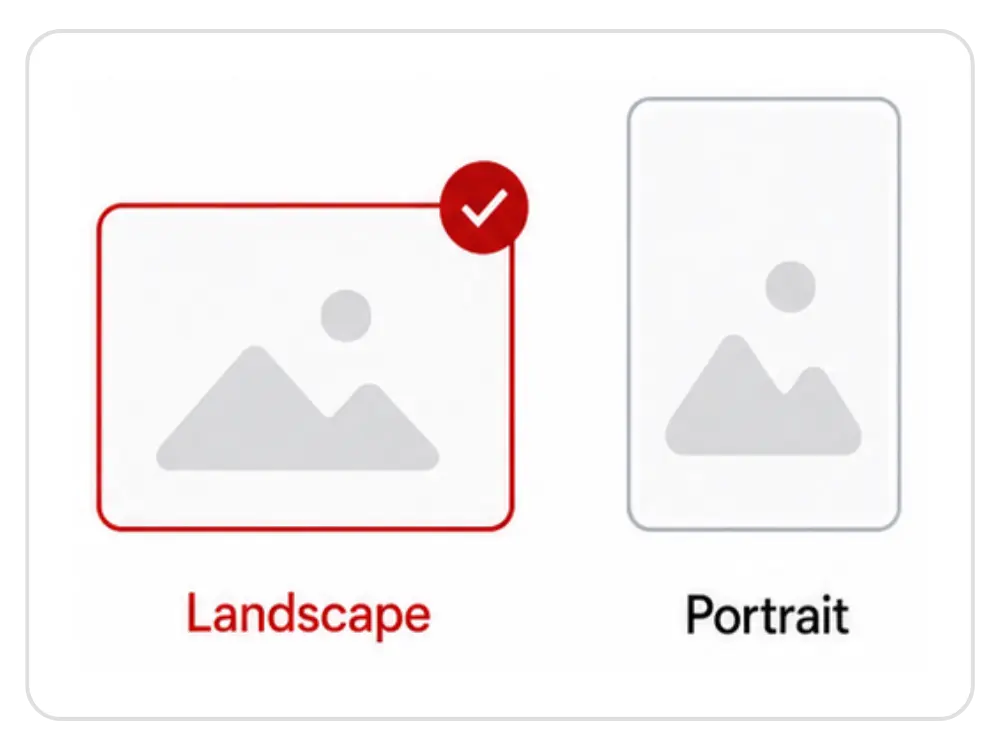
- Video Orientation
Choose between 16:9 Landscape for presentations and YouTube, or 9:16 Portrait for Instagram Reels, TikTok and YouTube Shorts.
- Background Music
Add cinematic background music with one click or generate silent videos for client meetings and professional presentations.
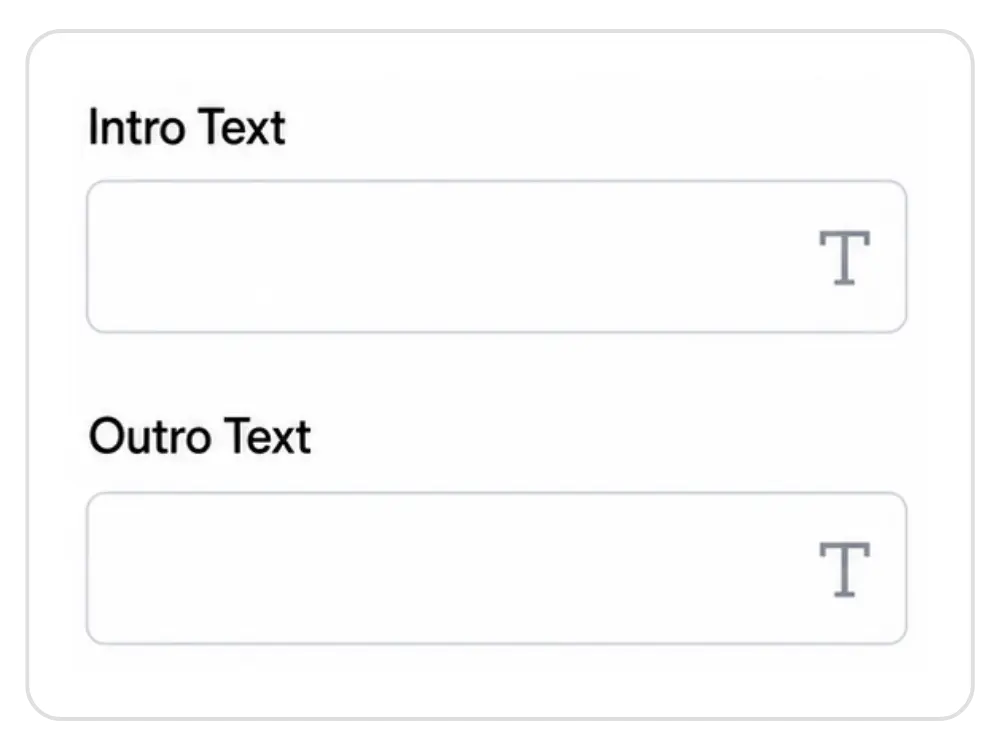
- Intro & Outro
Automatically include your logo, client name, project title and personalised closing message without using video editing software.
- Brand Settings
Upload your logo to seamlessly incorporate your branding into your animations, helping your business stand out from the competition.
From Static Render to Cinematic Walkthrough
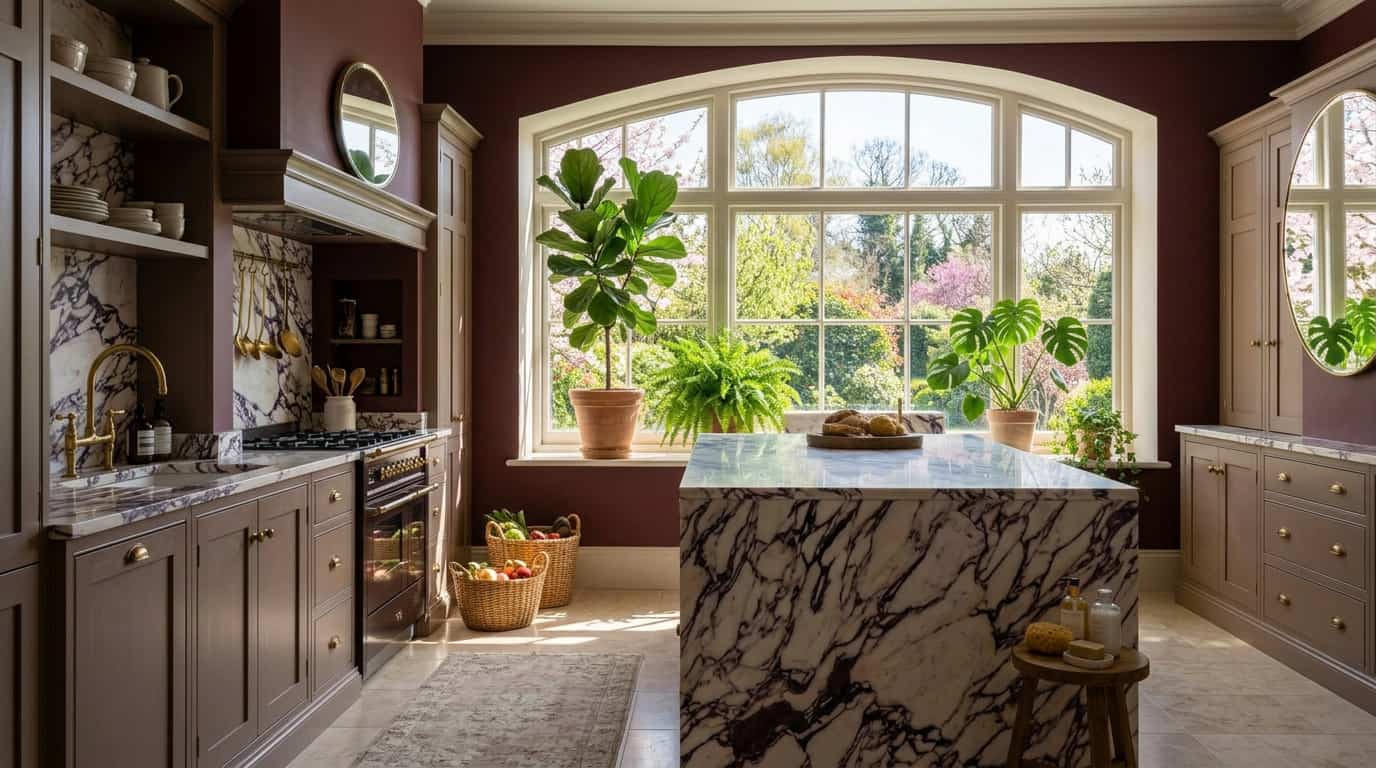
Watch how KBB Render transforms static interior renders into professional presentation videos with intelligent camera movements, smooth transitions and optional background music.
Perfect For
Interior Designers
Social Media
Marketing
Furniture Retailers
Architects
Property Developers
Traditional Workflow
- ❌ Gather your photorealistic renders
- ❌ Trial and error with multiple AI Animation tools
- ❌ Generate the wrong animation and repeat
- ❌ Download an external software to stich all animations
- ❌ Find your own music and overlay it
- ❌ Higher production costs
- Total Time:
- 3-4 hours Per Project
KBB Render Animation
- Upload four renders
- AI creates smooth camera movements
- Automatic transitions between images
- Add branding and music
- Generate professional videos in minutes
- Download presentation-ready animations instantly
- Total Time:
- 5-10 minutes Per Project
Frequently Asked Questions
What is AI render animation?
AI render animation transforms static SketchUp renders, CAD visualisations and AI-generated interior images into smooth cinematic walkthrough videos using intelligent camera movements and transitions.
How many images do I need?
Upload up to 8 photorealistic renders of the same room from different camera angles to generate one complete 50 second animation. Each image is a credit.
Can I upload AI-generated renders?
Yes. Any high-quality interior render can be used to generate professional animation videos.
Does KBB Render automatically create camera movements?
Yes. The AI intelligently generates smooth cinematic transitions between your uploaded images.
Can I add my logo and branding?
Most animations are generated in just a few minutes, depending on the selected settings.
Can I animate a SketchUp render?
Yes. KBB Render supports SketchUp renders, CAD visualisations and AI-generated interior images.
How long does AI animation take?
A detailed answer to provide information about your business, build trust with potential clients, and help convince the visitor that you are a good fit for them.
Tutorials
Learn How to use every tool with our step by step video tutorials.
KBB Render Quick-Start Guide
The complete system for creating client-ready visualisations with precision and speed.
Book a Live Demo
Learn How to use every tool with our step by step video tutorials.
Start Creating Stunning Interior Visuals with AI
Save Hours Every Week
Cancel Anytime
Full Acess to All Tools
Join 1000+ designers already using KBB Render.