AI – Powered Interior Design Enhancement

NEW AI CONVERSION TOOLS

Convert Anyput Render into the Perfect AI Input

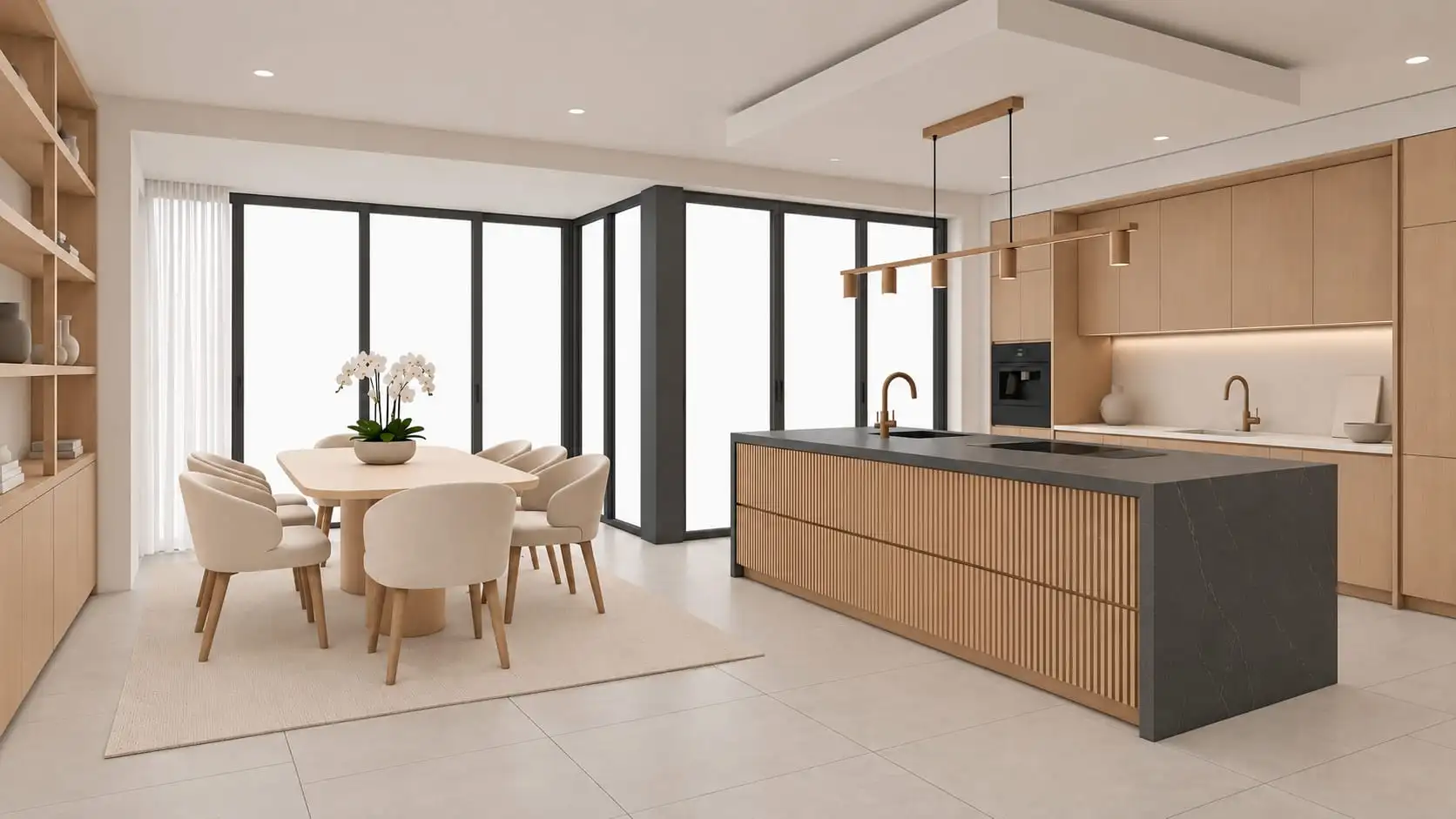
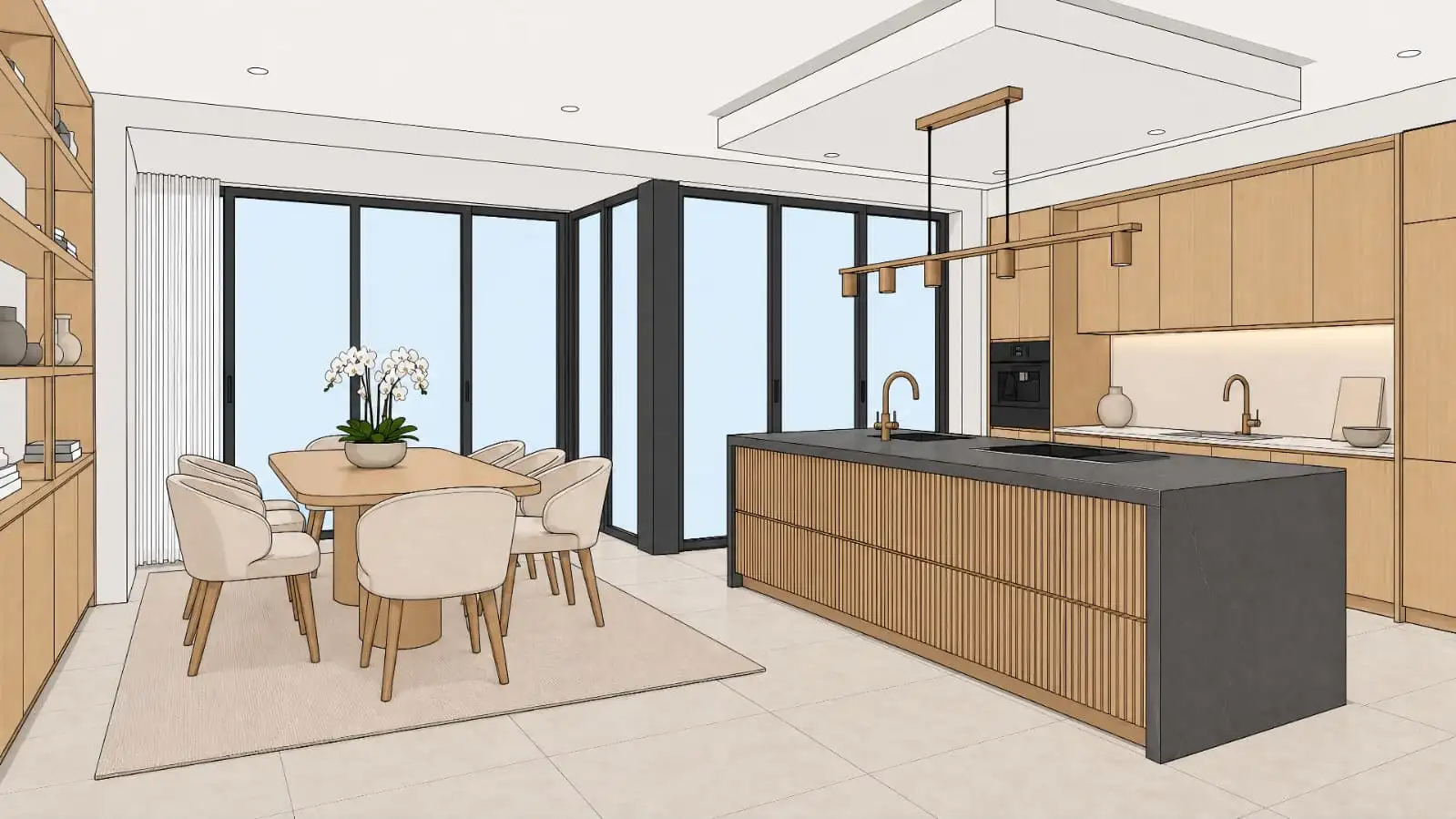
Not every rendered image works well with AI. KBB Render Conversion Tools transform finished renders, photographs and reference images into clean sketches and technical line drawings, giving AI the ideal starting point for more accurate rendering, Inspiration Transfer and creative exploration.

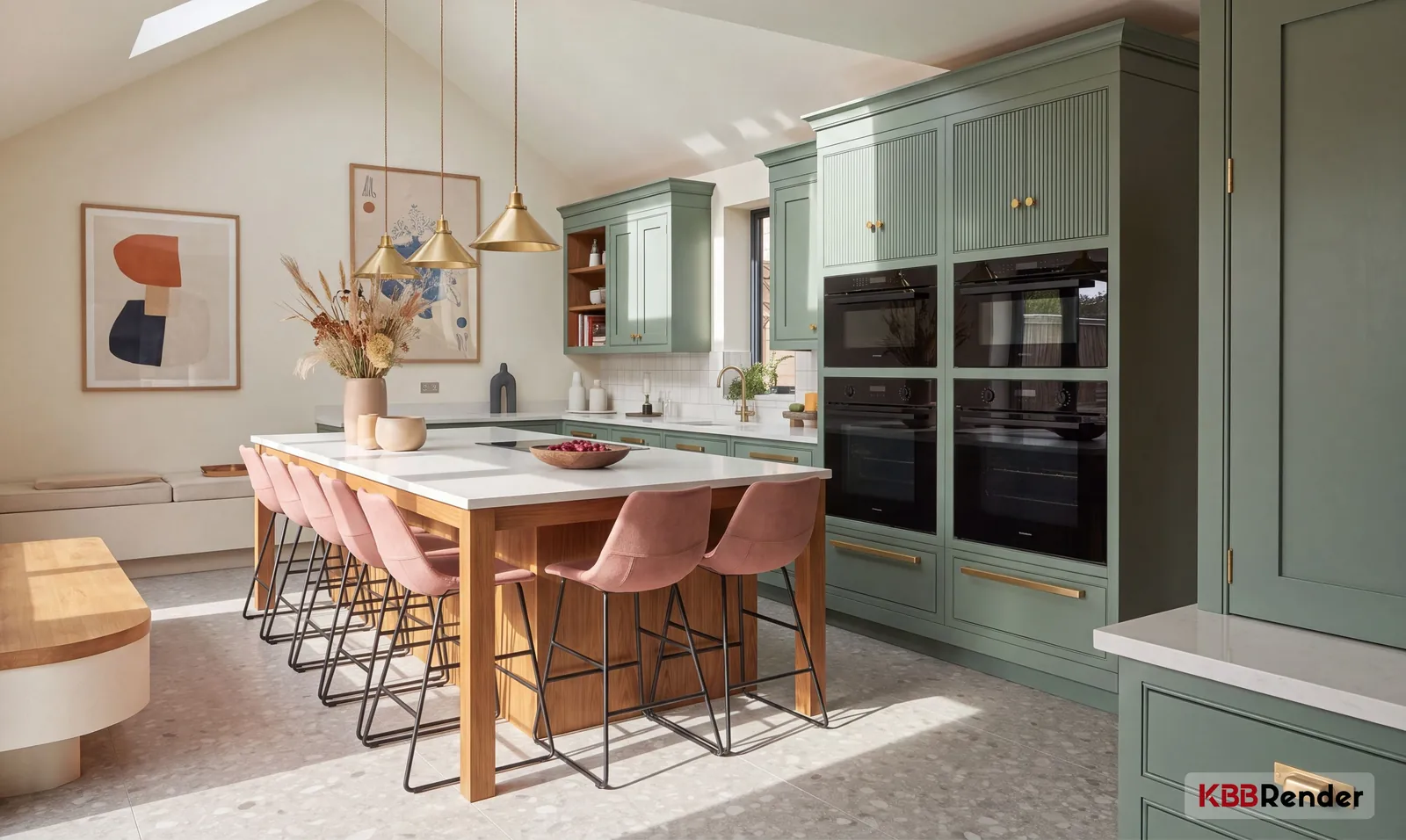
1

Input

Photorealistic sage green kitchen render showing the original interior design
2

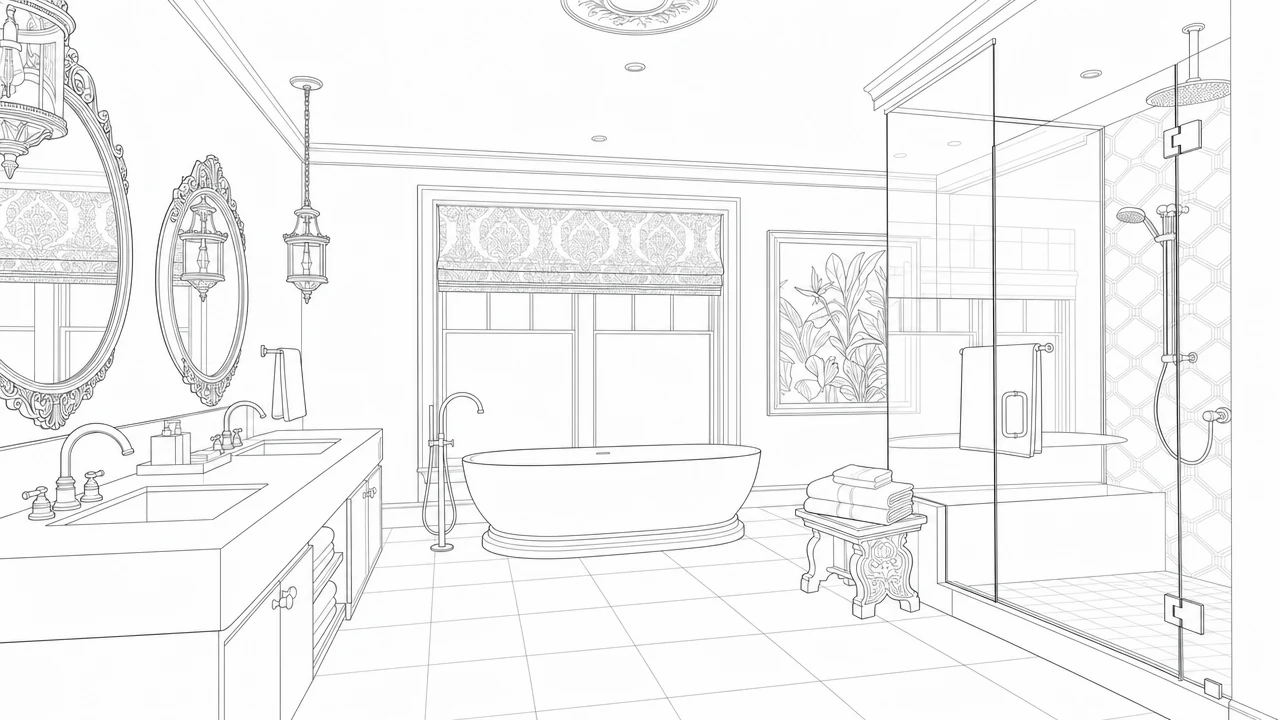
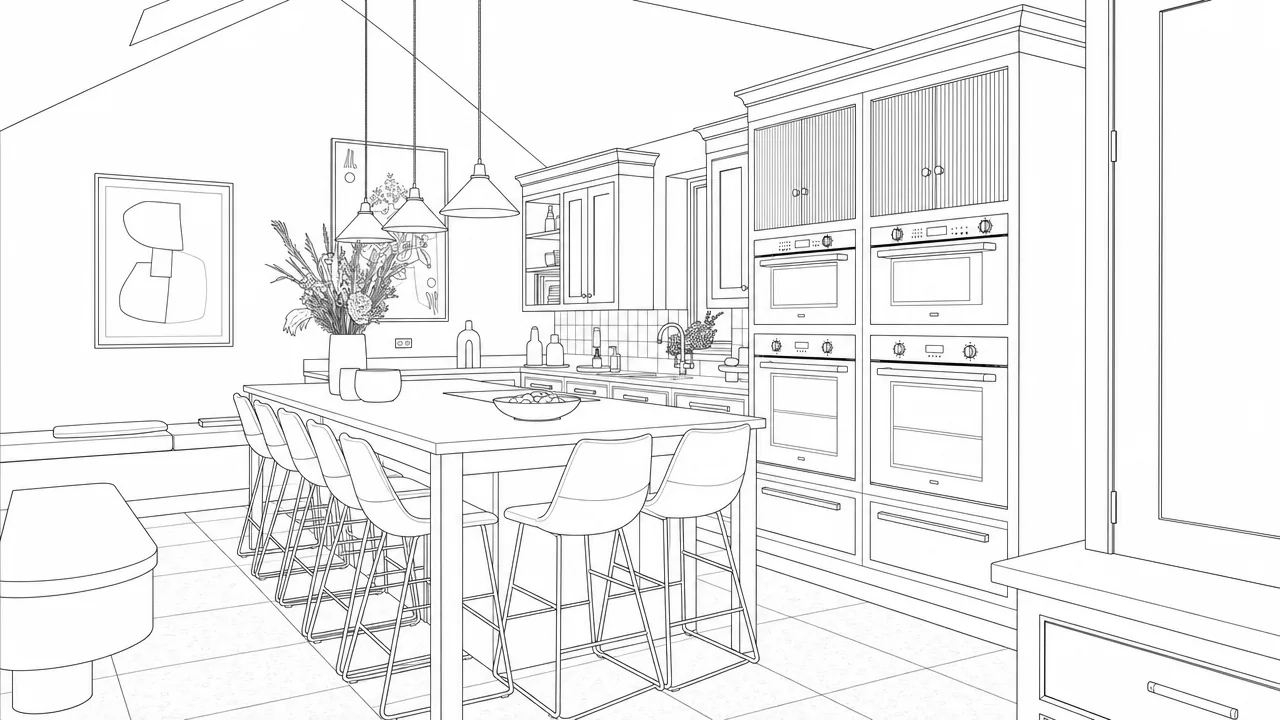
Line Drawing

Architectural kitchen line drawing used in the design workflow
1

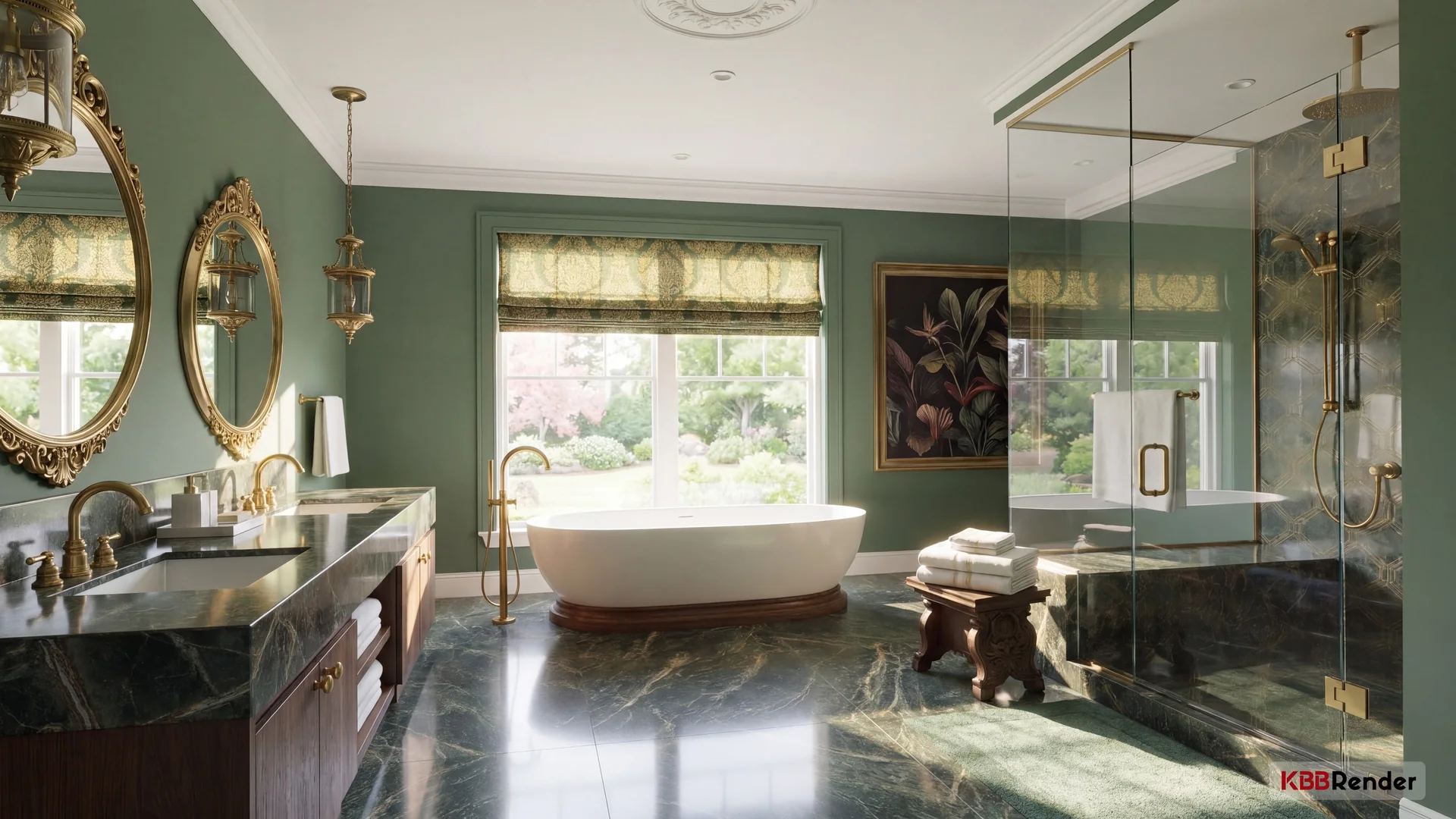
Bad Input

Bad input example from an already-rendered kitchen image
2

Cartoon Sketch

Good input cartoon sketch for KBB Render
Better AI Results
Works with Any Image
Prepare Images for Conversion
Save Time

Supports Designs from Any CAD or 3D Modeling Software

How it works · CAD Conversion

From CAD Drawing to Finished Visuals in 3 Steps.

Already have a drawing or render? Upload it, choose your conversion style and generate a new image to use in your design workflow.
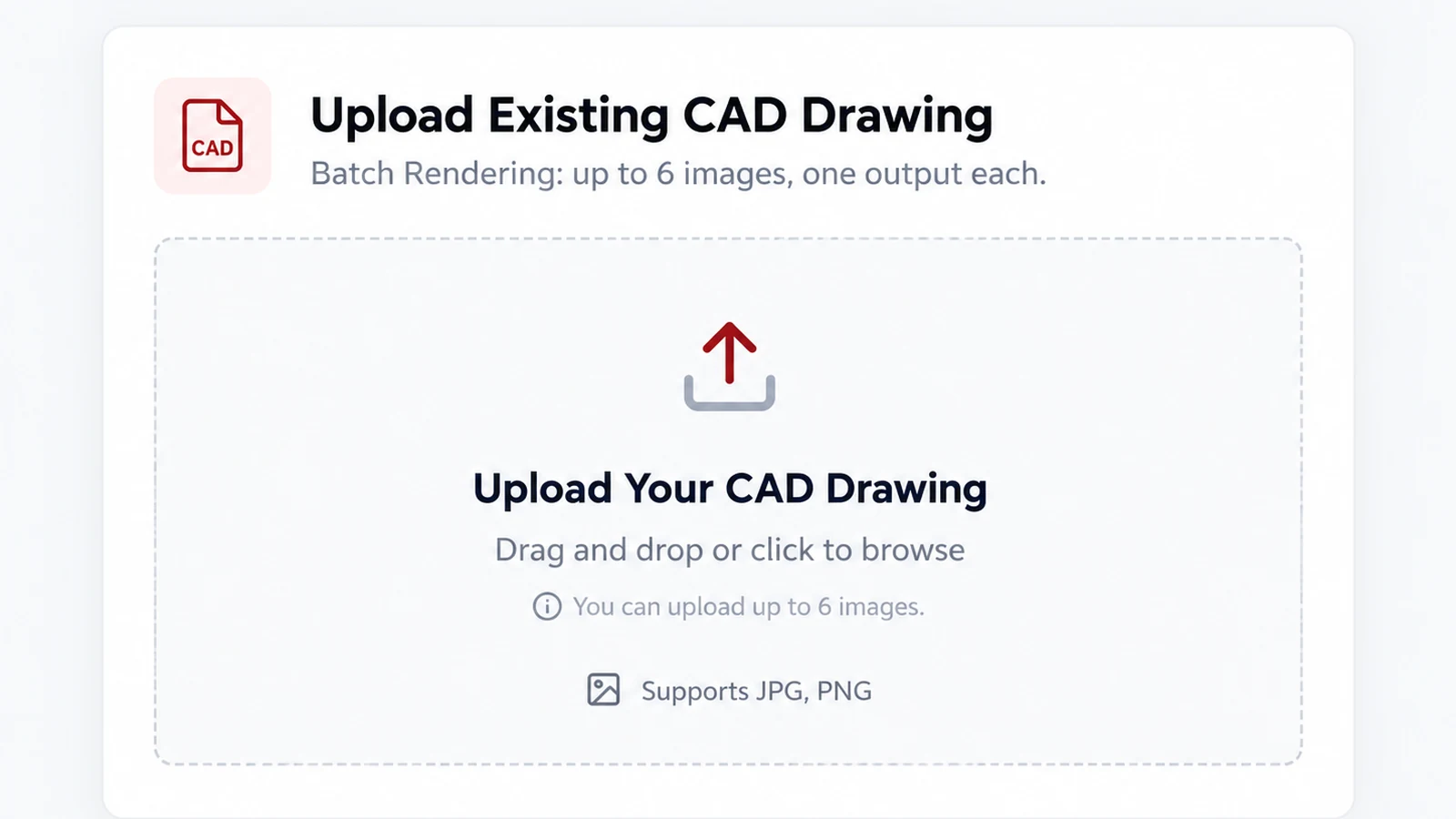
Step 1: Upload your CAD drawing to KBB Render
01Start with your image

Upload Your CAD Drawing

Upload an existing CAD export or interior image in JPG or PNG format. Add up to six images in one batch.
✓JPG & PNG · Up to 6 images
Step 2: Choose a CAD drawing conversion style
02Pick your output

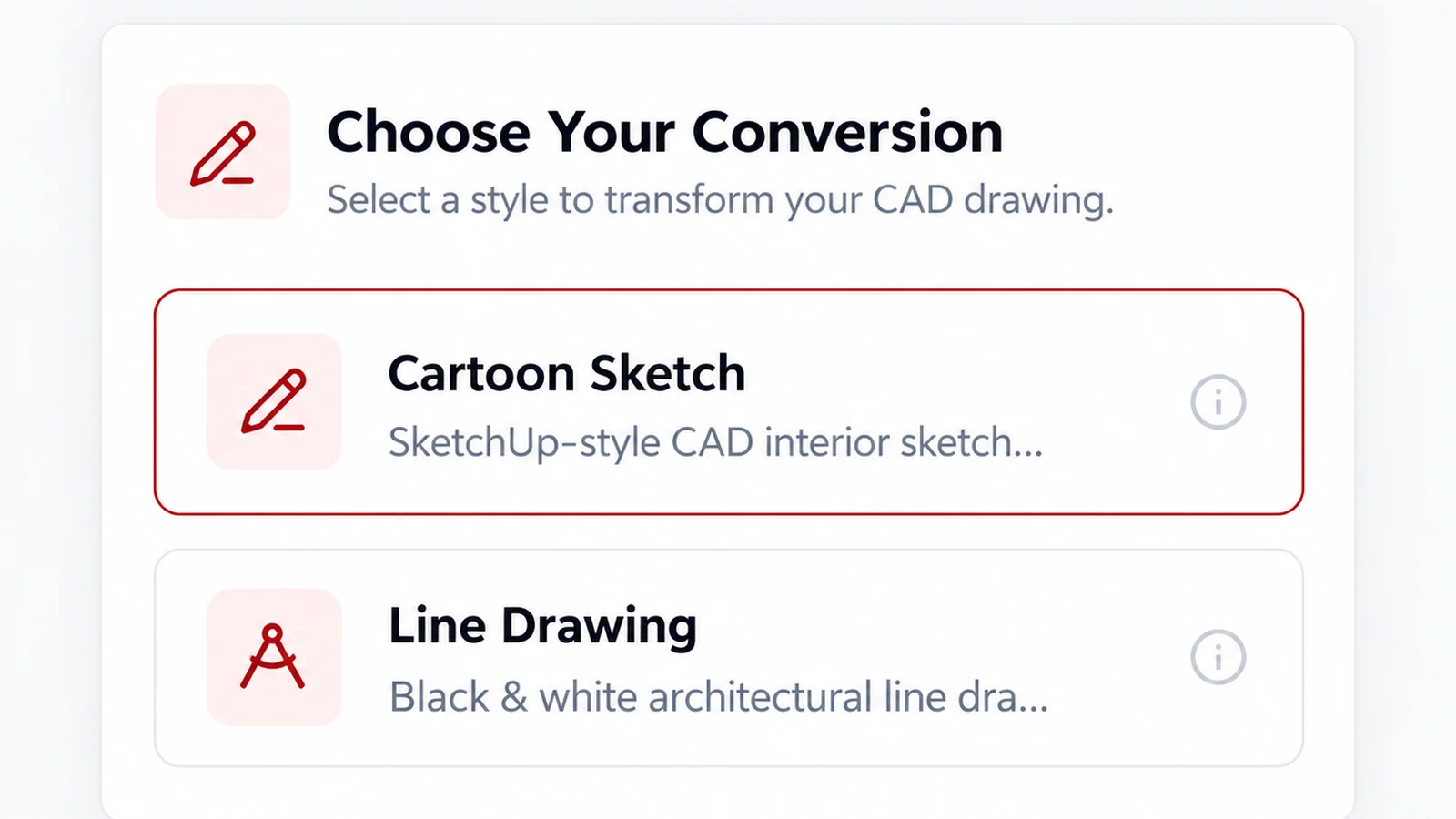
Choose Your Conversion

Select Cartoon Sketch or Line Drawing to create a clearer starting image for AI rendering or inspiration transfer.
✓Cartoon Sketch · Line Drawing
Step 3: Generate, preview and download the converted image
03Your image is ready

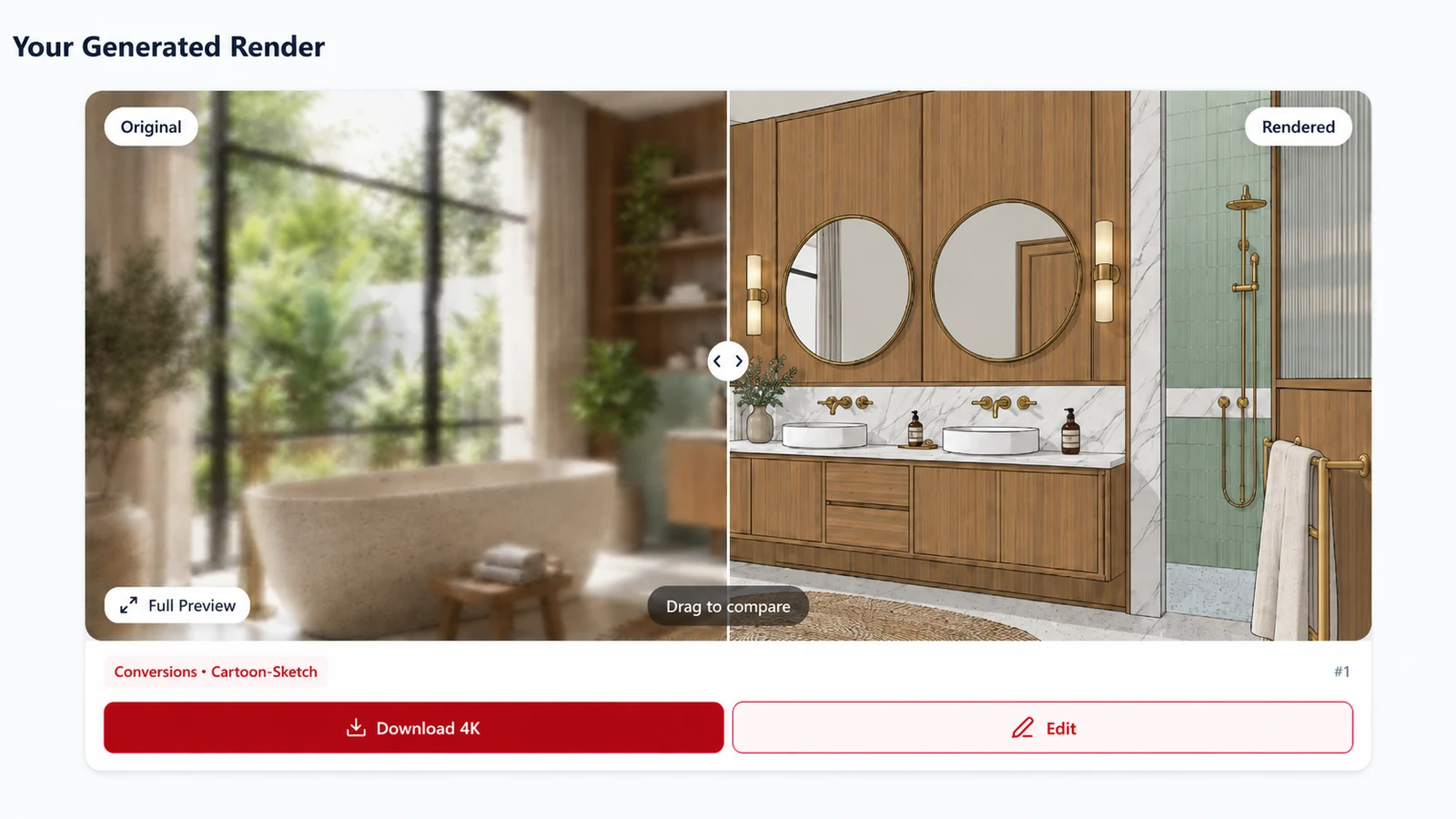
Generate & Download

Review the generated result, compare it with the original and download your converted image for the next stage.

✓Compare · Preview · Download

One simple workflow. No need to rebuild your design.

Try KBB Render

The Perfect Starting Point for Better AI Results

AI performs best when it receives clean, structured information. Converting rendered images into sketches or technical line drawings removes visual noise while preserving composition and geometry, giving every KBB Render tool a stronger foundation.

Improve AI Accuracy

Clean sketches help AI understand layouts, furniture placement and room structure, resulting in more accurate generations.

Unlock Inspiration Transfer

Line drawings preserve the composition of your design while allowing AI to explore completely new styles, materials and creative directions.
Save Hours of Manual Work

Instead of recreating projects from scratch, convert existing renders into reusable AI-ready assets in seconds.
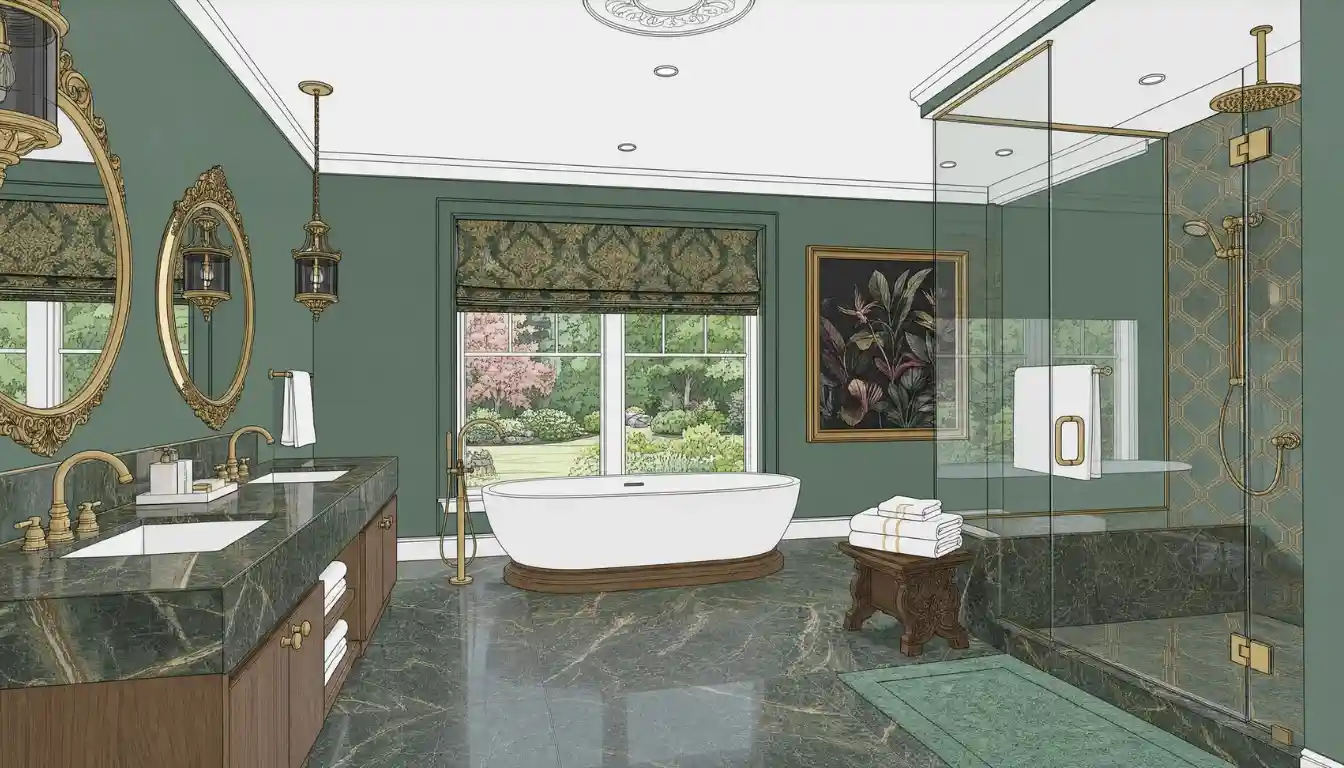
Two Powerful Conversion Tools

Convert any rendered image into a simplified sketch while preserving perspective, proportions and composition. Perfect for concept development, AI rendering and early-stage design exploration.

Turn Renders into Clean Concept Sketches

Cartoon Sketch

Create clean architectural line drawings from any render or photograph. Perfect for Inspiration Transfer, design exploration and projects where original CAD drawings are unavailable.

Generate Technical Line Drawings Instantly

Line Drawing

When Should You Use Conversion Tools?

Not every project starts with a sketch. Sometimes you only have a finished render, a client photo or an old project image. Conversion Tools transform those images into the perfect AI input, allowing you to unlock the full power of KBB Render without rebuilding your project from scratch.

Before AI Render

Convert finished renders into clean sketches for more consistent AI rendering results.

Reuse Old Projects

Transform completed projects into sketches or line drawings and generate new concepts

Before Inspiration Transfer

Generate line drawings to preserve layouts while exploring completely different design styles.

During Concept Development

Create conceptual sketches from existing renders to quickly present new ideas to clients.

Frequently Asked Questions

Sketches simplify visual information while preserving the structure of your design, allowing AI to generate more accurate and consistent results.

Cartoon Sketch creates a stylised conceptual sketch suitable for AI rendering and presentations. Line Drawing generates clean architectural outlines ideal for Inspiration Transfer and technical workflows.

You can upload rendered images, photographs, screenshots and reference images from almost any design software.

Toggle Content

KBB Render works with images created in Winner Flex, ArtiCAD, SketchUp, Blender, 3ds Max, Revit, 2020 Design and many other platforms.

Line drawings preserve geometry while removing materials and textures, making them an excellent starting point for style exploration with Inspiration Transfer.

Yes. Converted sketches and line drawings work seamlessly with AI Render, Inspiration Transfer and future AI workflows.

No. The purpose is not to preserve the rendered appearance but to create a clean, AI-friendly representation of the design while maintaining proportions and composition.

Watch Tutorials

Learn How to use every tool with our step by step video tutorials.

KBB Render Quick-Start Guide

The complete system for creating client-ready visualisations with precision and speed.

Book a Live Demo

Learn How to use every tool with our step by step video tutorials.

Every Great AI Result Starts with the Right Input.

Save Hours Every Week

Cancel Anytime

Full Acess to All Tools

Join 1000+ designers already using KBB Render.