
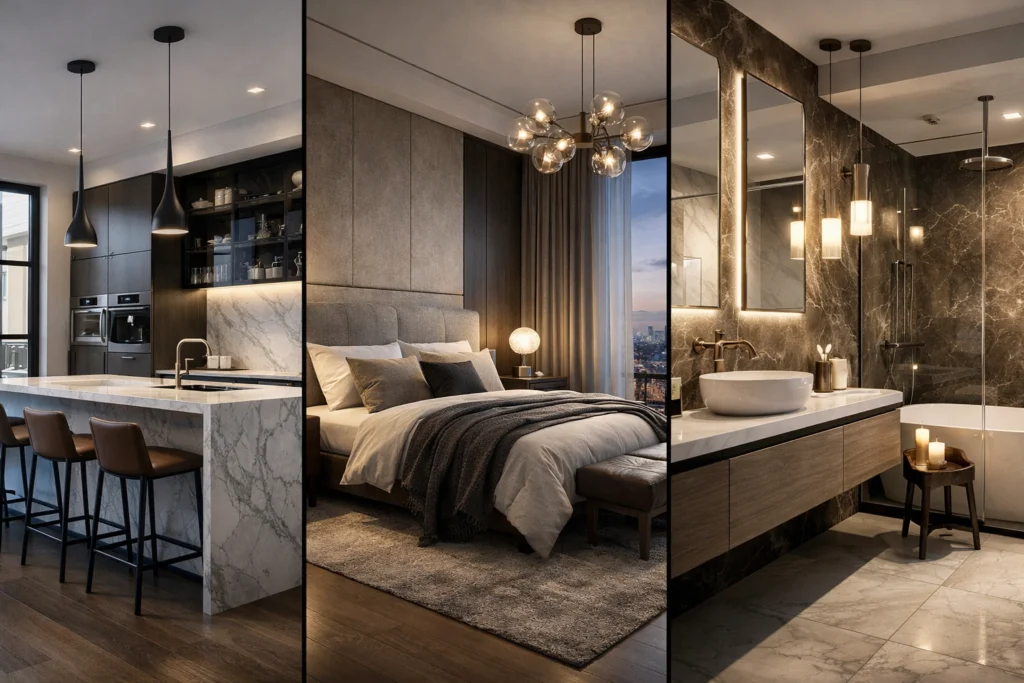
We’ve all been there. You have a client presentation tomorrow morning, and your computer sounds like a jet engine taking off while it struggles to process a single photorealistic frame. You’re watching the progress bar move at a snail’s pace, praying there isn’t a power cut or a software crash.
Is the age-old tradition of waiting hours, or even days, for a high-quality render finally over?
It depends.
The longer (and much more useful) answer is that the landscape of architectural visualization has shifted. We are no longer stuck with just one path to a beautiful image. On one hand, you have the “old guard”: traditional 3D rendering. On the other, the “new challenger”: AI-powered rendering platforms like KBB Render.
This post breaks down everything you need to know about the two, so you can stop wrestling with your hardware and start closing more deals.
What Exactly is the Difference?
Before we dive into the pros and cons, let’s define what we are actually talking about.
Traditional 3D Rendering (think V-Ray, Corona, or Octane) is a “bottom-up” process. You build a 3D model, apply complex shaders (materials), set up physical lights, and then tell your computer to calculate exactly how millions of light rays bounce off those surfaces. It is mathematically precise and incredibly hardware-intensive.
AI Rendering (like what we do here at KBB Render) is a “top-down” process. Instead of calculating light rays from scratch, the AI uses massive datasets of existing images to “understand” what a luxury kitchen or a minimalist bathroom should look like. It takes your basic 3D geometry and “paints” the photorealism over it in seconds.
- Traditional: The computer calculates.
- AI: The computer imagines (based on your specific constraints).
The Barrier to Entry: Hardware and Skills
One of the biggest frustrations for independent designers and small studios is the sheer cost of entry for high-end visualization.
Traditional Rendering Requirements
To get a photorealistic rendering using traditional software, you generally need:
- High-End Hardware: Thousands of pounds spent on GPUs and RAM.
- Specialized Knowledge: You need to understand IOR (Index of Refraction), UV mapping, and light bounces.
- Time: Even a seasoned pro can spend hours just “tweaking” the settings to avoid grainy shadows.
The AI Advantage
AI rendering software has effectively democratized design. With KBB Render, the “heavy lifting” happens on our servers, not your laptop.
- Low Barrier: If you can click a button, you can render.
- No specialized skills: You don’t need to be a “Rendering Engineer” to get a 4K result.
- Accessibility: You can run high-end renders from a standard MacBook or even a tablet.
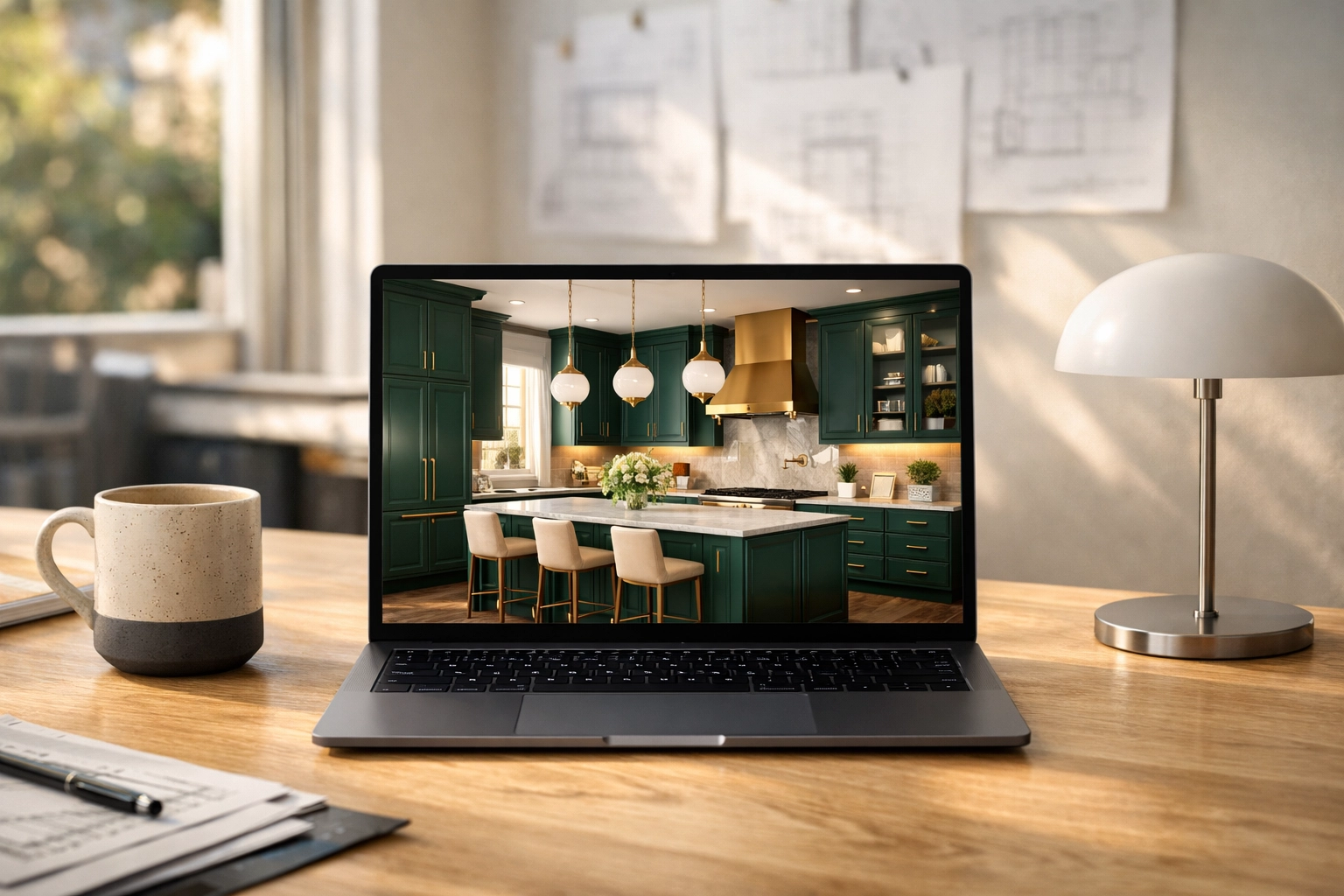
Comparison: AI vs. Traditional at a Glance
If you are trying to decide which tool to use for your next project, this table summarizes the core differences:
| Feature | Traditional 3D Rendering | AI Rendering (KBB Render) |
|---|---|---|
| Speed | 1–5 hours per image | 10–30 seconds |
| Cost | Expensive hardware + licenses | Affordable monthly subscription |
| Learning Curve | Months to years | Minutes |
| Physical Accuracy | 100% (Mathematical) | 95% (Visual representation) |
| Iteration Speed | Very Slow | Instant |
| Resolution | Up to 16K+ | Native 8K Upscaling |
Why Speed is the Ultimate Sales Tool
In the world of interior design, momentum is everything. When you are in a meeting with a client and they ask, “What would this look like with dark oak instead of light pine?”, a traditional workflow requires you to go home, change the textures, and hit render overnight.
With KBB Render, you do it live.
Using our Batch Rendering feature, you can generate 6 different variations of a room, different lighting, different materials, or different moods, in a single click. This means you aren’t just selling a design; you are collaborating in real-time. This speed transforms the architectural visualization process from a technical hurdle into a powerful sales closer.
Accuracy: The Elephant in the Room
We need to be honest here: AI rendering is a visualization and sales tool, not a technical CAD replacement. This is our AI Accuracy Disclaimer.
While traditional rendering will calculate the exact millimetre of a shadow based on a specific light bulb’s technical data, AI focuses on the vibe and aesthetic quality.
Yes, the AI might occasionally interpret a complex handle in a slightly creative way, but for 99% of client presentations, the visual impact of an 8K photorealistic image far outweighs the need for mathematical ray-tracing precision.
However, to solve the “accuracy” problem, we developed Stable Precision. This feature gives you exact control over your scene, ensuring that the walls, furniture placement, and structural elements stay exactly where you put them in your original 3D model.
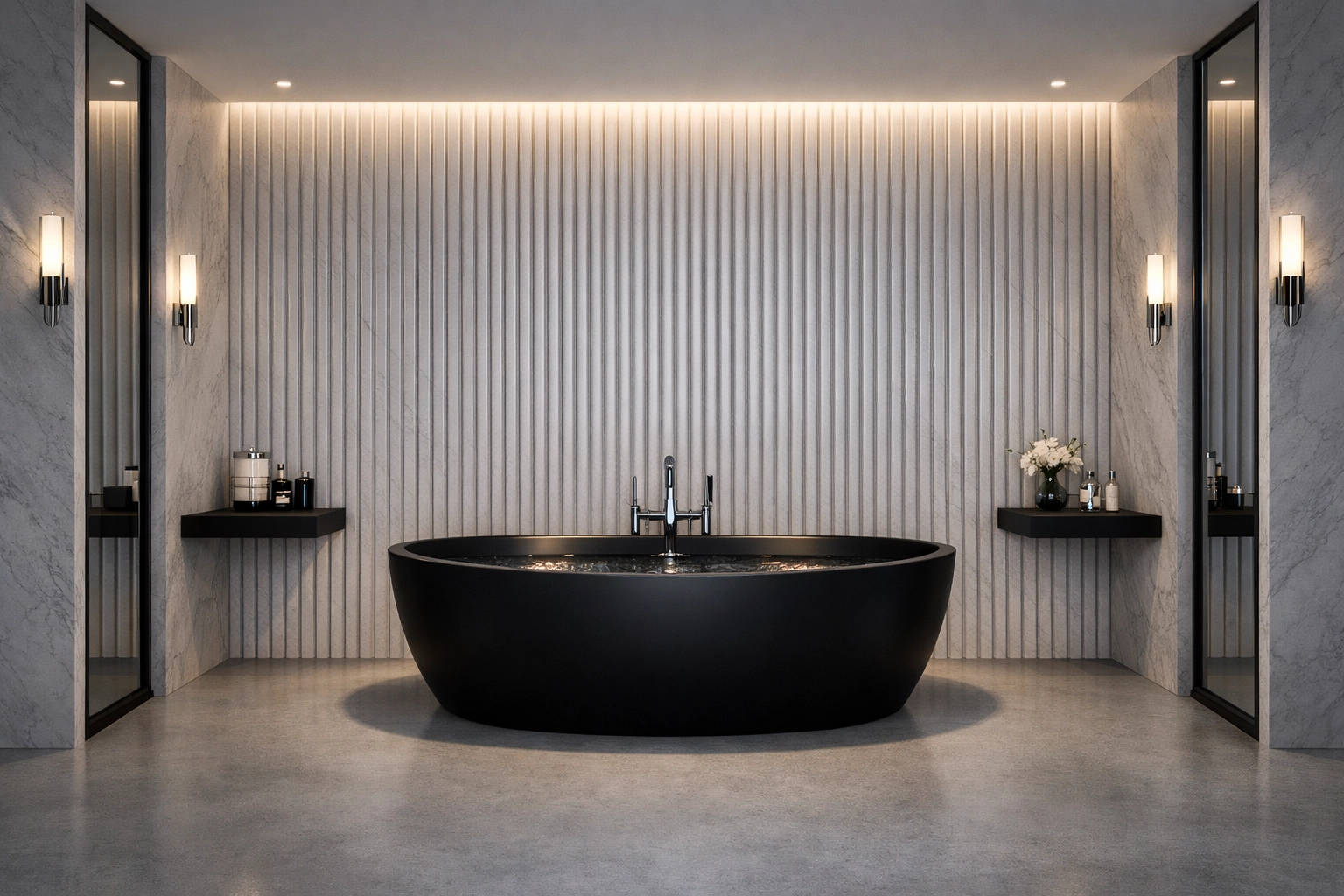
Advanced Features of KBB Render in 2026
By March 2026, AI has evolved far beyond just “making things look pretty.” We have introduced tools that bridge the gap between imagination and reality:
Inspiration Transfer
Found a stunning lighting setup on Pinterest? With Inspiration Transfer, you can upload that reference image, and the AI will apply that specific style, colour palette, and “mood” to your current 3D layout while preserving your geometry.
Creative Realism
Sometimes you want a render to look like a clinical architectural photo. Other times, you want it to look like a lived-in, cozy home with soft morning light. Our Creative Realism engine allows you to toggle the “artistic flair” of the AI to match the client’s personality.
Native 8K Upscaling
For high-end showrooms and print brochures, 4K isn’t always enough. Our Native 8K Upscaling ensures that even when your designs are printed on large-scale displays, every texture: from the grain in the marble to the weave in the fabric: is crisp and professional.
How it Changes Your Workflow
The shift to AI doesn’t just mean “faster renders”: it means a completely new way of working.
- The Sketch Phase: You create a basic layout in SketchUp or your preferred CAD tool. No need to spend hours on perfect lighting.
- The Iteration Phase: You run the file through KBB Render’s AI tools. You try 10 different styles in 10 minutes.
- The Feedback Phase: You send a link to the client. They want more light? You click “Sunset Mode.” They want more drama? You use the “Cinematic” preset.
- The Final Delivery: You hit the 8K upscale button and send the files.
This removes the “black box” of rendering where the designer disappears for three days to produce three images.
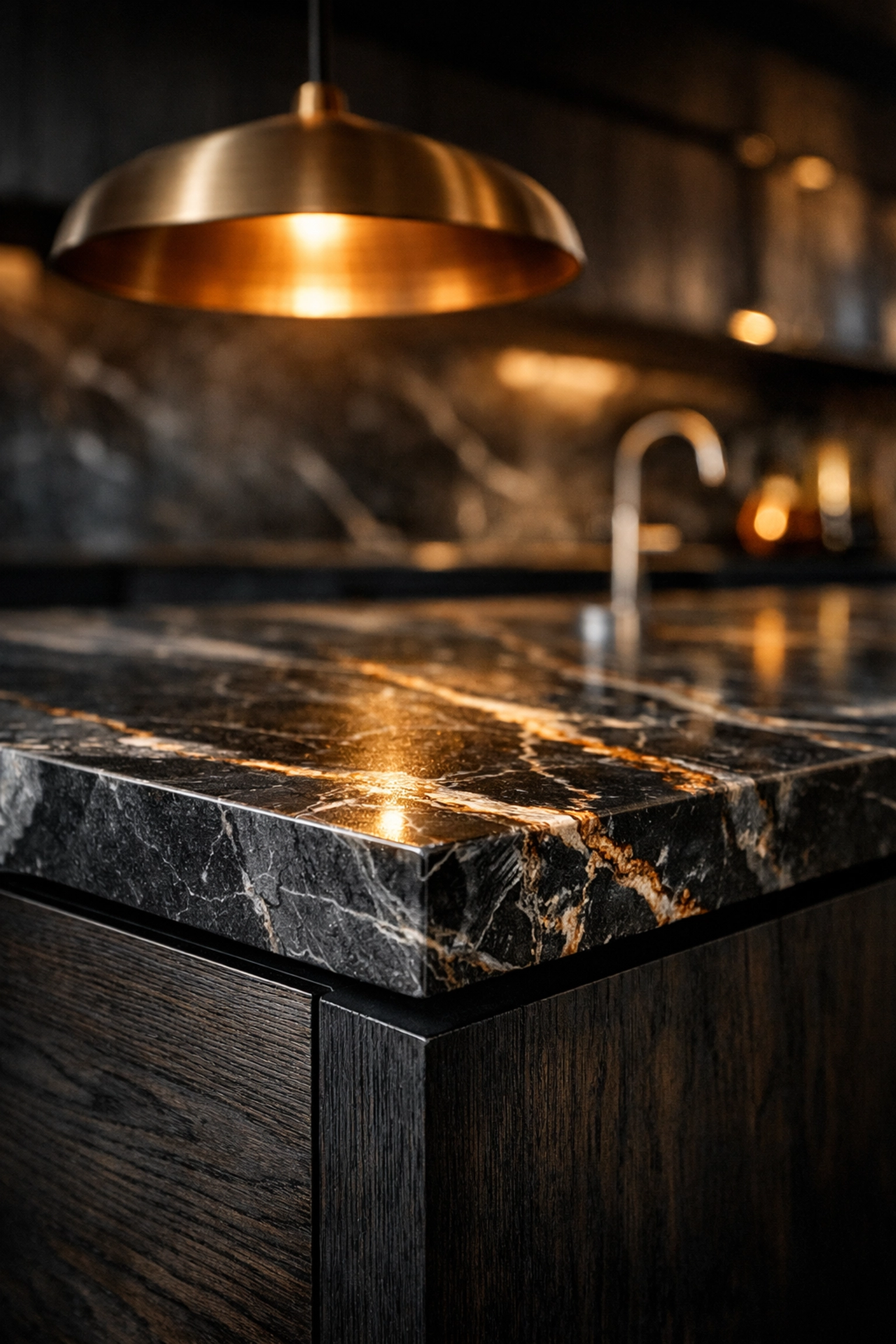
Coming Soon: The Future of KBB Render
We aren’t stopping at static images. The feedback from our community has been clear, and our roadmap for 2026 includes some game-changing updates:
- Still Render to Animation/Videos: Soon, you’ll be able to turn your 8K stills into cinematic fly-throughs. The AI will interpolate the movement, giving you high-end video presentations without the need for a massive render farm.
- Add/Remove Objects: Imagine being able to “clean up” a scene or swap a sofa out just by highlighting it with your mouse. Our AI-powered scene cleanup is currently in beta.
Is Traditional Rendering Dead?
Not quite. If you are designing a high-stakes commercial skyscraper where every structural beam must be physically simulated for light diffraction, traditional rendering still has its place.
However, for 95% of interior designers, kitchen planners, and bathroom specialists, traditional rendering is no longer the most efficient path.
Why pay for expensive hardware and wait hours for a result that AI can achieve in the time it takes to sip your coffee? If you want to see the difference for yourself, you can always book a KBB Render demo to see how your specific projects look in our engine.
Summarising…
When choosing between AI and traditional rendering, you have to ask yourself: Do I want to be a computer technician, or do I want to be a designer?
- Traditional Rendering is about control and mathematical precision, but it comes at a massive cost of time and money.
- AI Rendering (KBB Render) is about speed, accessibility, and high-end visual communication.
Basically, AI allows you to spend more time designing and less time waiting. It’s a visualization and sales powerhouse that allows you to present photorealistic, 8K results to your clients instantly.
Bear in mind that while AI is incredibly powerful for winning the hearts and minds of your clients, it remains a visualization tool. Keep your CAD for the technical specs, and use KBB Render to bring the “wow factor.”
Ready to skip the wait? Check out our pricing and start rendering in 8K today.