
Do you remember what it was like to present a kitchen design in 2024?
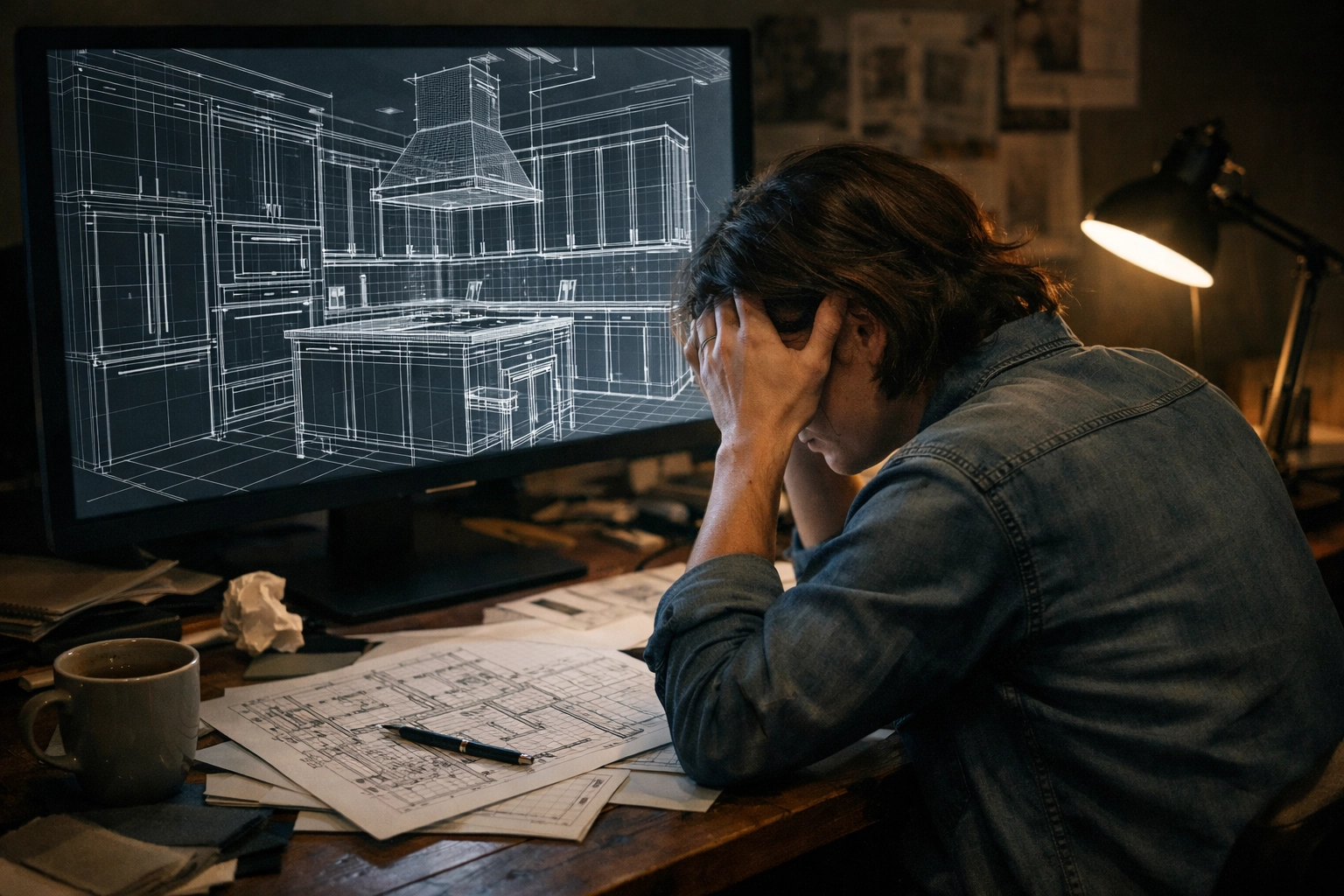
If you were a KBB designer or an interior architect just two years ago, you likely spent more time fighting with your CAD software than actually designing. The process was a rigid, linear marathon that punished even the smallest creative change.
Is the era of traditional, slow-motion rendering finally over?
It depends.
If you are still stuck in the old workflow, yes, it feels like a never-ending cycle. But for those who have moved to KBB Render, the landscape of 2026 looks entirely different. The longer (and more useful) answer is below.
Why was the 2024 rendering workflow so frustrating?
In 2024, the “Old Way” was the only way. It was a tedious loop that drained productivity and killed the creative spark. We all remember the steps:
- Build in CAD: You spend hours meticulously placing every cabinet, handle, and tile.
- Export & Render: You hit the “Render” button and wait. Sometimes for minutes, often for hours.
- The “Oh No” Moment: You see the final image and realize the lighting is too flat, or the client hates the brass handles.
- The Loop: You go back to the CAD software. You change the material. You re-export. You render again.
- Repeat: Change the decor? Back to CAD. Change the lighting? Back to CAD.
Basically, any minor tweak required you to restart the entire technical engine. It wasn’t just slow; it was a barrier to sales. When a client asked, “Can we see this in a midnight blue with a sunset glow?”, the 2024 answer was usually, “I’ll send you an update tomorrow.”
How does KBB Render change everything in 2026?
Following the above, the biggest shift in 2026 is the decoupling of geometry from aesthetics. With KBB Render, the workflow has been compressed into a much more powerful sequence: Render, Style, and Present.
This means:
- Render Once: You get your base design into the system.
- Style Instantly: You change materials, lighting, and decor on the fly without ever touching your CAD software again.
- Present in Real-Time: You make decisions with the client sitting right next to you.
This isn’t just a slight improvement; it is a total overhaul of how a design studio operates. We understand that time is your most valuable asset. By removing the “Back to CAD” bottleneck, you regain hours of your life every single week.
2024 vs. 2026: A Direct Comparison
To see the impact clearly, let’s look at how the daily tasks of a designer have evolved over the last two years.
| Feature | 2024 Traditional Workflow | 2026 KBB Render Workflow |
|---|---|---|
| Material Changes | Back to CAD -> Re-render | Instant AI Swap |
| Lighting Edits | Reset lights -> Re-render | One-click Cinematic Presets |
| Styling/Decor | Manual 3D placement | AI “Style Interior” Brush |
| Turnaround Time | 24 – 48 Hours | 30 – 60 Seconds |
| Quality | Dependent on Hardware | Cloud-based 4K/8K |
| Client Interaction | Static/Email based | Interactive/Collaborative |
This means: You no longer need to be a “rendering technician.” You can finally go back to being a designer.
Achieving professional quality in seconds
In 2024, getting a “photorealistic” render required a high-end PC and a lot of patience. In 2026, professional 4K and 8K quality is the baseline.
But here’s the real upgrade: you can pick the kind of realism you want – without changing your CAD model.
- Stable Precision (AI Engine): Built for exact control when you need everything to stay faithful – materials, edges, and overall intent. Ideal for client sign-off and manufacturer-ready visuals.
- Creative Realism (AI Engine): Built for artistic flair when you want that high-end, editorial vibe – richer atmosphere, more cinematic styling, and a bit more “wow”.
And when you need to show options fast, Native 8K Upscaling is there for high-end print, showroom screens, and “zoom right in on the worktop” client moments – without the image falling apart.
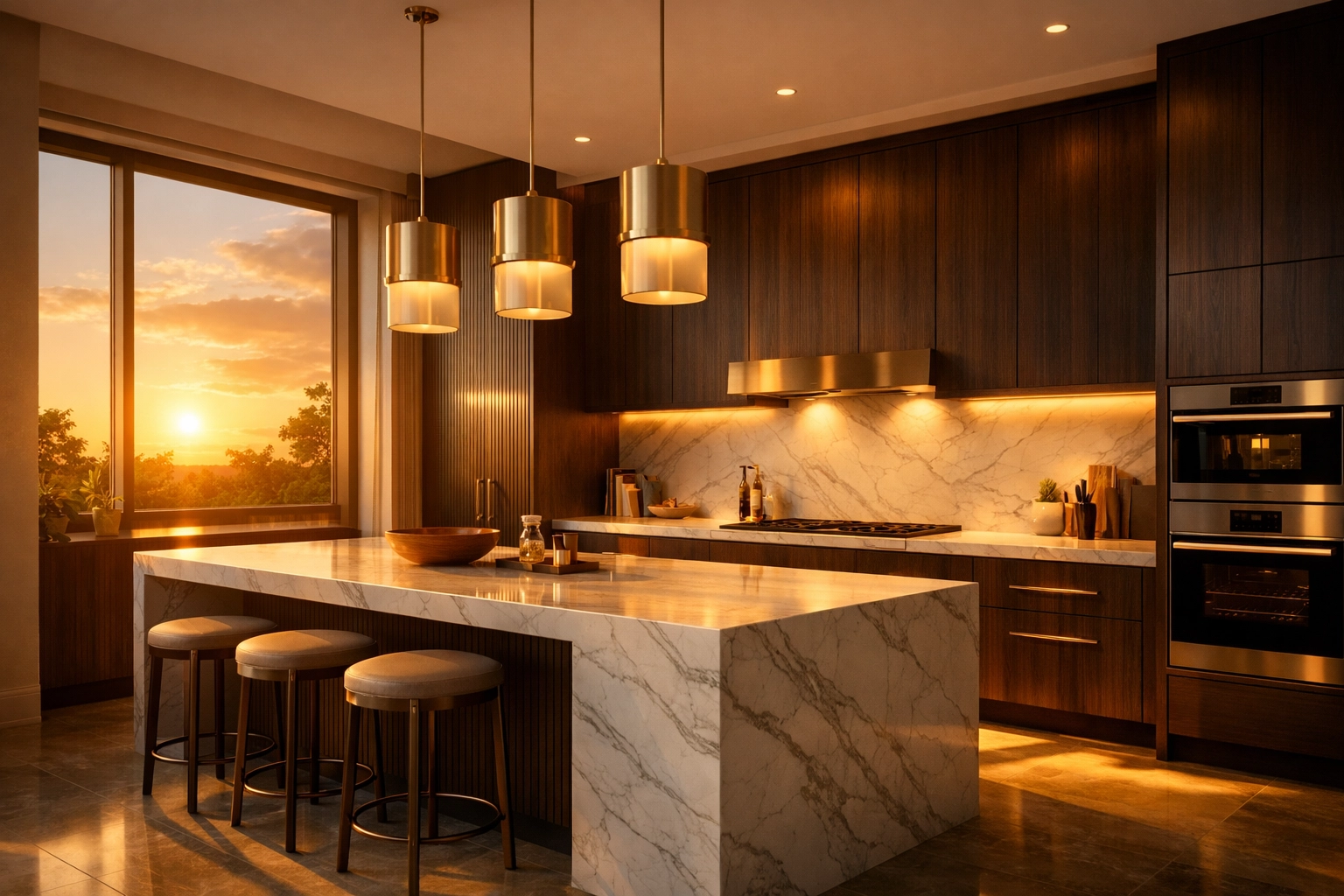
What really sets a great render apart today isn’t just resolution; it’s the ambience. KBB Render lets you flip through cinematic lighting moods like you’re using a photo filter, but with the physical accuracy of a high-end production:
- Warm & Inviting: Perfect for family kitchen presentations.
- Ambient Lighting: Highlighting the subtle textures of cabinetry and stone.
- Golden Hour/Sunset: Creating that emotional “wow” factor that closes deals.
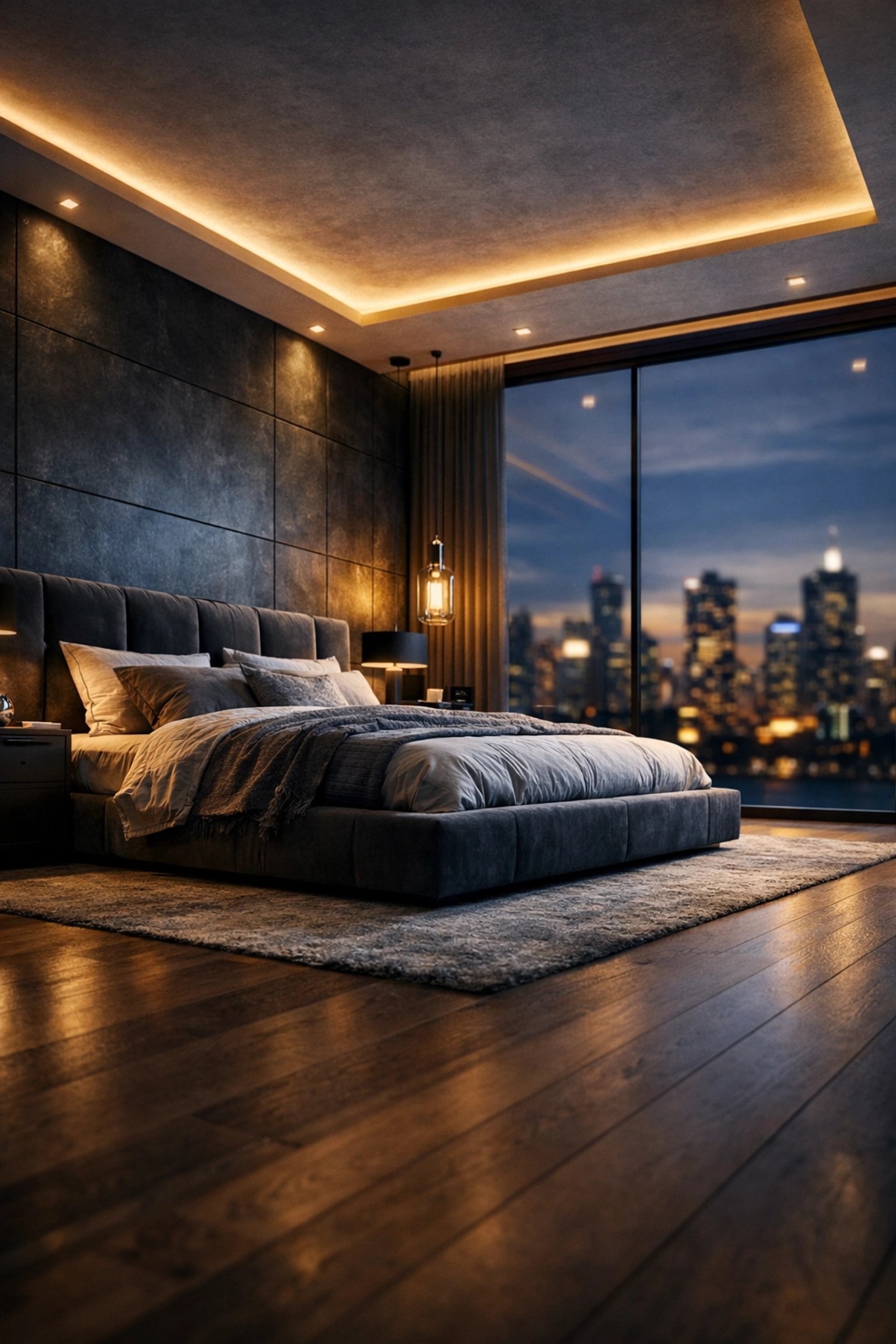
- Nighttime: Showing off integrated LED strips and task lighting.
- Bright Daytime: For clean, minimalist, and Scandinavian-inspired looks.
You don’t need to be a lighting expert. You just need to know what vibe your client wants.
Turning inspiration into design
One of the most revolutionary features of 2026 is Inspiration Transfer. In the past, if a client showed you a Pinterest board or a mood board, you had to manually interpret those elements and try to recreate them in 3D.
Now, you can simply upload a reference style image.
With Inspiration Transfer, KBB Render applies the look and feel (palette, textures, vibe, lighting style) to your scene while keeping your geometry exact. So your cabinet layout stays your cabinet layout – you’re just exploring styles faster, without that “back to CAD” detour.
Yes, this means you can turn a messy mood board into a stunning, presentation-ready visual in seconds.
How does Batch Rendering speed up client approvals?
In 2024, showing “options” usually meant booking time for re-renders and sending emails back and forth. In 2026, you can use Batch Rendering to generate up to 6 variations in one click.
This means you can instantly produce a set like:
- Sunset glow (client wow-factor)
- Ambient (materials and textures)
- Bright daytime (clean + honest)
- Nighttime (feature lighting)
- Warm inviting (cosy family feel)
- Neutral studio (safe comparison baseline)
Same geometry. Same design. Just faster decisions.
Instant Interior Styling: Adding the “Human Touch”
A kitchen or bathroom looks “dead” without styling. In 2024, adding plants, fruit bowls, or people was a chore. You had to find a 3D model, ensure it didn’t look like plastic, and place it perfectly.
In 2026, you can “Style Interior” on the fly.
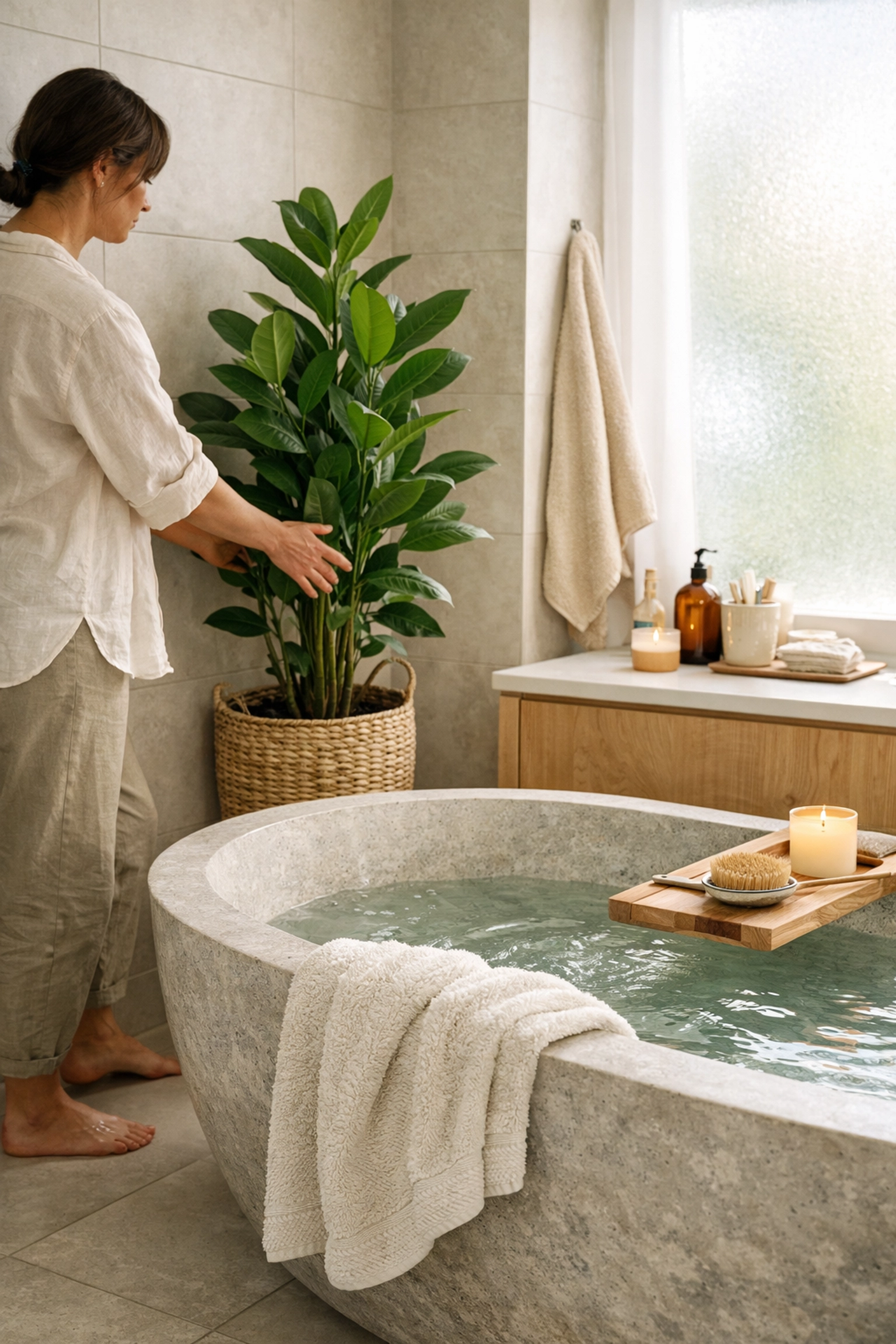
- Add People: Place realistic human figures to give the space a sense of scale.
- Decorate: Instantly add plants, books, or kitchen accessories.
- Edit Instantly: Don’t like the placement? Swipe it away and try again.
By adding these lifestyle elements, you aren’t just selling a room; you are selling a lifestyle. This is why AI interior rendering tools have become the gold standard for high-end showrooms and studios.
Why designers, showrooms, and manufacturers love it
We’ve talked to hundreds of KBB professionals, and the feedback is consistent. They aren’t just using KBB Render because it’s “cool” technology: they’re using it because it impacts their bottom line.
Faster Workflow
By cutting out the CAD-to-render loop, designers are completing projects 5x faster. What used to take a week now takes an afternoon.
Better Presentation
When you can show a client their dream kitchen in five different lighting setups and three different material finishes in one meeting, you win. It’s that simple.
Faster Client Approval
Indecision is the enemy of the sale. When a client can see the changes instantly, they feel more confident in their choices. They don’t need to “go home and think about it” because they’ve already seen the alternative.
Confident Decisions
For manufacturers and studios, seeing a photorealistic version of a custom piece before it goes into production reduces costly mistakes. You can see how that specific wood grain looks under “Nighttime” lighting before a single piece of timber is cut.
How to get started with the 2026 workflow
If you are still waiting for renders to finish while you drink your fifth coffee of the morning, it’s time to switch. The transition from the old 2024 way to the new 2026 way is easier than you think. You don’t need to be a “prompt engineer” or a tech wizard.
Following the no-prompts-needed revolution, KBB Render is built to be intuitive. It works with your existing designs and enhances them.
Summarising the 2026 advantage:
- Stop going back to CAD for every minor aesthetic change.
- Choose your AI engine: Stable Precision for exact control, or Creative Realism for artistic flair.
- Use Inspiration Transfer to apply a reference style while keeping geometry exact.
- Batch render up to 6 variations (sunset, ambient, nighttime, etc.) in one click.
- Use cinematic lighting to create emotional connections with clients.
- Upscale natively to 8K for high-end print and showroom displays.
- Style instantly with plants, people, and decor.
The Rendering Revolution is here. Don’t get left behind in 2024.
Ready to see the difference for yourself?
Try KBB Render for free and start creating stunning, professional designs in minutes, not days.
Render smarter. Design better. Close faster.
What’s next for KBB Render? (Future roadmap)
Bear in mind that AI Rendering is moving fast – and so are we.
Here’s what we’re actively building towards:
- Animation/Videos: Turn still renders into short walkthroughs and motion clips for socials, websites, and in-showroom screens.
- Add/Remove Objects: More direct control over what’s in the scene – remove clutter, add hero decor pieces, and fine-tune the story without jumping back into CAD.
The goal stays the same: Render, Style, Present – with even more ways to sell the design in the room.
https://shorturl.fm/cCQ7B