
AI Rendering - SKETCH TO RENDER
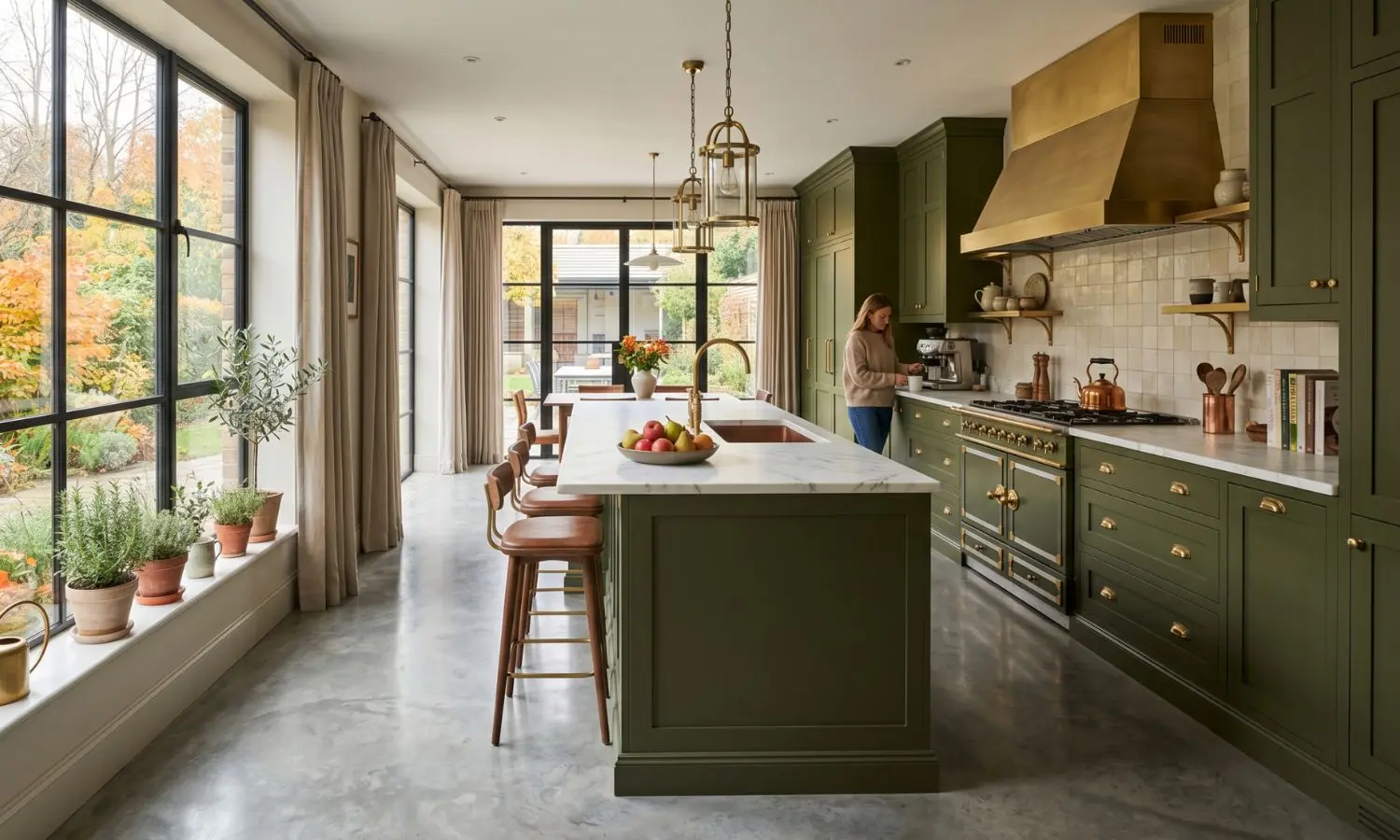
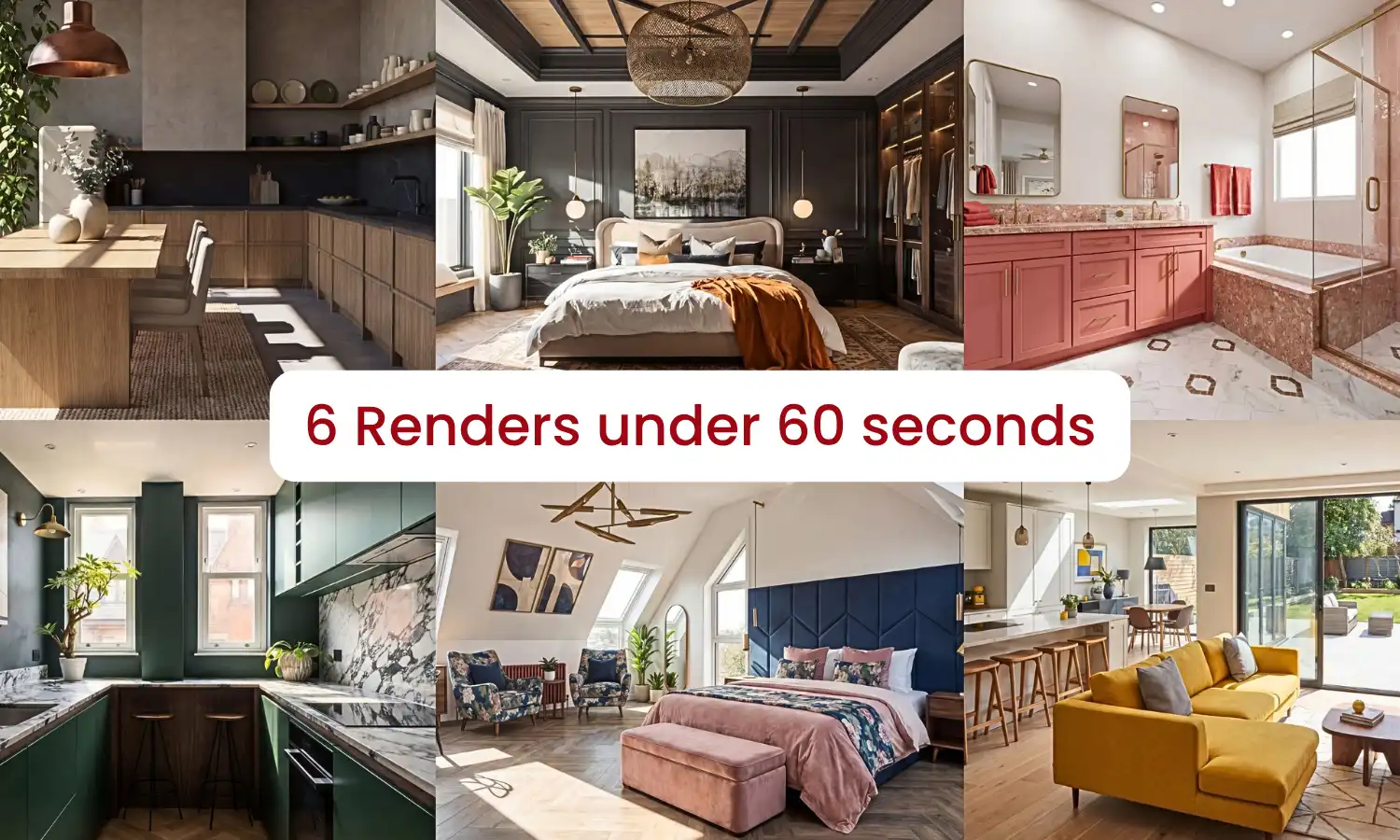
Create Photorealistic Interior Renders in Under a Minute
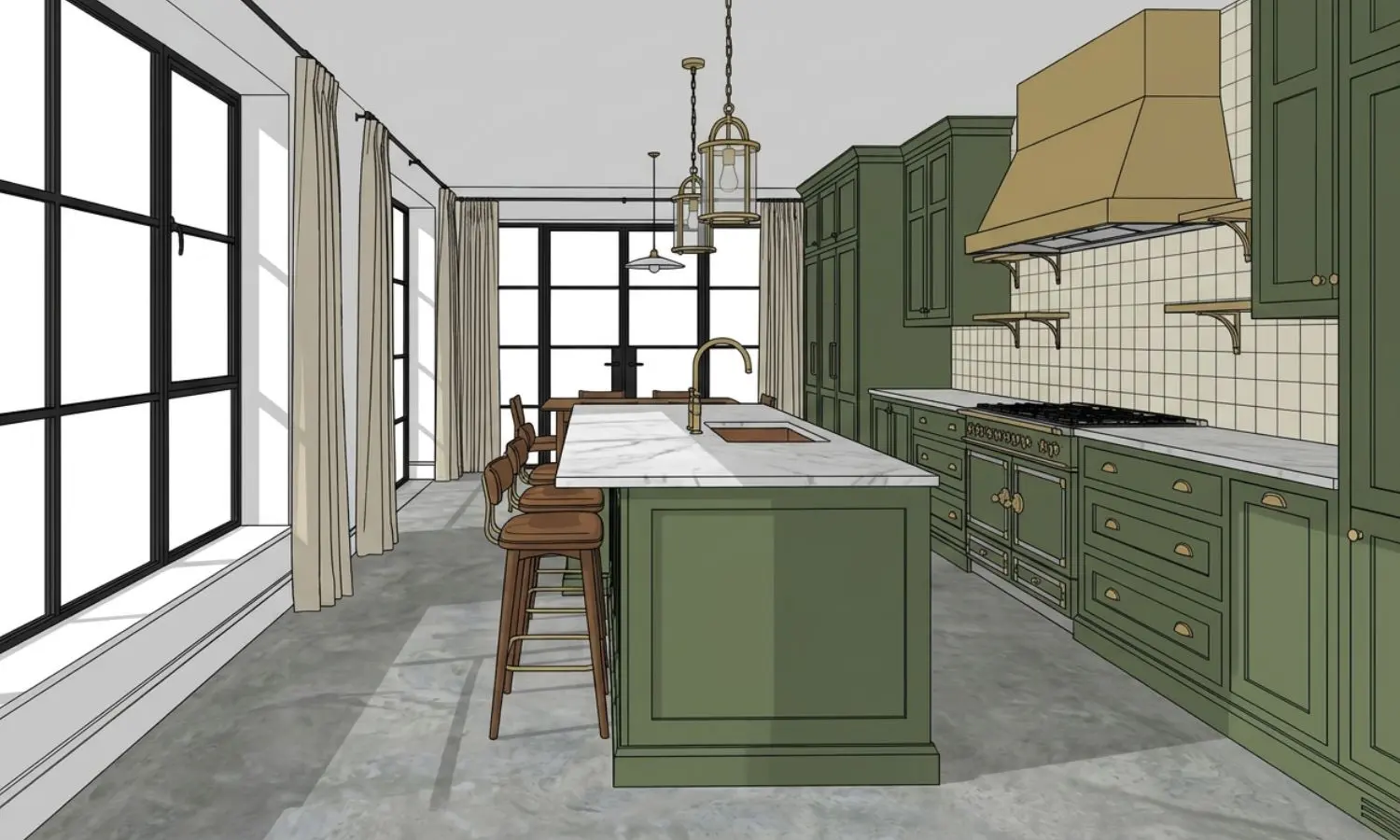
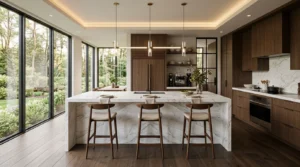
Transform SketchUp models, CAD drawings, concept sketches and reference images into photorealistic kitchen, bathroom, bedroom and living room renders. Choose from two AI rendering engines, adjust lighting, generate unlimited design variations and export stunning visuals in up to 8K resolution.
- Two AI rendering engines
- Works with SketchUp & CAD software
- Export in up to 8K quality
- Generate multiple design variations


























How AI Interior Rendering Works
Upload a SketchUp model, CAD drawing or reference image.
- 1. Upload Your Design
Select Stable Precision or Creative Realism depending on your project.
- 2. Choose Your Rendering Style
Adjust lighting, colours, materials and atmosphere before generating.
- 3. Refine the Scene
Receive a photorealistic render ready for presentations, marketing or client approvals.
- 4. Generate & Download
Our AI KBB rendering software now includes multiple rendering engines, including Stable Precision and Creative Realism, giving designers full control over output quality and visual direction.
Compatible with the Software You Already Use (JPG & PNG Formats)







Powerful Tools to Create the Perfect Render
Everything you need to generate, refine and deliver photorealistic interior renders faster, with complete creative control in one AI-powered platform.
Stable Precision
Accuracy-focused AI Rendering Engine
Stable Precision is our faster rendering engine, designed to produce bold, cinematic visuals with enhanced lighting, contrast, and dramatic composition. It’s ideal for quickly creating eye-catching presentations and concept imagery with maximum visual impact.
Creative Realism
Style-focused AI Rendering Engine
Creative Realism focuses on subtlety and authenticity, delivering highly realistic renders that closely mimic real-world photography. With natural lighting, accurate materials, and lifelike detail, it’s the perfect choice for creating visuals that reflect how a finished space will look.
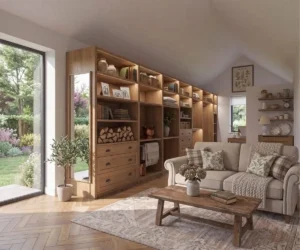
Batch Rendering
Explore More Ideas in Less Time
Generate multiple design variations simultaneously to compare layouts, materials, colours and lighting in minutes instead of hours. Present more options to clients without rebuilding your scene.
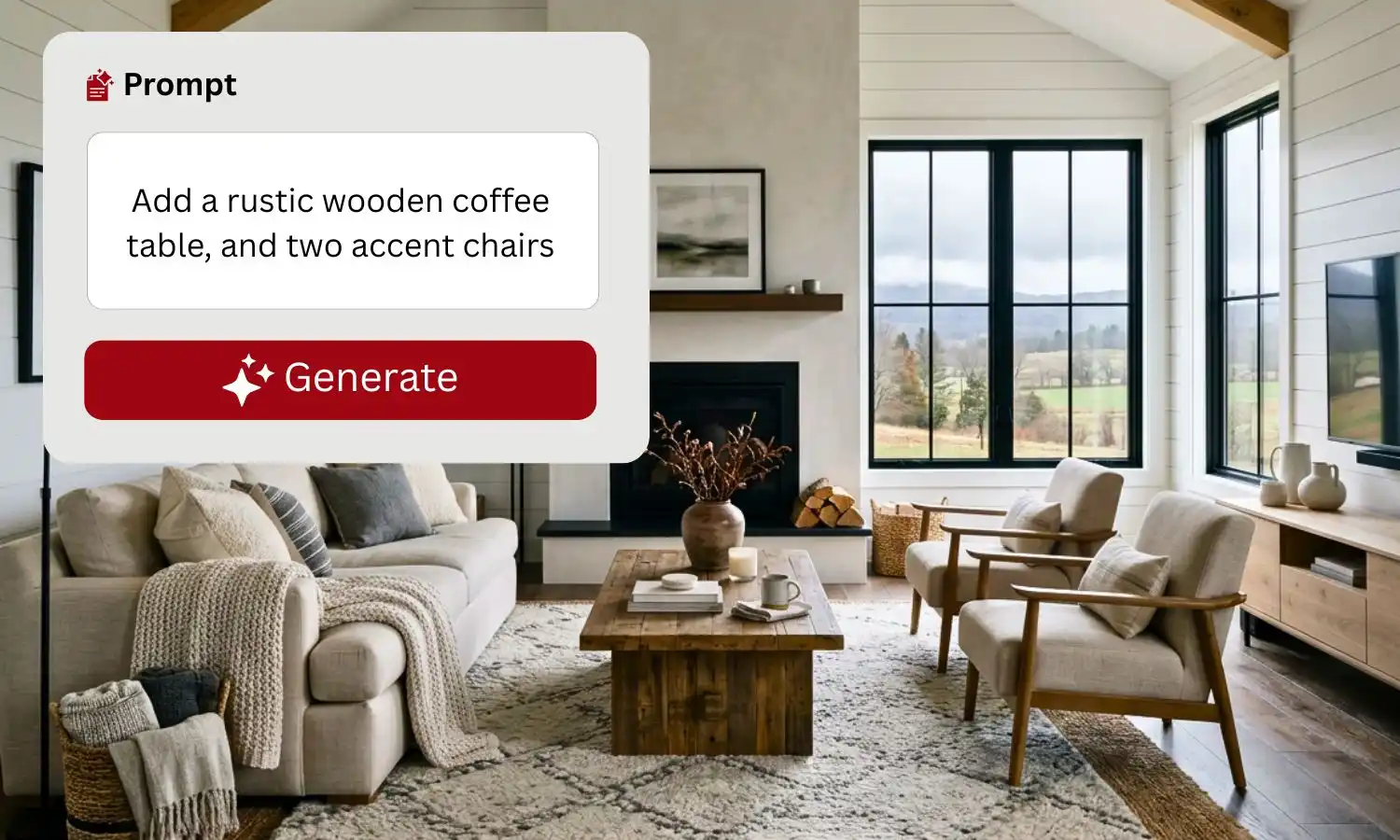
Edit with AI Prompts
Update Renders Using Natural Language
Change furniture, flooring, wall colours, lighting, décor and finishes by simply describing what you want. No CAD software. No manual editing. Just type and generate.
Lighting Modes
Visualise Every Time of Day
Switch between daylight, sunset, evening and ambient lighting to help clients experience how a space will look throughout the day before making design decisions.
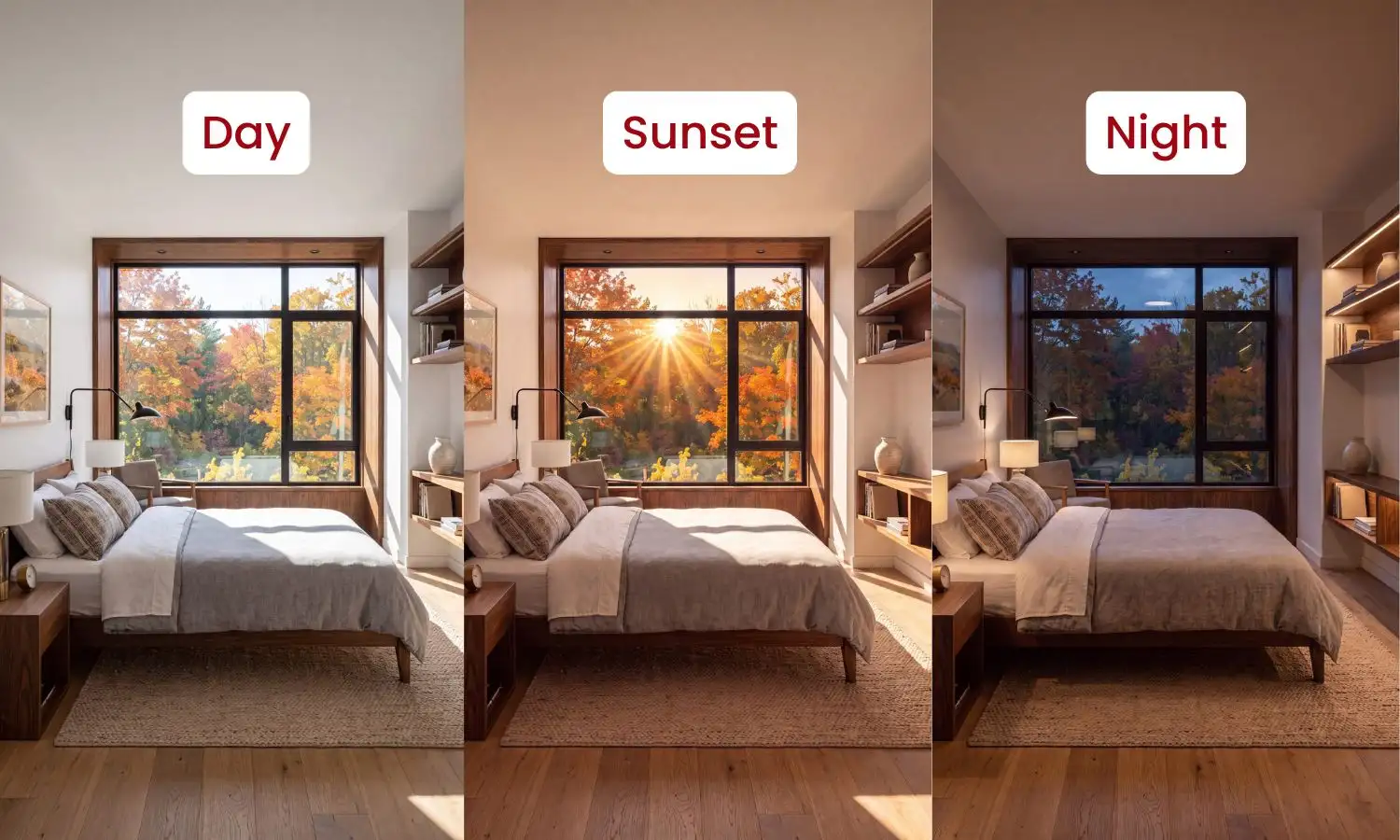
Lighting changes perception.
Because lighting directly impacts perception, what looks refined in daylight can feel entirely different at night.
4K & 8K Resolution
Presentation-Ready Quality
Export crystal-clear renders in up to 8K resolution for client presentations, websites, brochures, social media and large-format printing without compromising detail
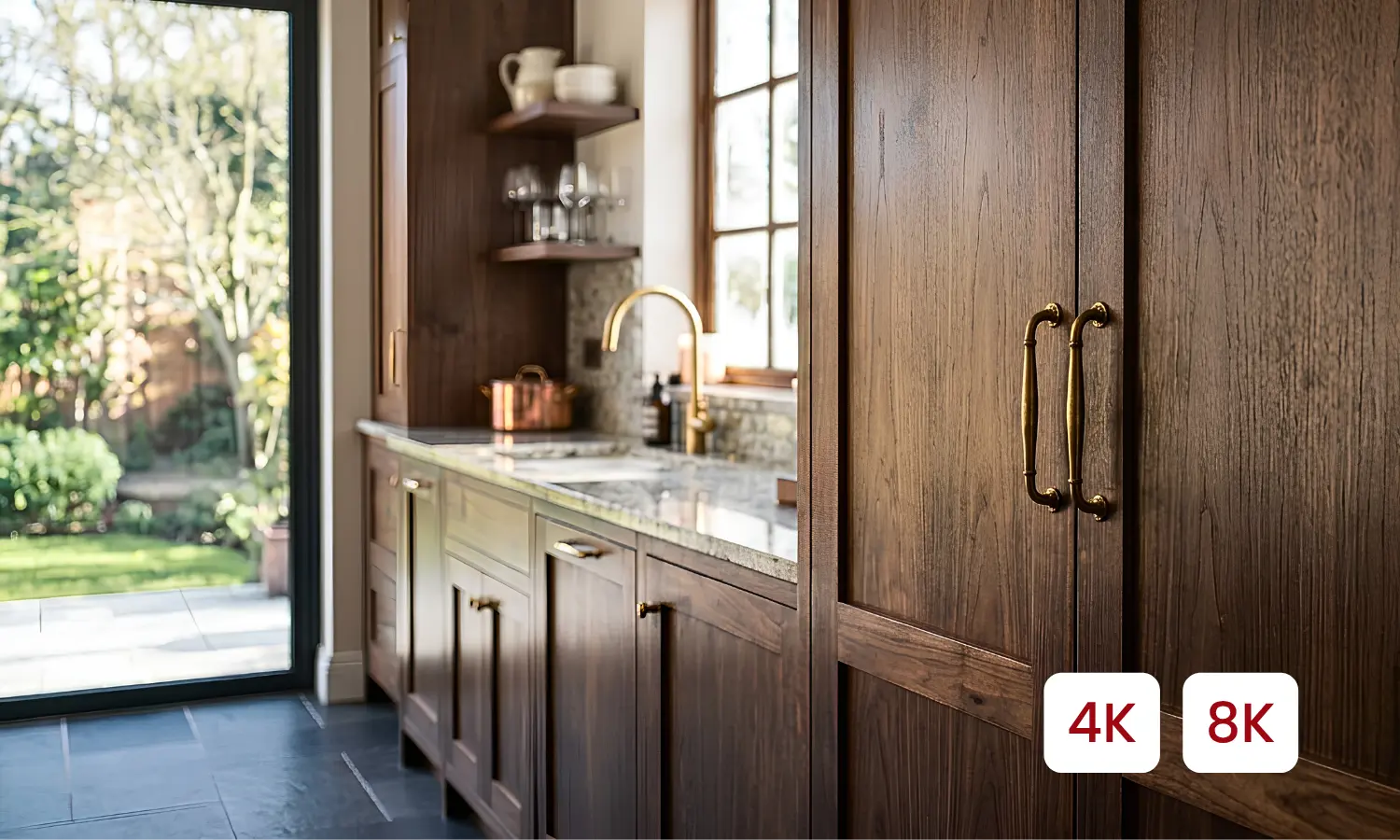
Print Ready
Marketing Ready
Detailed Clarity
Client Presentations
Every tool works together in one seamless workflow, so you can render, refine and deliver stunning interior visuals without switching between multiple applications.
Why Designers Choose AI Rendering
- Explore more ideas in less time.
- Show multiple style options to clients.
- Make decisions faster.
- Keep your layout, change the entire look.
- Perfect for concept development.
Ridiculously good !!!
This software is phenomenal. Honestly so impressed with the capability and not even used it to its full potential yet. Clara was amazing at onboarding and getting back to us to see what it’s all about. This software is the future…..
Stephen Fink

Reliable, user-friendly rendering software
I’ve had a really positive experience so far with KBB Render. It’s incredibly easy to use, even if you’re not particularly technical. The quality of the renders are excellent & it’s made a big difference to my workflow………..
Jorge G.
Have questions about the platform?
Our team is available to assist at every stage of your journey.
info@kbbrender.com
Knowledge Hub
Read expert guides on AI rendering, interior visualisation and design workflows.
Watch Live Demo
See how KBB Render transforms renders, edits interiors and creates animations in real time.
Frequently Asked Questions
What is AI interior rendering?
AI interior rendering uses artificial intelligence to transform SketchUp models, CAD drawings, concept sketches or reference images into photorealistic interior visuals. Instead of manually configuring every material, light and camera setting, AI generates high-quality renders in seconds. KBB Render helps kitchen designers, interior designers, architects and furniture retailers create realistic presentation-ready visuals faster than traditional rendering workflows.
Which file formats does KBB Render support?
KBB Render works with any design software that can export JPG or PNG images. This includes SketchUp, Winner Flex, ArtiCAD, Promob, Autodesk Revit, Graphisoft Archicad, Vectorworks and many other CAD and 3D modelling applications. Simply export your design as an image, upload it to KBB Render and start generating photorealistic AI renders.
Can I create AI renders from SketchUp?
Yes. KBB Render is fully compatible with SketchUp workflows. Export your SketchUp design as a JPG or PNG image, upload it to KBB Render and generate photorealistic interior renders in seconds. You can also create multiple design variations, adjust lighting, edit materials and export presentation-ready visuals in up to 8K resolution. We are working on an official SketchUp Plugin which will be released soon.
How long does it take to generate an AI render?
Most AI renders are generated in under a minute, depending on the selected rendering engine and image complexity. KBB Render is designed to significantly reduce rendering time while maintaining realistic lighting, accurate materials and high-quality interior visualisation.
What's the difference between Stable Precision and Creative Realism?
Stable Precision focuses on preserving room geometry, cabinetry proportions and layout accuracy, making it ideal for kitchen designers and client presentations. Creative Realism enhances atmosphere, lighting and styling to produce visually rich and realistic concept renders that are perfect for marketing, moodboards and design exploration; all whilst retaining geometry.
Can I generate multiple design variations?
Yes. Batch Rendering allows you to generate multiple versions of the same interior using different materials, colours, lighting conditions and design styles. This makes it easy to compare concepts, present more options to clients and speed up the design approval process.
Can I edit my render after it's generated?
Absolutely. After generating a render, you can continue refining it using KBB Render’s AI editing tools. Update furniture, flooring, colours, materials, lighting and décor with simple text prompts—without returning to your CAD software or rebuilding your model.
Can I change the lighting in my renders?
Yes. KBB Render includes multiple lighting modes that allow you to visualise interiors in daylight, sunset, evening and ambient lighting conditions. This helps clients better understand how a space will look at different times of day before making design decisions.
Can I export renders in high resolution?
Yes. KBB Render supports exports in up to 8K resolution, producing sharp, presentation-ready images suitable for client presentations, marketing materials, websites, brochures, social media and large-format printing.
Do I need rendering experience to use KBB Render?
No. KBB Render is designed for professionals of all experience levels. Its AI-powered workflow simplifies the rendering process, allowing you to create high-quality interior visuals without advanced rendering knowledge or complex software settings.
Ready to Transform Your Interior Design Workflow?
Supports SketchUp, CAD & JPG
Average Render Time: Under 60 Seconds
Four AI Tools Included
Join 1000+ designers already using KBB Render.